Blender add-on · Modeling & creation
Advanced Inset
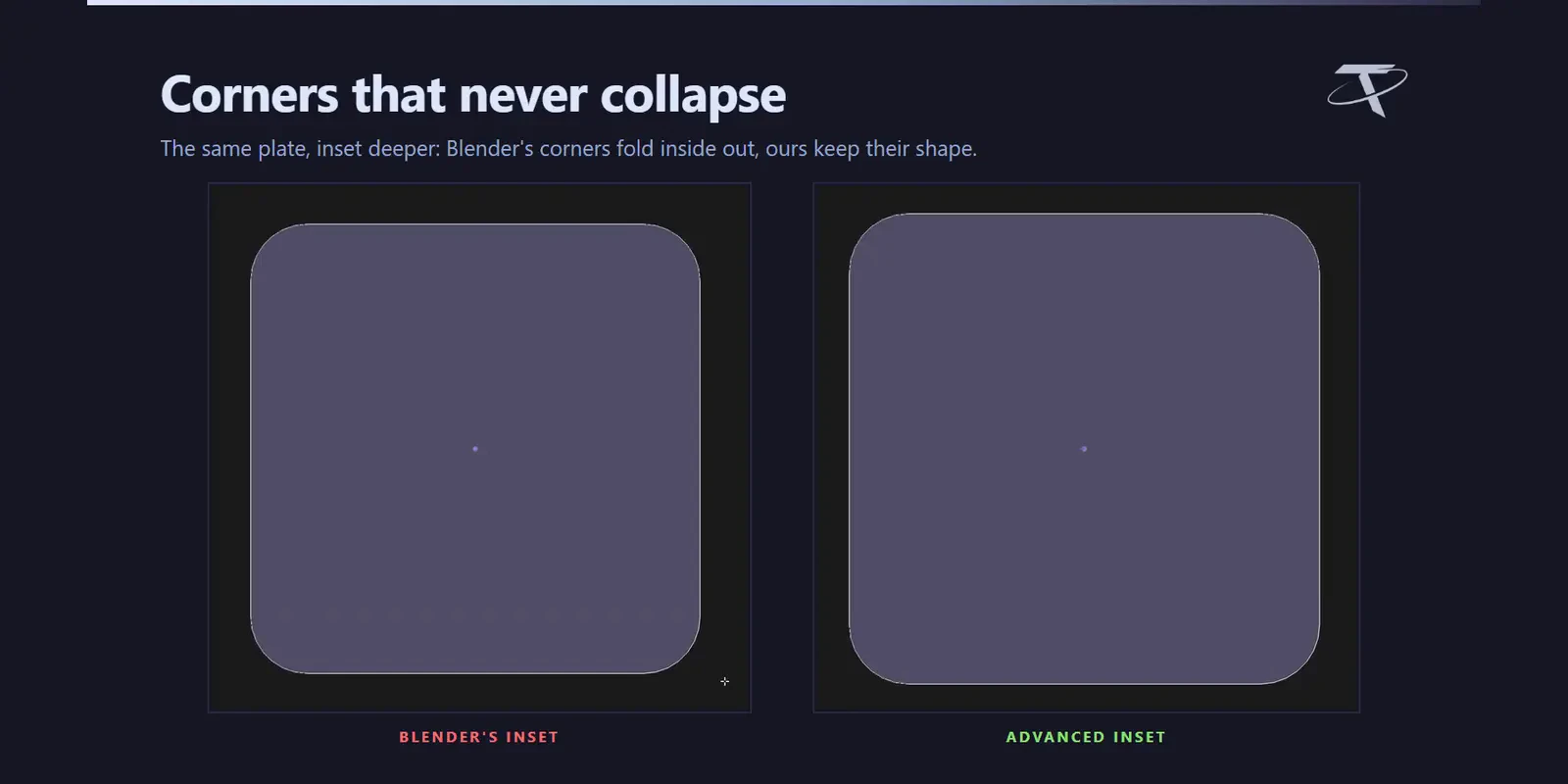
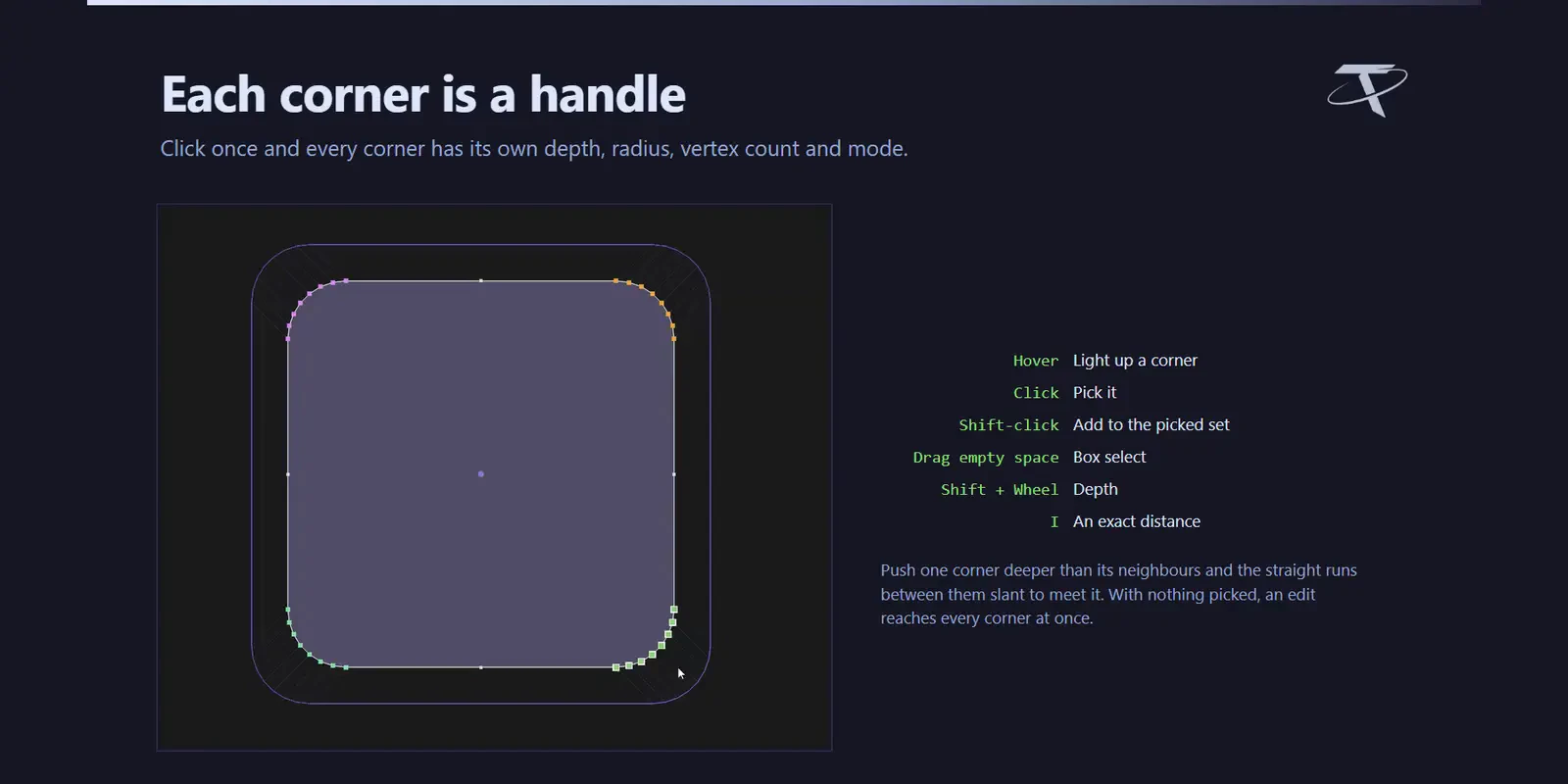
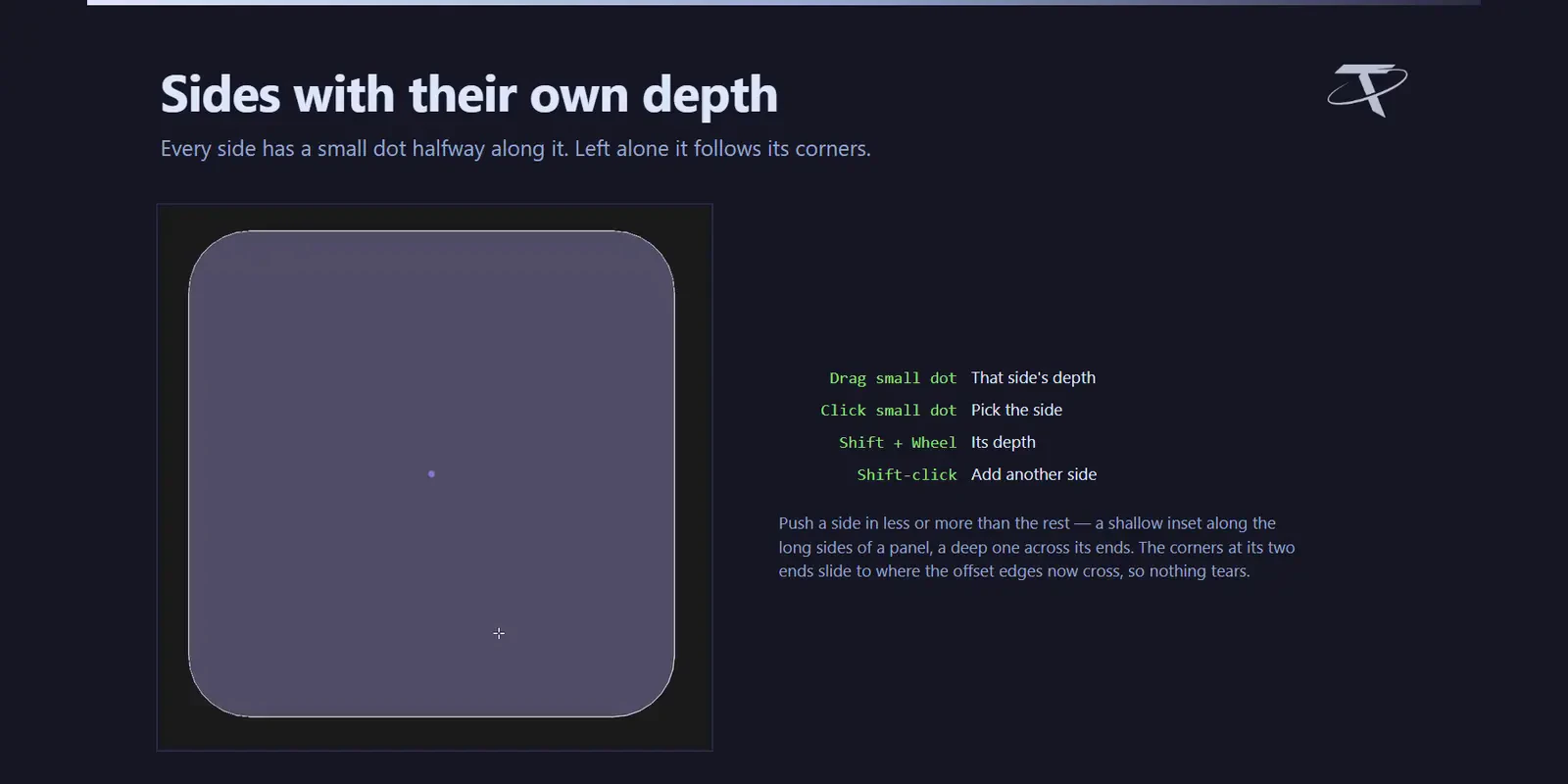
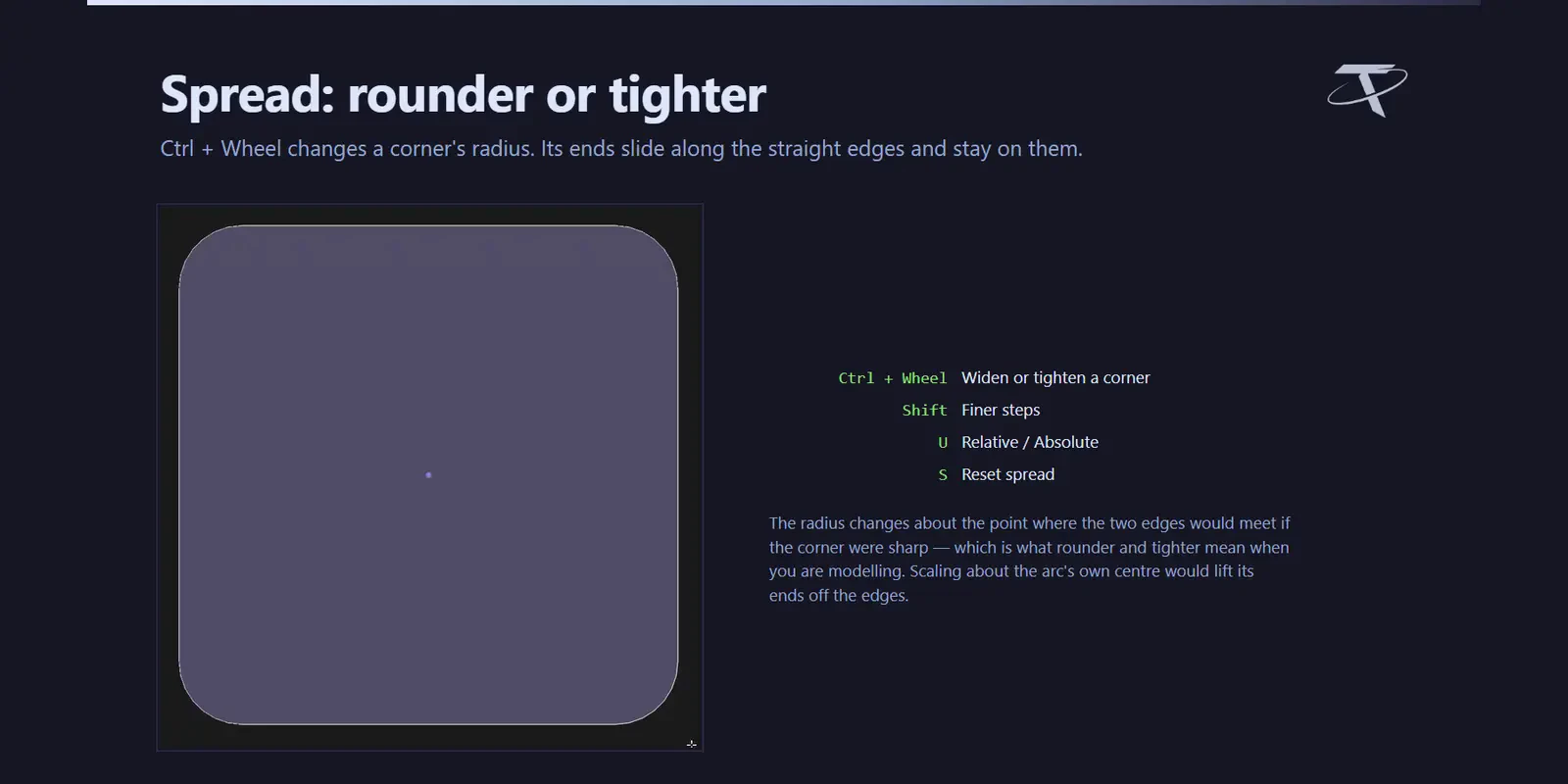
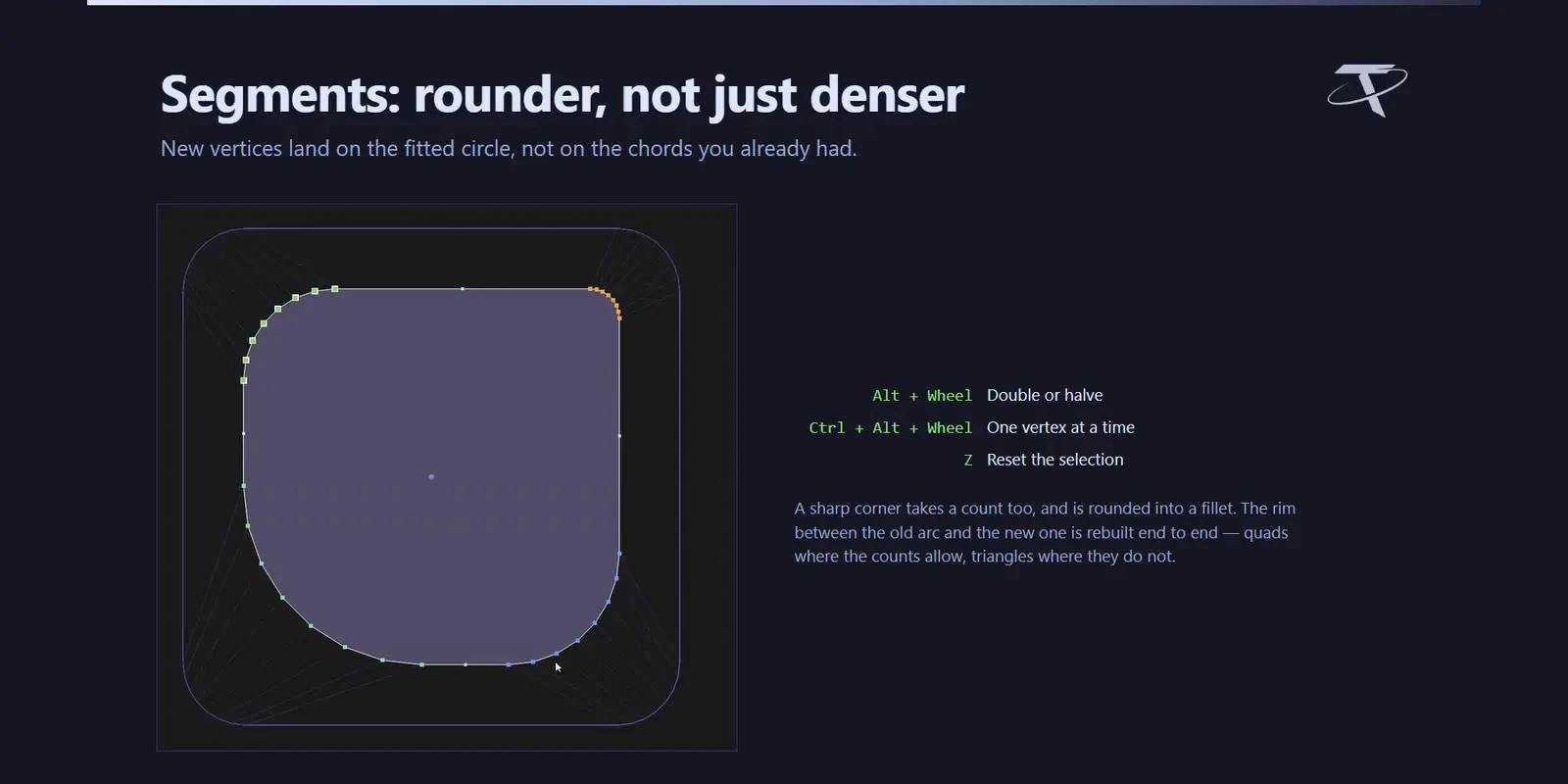
Blender's inset is a parallel offset: every vertex slides along the bisector of its two edges. On a rounded corner every bisector points at the arc's centre, so the arc shrinks as it goes in, lands on a single point, and turns inside out past that. This finds each corner on its own and moves it as one rigid piece, so the shape survives any depth. Then it hands you every corner as a handle: its own depth, its own radius, its own vertex count, its own mode, all live in the viewport before anything is committed.
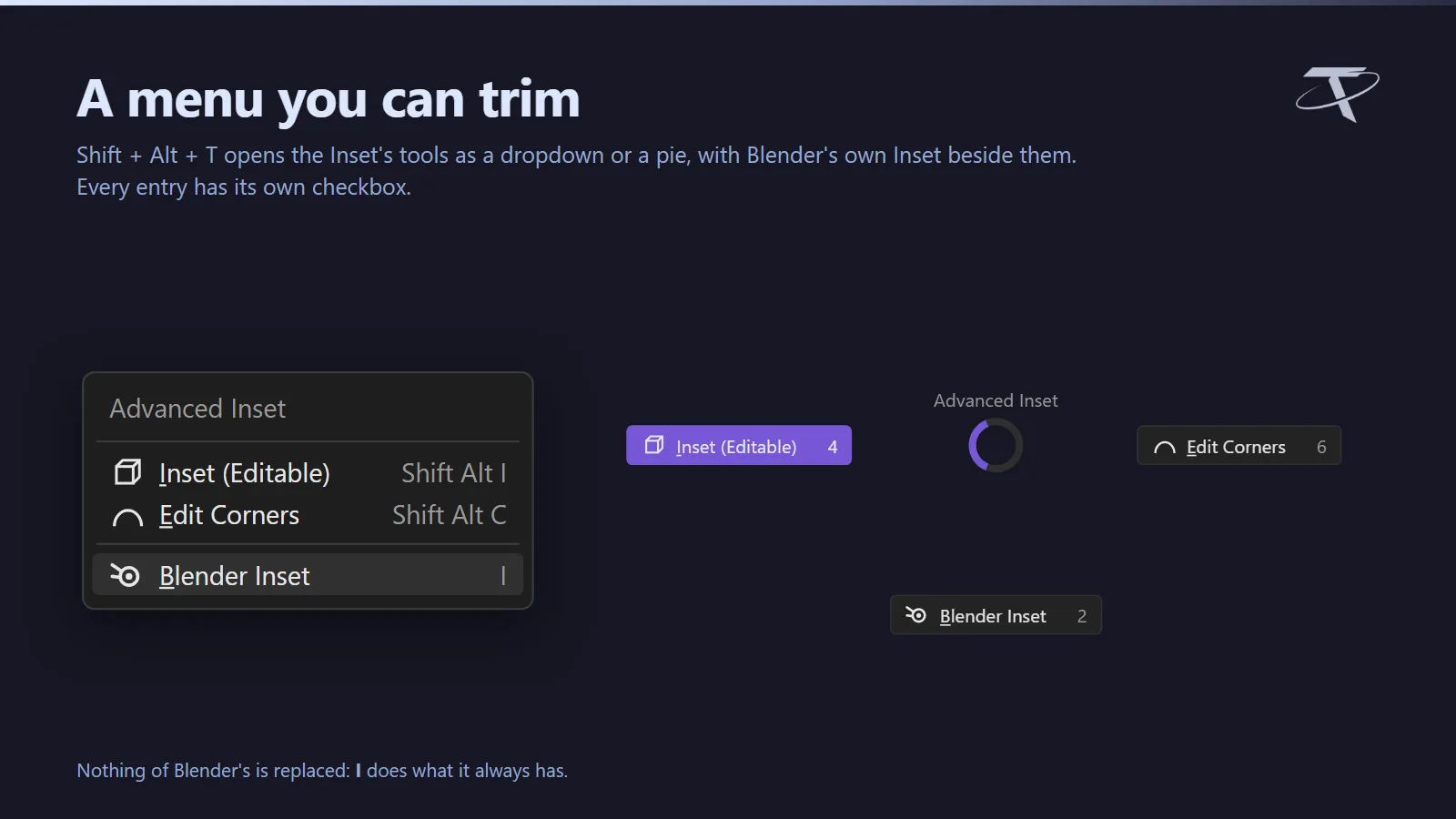
⚠Pure Blender, and nothing to configure. No game engine, no external tool, no network use of any kind — it opens no sockets, sends no telemetry and checks no licence. One package covers Blender 3.3 to 5.2: a modern extension on 4.2+, a classic add-on on 3.3 – 4.1. Blender's own Inset is untouched and still on I.
Advanced Inset doesn't replace Blender's Inset.
It's for the shapes where you want more control: rounded corners that keep their shape, and every corner adjustable on its own. Building corners like that is complex, so it can't handle every mesh, and on some tricky shapes it won't give you the result you want. When that happens, or when a plain inset is all you need, use Blender's own Inset. It's on the same menu (Shift + Alt + T), right next to the advanced one, and still on I.
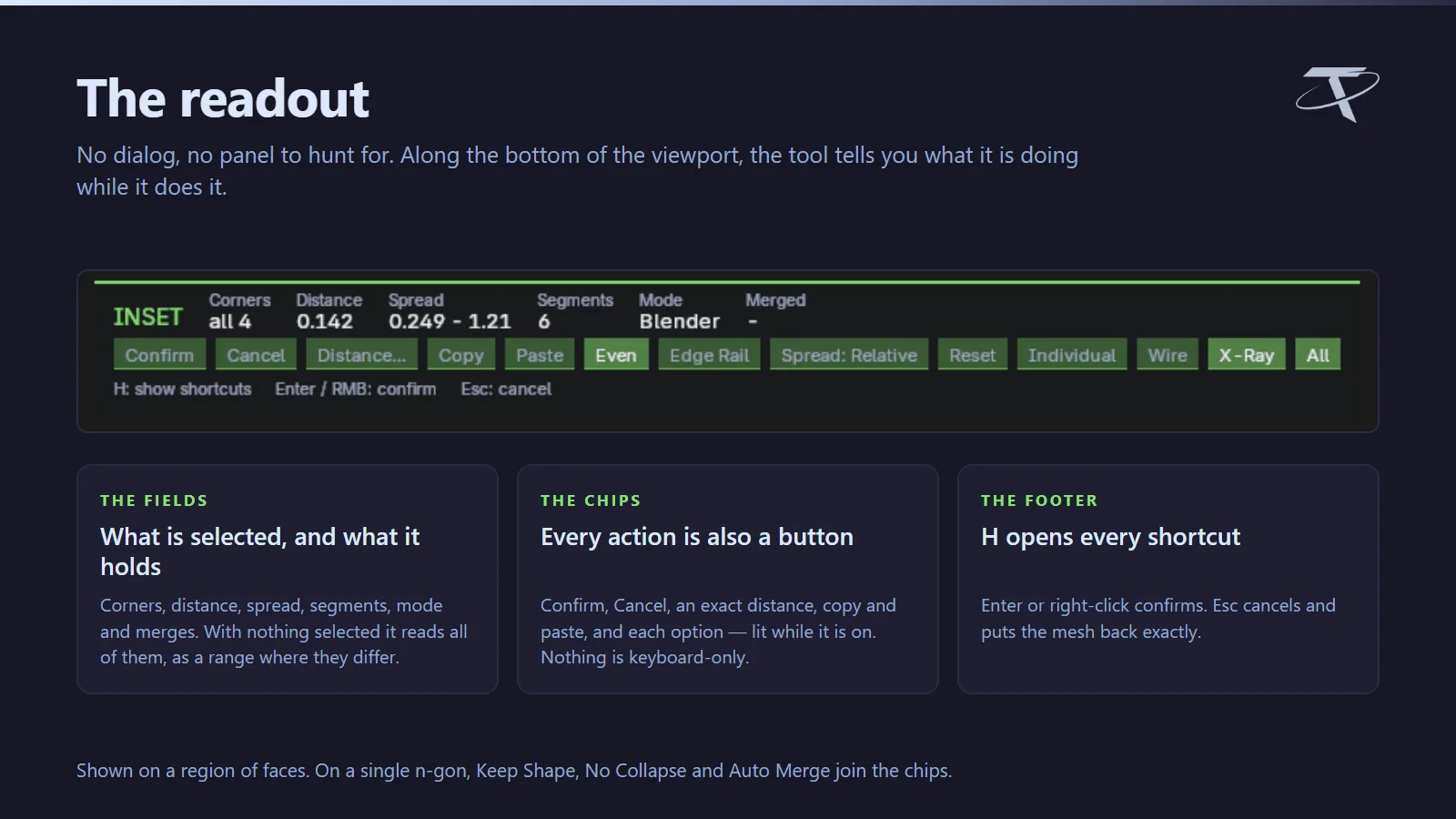
Everything reads back in the viewport - no dialog, no panel to hunt for.
Interactive · runs in your browser
Try it here.
This is only a small demo of part of the add-on, to show what it generally does. It is not the whole add-on: in Blender it does much more, on any mesh.
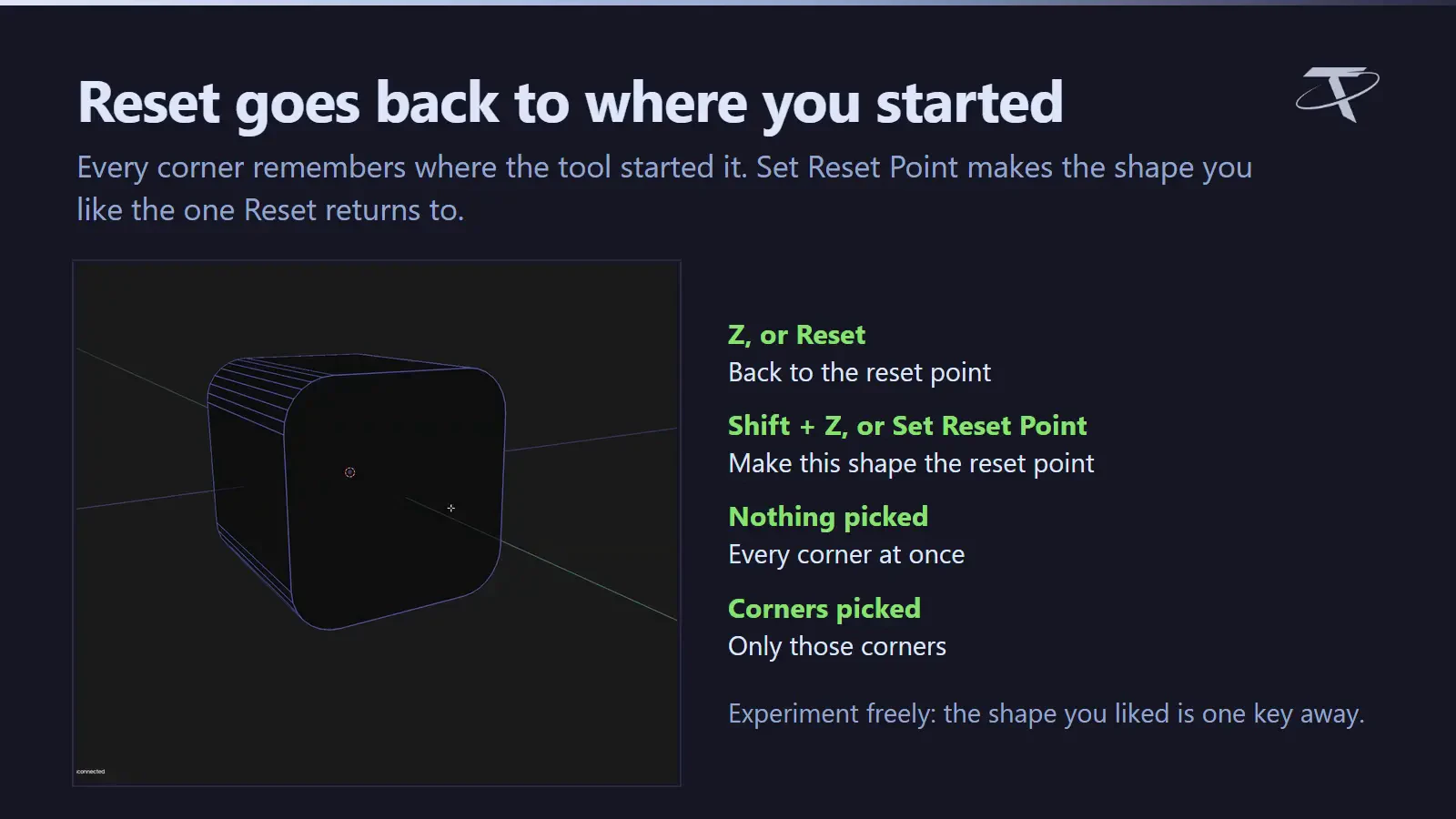
This is Advanced Inset running in the page, on a real mesh in a 3D viewport. Press Advanced Inset, move toward the middle, click, then pick corners and sides and change them with the wheel, or copy one corner’s settings onto others. Press Blender Inset to do the same with Blender’s own: its rounded corners shrink, collapse and turn inside out where these keep their shape. Confirm, then press E to extrude the result.
- WheelZoom
- Drag or middle mouseOrbit
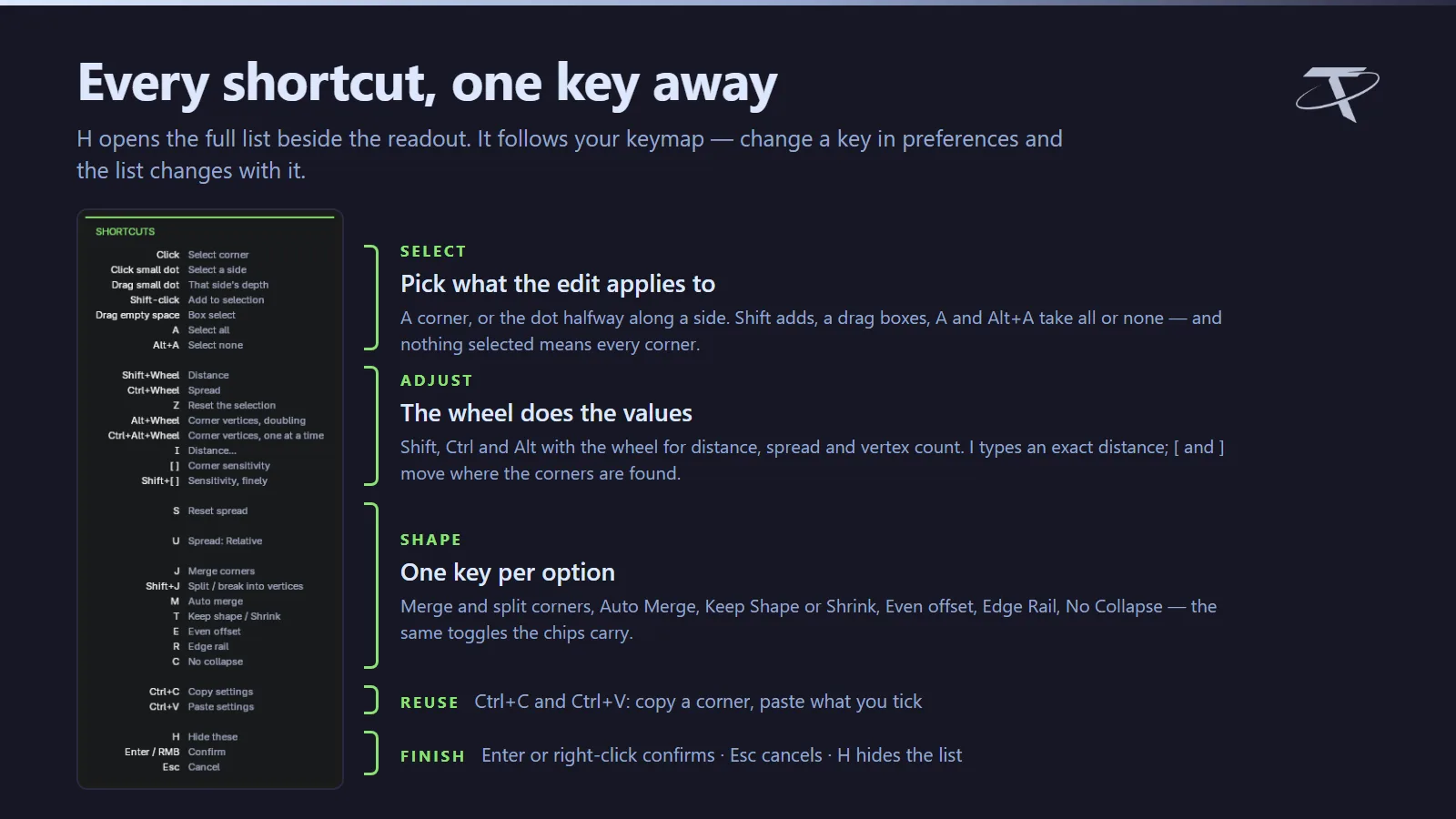
- HEvery shortcut
Pick an inset below. Drag to look around; the axes top right turn the view.
A taste of the editor, not the whole add-on: in Blender it works on any face or region of faces, on any mesh.
What it does.
Build out your workflow.
More by Tachyon Studio
Optional products, sold separately.
See all on Superhive