Blender add-on · Texturing & materials
RGB Mask Master
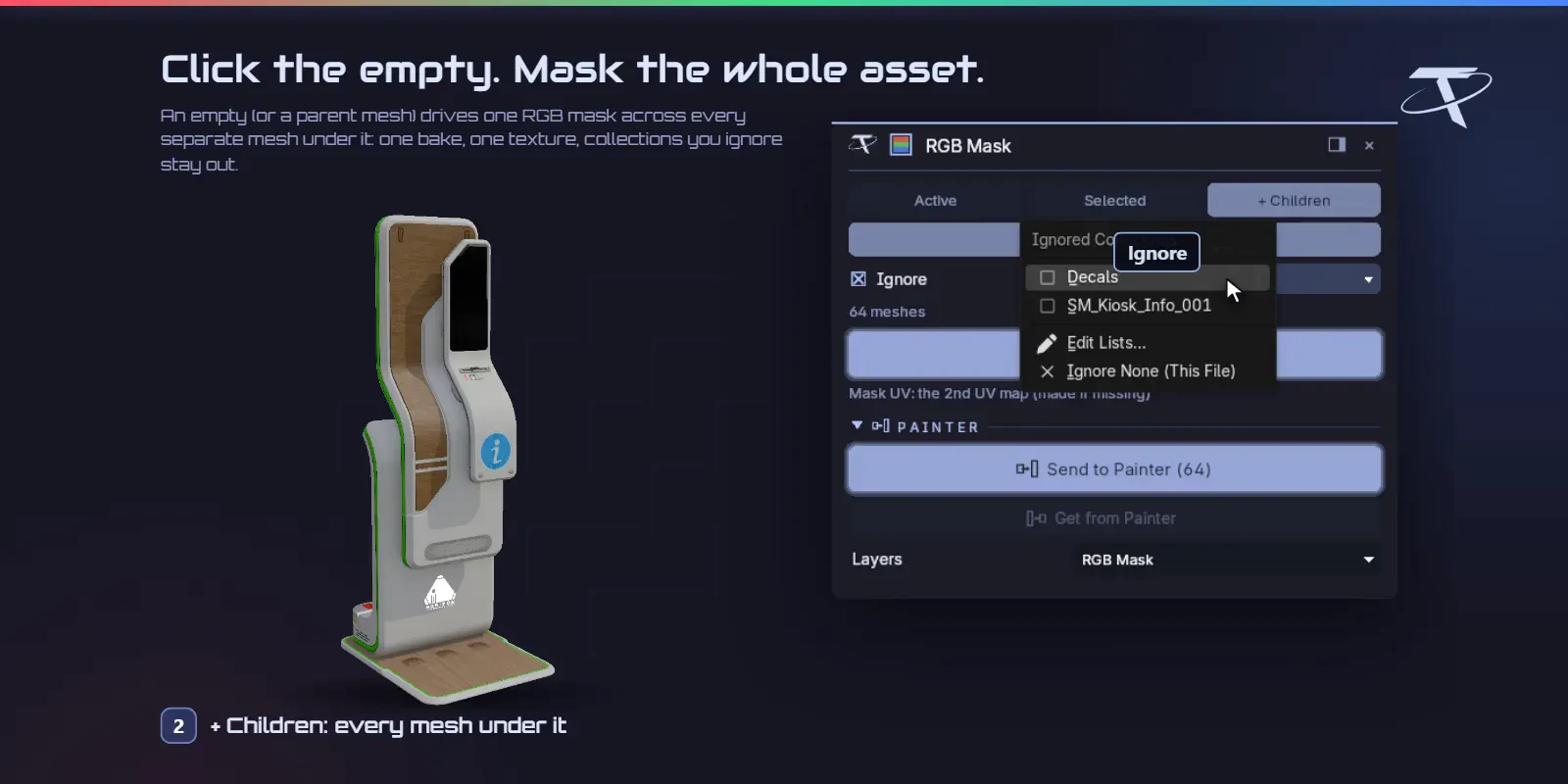
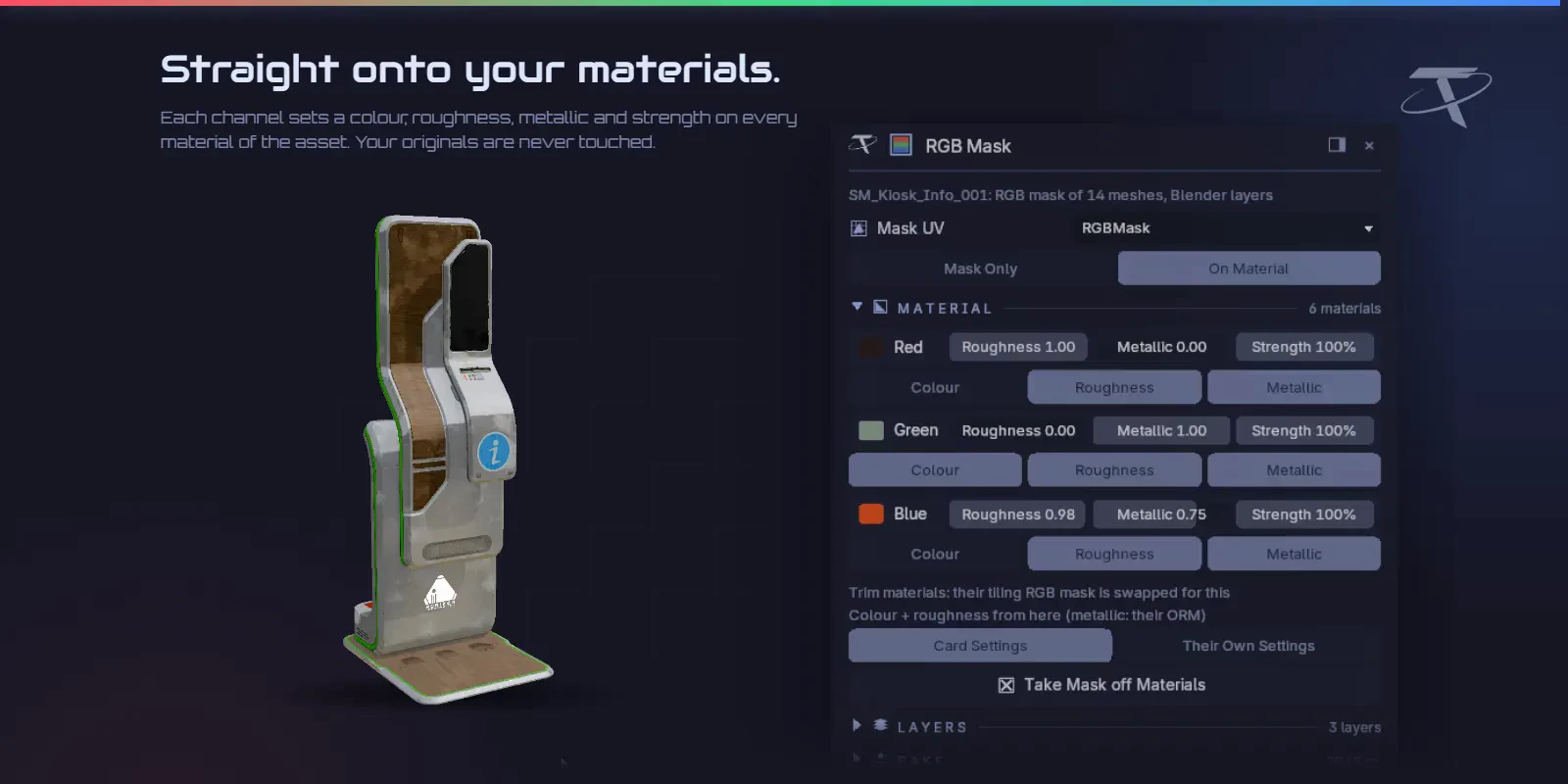
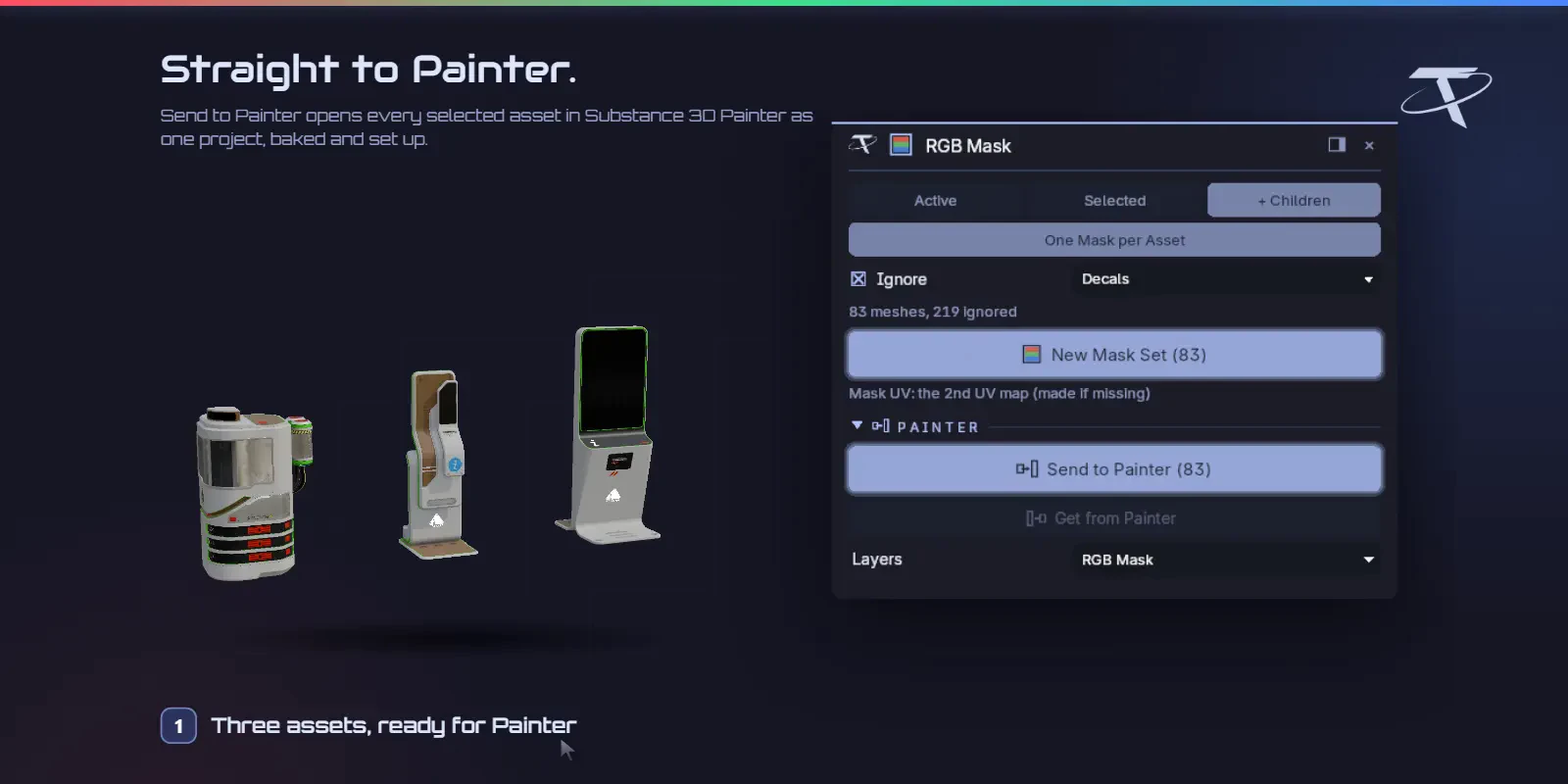
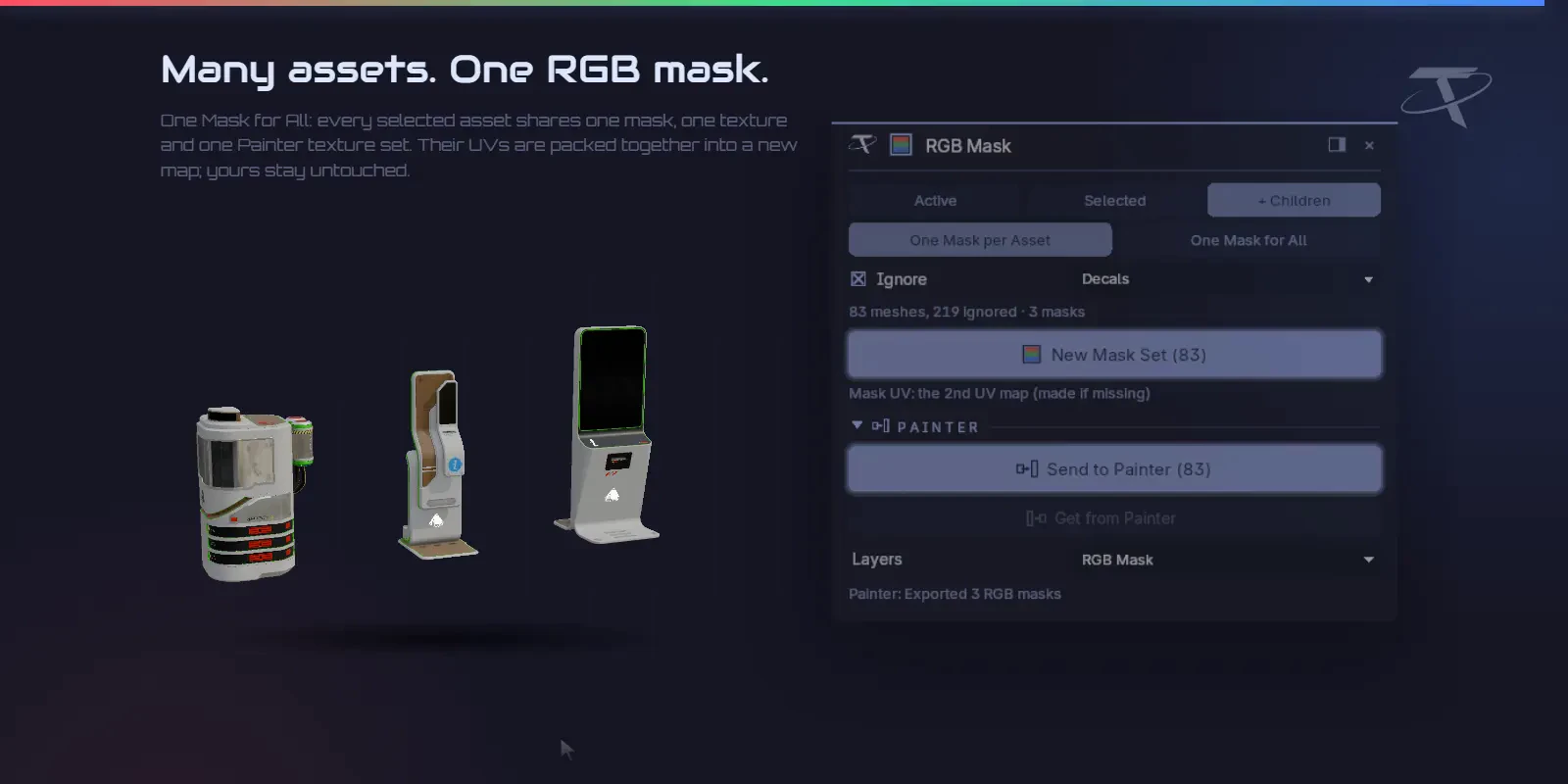
One empty or parent mesh drives the mask of every separate mesh under it — and when you want Painter, the whole asset goes there and comes back.
⚠Substance 3D Painter is optional and not included. Everything works in Blender on its own; Send to Painter needs your own copy of Painter (tested with Painter 10.1 on Windows). Blender 3.3 – 5.2. Not affiliated with, endorsed by, or sponsored by Adobe.
Interactive · runs in your browser
Try it here.
This is only a small demo of part of the add-on, to show what it generally does. It is not the whole add-on: in Blender it does much more, on any mesh.
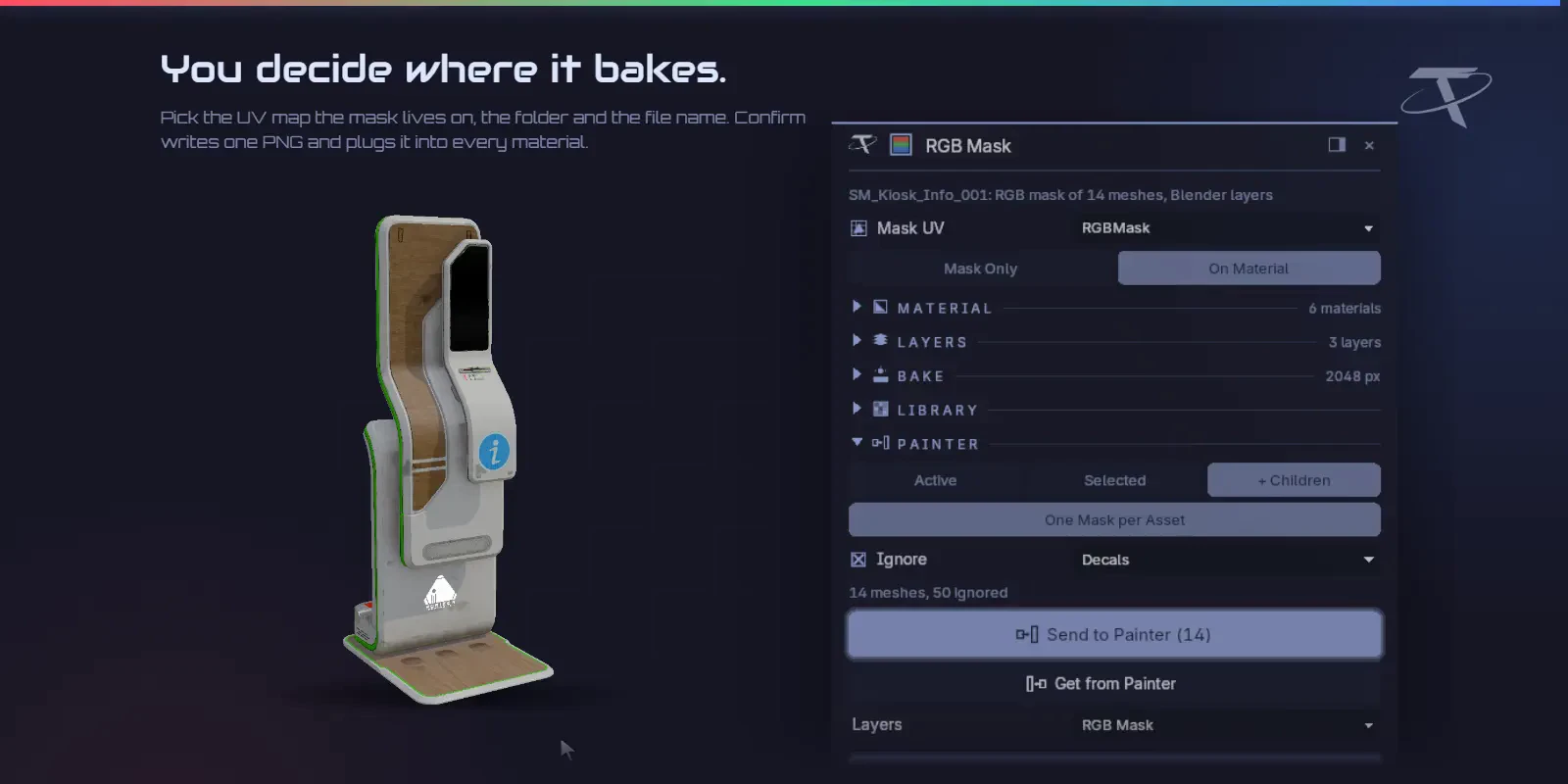
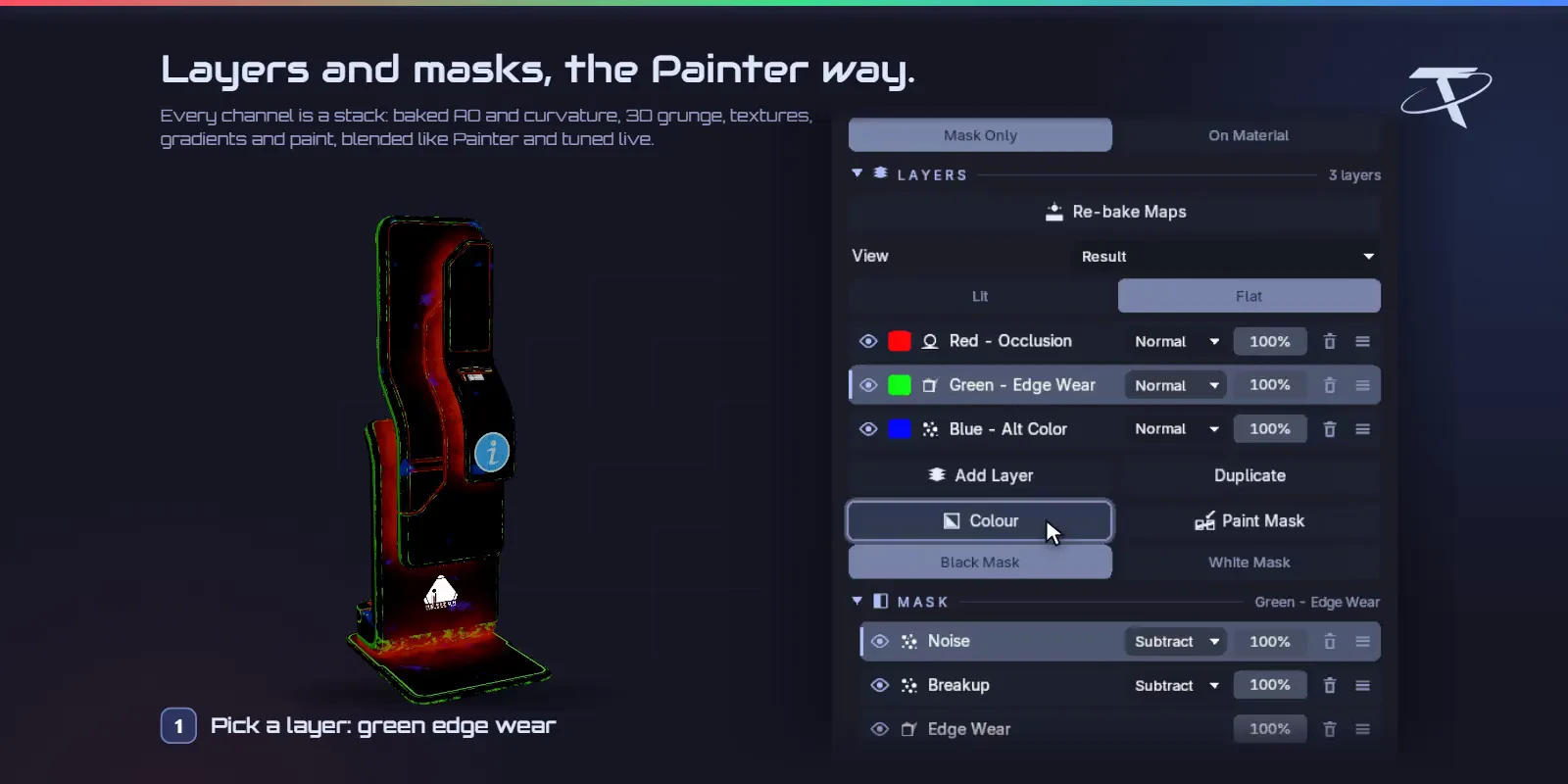
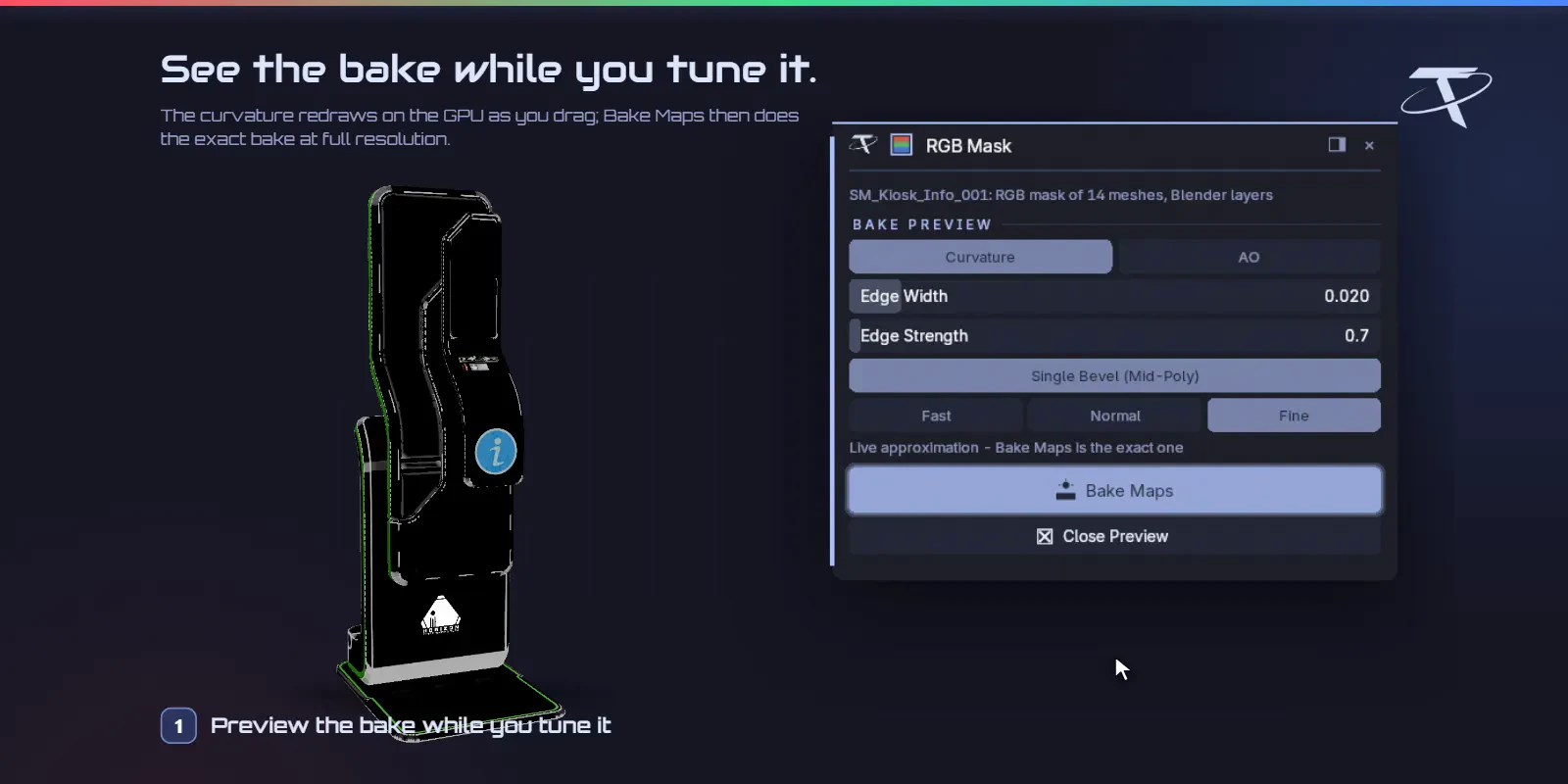
This is RGB Mask Master's real work on an info kiosk from our sci-fi office set: fourteen meshes under one empty. Press New Mask Set and, as in Blender, the add-on bakes ambient occlusion and curvature from the low poly and builds the red, green and blue layers: one mask for the whole asset, already driving its material. Then work a channel the add-on's way: add a Light, Noise or Edges layer, set its blend to Subtract or Multiply, paint a Paint layer on the mesh with the add-on's brush alphas, and send the asset to Substance 3D Painter and back.
- WheelZoom
- Drag or middle mouseOrbit
- R G BOne channel
- MOn Material
- DragPaint, on a Paint layer
One empty, fourteen meshes, no mask yet.
RGB MASK
Asset
SM_Kiosk_Info_001
Meshes
14
Masks
–
Texture
1024 px
AO + curvature
–
Layers
- Blue - Alt Color100%
- Green - Edge Wear100%
- Red - Occlusion100%
Press New Mask Set first.
Substance 3D Painter · SM_Kiosk_Info_001.spp
A mock of the round trip: Painter is not in this page.
- Exporting the asset's meshes as one texture set
- Baking the mesh maps at 4K: normal, world space normal, ID, AO, curvature, position, thickness
- Building the RGB mask layers from your starter assets
Made with RGB Mask Master 1.0.1 in Blender 5.2.0 LTS: AO and curvature baked at 1024 px for 14 meshes in 32.9 s, then exported with Export RGB Mask.
What it does.

GPL-3.0-or-later · Copyright 2026 Tachyon Studio.
Build out your workflow.
More by Tachyon Studio
Optional products, sold separately.
See all on Superhive