Blender add-on · Unreal pipeline
Unreal Collision Maker
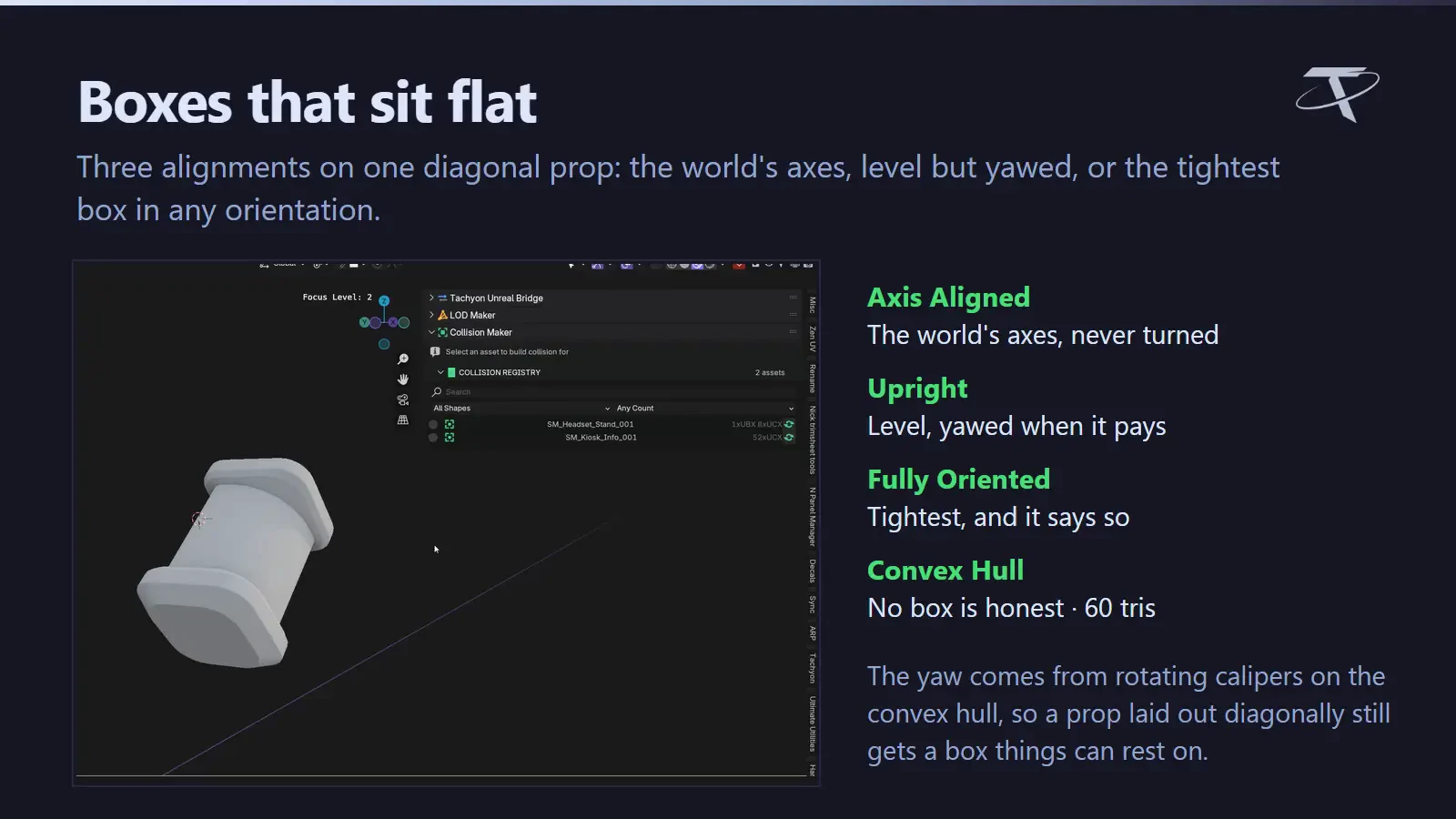
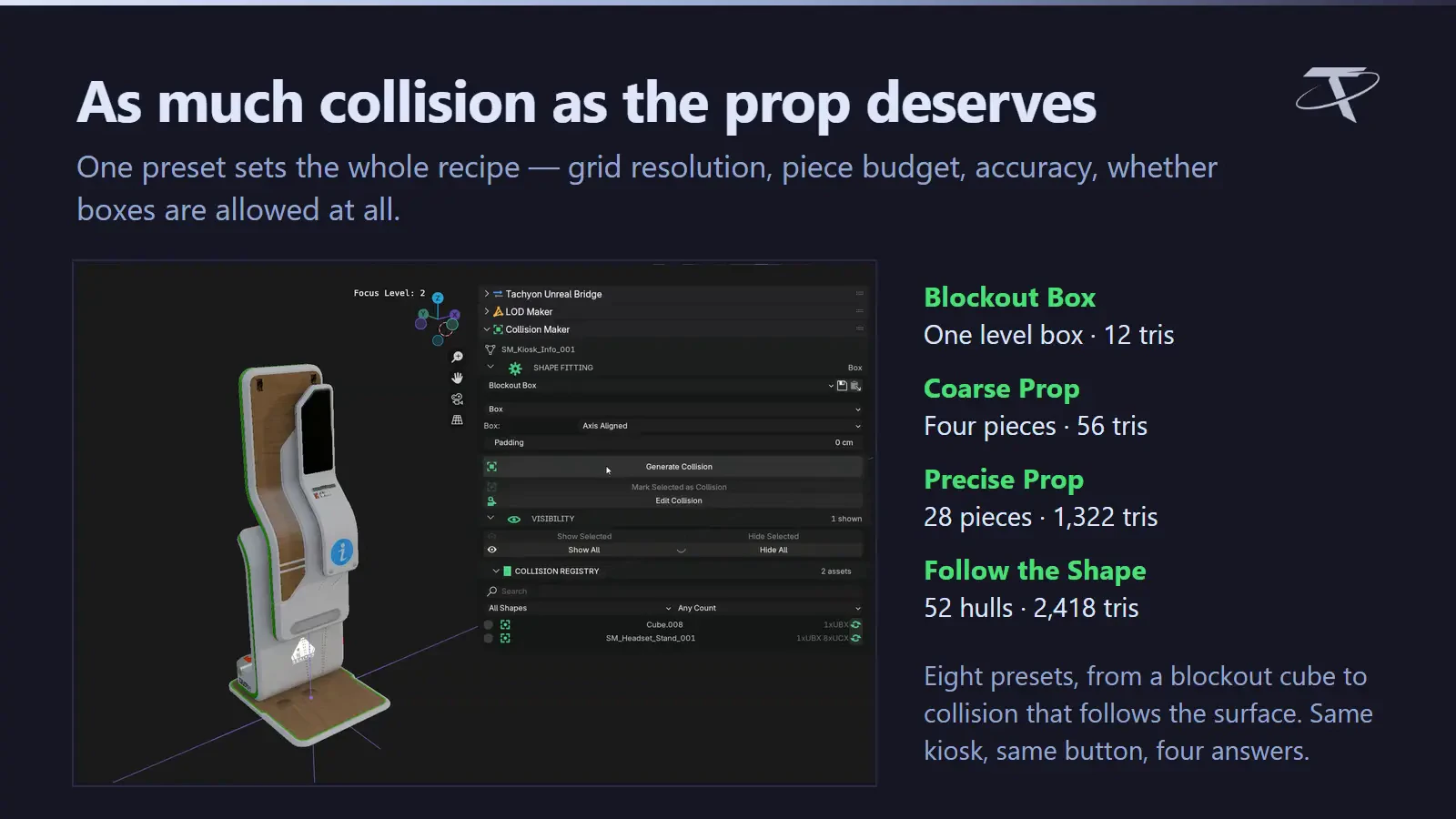
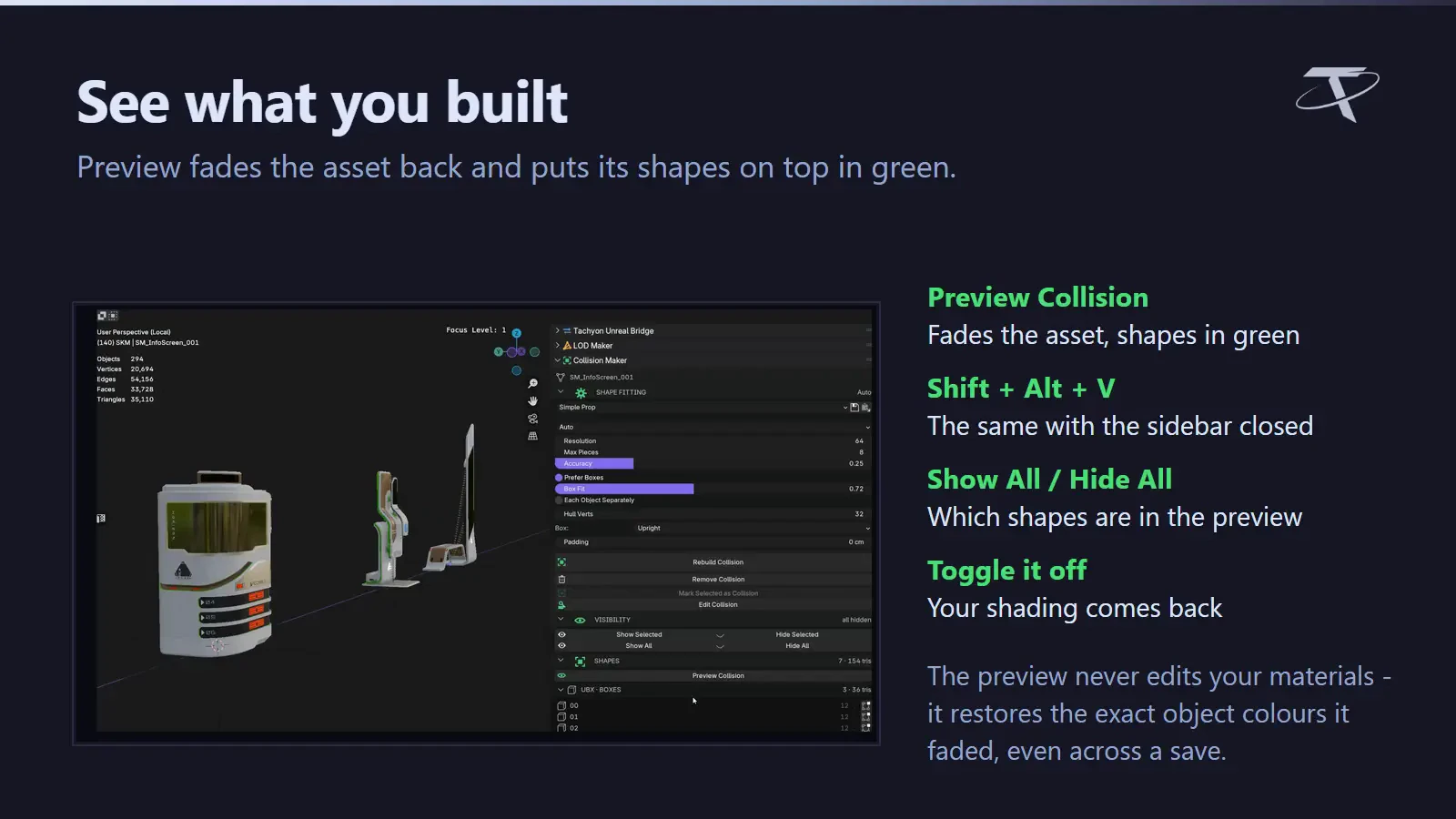
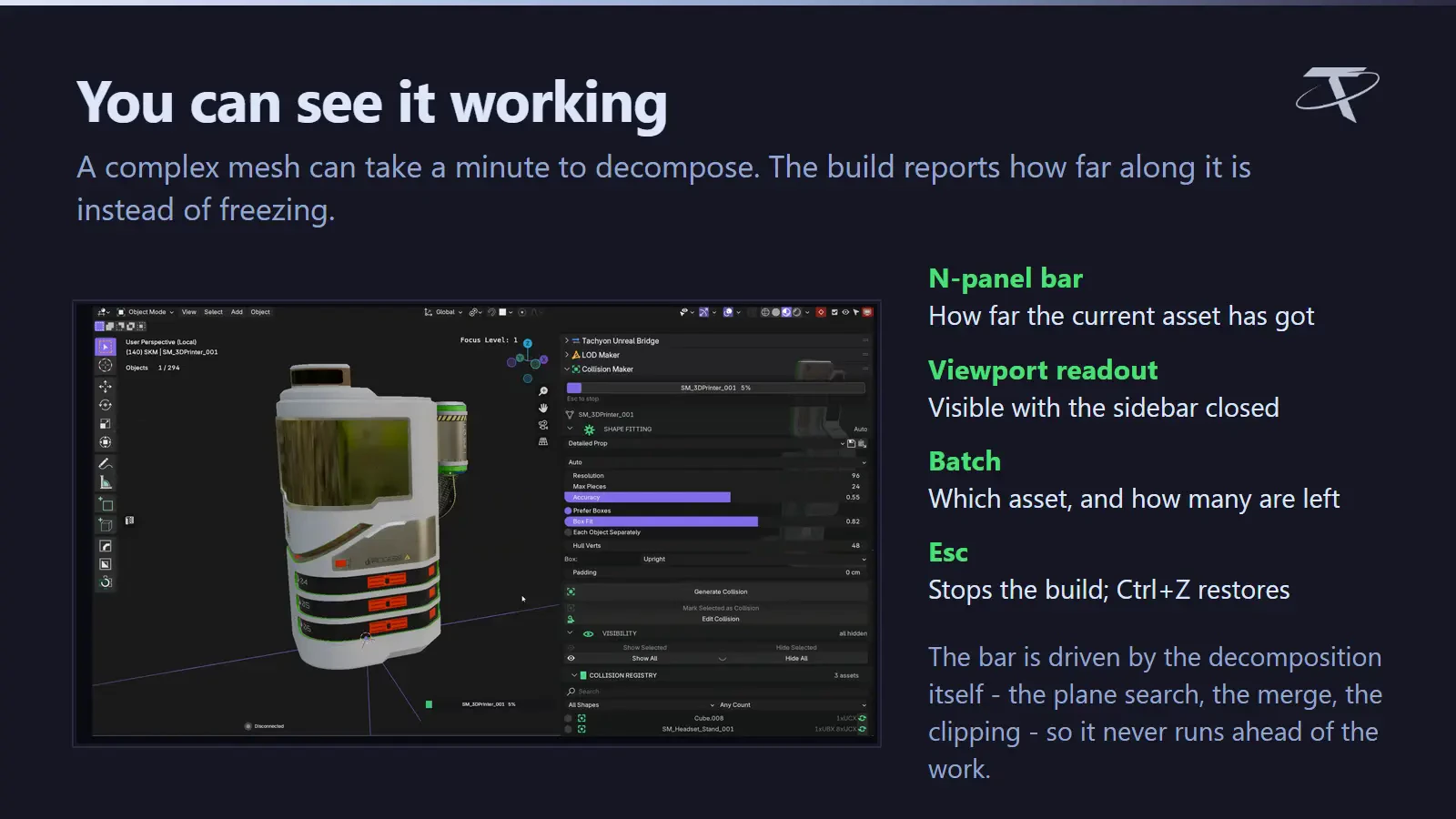
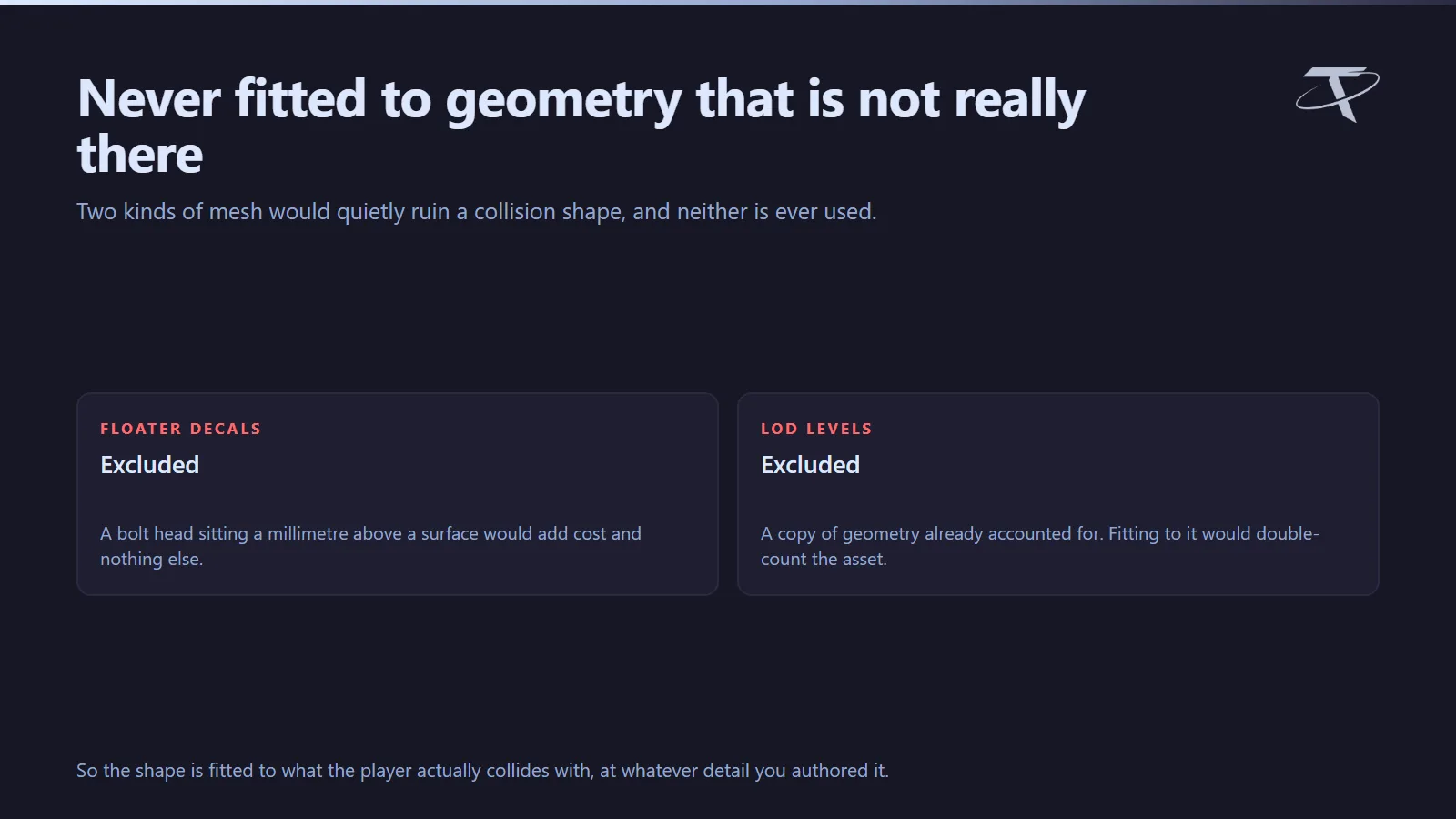
Auto rasterizes your asset into a voxel grid and splits it into convex pieces until the collision follows the shape as closely as you asked for — the same kind of algorithm as V-HACD, built into Blender. A preset ladder runs from one level box to collision that follows every major surface, and every shape is named to Unreal's FBX convention (UBX_, USP_, UCP_, UCX_), so a normal push carries it inside the asset's own FBX with nothing to configure.
⚠Unreal Engine is not required. Collision Maker is pure Blender and runs on Windows, macOS and Linux. It builds collision to Unreal's conventions; getting it into Unreal is a separate step, which Unreal Bridge (a separate product) automates if you want it. The shapes are equally valid for any exporter that honours the same convention. Not affiliated with, endorsed by, or sponsored by Epic Games.
Interactive · runs in your browser
Try it here.
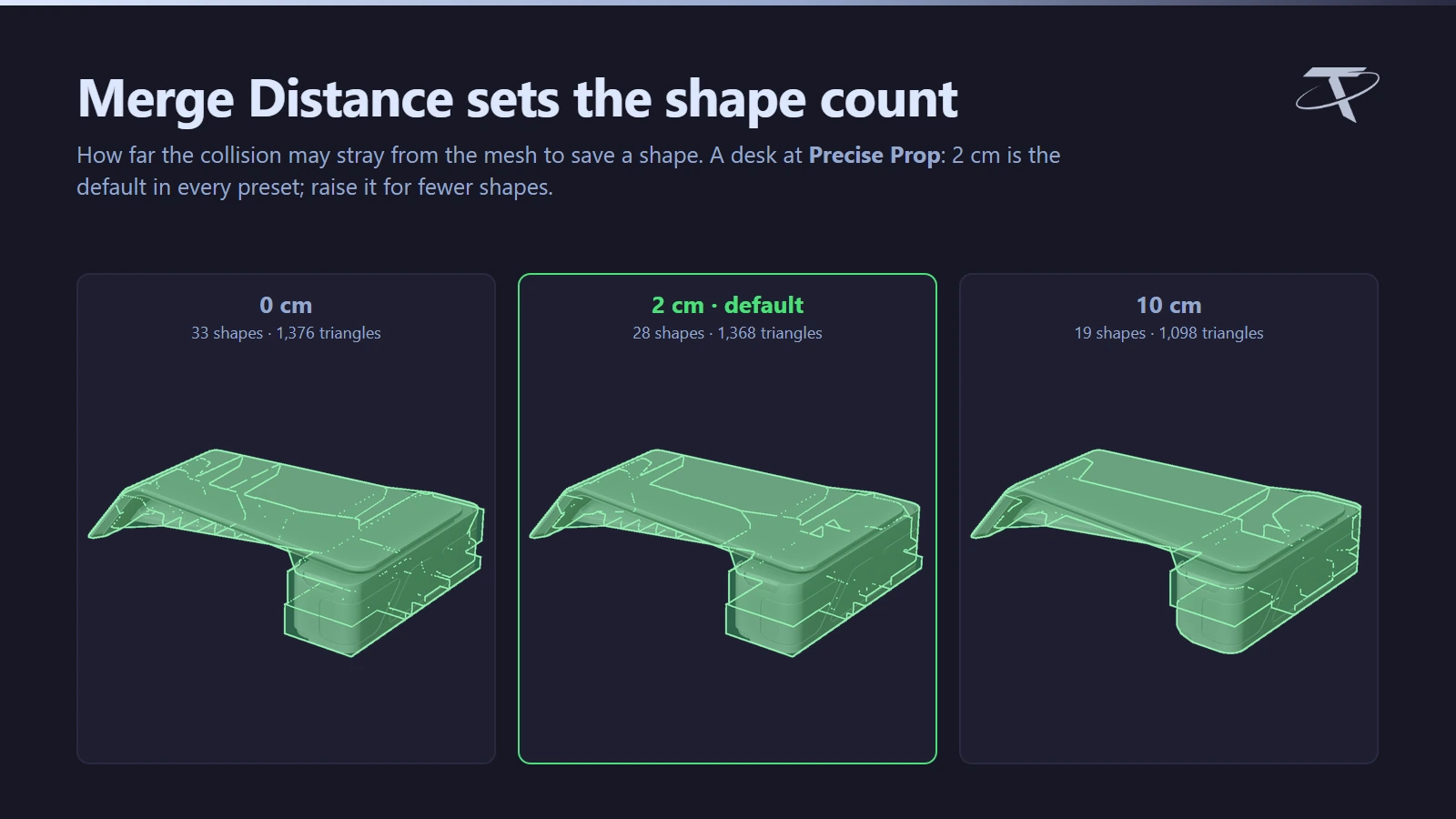
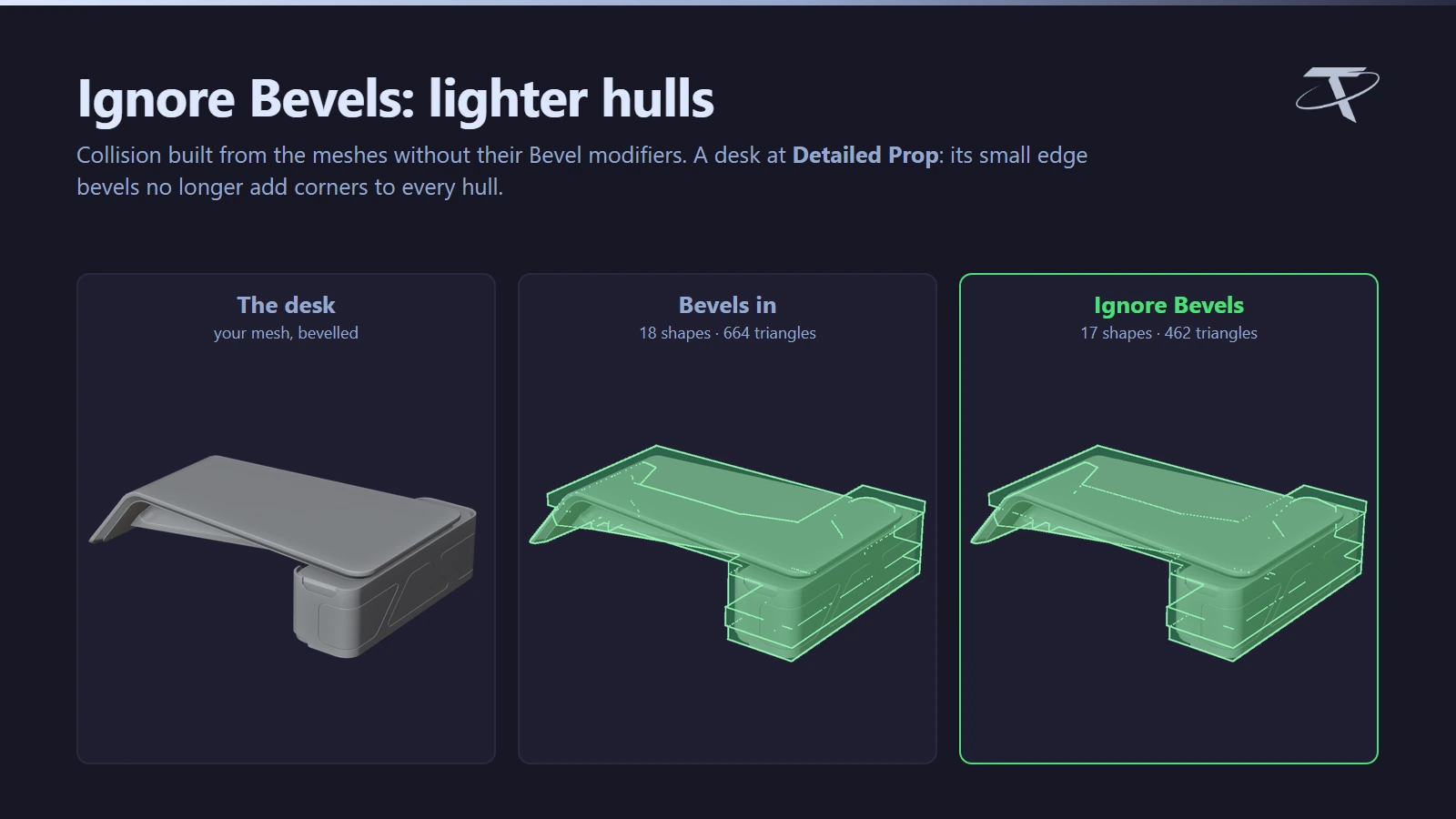
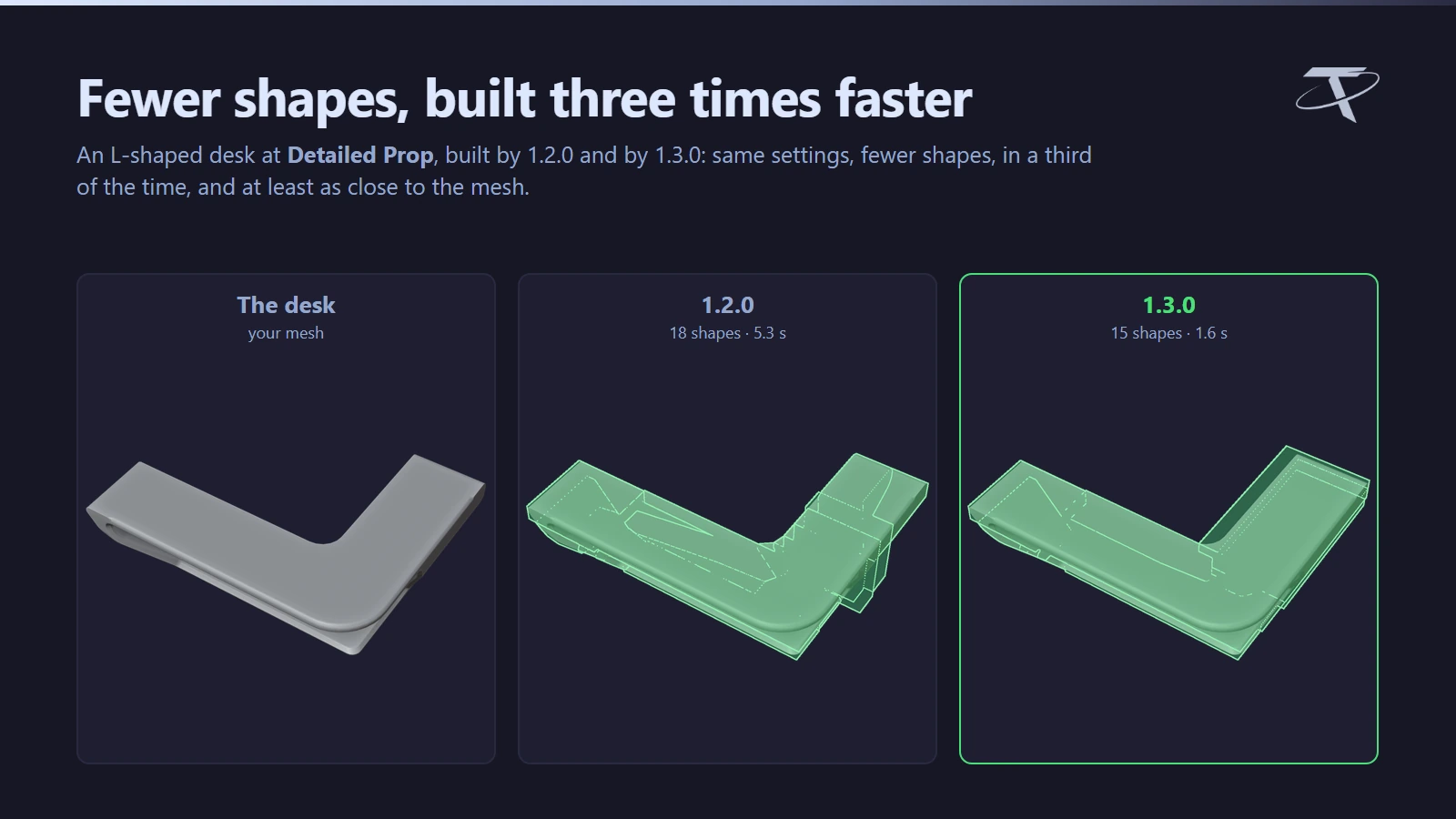
This is the collision Collision Maker really built, in Blender, for an info kiosk and a desk from our sci-fi office set. Step the kiosk up the preset ladder, from one box to shapes that follow the surface, or open the desk to see what Merge Distance and Ignore Bevels change. Every count and time is the add-on’s own.
- WheelZoom
- Drag or middle mouseOrbit
- ← →Step the ladder
- MMesh on or off
Simple Prop · Each colour is one shape, as Blender draws them; boxes ship as UBX_, convex hulls as UCX_.
COLLISION
Shapes
8
4 boxes, 4 convex
Triangles
282
Build time
0.42 s
Furthest past the mesh
14.3 cm
Collision Maker’s preset ladder, cheapest first.
Built with Collision Maker 1.3.0 in Blender 5.2.0 LTS, on one computer: the times are that computer’s.
What it does.
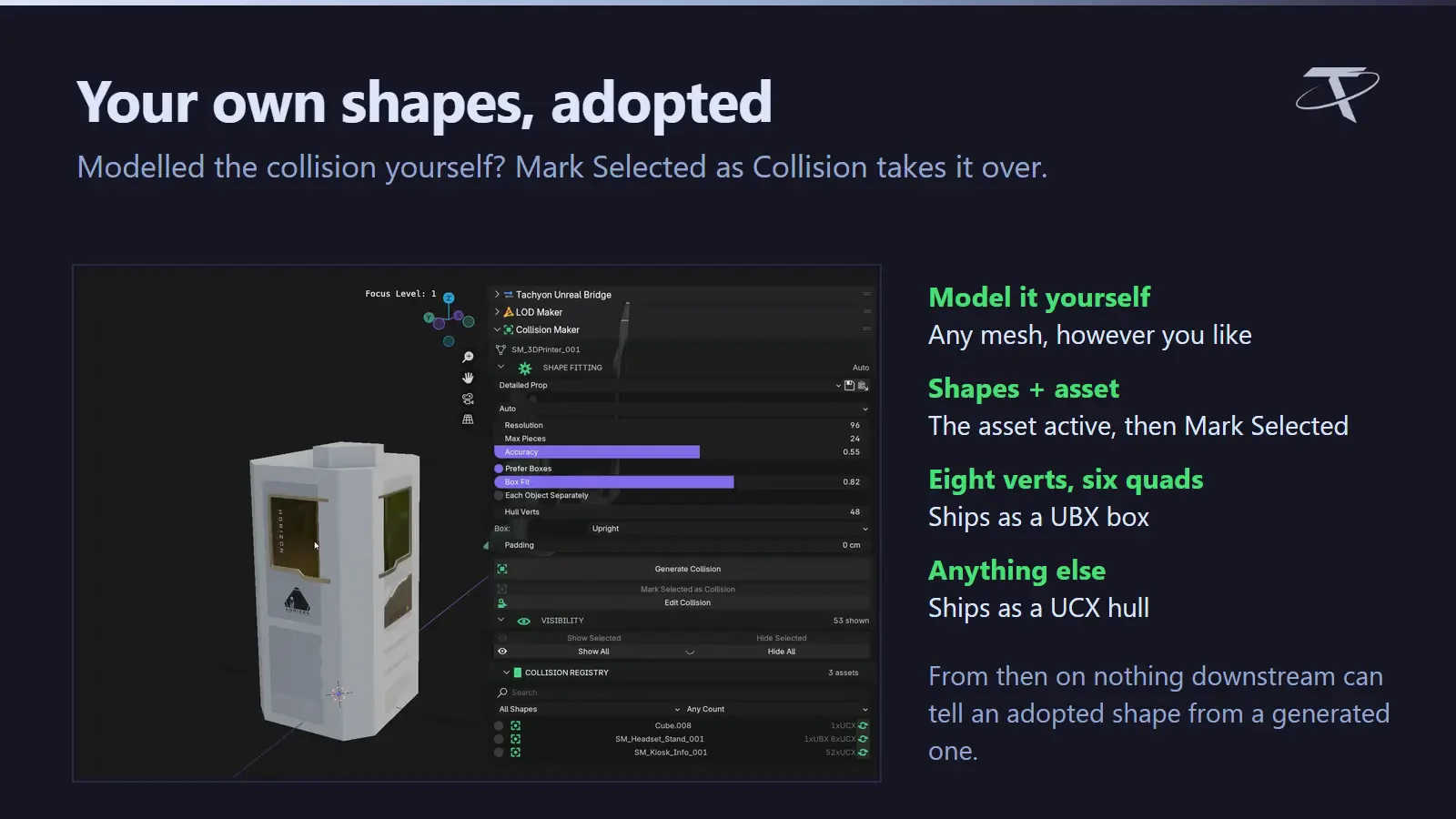
Modelled your own shapes? They get renamed to the convention, parented to the asset and tagged exactly like a generated one, so everything downstream treats them identically.
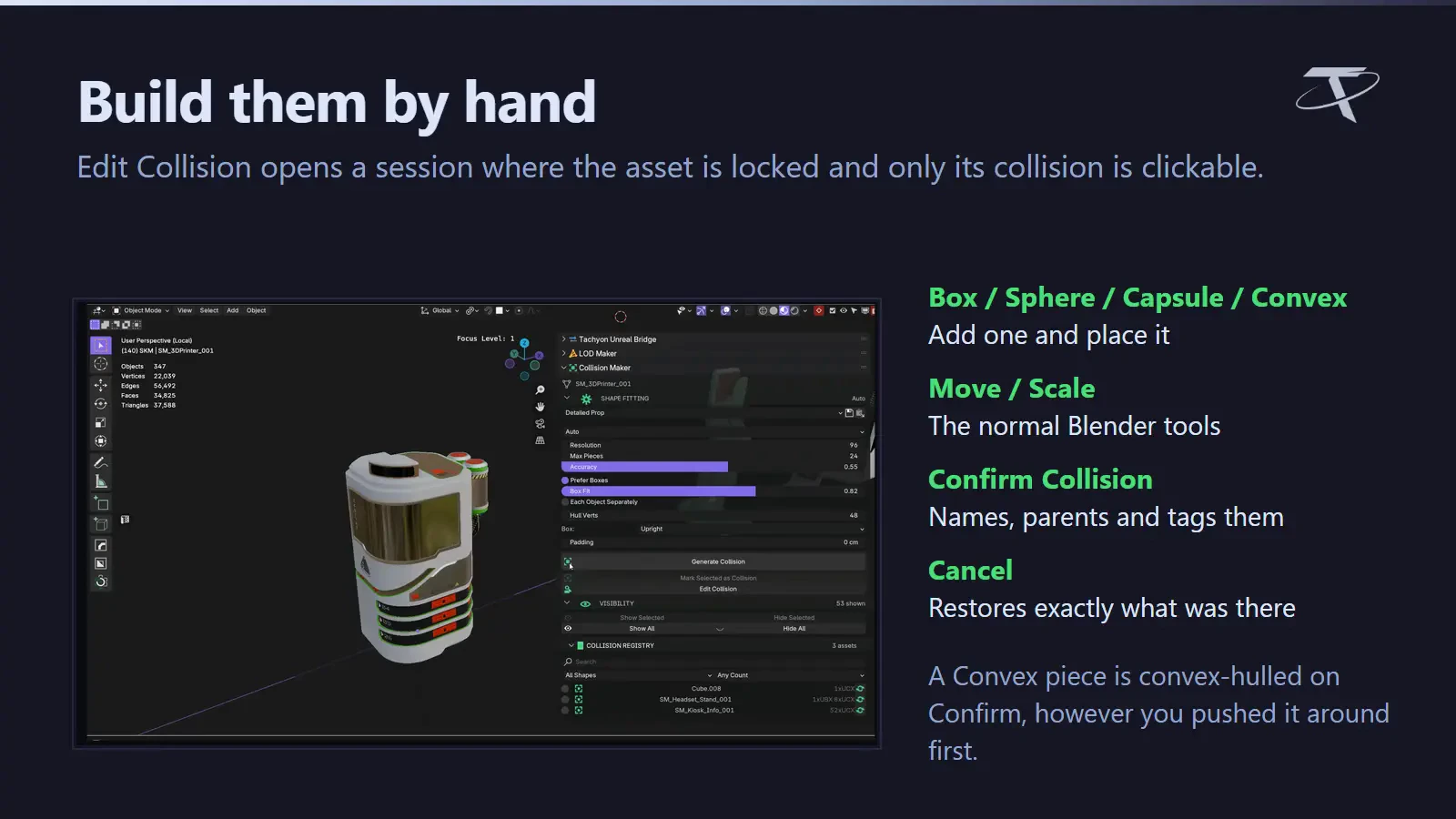
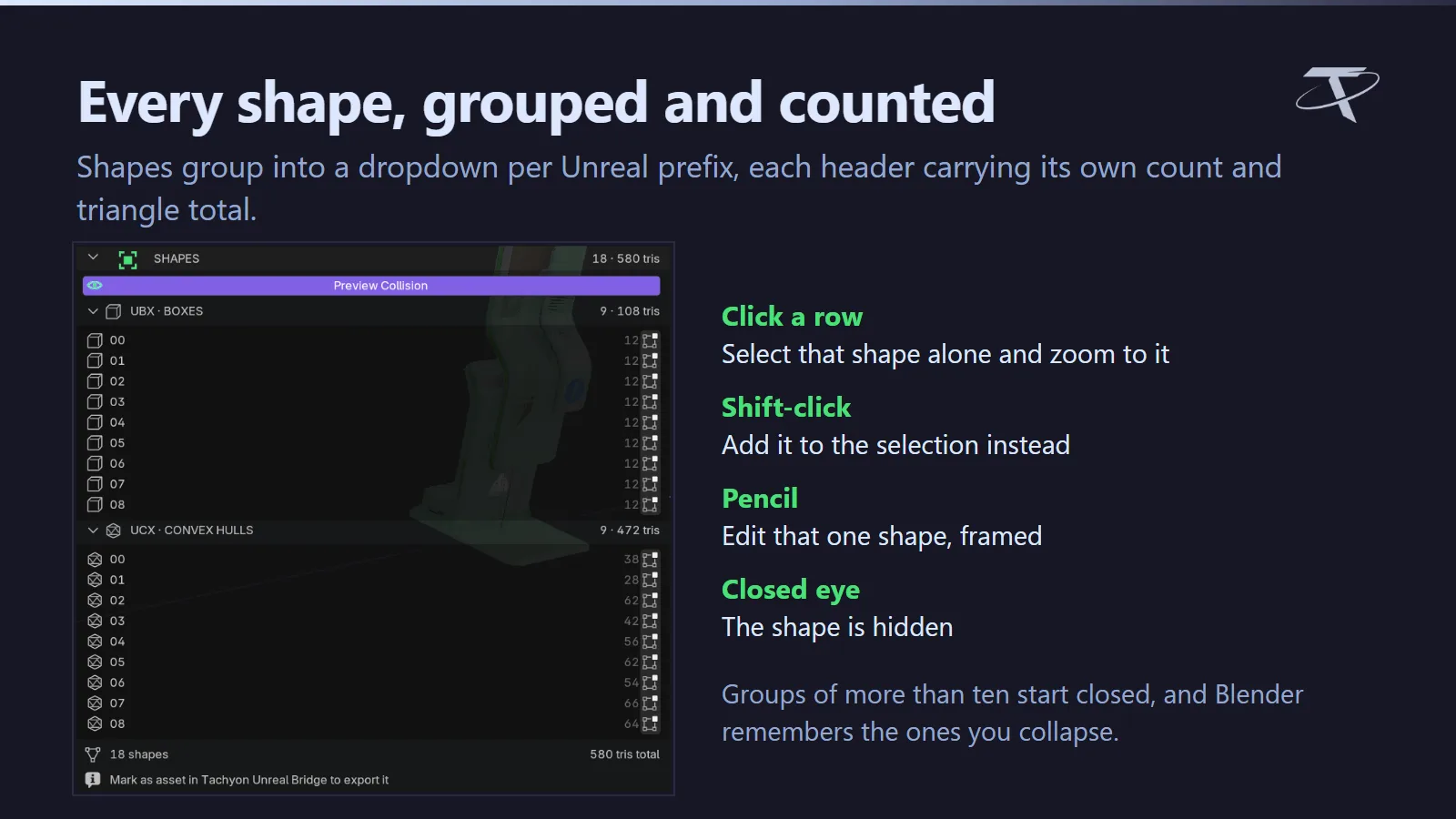
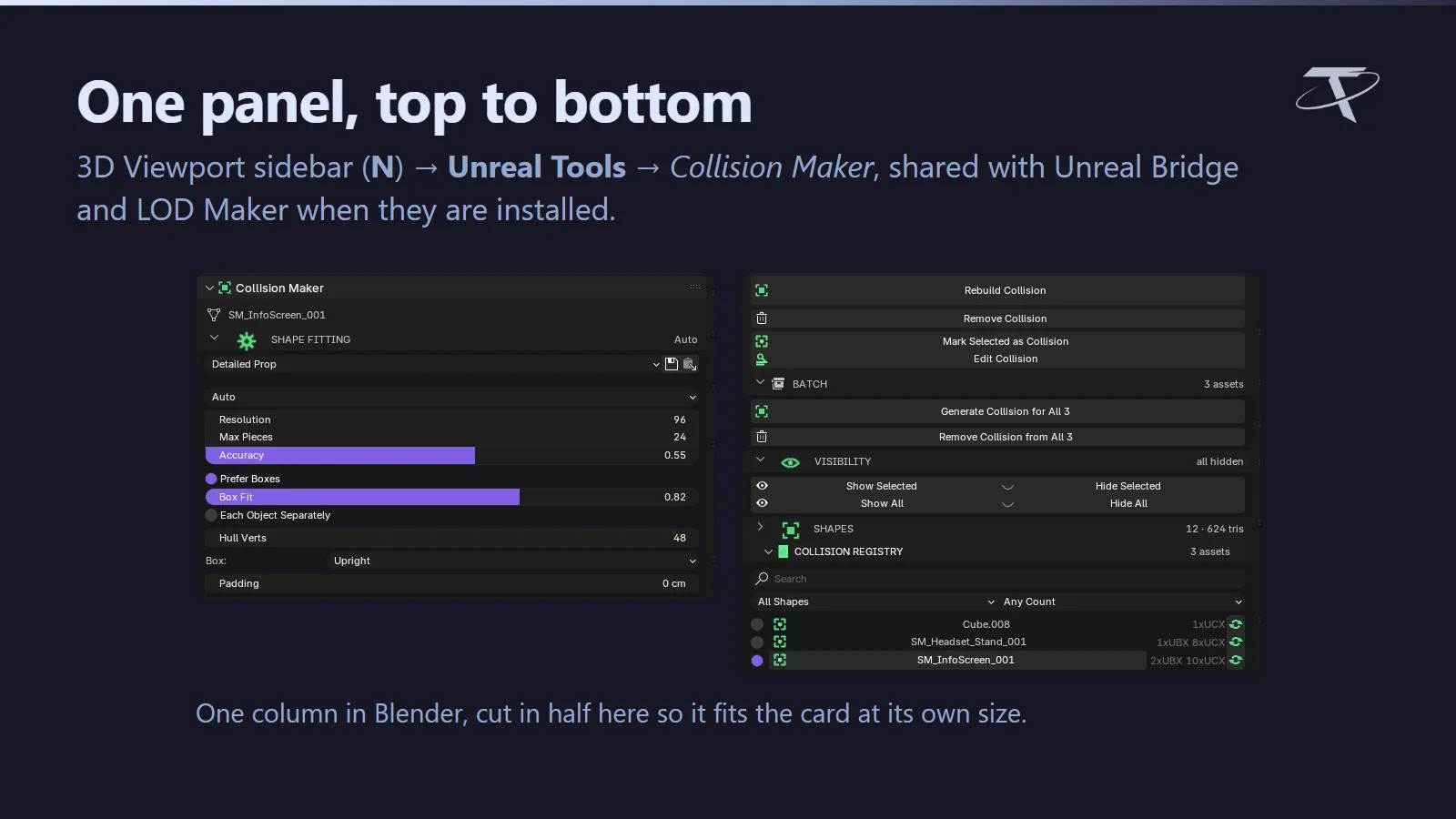
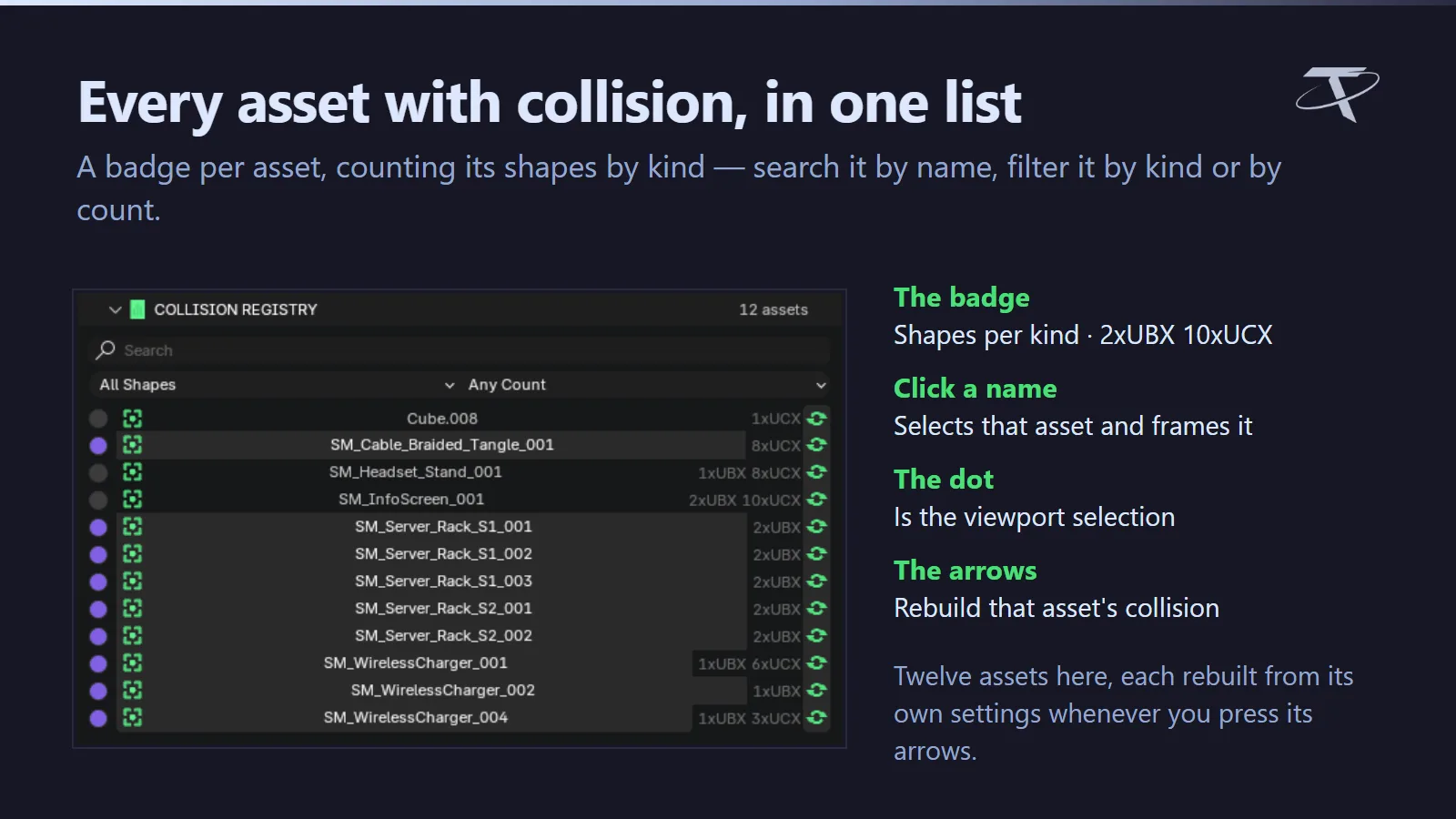
The SHAPES list groups them into a dropdown per Unreal prefix, each header carrying its own count and triangle total. Click a row to select that shape alone and frame it, shift-click to add it to the selection, or press its pencil to open it alone in Edit Mode. Counts are triangles, not faces — what Unreal actually receives — with a total at the bottom. Groups of more than ten start closed, and Blender remembers the ones you collapse.

Requirements & Setup
Platform
Windows, macOS or Linux. Collision Maker is pure Blender.
Blender
3.3 to 5.3 from one package. Installs as a modern extension on 4.2+ and as a classic add-on on 3.3 – 4.1. Every release is tested end to end on every Blender release from 3.3 to 5.3 — including installing the shipped archive on each one.
Unreal engine
Not required and not included. This add-on builds collision to Unreal's conventions inside Blender; it never talks to an engine. Getting it there is a separate step that Unreal Bridge, a separate product, automates.
Panel
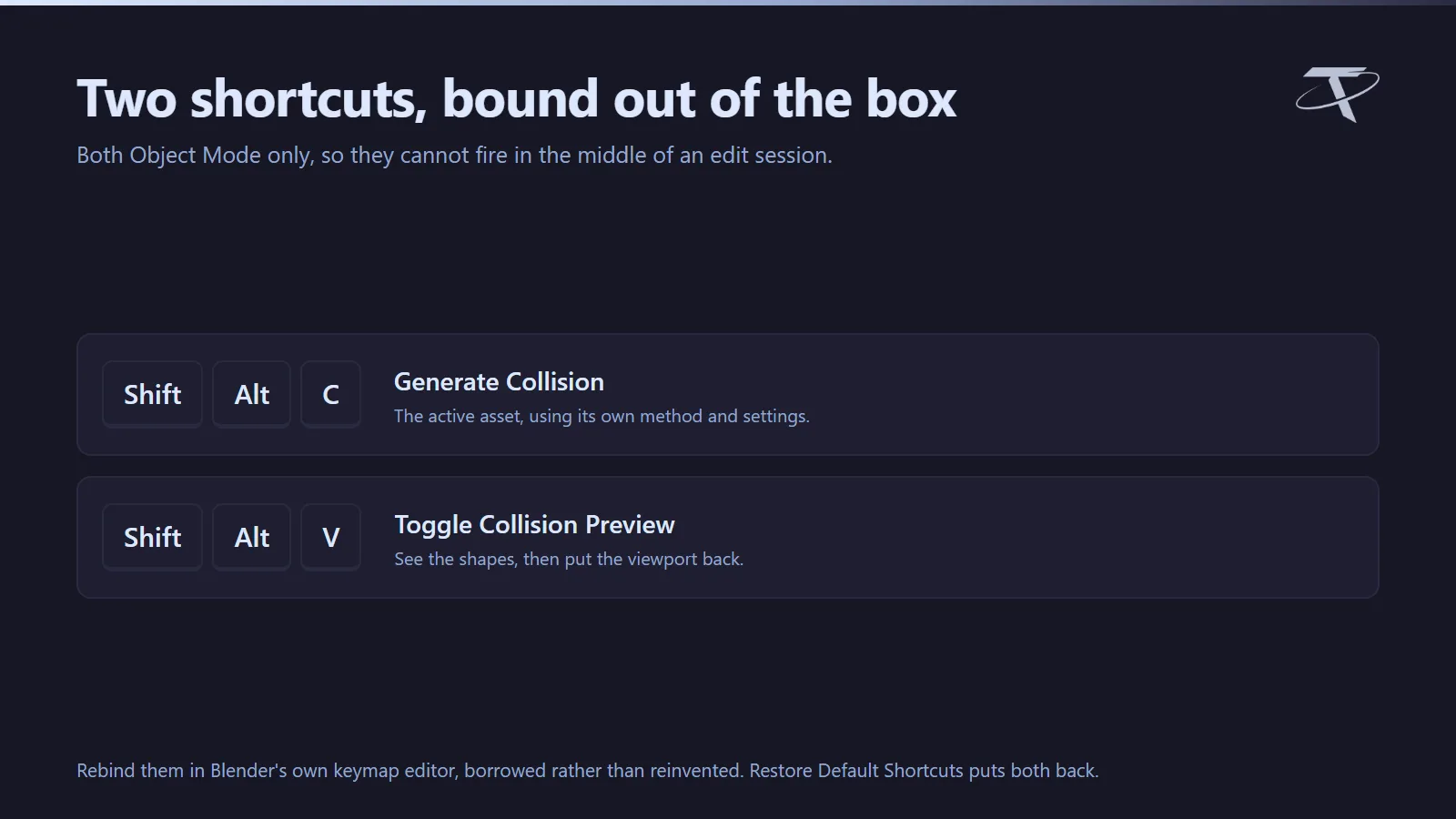
3D Viewport sidebar (N) → Unreal Tools tab → Collision Maker. The tab is shared with Unreal Bridge and LOD Maker when they are installed; rename it in preferences and the others follow.
Network
None. The add-on opens no sockets, sends no telemetry and checks no licence. Its help buttons hand a URL to your default browser and nothing more.
Files
Its own preferences, your presets in
tachyon_presets/collision_maker_presets.jsonbeside Blender's version folders, preset files only where you export or import them, and a one-line marker in Blender's config folder recording which version last showed its welcome. Nothing else, nowhere else.Licence
GPL-3.0-or-later.
GPL-3.0-or-later · Copyright 2026 Tachyon Studio.
Build out your workflow.
More by Tachyon Studio
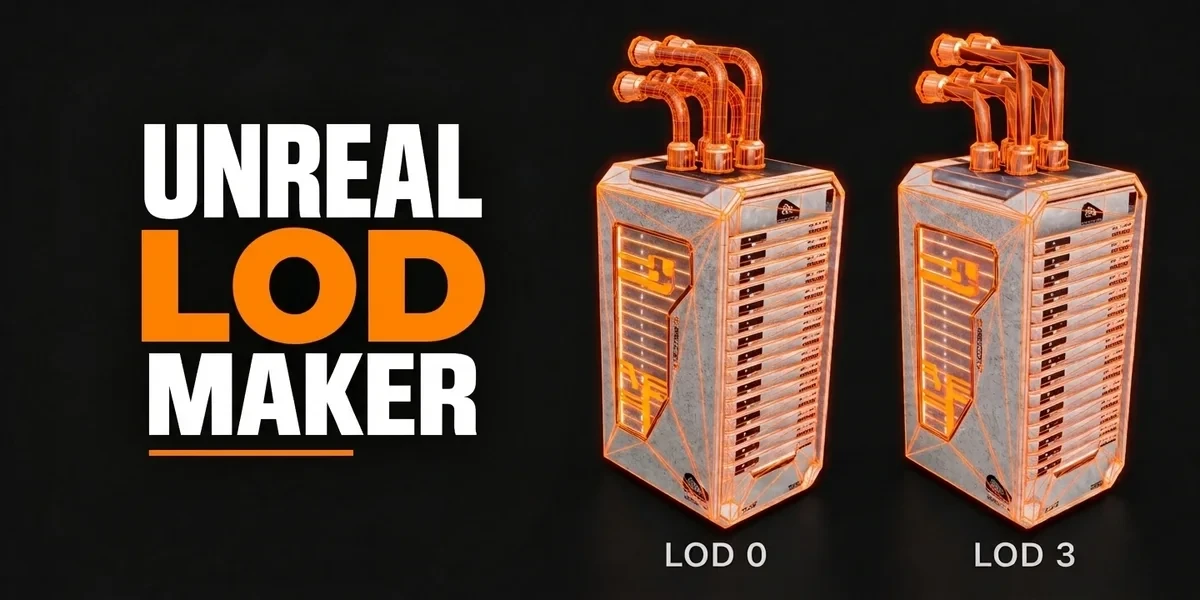

Optional products, sold separately.
See all on Superhive