
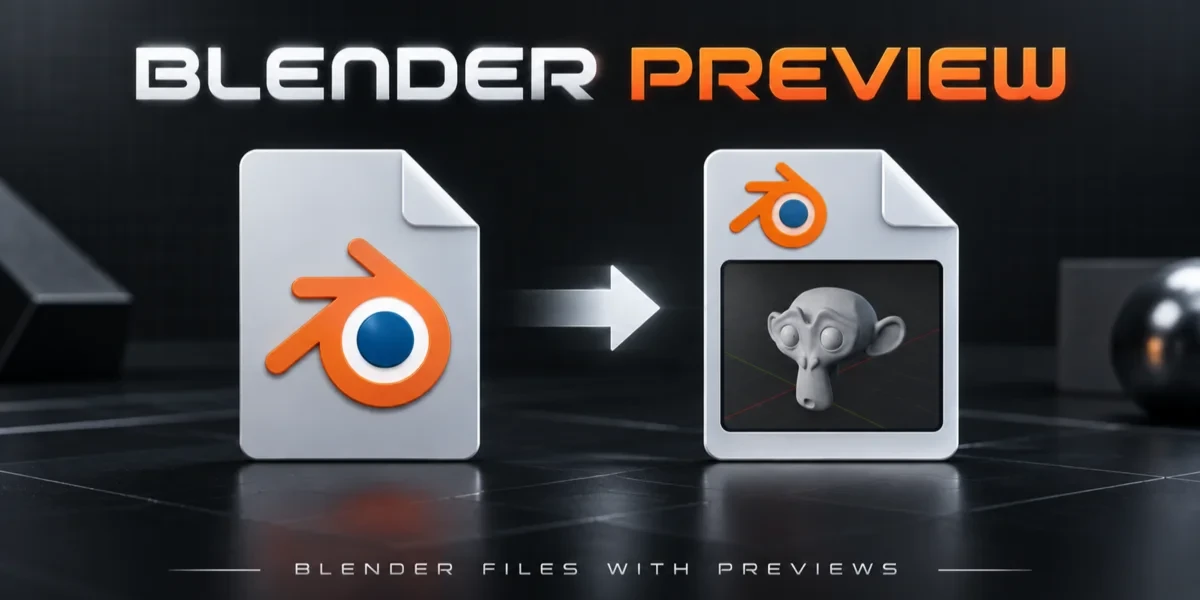
Blender add-onBlender Preview
Every .blend, at a glance.
Save a viewport thumbnail inside your .blend files so projects are easier to recognize in Windows Explorer.
- Windows Explorer thumbnails
- Up to 2048 px
- Captured when you save
Compatibility
Windows x64 only · Blender 3.0–5.2
Get it on Superhive ↗ (opens in a new tab)Pricing, checkout, downloads and updates are handled on Superhive.
What it does.
Capture on save
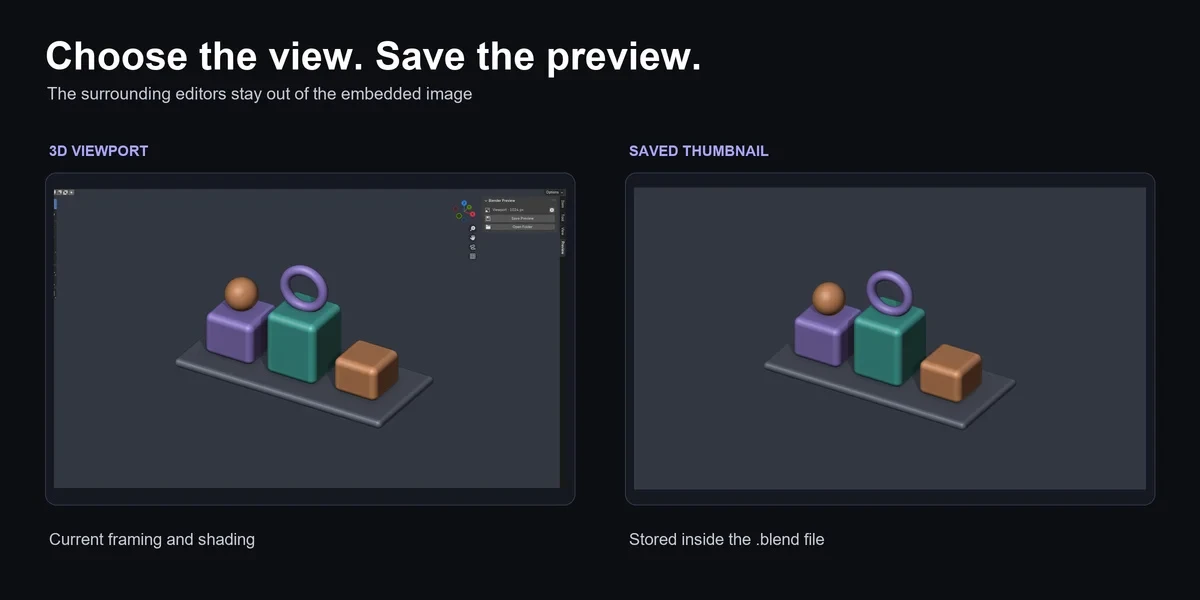
Ctrl+S, Save As or the Save Preview button stores your current 3D view inside the .blend file.
A clean image
The timeline, Outliner, toolbar and sidebar stay out of the capture; turn overlays off for a cleaner view.
Choose the resolution
Store a 512, 1024 or 2048-pixel preview, rendered at twice the size first for smoother edges.
Browse in Explorer
Set the folder to Large or Extra large icons and each project shows its own view.
Before you buy.
- Windows x64 only · Blender 3.0–5.2.
- Thumbnails show as Explorer icons, not in the interactive Preview pane.
- Existing files must be opened and saved again; there is no batch conversion of a library.
Want the details?
The full feature list, documentation, changelog and licence options are on Superhive.
Get it on Superhive ↗ (opens in a new tab)Related add-ons.
- Ultimate Utilities Asset preparation, validation and batch export in one sidebar. Combines the functionality of Core Utilities, Export Checker and Fast Export.

- Core Utilities Bring batch naming, materials, UV preparation, transforms, parenting and cleanup into a customizable Blender sidebar.
- Export Checker Inspect geometry, UVs, naming, transforms and other delivery requirements against configurable asset profiles, then review suggested fixes.