Blender add-onCore Utilities
Everyday asset prep, one panel.
Bring batch naming, materials, UV preparation, transforms, parenting and cleanup into a customizable Blender sidebar.
- Ten reorderable groups
- Preview before broad changes
- Six workflow profiles
Compatibility
Blender 3.3–5.2
Get it on Superhive ↗ (opens in a new tab)Pricing, checkout, downloads and updates are handled on Superhive.
What it does.
Batch operations
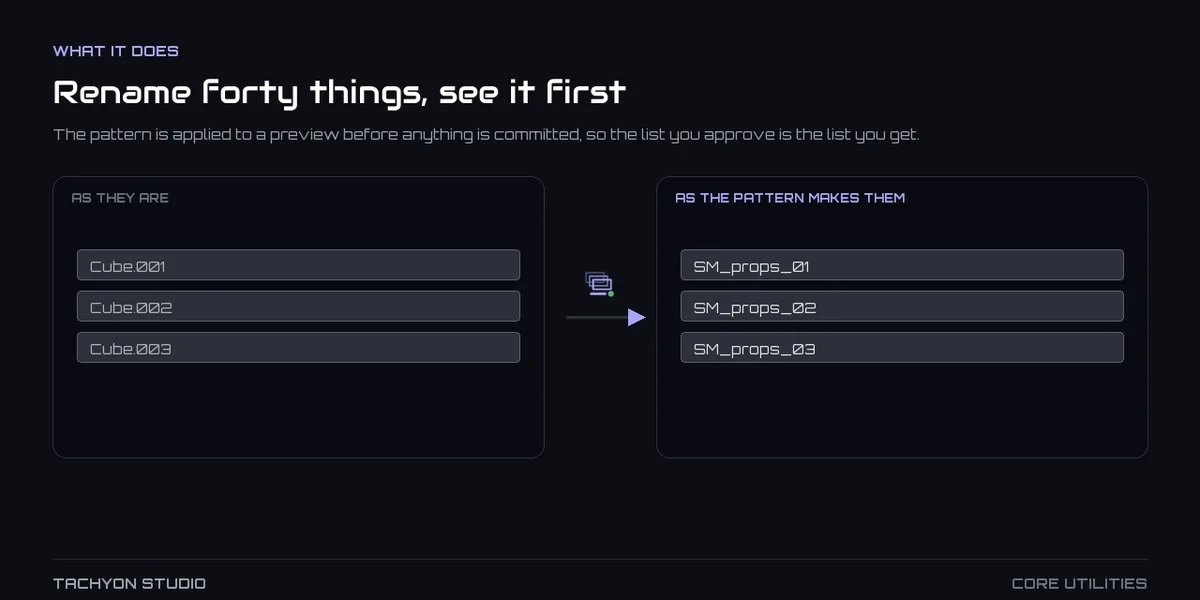
Rename, triangulate, assign materials and clean unused data across many objects, with a preview before anything changes.
UVs and transforms
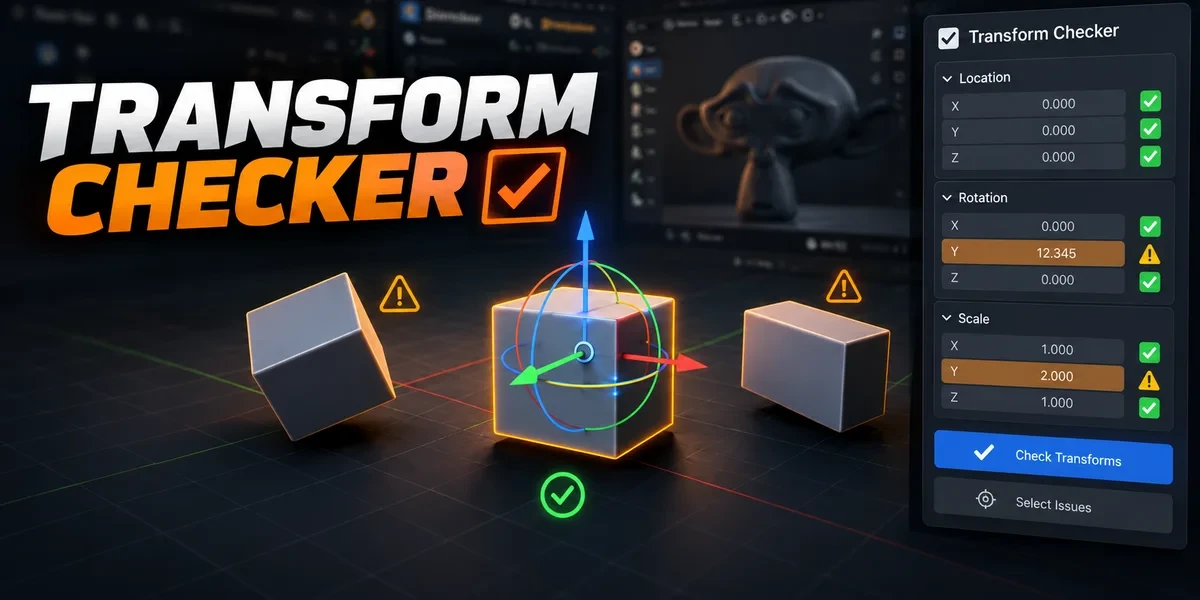
Unwrap, pack and set texel density, and flag location, rotation and scale values outside your tolerances.
Parenting and backups
Build empty-based hierarchies by proximity or at the cursor, and keep hidden backup copies before further edits.
A panel you arrange
Reorder, hide and pin groups, save six workflow profiles, and open the tools from a pie menu with Alt + U.
Before you buy.
- Blender 3.3–5.2.
- Fast Export and Export Checker are separate when buying Core Utilities alone.
- Also included in Ultimate Utilities; enable only one of the two.
Want the details?
The full feature list, documentation, changelog and licence options are on Superhive.
Get it on Superhive ↗ (opens in a new tab)Also sold in a bundle.

Related add-ons.
- Export Checker Inspect geometry, UVs, naming, transforms and other delivery requirements against configurable asset profiles, then review suggested fixes.
- Fast Export Plan batch exports across eight formats, preview output filenames and review collisions before writing files.

- Transform Checker Find unapplied transforms with mesh outlines and tints. Inspect individual channels, isolate findings and choose fixes after review.