Blender add-on bundleUltimate Utilities
Prepare, check, ship.
Asset preparation, validation and batch export in one sidebar. Combines the functionality of Core Utilities, Export Checker and Fast Export.
- Three add-ons in one
- Eight export formats
- No external dependencies
Compatibility
Blender 3.3–5.2
Get it on Superhive ↗ (opens in a new tab)Pricing, checkout, downloads and updates are handled on Superhive.
What it does.
Prepare the asset
Batch rename, triangulate, materials, UVs, parenting, transforms and backups, everything from Core Utilities.
Check it
Validate against an Unreal, Unity, Generic or custom profile, with fixes labeled Safe, Confirm or Manual.
Ship it
Export to eight formats in five scopes, with every output file listed in a manifest before anything is written.
One panel
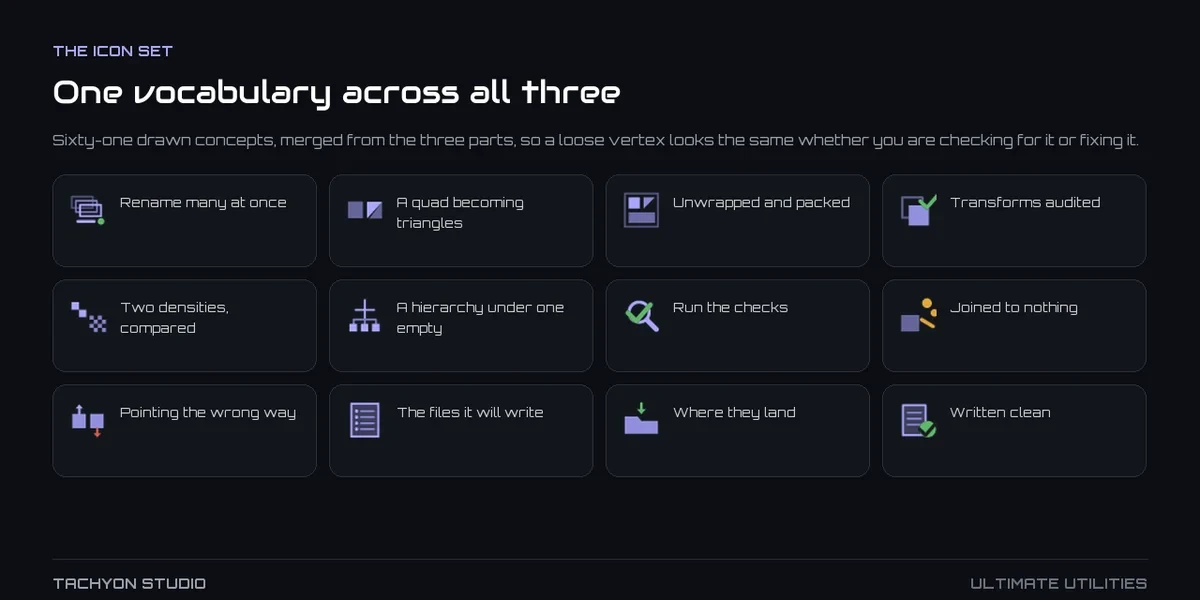
All groups share one sidebar, one icon set and one set of preferences you can export as JSON.
Before you buy.
- Blender 3.3–5.2.
- Enable Ultimate Utilities or its standalone components, not both; no separate purchases are needed.
Want the details?
The full feature list, documentation, changelog and licence options are on Superhive.
Get it on Superhive ↗ (opens in a new tab)Included in the bundle.
- Core Utilities Bring batch naming, materials, UV preparation, transforms, parenting and cleanup into a customizable Blender sidebar.
- Export Checker Inspect geometry, UVs, naming, transforms and other delivery requirements against configurable asset profiles, then review suggested fixes.
- Fast Export Plan batch exports across eight formats, preview output filenames and review collisions before writing files.

Related add-ons.
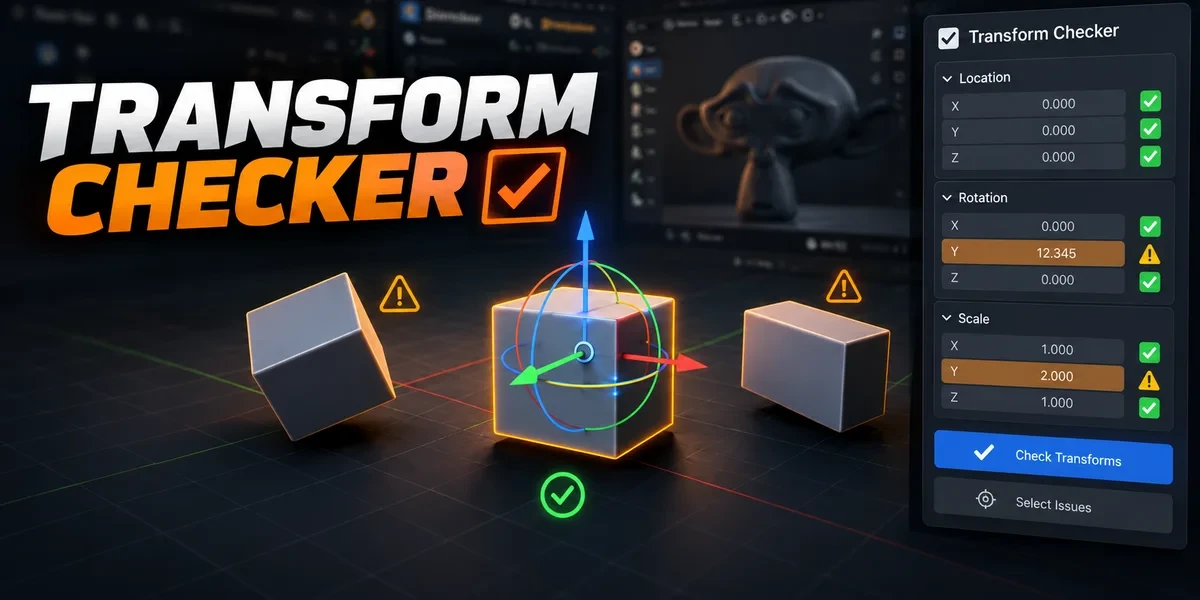
- Transform Checker Find unapplied transforms with mesh outlines and tints. Inspect individual channels, isolate findings and choose fixes after review.
- Object Groups Organize nested assemblies and overlapping selection sets without replacing your scene’s parenting or Collections.

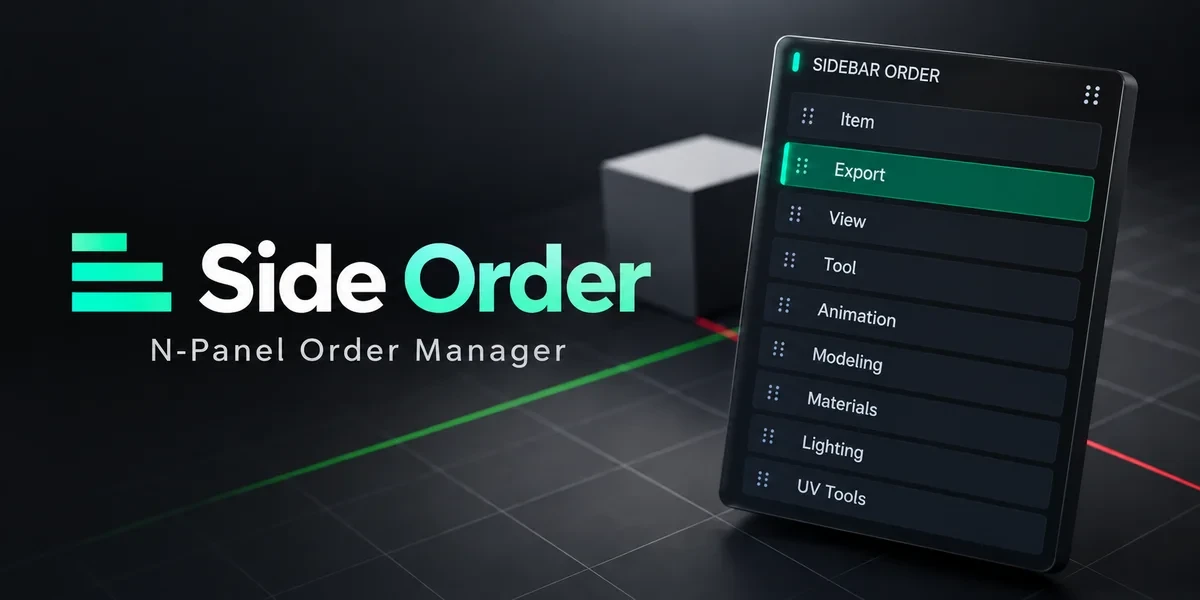
- Sidebar Order Arrange 3D Viewport sidebar categories in a drag palette, lock important positions and retain your preferred order.