
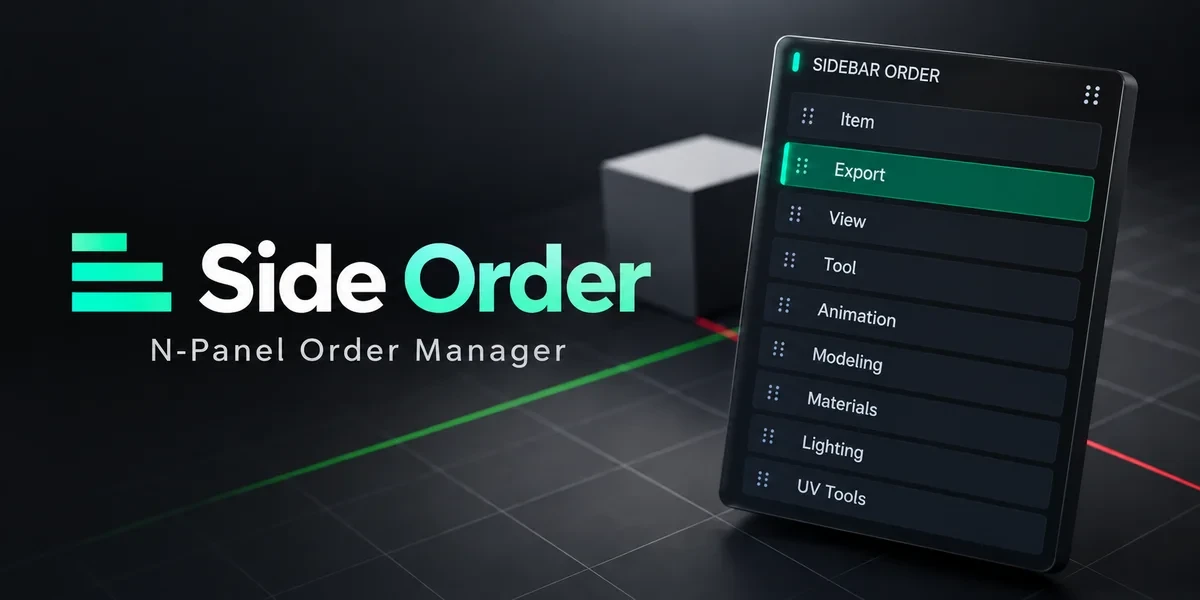
Blender add-onSidebar Order
Your sidebar, in your order.
Arrange 3D Viewport sidebar categories in a drag palette, lock important positions and retain your preferred order.
- Drag palette
- Lock key positions
- Order saved automatically
Compatibility
Windows x64 tested · Blender 3.0–5.2
Get it on Superhive ↗ (opens in a new tab)Pricing, checkout, downloads and updates are handled on Superhive.
What it does.
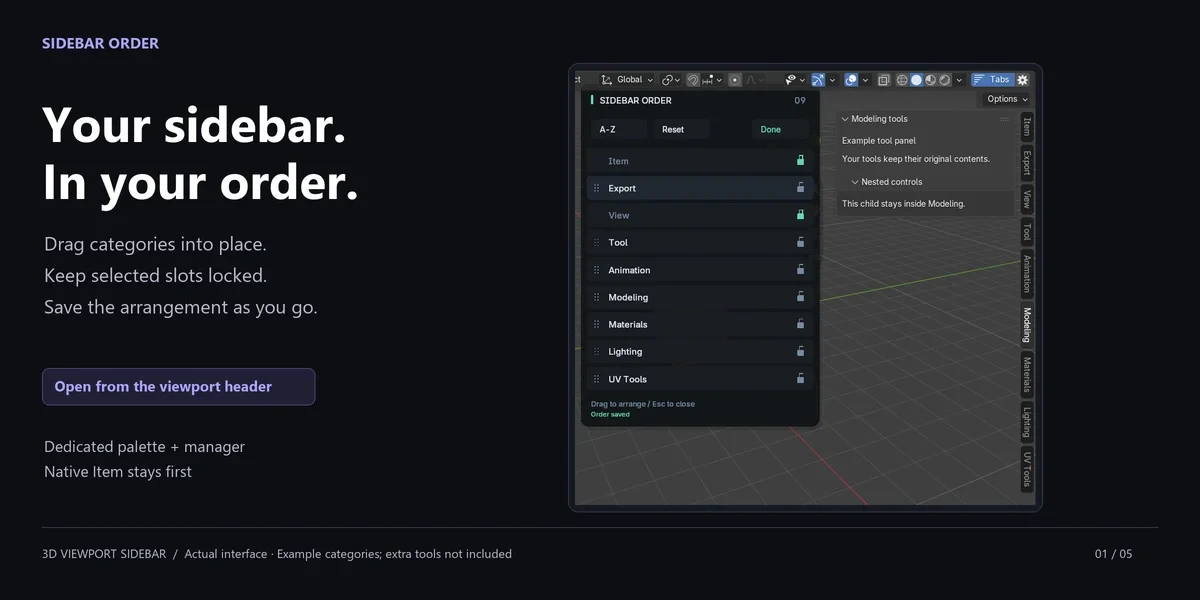
Drag to reorder
Open Tabs from the viewport header, drag a row into place and release; the new order is saved.
Lock the essentials
Hold categories in fixed slots, while Blender’s Item tab always stays first.
Sort in one step
Alphabetize the unlocked categories, or move a tab up, down, first or last.
Remembers missing tabs
Disabled add-ons keep their slots until you clear them with Forget Missing Tabs.
Before you buy.
- Windows x64 tested · Blender 3.0–5.2.
- macOS and Linux are unverified.
- 3D Viewport only: it reorders tabs but does not rename, hide or merge them.
Want the details?
The full feature list, documentation, changelog and licence options are on Superhive.
Get it on Superhive ↗ (opens in a new tab)Related add-ons.
- Ultimate Utilities Asset preparation, validation and batch export in one sidebar. Combines the functionality of Core Utilities, Export Checker and Fast Export.

- Core Utilities Bring batch naming, materials, UV preparation, transforms, parenting and cleanup into a customizable Blender sidebar.
- Export Checker Inspect geometry, UVs, naming, transforms and other delivery requirements against configurable asset profiles, then review suggested fixes.