
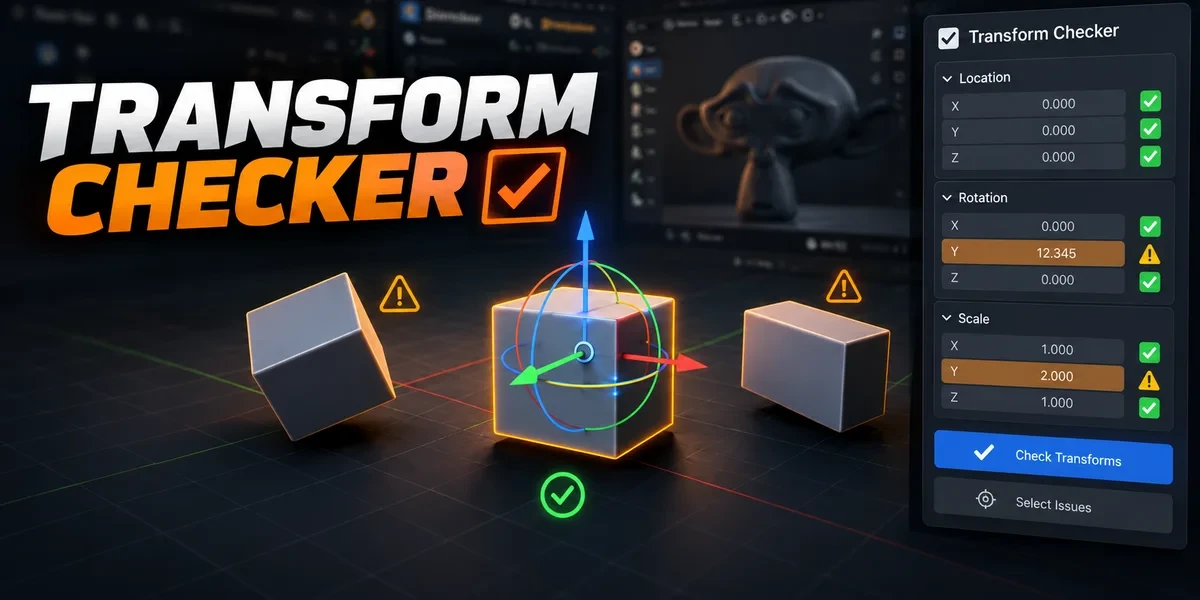
Blender add-onTransform Checker
Unapplied transforms, in plain sight.
Find unapplied transforms with mesh outlines and tints. Inspect individual channels, isolate findings and choose fixes after review.
- Location, rotation and scale
- Nothing changes automatically
- Optional backups
Compatibility
Windows tested · Blender 3.3–5.2
Get it on Superhive ↗ (opens in a new tab)Pricing, checkout, downloads and updates are handled on Superhive.
What it does.
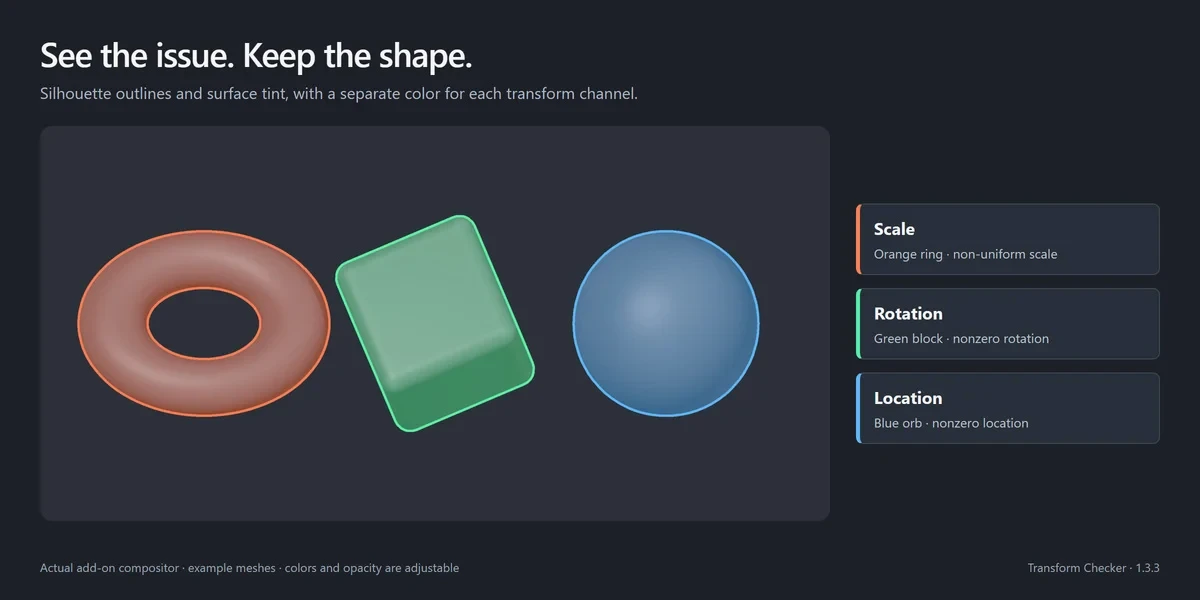
See it on the mesh
Outlines that follow the mesh and translucent tints flag unapplied transforms, while your materials stay untouched.
Read every channel
Toggle Location, Rotation and Scale separately, and tell negative, near-zero, non-uniform and uniform scale apart.
Focus the check
Check visible or selected meshes, isolate what was flagged, then bring the previous visibility back.
Fix after review
Apply only the transforms you choose, with optional backups, and ignore intentional ones on objects or collections.
Before you buy.
- Windows tested · Blender 3.3–5.2.
- macOS and Linux are unverified; a working GPU viewport is required.
- Applying transforms can affect modifiers; linked, constrained, animated and rigged meshes are skipped.
Want the details?
The full feature list, documentation, changelog and licence options are on Superhive.
Get it on Superhive ↗ (opens in a new tab)Related add-ons.
- Ultimate Utilities Asset preparation, validation and batch export in one sidebar. Combines the functionality of Core Utilities, Export Checker and Fast Export.

- Core Utilities Bring batch naming, materials, UV preparation, transforms, parenting and cleanup into a customizable Blender sidebar.
- Export Checker Inspect geometry, UVs, naming, transforms and other delivery requirements against configurable asset profiles, then review suggested fixes.