
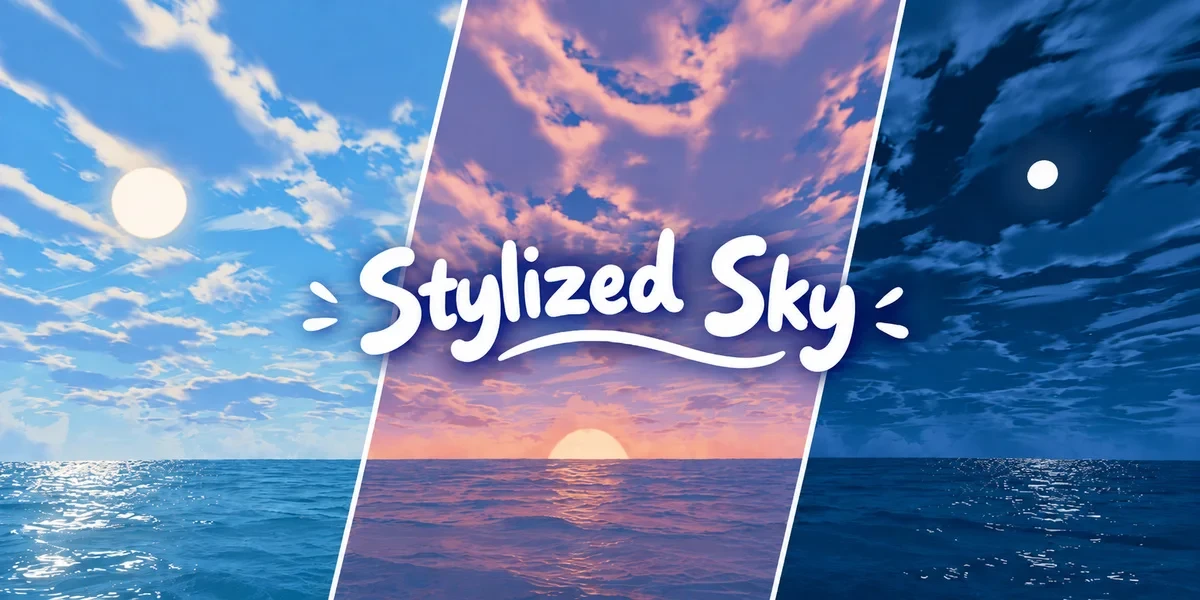
Blender add-onStylized Sky
Stylized skies, from dawn to moonlight.
Compatibility
Windows tested · Blender 3.0–5.2
Commercial use included. Instant download, secure checkout through Gumroad.
Stylized skies for Blender: 44 presets, a Sun and Moon on a 24-hour clock, four cloud styles and horizon fog, exported as a 1K–8K HDRI.
- 44 sky presets
- Sun and Moon on a 24-hour clock
- 1K–8K HDRI export
44 premade sky presets included with every tier
Start with any preset, adjust the clouds and lighting in Blender, then export your sky as a 1K–8K OpenEXR HDRI.
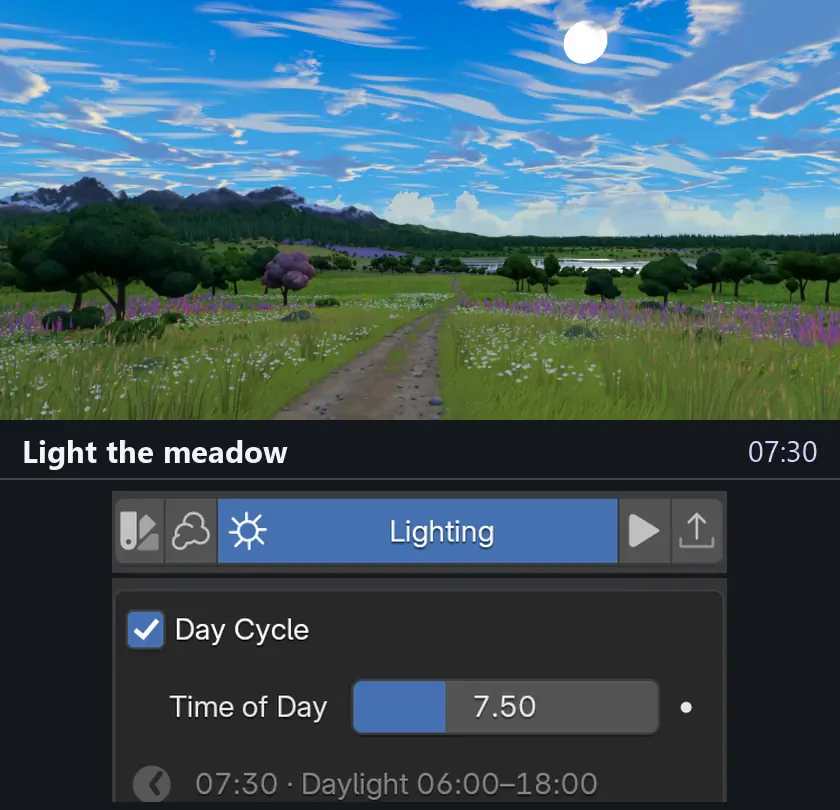
Follow the light across the meadow
Watch the grass and tree shadows as Time of Day moves through 24 hours. The linked Sun lights the field by day, the Moon takes over at night, and dawn brings the colour back.
Compare four moments in the meadow
The same meadow in the morning, the afternoon, the evening and by moonlight.
07:30 · Morning
15:30 · Afternoon
17:50 · Evening
19:50 · Moon and stars
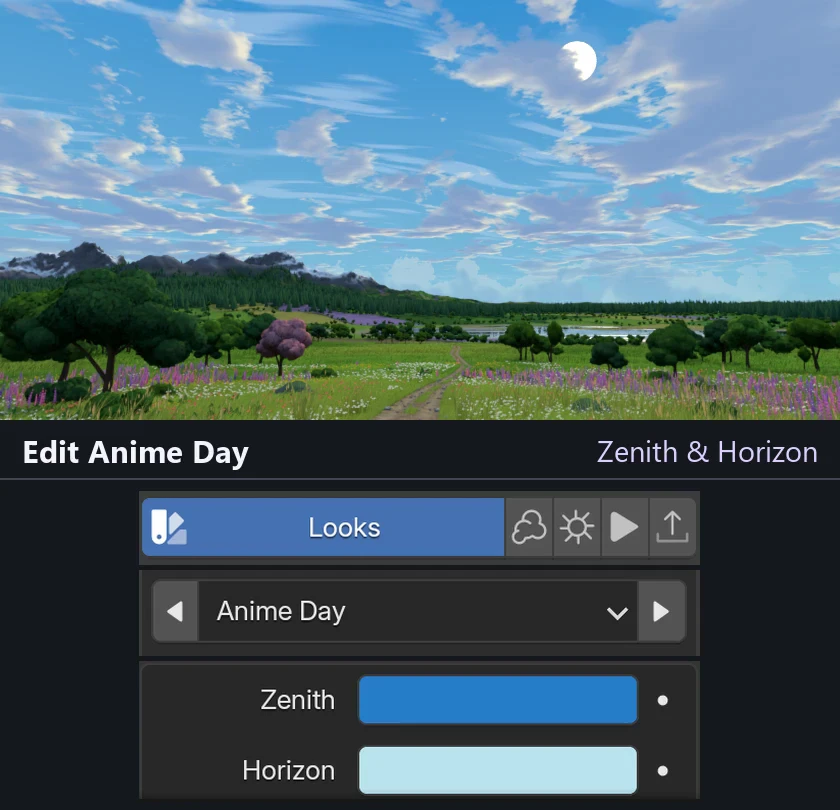
Choose the colours of the sky
Watch the zenith turn violet as the horizon picks up a warmer tone. The camera and cloud shapes stay fixed, so you can see what the two colour controls change.
Preview 16 of the 44 included skies
Your purchase includes the entire preset library. Here are 16 of the skies, from dawn and clear daylight to storms and moonlight.
Rose Sunset
Ink Wash Dawn
Anime Day
Lagoon Billows
Breezy Coast
Cathedral Light
Golden Hour
First Light
Silver Crossing
Half Moon
Harvest Moon
Nocturne
Rain Front
Cotton Candy
Long Brushstrokes
Evening Banks
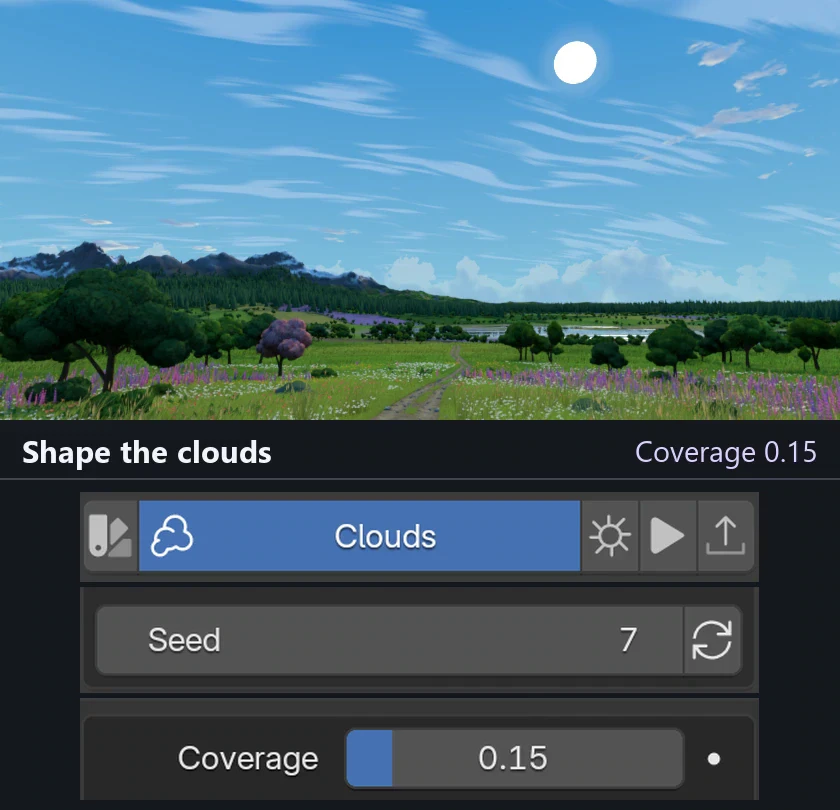
Build up the cloud cover
Follow one cloud bank as Cumulus Coverage rises from 0.15 to 0.80 and returns. Keeping the seed fixed makes the changing silhouettes easy to follow.
Compare the cloud shapes
Anime, Anime Painted, Graphic and Sculpted, each with its own way of drawing the edges and shadows of a cloud.
Anime
Anime Painted
Graphic
Sculpted
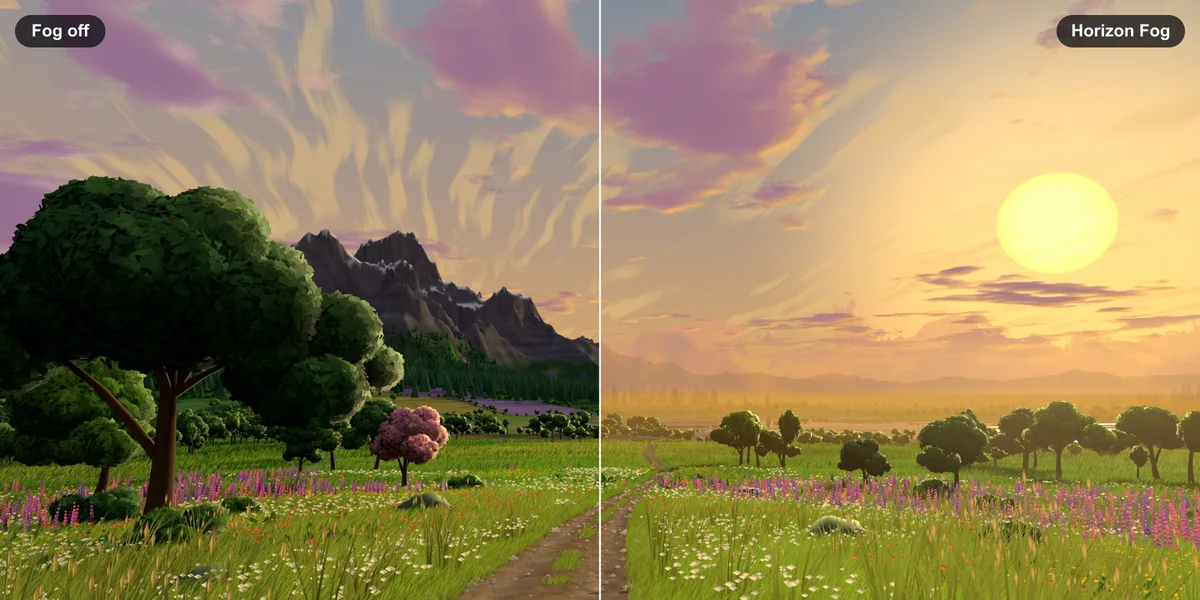
Blend the horizon with fog
Compare the meadow with fog off on the left and on at the right. Start, Distance, Strength and Falloff control how the distant trees fade into the sky.
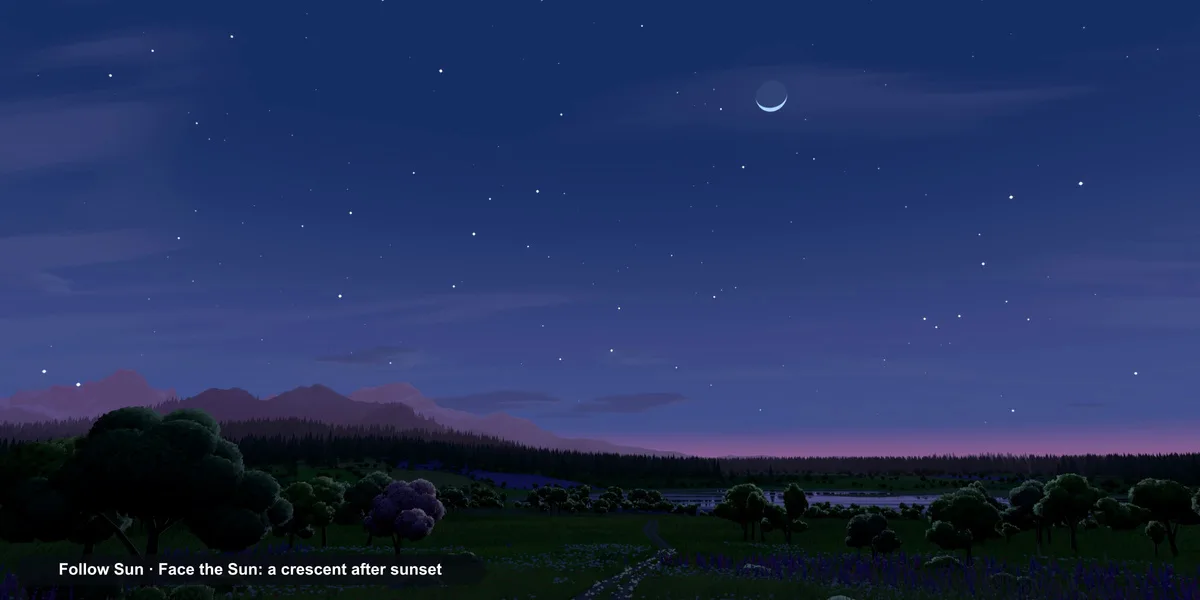
Orient the crescent moon
Follow Sun and Face the Sun keep the bright edge of the crescent pointed toward the setting Sun.
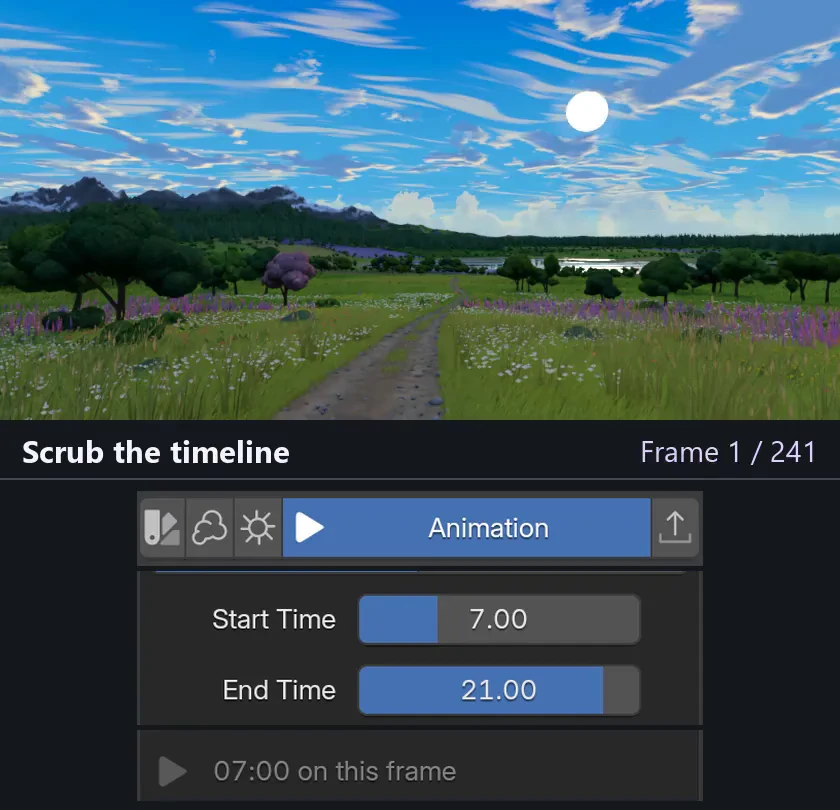
Put the sky on the timeline
Sun & Day moves the sky from 07:00 to 21:00 over frames 1–241. Watch the cloud bank drift as the timeline runs forward and back.
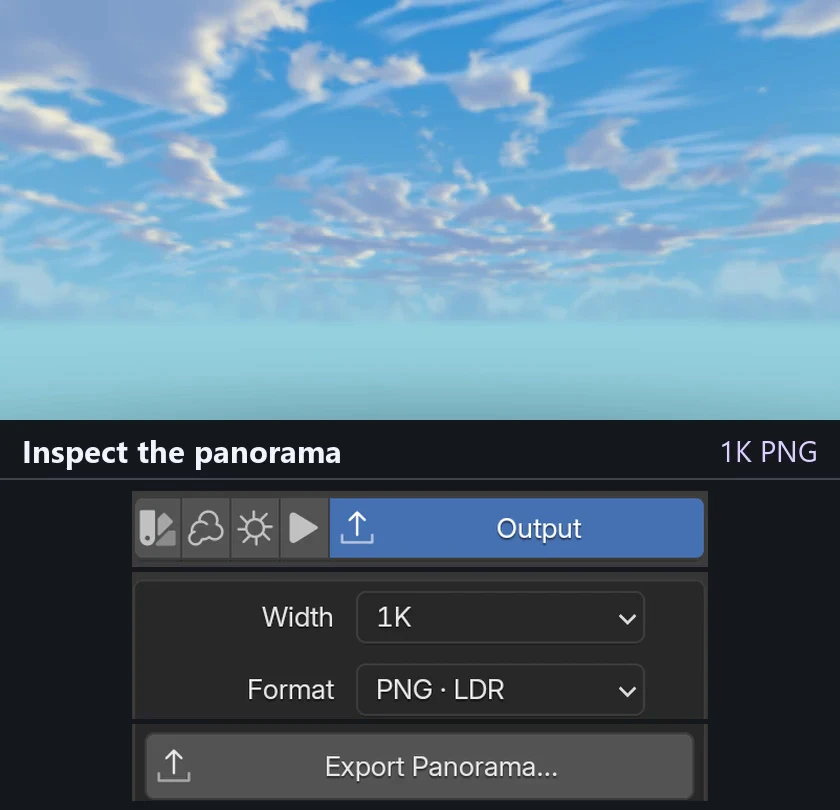
Take the sky into another scene
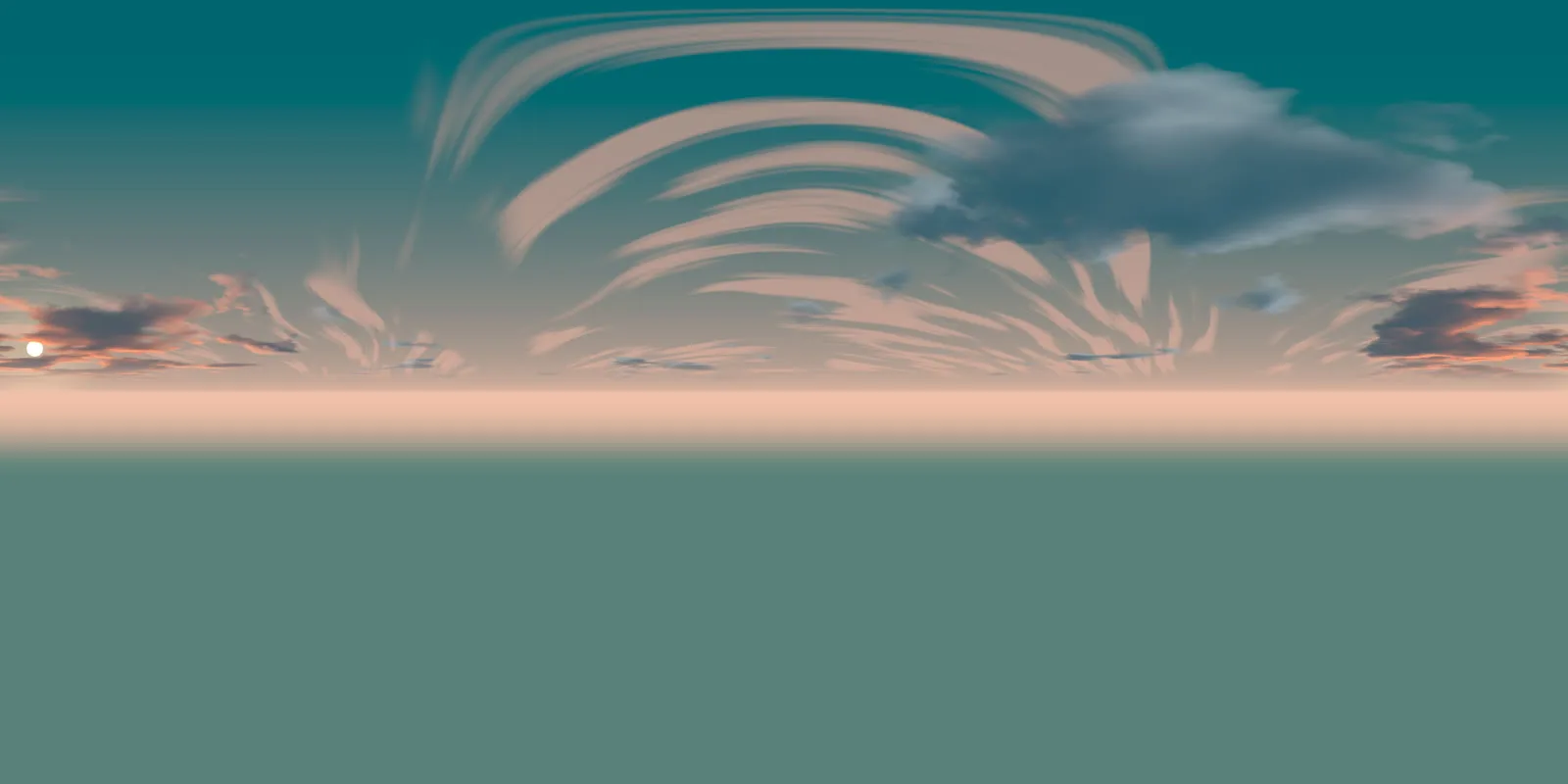
The Output panel switches from a 1K to a 2K PNG while the view pans across the exported panorama. Export at 1K–8K in PNG or OpenEXR, with optional sky, cloud and star layers.
The exported panorama
The complete 360° Blender World unwrapped into a single image.
What comes with Stylized Sky
Every tier includes the complete add-on, both installers and the offline documentation.
Check your setup
Blender 3.0–5.2 · Cycles and EEVEE. GPU clouds need Blender 3.2+. Horizon Fog appears in EEVEE Rendered viewports on Blender 4.3 and newer. Windows tested; macOS and Linux are untested.
Downloads and licence
The Extension ZIP is for Blender 4.2–5.2. The Legacy ZIP covers Blender 3.0–5.2. The Documentation ZIP contains the offline manual, FAQ and release notes. GPL-3.0-or-later.
The meadow is a demonstration scene. The download includes the sky add-on and documentation.
Before you buy.
- Windows tested · Blender 3.0–5.2 · Cycles and EEVEE.
- GPU clouds need Blender 3.2+; Horizon Fog appears in EEVEE on Blender 4.3 and newer.
- The meadow in the previews is a demonstration scene; the download is the sky add-on and its documentation.
Ready to start?
Every licence gets the same features and files, commercial use included. They differ only in seats.
Choose a licence ↑