
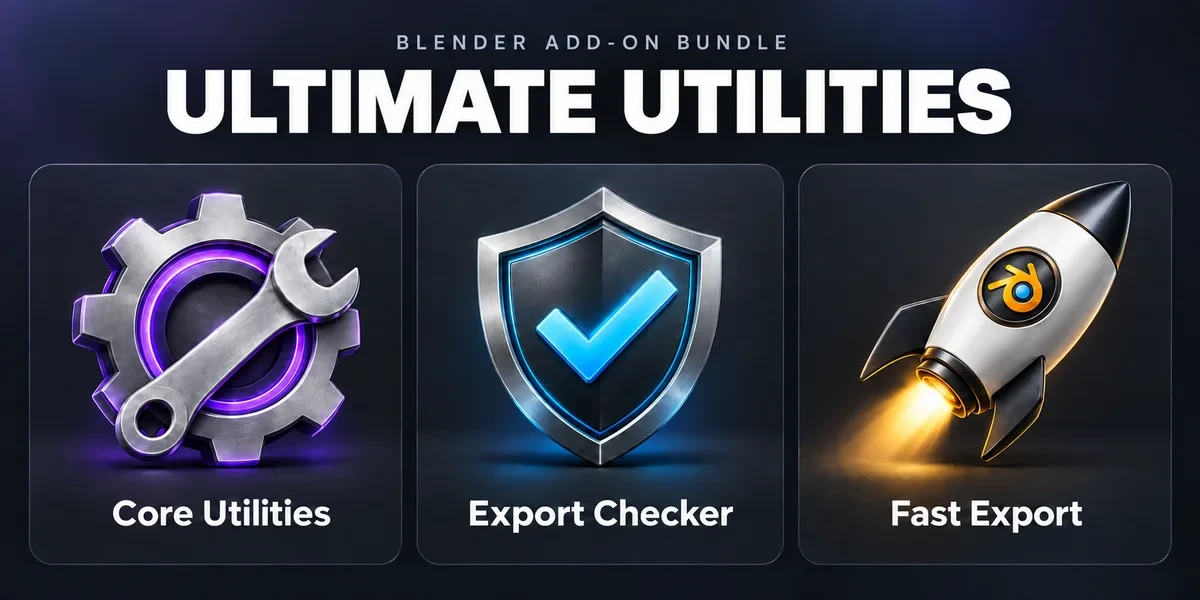
Workflow / 3 add-ons
Ultimate Utilities
Asset preparation, validation and batch export in one sidebar. Combines the functionality of Core Utilities, Export Checker and Fast Export.
Blender 3.3–5.2
Starting from$19.99
DetailsBatch naming and cleanup, export checks against asset profiles, batch export, unapplied-transform checks, object groups, sidebar order and .blend thumbnails.
Showing 9 of 9 add-ons
Workflow / 3 add-ons
Asset preparation, validation and batch export in one sidebar. Combines the functionality of Core Utilities, Export Checker and Fast Export.
Blender 3.3–5.2
Starting from$19.99
DetailsWorkflow / Blender add-on
Bring batch naming, materials, UV preparation, transforms, parenting and cleanup into a customizable Blender sidebar.
Blender 3.3–5.2
Starting from$11.99
DetailsWorkflow / Blender add-on
Inspect geometry, UVs, naming, transforms and other delivery requirements against configurable asset profiles, then review suggested fixes.
Windows tested · Blender 3.3–5.2
Starting from$7.99
Details
Workflow / Blender add-on
Plan batch exports across eight formats, preview output filenames and review collisions before writing files.
Blender 3.3–5.2
Starting from$4.99
Details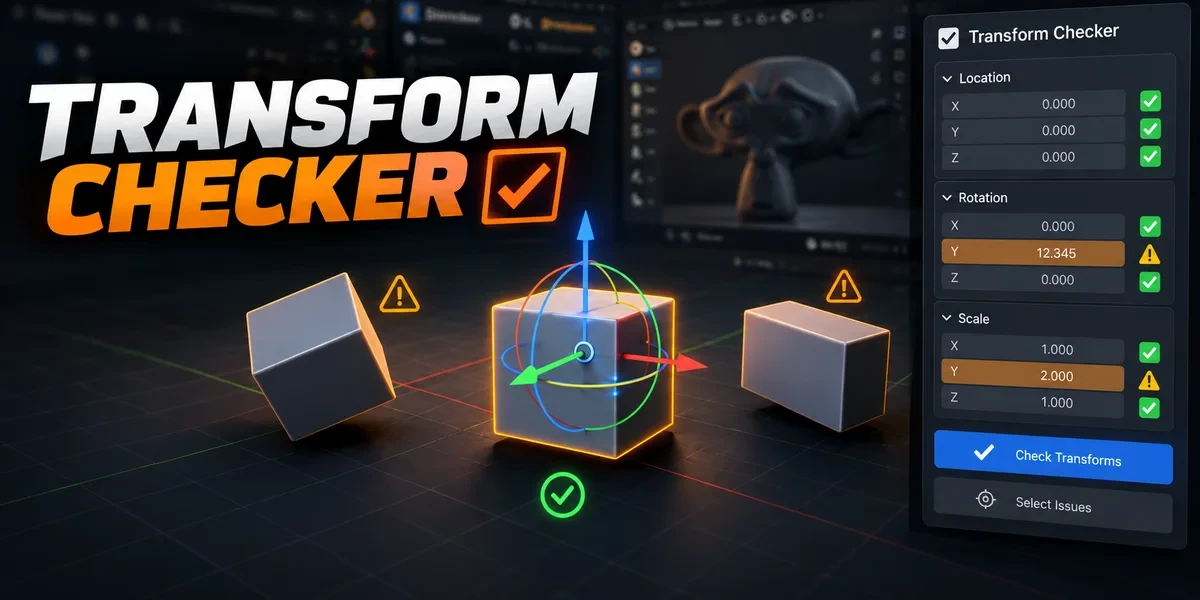
Workflow / Blender add-on
Find unapplied transforms with mesh outlines and tints. Inspect individual channels, isolate findings and choose fixes after review.
Windows tested · Blender 3.3–5.2
Starting from$4.99
Details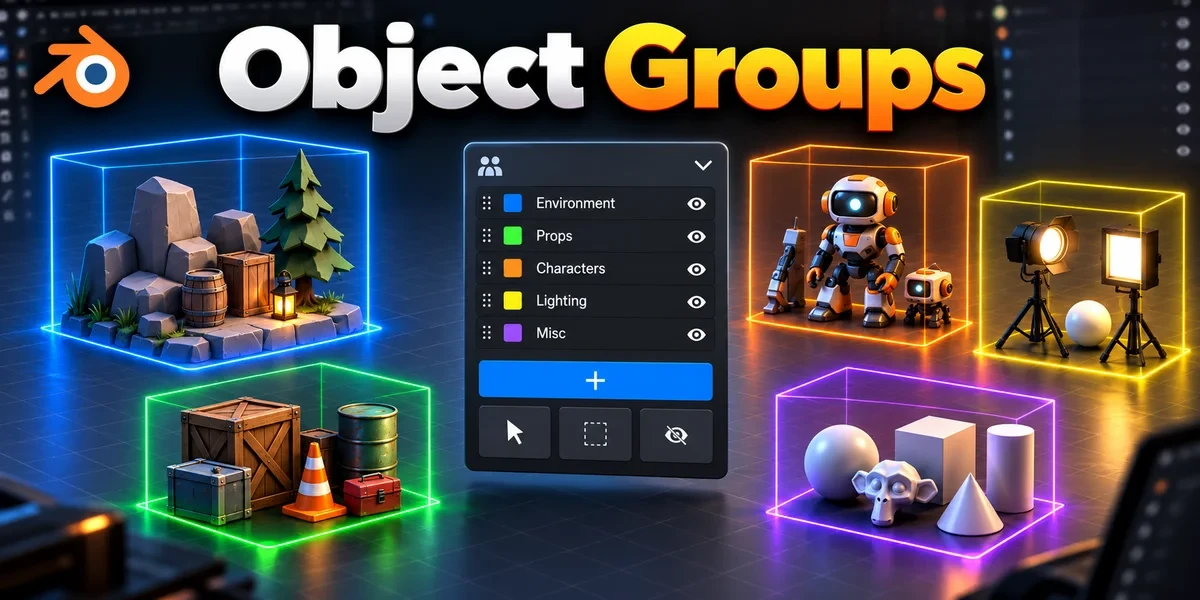
Workflow / Blender add-on
Organize nested assemblies and overlapping selection sets without replacing your scene’s parenting or Collections.
Windows tested · Blender 3.3–5.2
Starting from$6.99
Details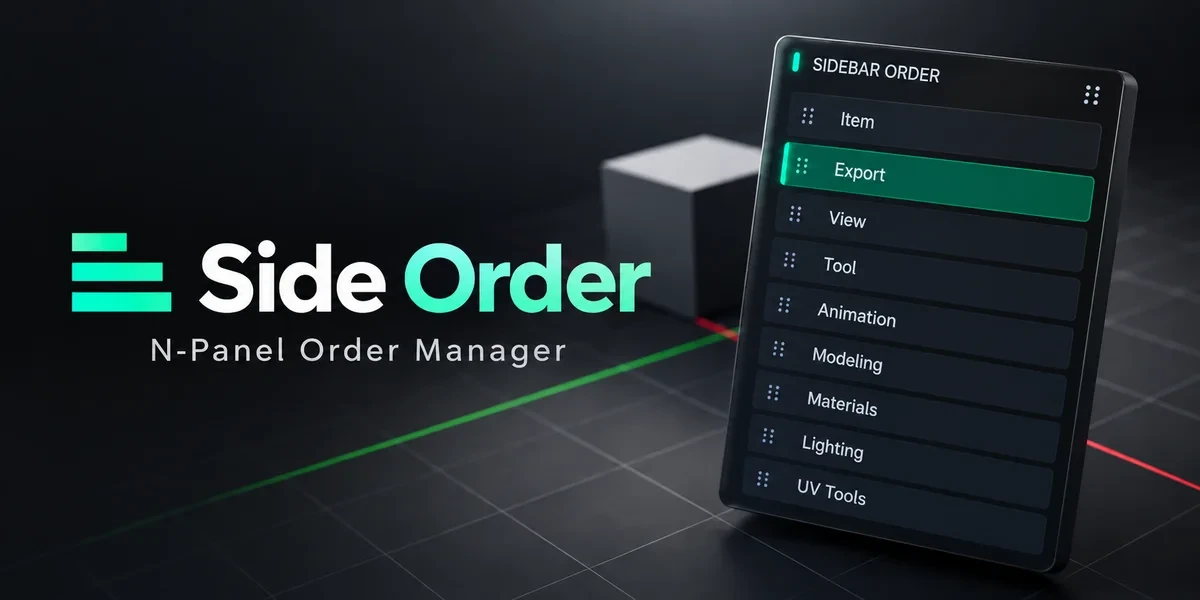
Workflow / Blender add-on
Arrange 3D Viewport sidebar categories in a drag palette, lock important positions and retain your preferred order.
Windows x64 tested · Blender 3.0–5.2
Starting from$4.99
Details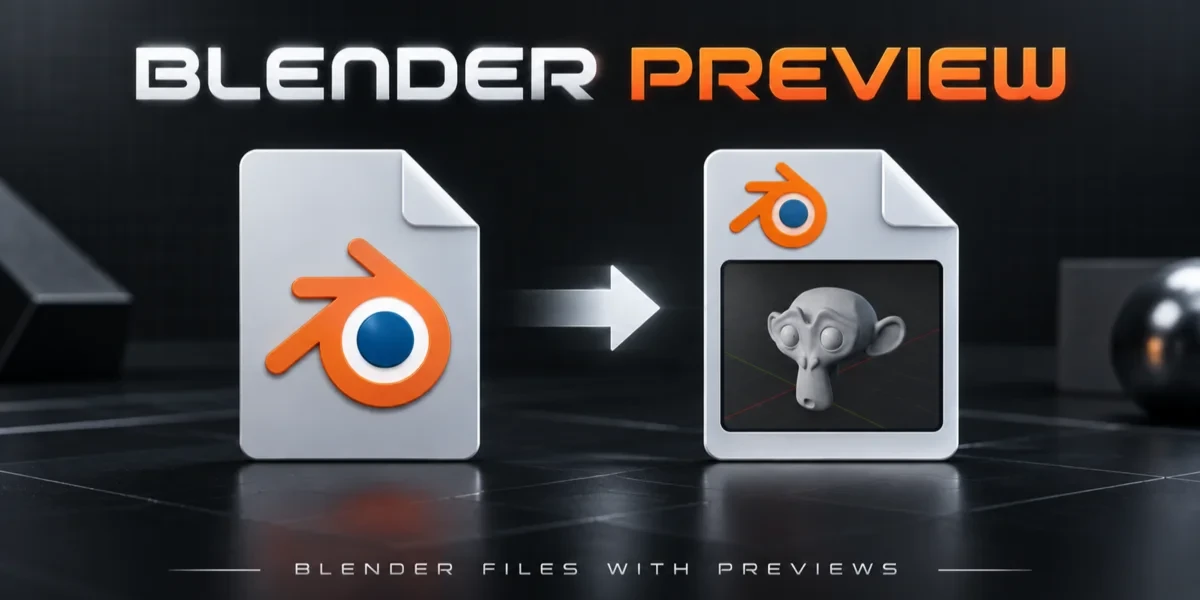
Workflow / Blender add-on
Save a viewport thumbnail inside your .blend files so projects are easier to recognize in Windows Explorer.
Windows x64 only · Blender 3.0–5.2
Starting from$2.99
Details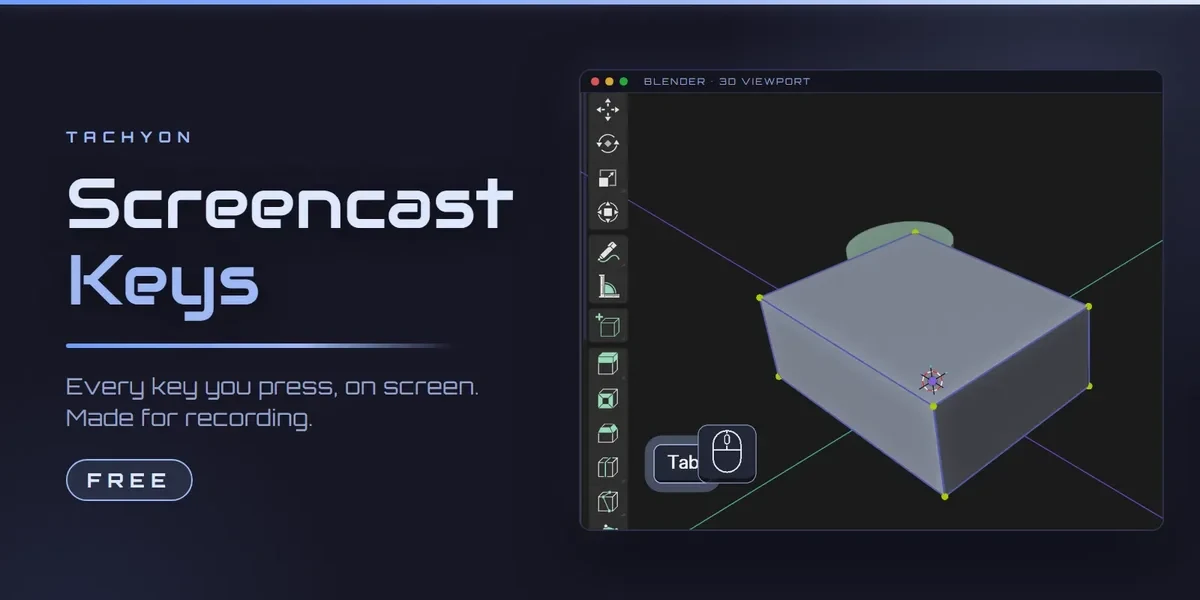
Workflow / Blender add-on
Free. Every key you press, shown in the corner of the 3D viewport, with a mouse that lights up as you click. One button in the toolbar.
Blender 3.3–5.2
Free
DetailsBundles share components, so check what’s included before choosing. Compatibility comes from each product page; check its documentation for your OS, Blender version and external applications.