
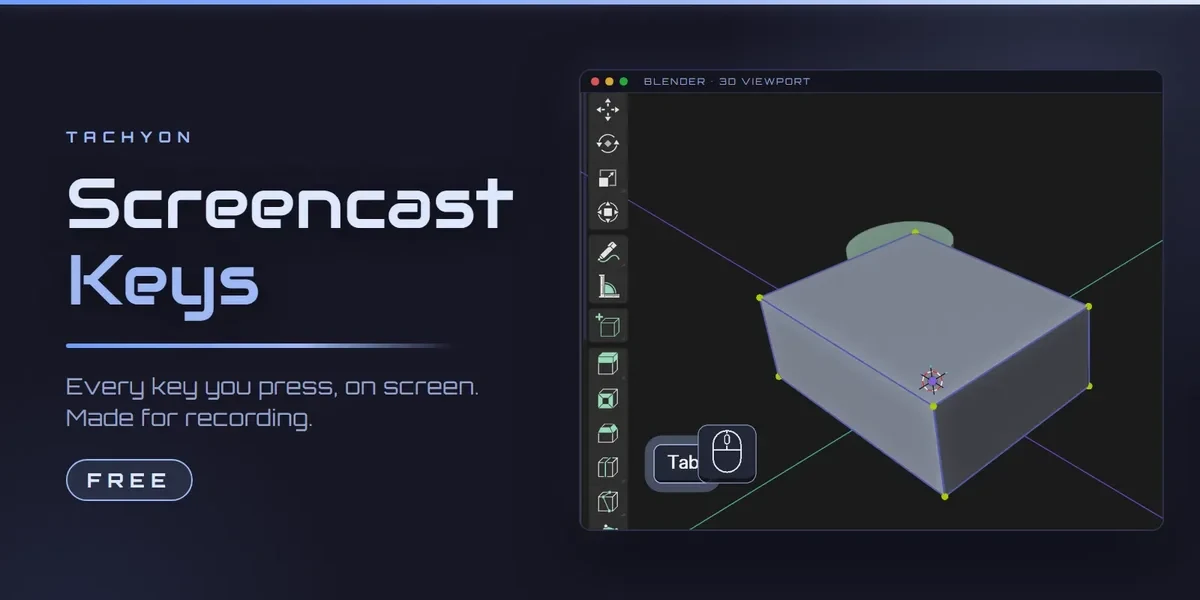
Free Blender add-onScreencast Keys
Every key, on screen.
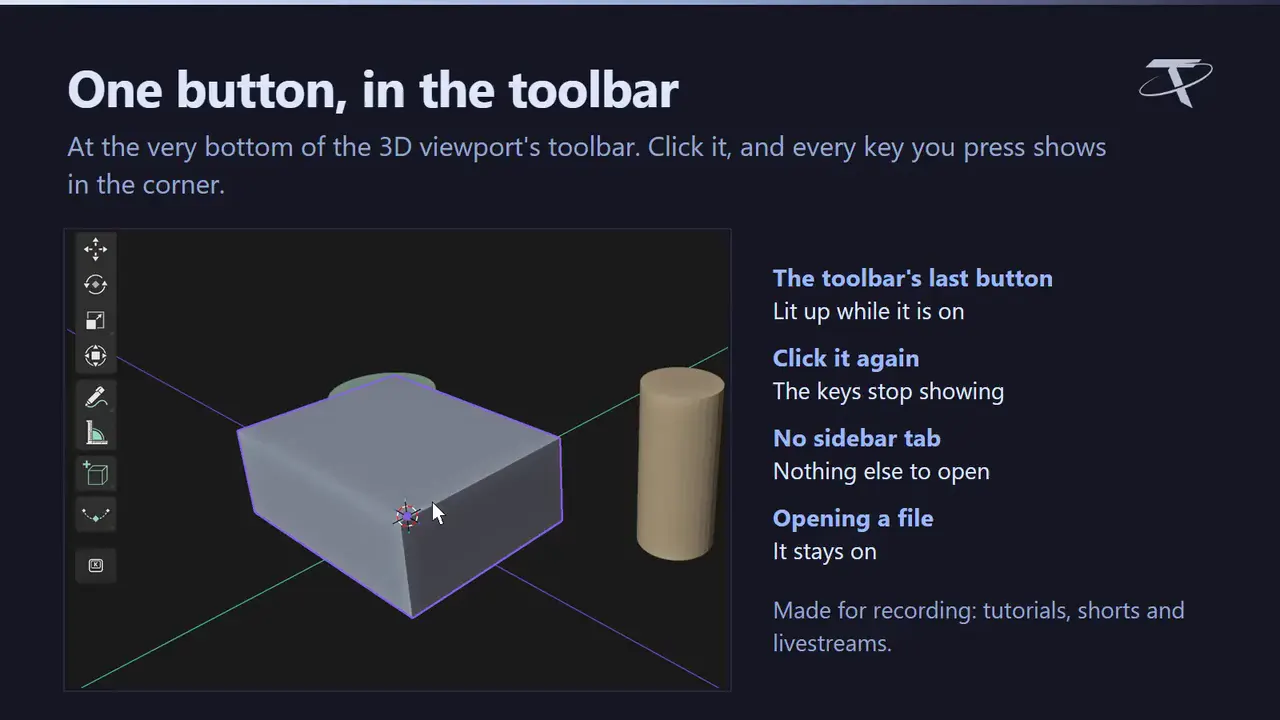
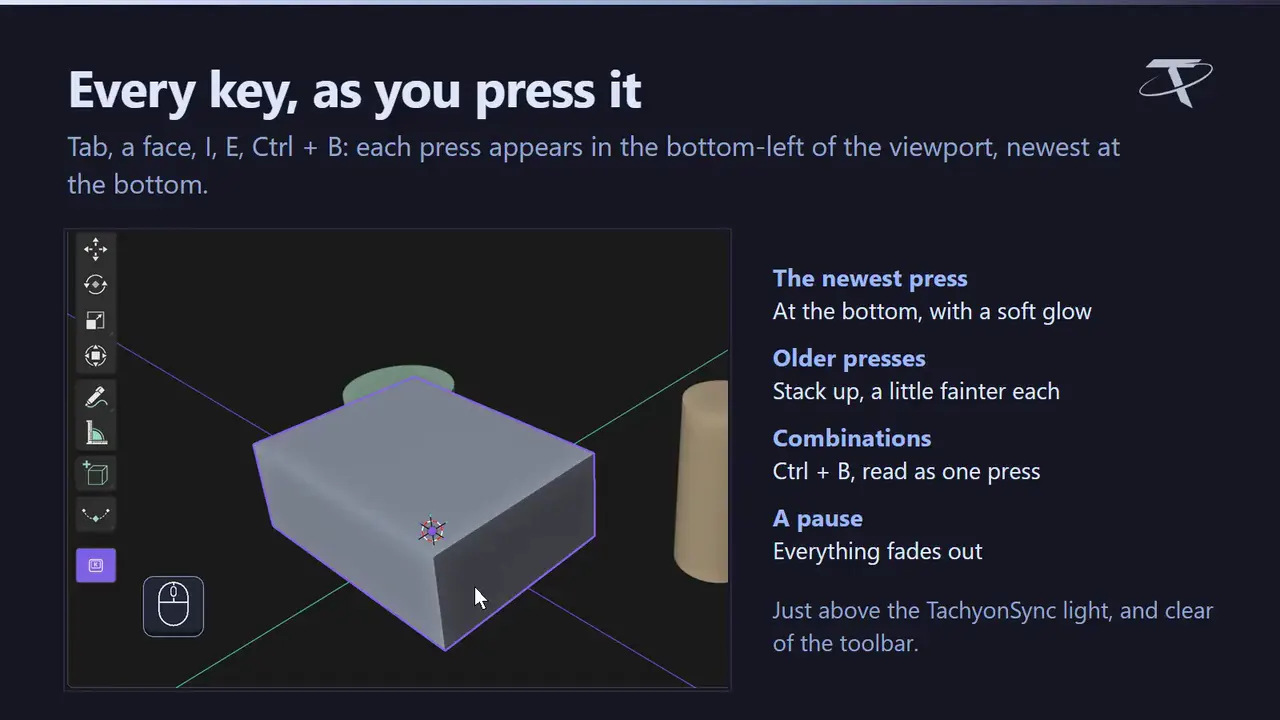
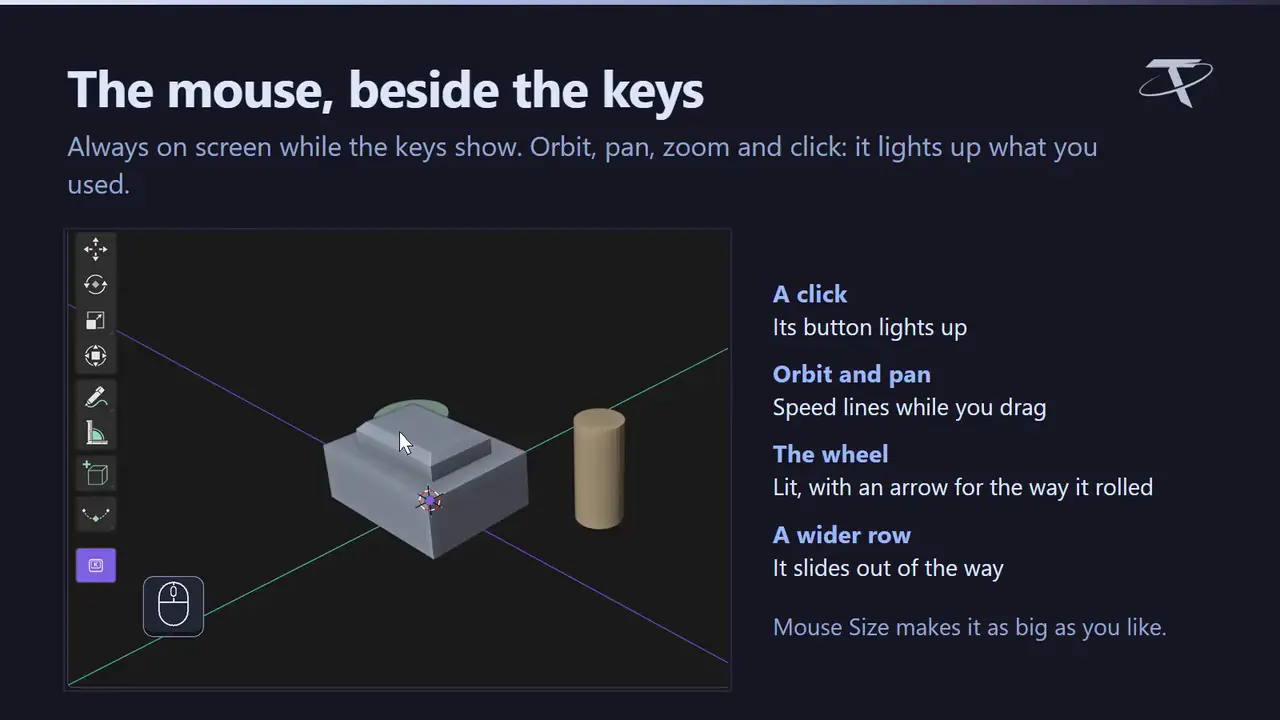
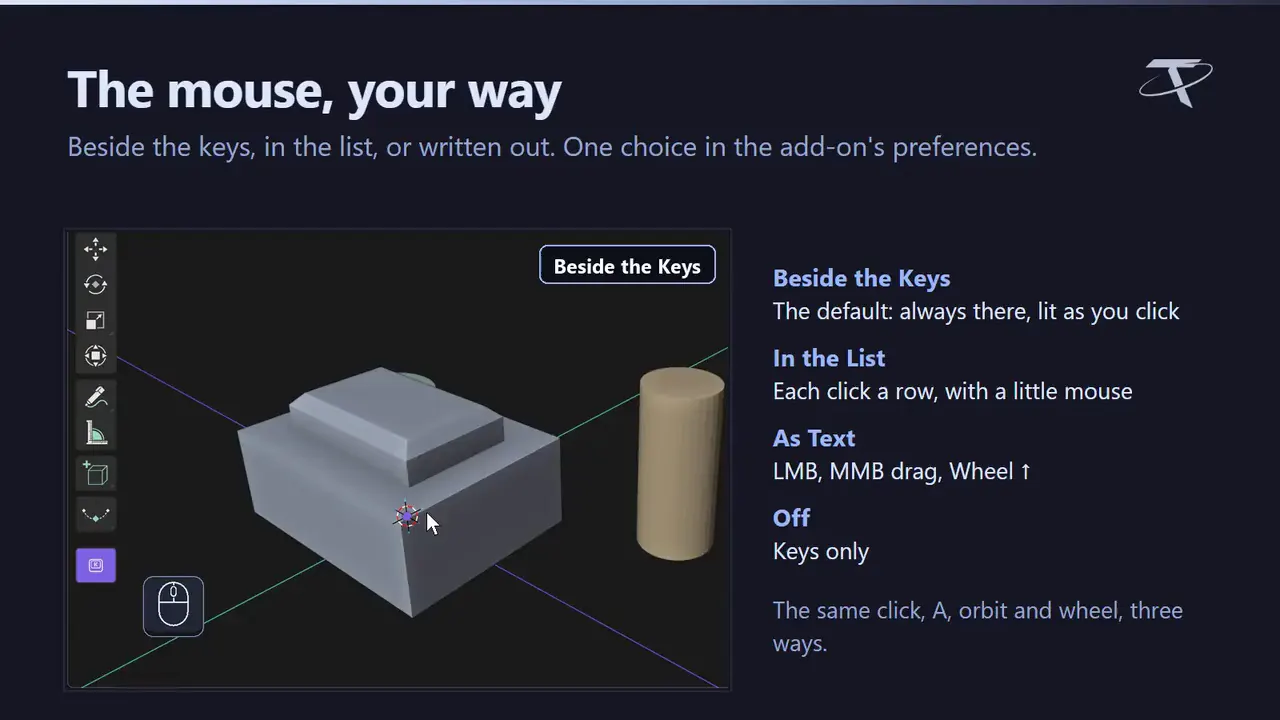
Free. Every key you press, shown in the corner of the 3D viewport, with a mouse that lights up as you click. One button in the toolbar.
- Free, no account
- Keys and mouse in the viewport
- One button in the toolbar
Compatibility
Blender 3.3–5.2
Downloads and updates are handled on Superhive.
What it does.
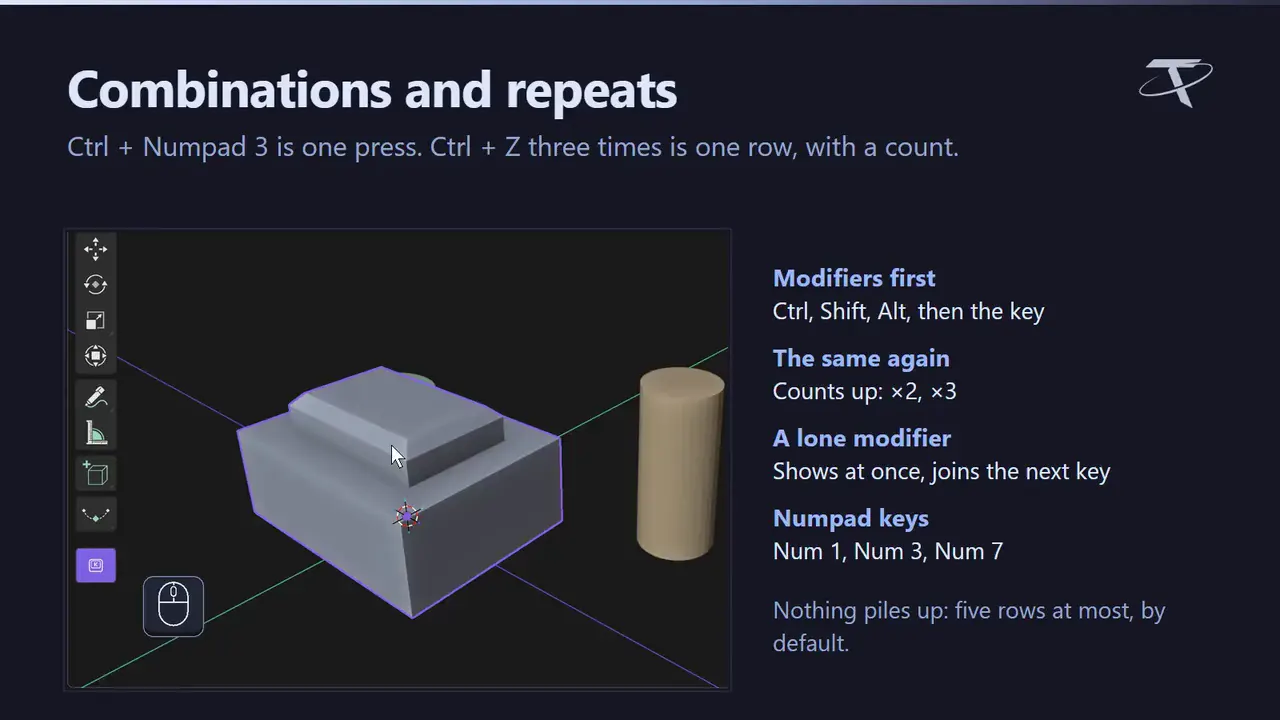
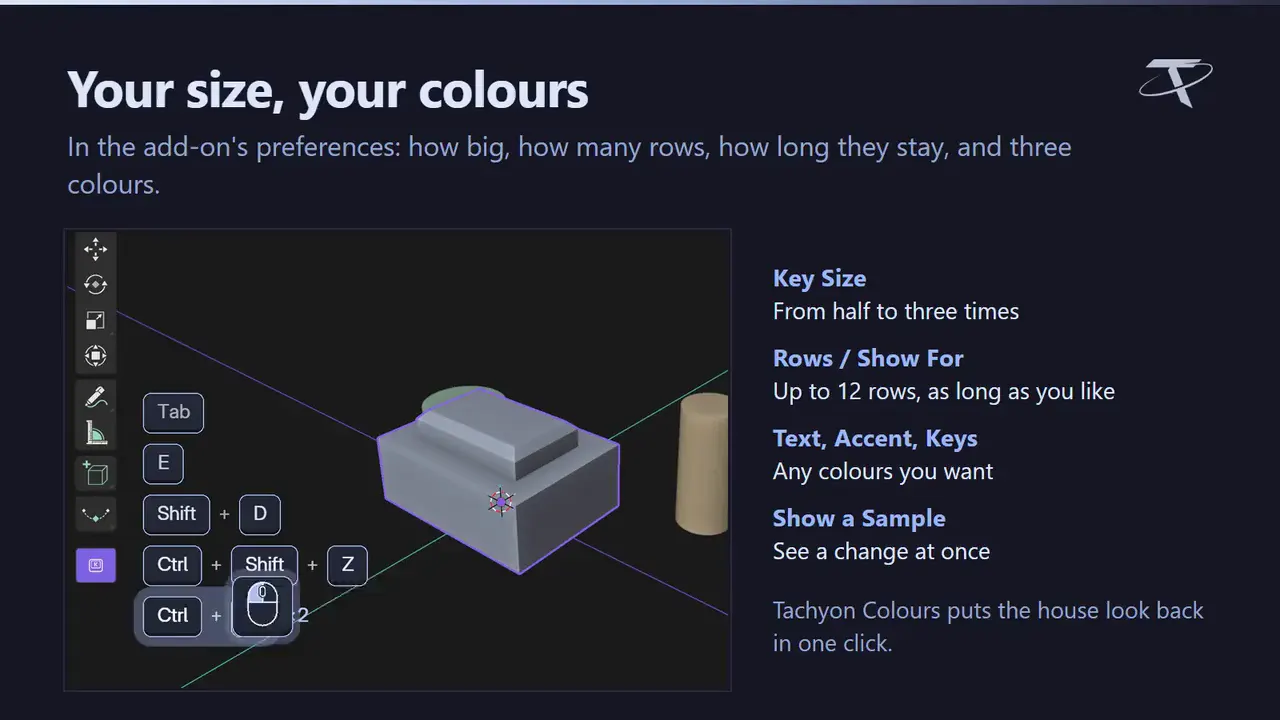
Click one button at the bottom of the 3D viewport’s toolbar and your keys show in the corner as you work: combinations read as one press, repeats count up, and a mouse beside them lights up as you click, roll and drag. Made for tutorials, shorts and livestreams, in the Tachyon look or your own colours.
⚠Free — no account, no licence key, no internet connection. It draws what you press and forgets it a few seconds later; nothing is saved. One zip for Blender 3.3 – 5.2: an extension on 4.2+, a classic add-on on 3.3 – 4.1. Keys typed while a tool is running (the X after G) go to that tool first and are not shown.
GPL-3.0-or-later · Copyright 2026 Tachyon Studio.
Before you buy.
- Blender 3.3–5.2: an extension on 4.2+, a classic add-on on 3.3–4.1.
- Keys typed while a tool is running (the X after G) go to that tool first and are not shown.
Ready to start?
Free, with every feature included.
Get it free on Superhive ↗ (opens in a new tab)Related add-ons.
- Ultimate Utilities Asset preparation, validation and batch export in one sidebar. Combines the functionality of Core Utilities, Export Checker and Fast Export.
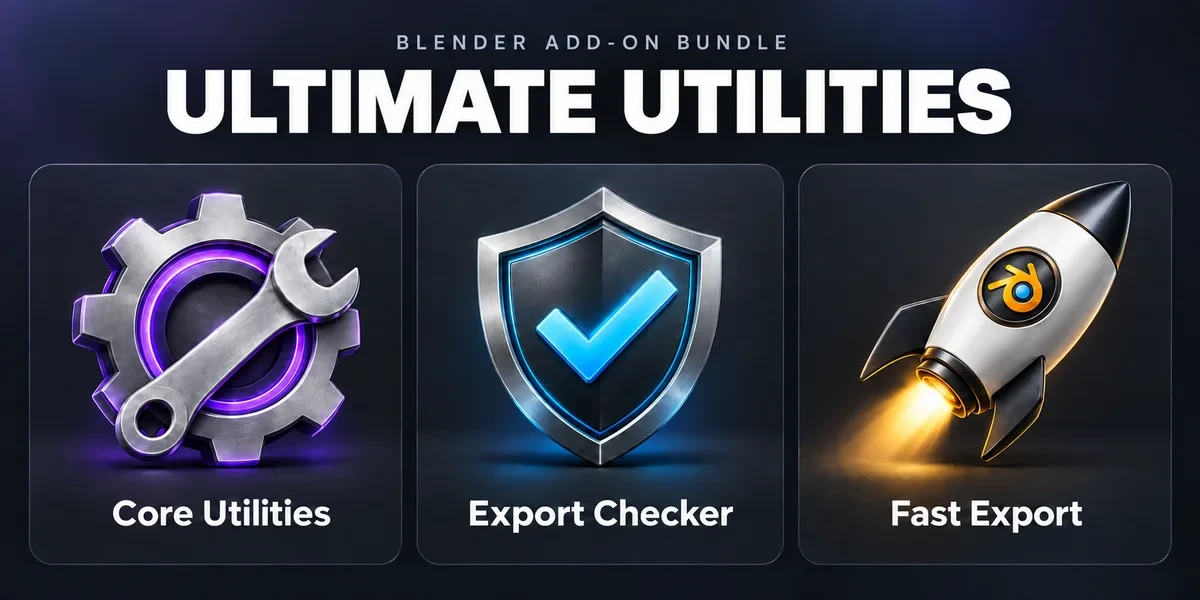
- Core Utilities Bring batch naming, materials, UV preparation, transforms, parenting and cleanup into a customizable Blender sidebar.
- Export Checker Inspect geometry, UVs, naming, transforms and other delivery requirements against configurable asset profiles, then review suggested fixes.