
Blender add-onHardsurface Helper Pro
Hard surface, kept editable.
Draw box and circle cutters, manage live Booleans, tune bevels, mirror and array parts, and add panel lines or pipes from one sidebar.
- Live Boolean cutters
- Configurable pie menus
- No external apps
Compatibility
Blender 3.3–5.2
Get it on Superhive ↗ (opens in a new tab)Pricing, checkout, downloads and updates are handled on Superhive.
What it does.
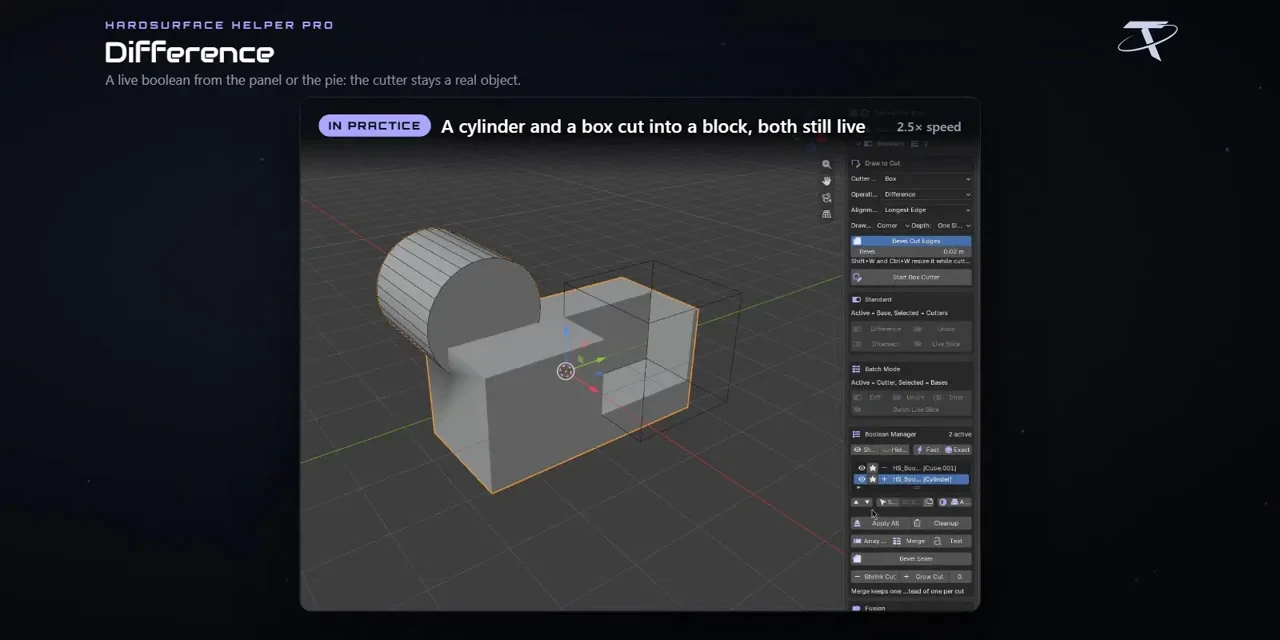
Draw to cut
Draw a box or circle cutter on a surface; it stays a real object, so moving it updates the cut.
Boolean Manager
See every Boolean in evaluation order, isolate one, select its cutter and apply it when you are ready.
Bevels with control
Weight edges, split bevels into groups with their own widths, or join two meshes with a live fillet using Fusion.
Details and symmetry
Add live mirrors and radial arrays, cut panel lines into faces and turn selected edges into pipes.
Before you buy.
- Blender 3.3–5.2.
- A classic package for Blender 3.3–4.1 and an Extension for 4.2–5.2; Fusion needs Blender 4.0 or newer.
Want the details?
The full feature list, documentation, changelog and licence options are on Superhive.
Get it on Superhive ↗ (opens in a new tab)Related add-ons.
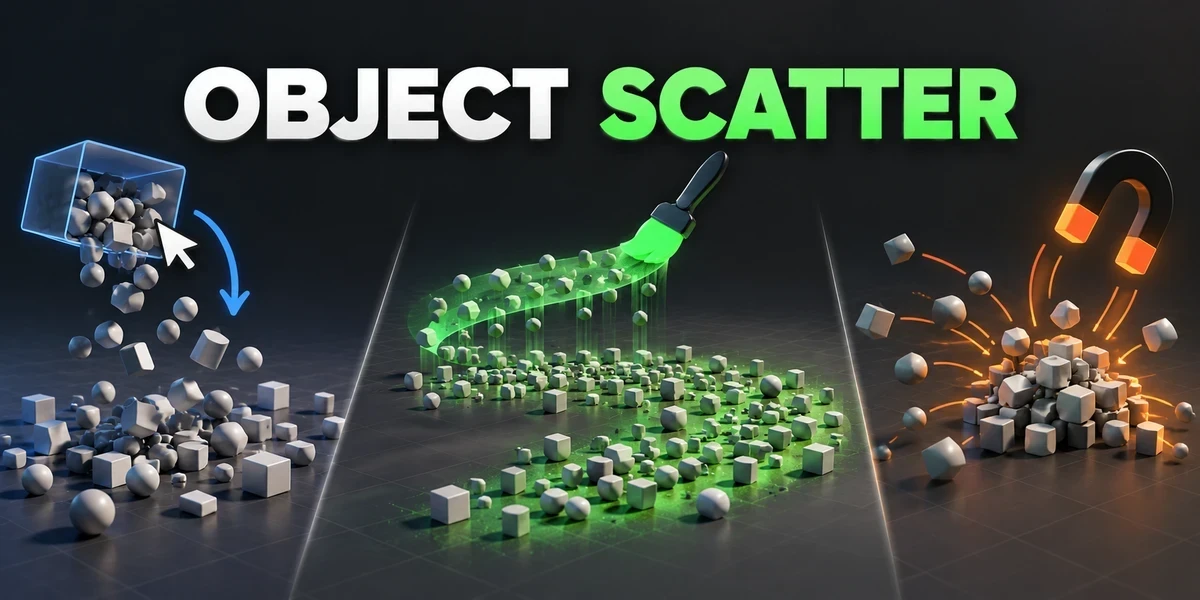
- Object Scatter Drop, brush or magnet-place assets using physics, then keep the arrangement you choose in the viewport.
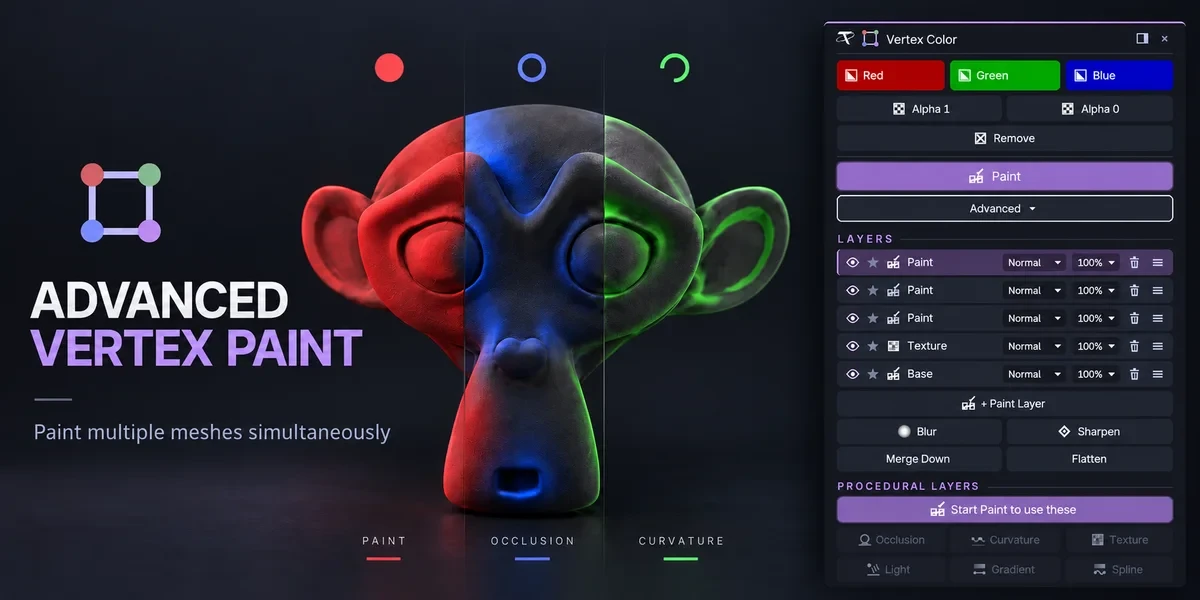
- Advanced Vertex Paint Fill and paint multiple meshes together. The Pro edition adds editable layers, blend modes and procedural color tools.
- Power Boolean Difference, Union, Intersect and Slice with fixed or live cutters, then cleanup and editable bevels on the cut, in one sidebar.