
Blender add-onPower Boolean
Clean cuts, editable edges.
Difference, Union, Intersect and Slice with fixed or live cutters, then cleanup and editable bevels on the cut, in one sidebar.
- Four Boolean operations
- Fixed or live cutters
- Editable bevels on the cut
Compatibility
Windows tested · Blender 3.0–5.2
Get it on Superhive ↗ (opens in a new tab)Pricing, checkout, downloads and updates are handled on Superhive.
What it does.
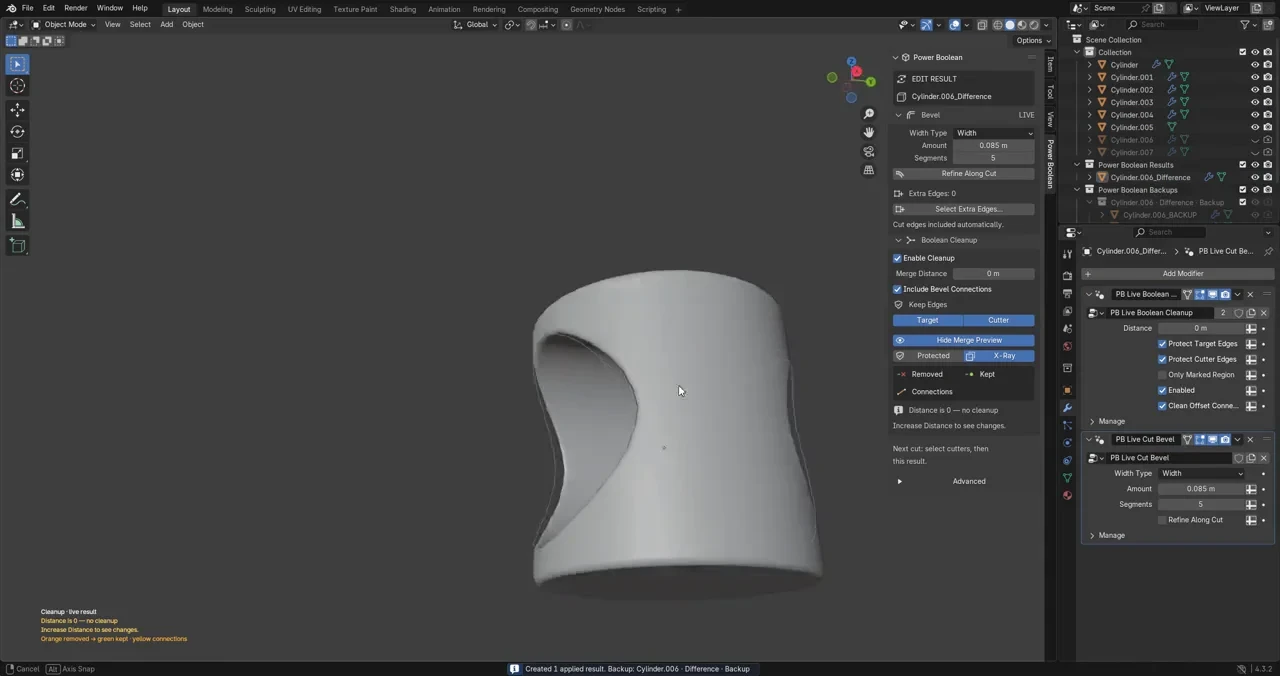
Four operations
Cut away, join, keep the overlap or split into separate pieces, with the cutters selected first and the target last.
Fixed or live
Write the cut into a new mesh, or keep live cutters you can still move and reshape.
Bevel the cut
Choose Width or Offset, set the amount and 1–12 segments, and keep the bevel editable on managed results.
See the cleanup
Set the merge distance, protect target or cutter edges and preview which vertices are removed or kept.
Before you buy.
- Windows tested · Blender 3.0–5.2.
- macOS and Linux are untested.
- Not a universal fillet solver: thin wedges, complex junctions and closely spaced cuts can reject a bevel.
Want the details?
The full feature list, documentation, changelog and licence options are on Superhive.
Get it on Superhive ↗ (opens in a new tab)Related add-ons.
- Object Scatter Drop, brush or magnet-place assets using physics, then keep the arrangement you choose in the viewport.

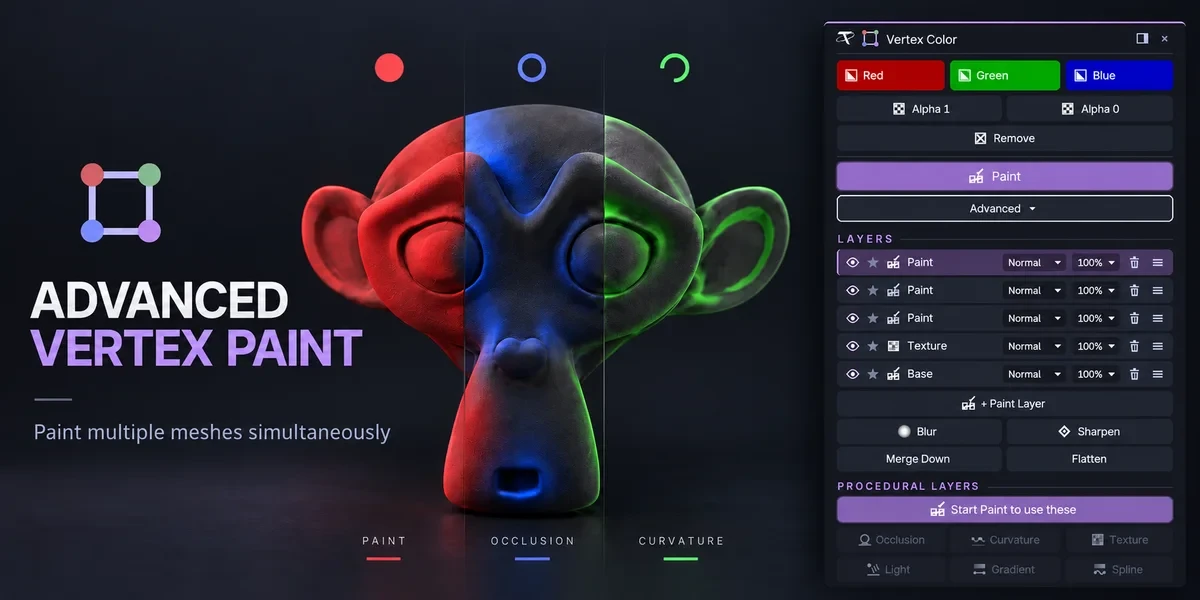
- Advanced Vertex Paint Fill and paint multiple meshes together. The Pro edition adds editable layers, blend modes and procedural color tools.
- Quad Fill Bridge borders, patch openings and finish corners with editable, quad-dominant geometry, with a live preview of the transition.