Blender add-onAdvanced Vertex Paint
Vertex color across every mesh.
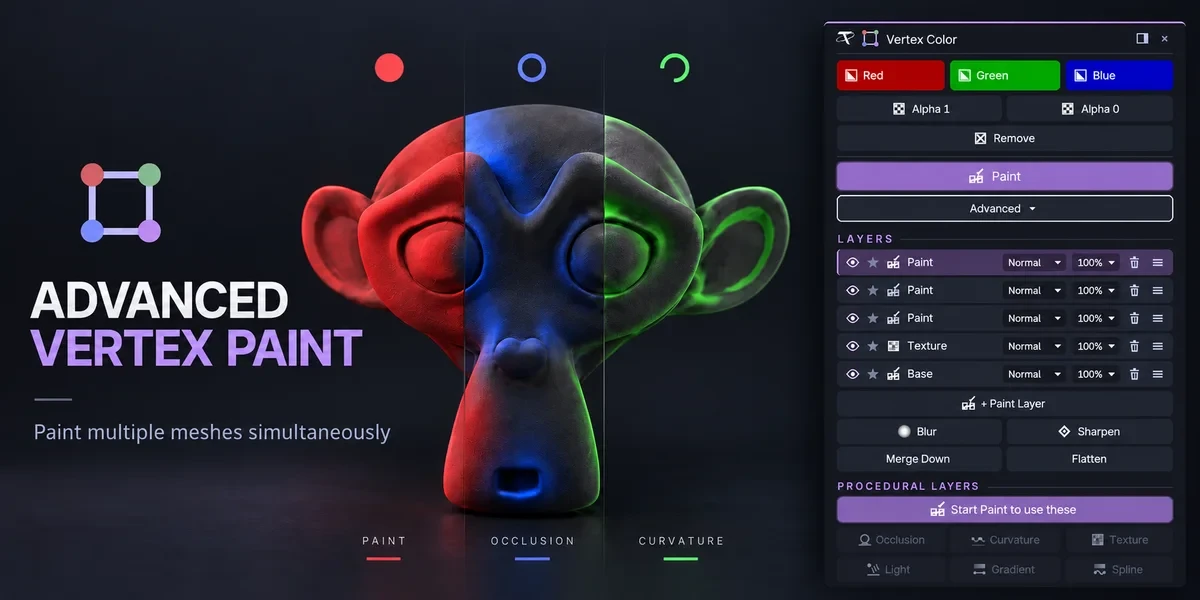
Fill and paint multiple meshes together. The Pro edition adds editable layers, blend modes and procedural color tools.
- Basic and Pro editions
- Paints many meshes at once
- No external tools
Compatibility
Windows / macOS / Linux · Blender 3.3–5.2
Get it on Superhive ↗ (opens in a new tab)Pricing, checkout, downloads and updates are handled on Superhive.
What it does.
Fill many meshes
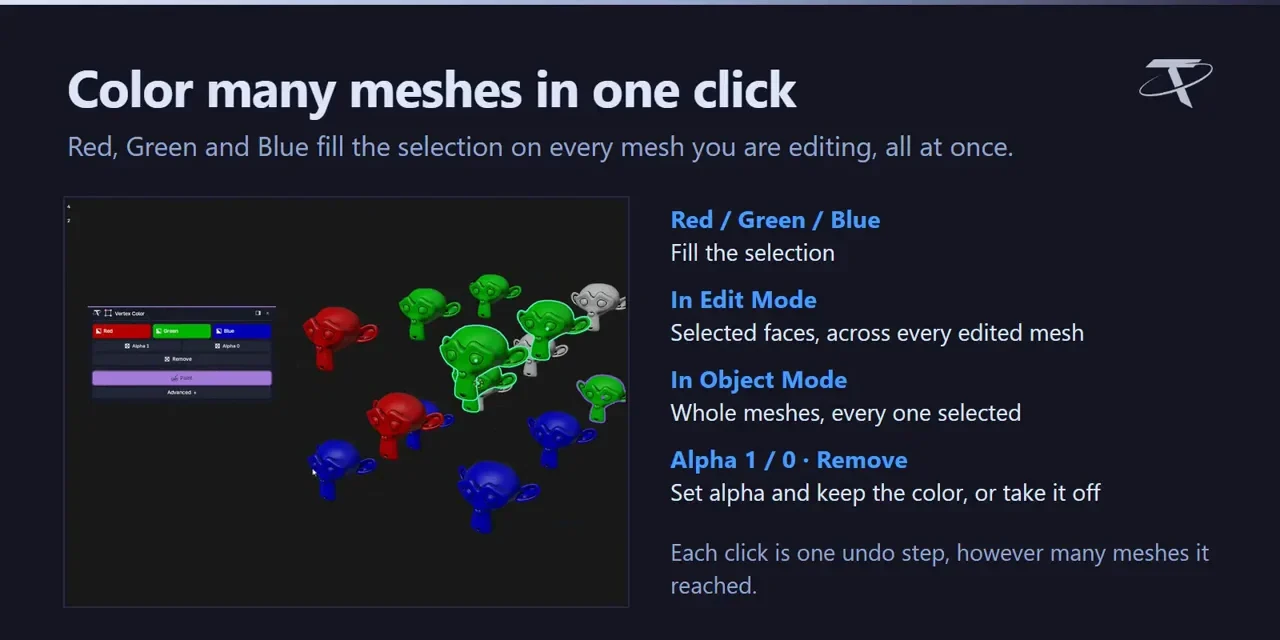
Fill red, green or blue, set alpha to 1 or 0, or remove color on every mesh you edit, in one click.
Paint them together
Use Blender’s own Vertex Paint brushes on every selected mesh at once.
Gradient and Spline
Lay down gradients and spline strokes that stay editable until you apply them.
Layers in Pro
Pro adds Photoshop-style layers with 13 blend modes, plus procedural color from occlusion, curvature, textures and a mouse-driven light.
Before you buy.
- Windows / macOS / Linux · Blender 3.3–5.2.
- Basic and Pro are separate editions; install one at a time.
- Layers and procedural color require Pro.
Want the details?
The full feature list, documentation, changelog and licence options are on Superhive.
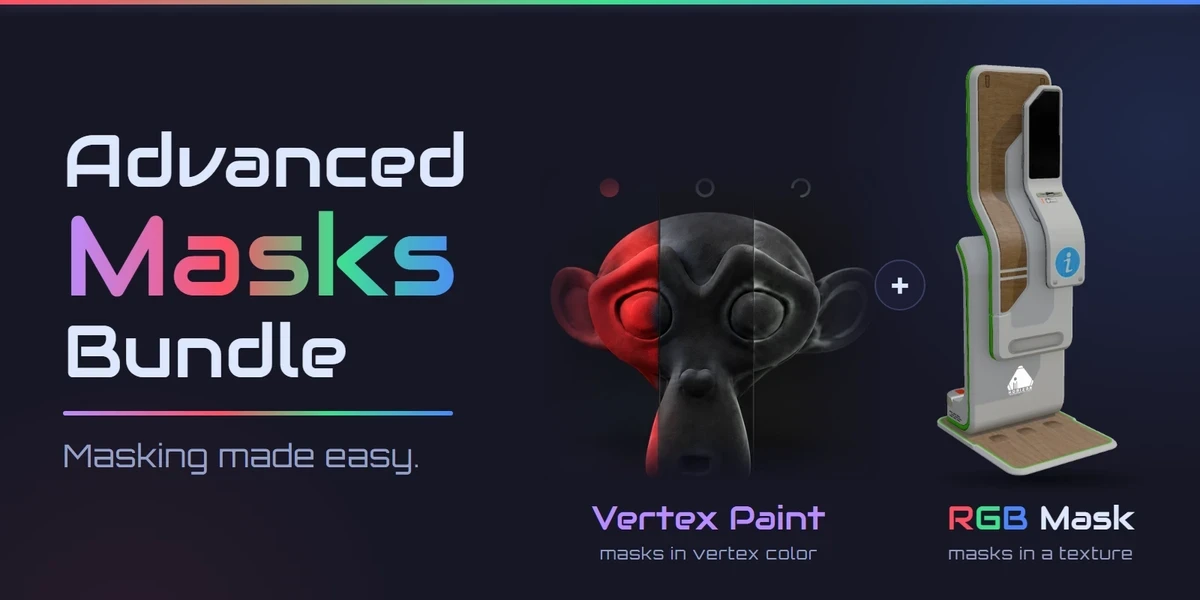
Get it on Superhive ↗ (opens in a new tab)Also sold in a bundle.
Related add-ons.
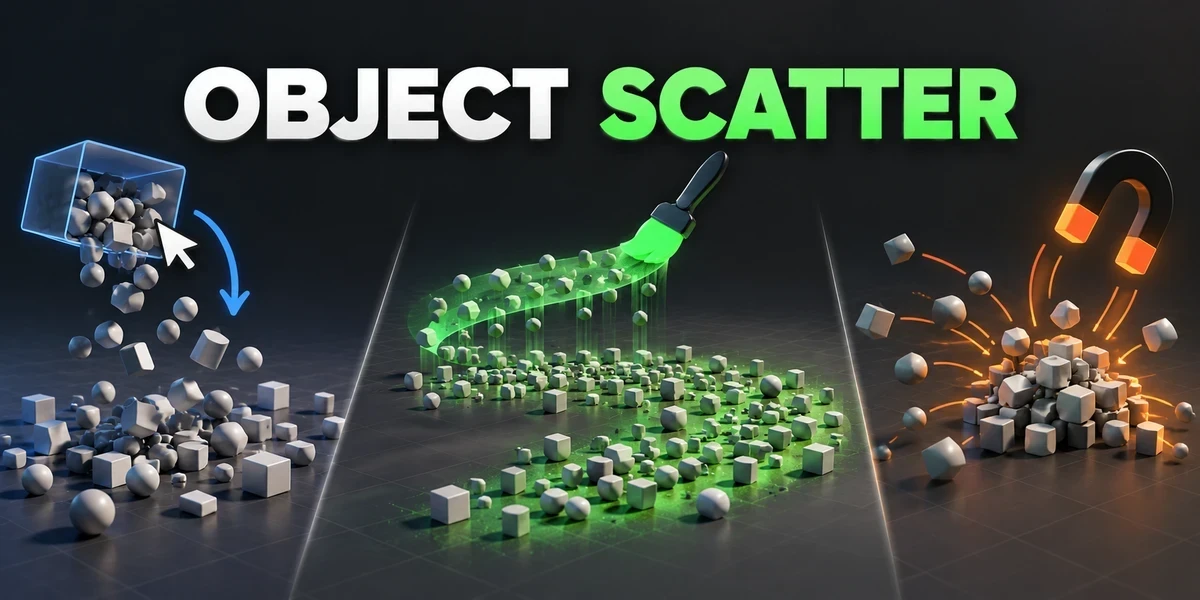
- Object Scatter Drop, brush or magnet-place assets using physics, then keep the arrangement you choose in the viewport.
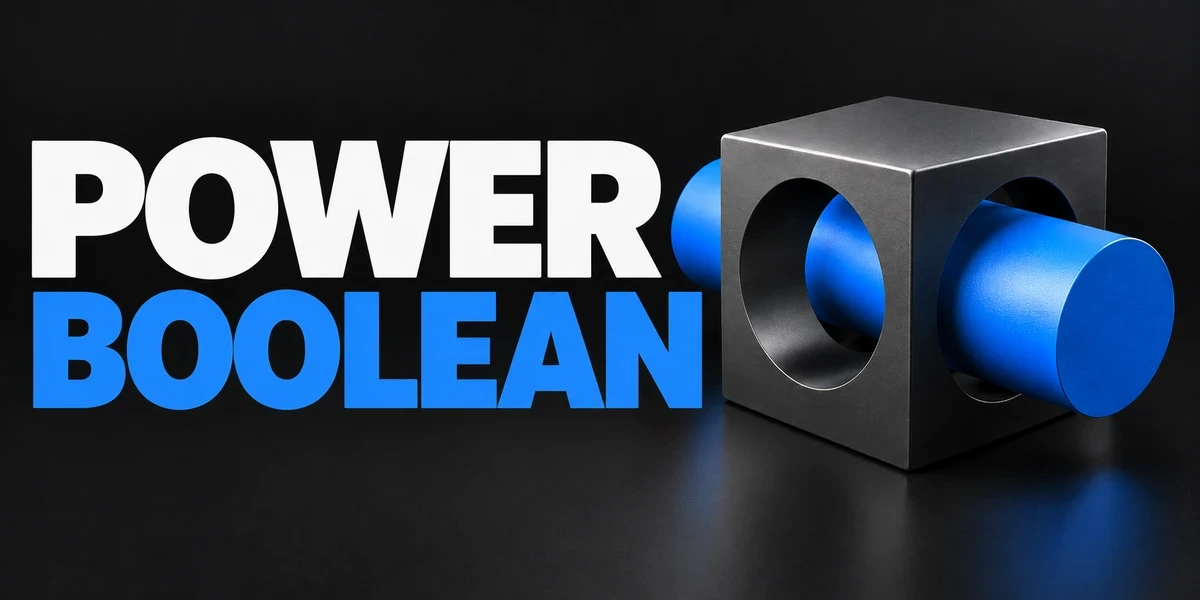
- Power Boolean Difference, Union, Intersect and Slice with fixed or live cutters, then cleanup and editable bevels on the cut, in one sidebar.
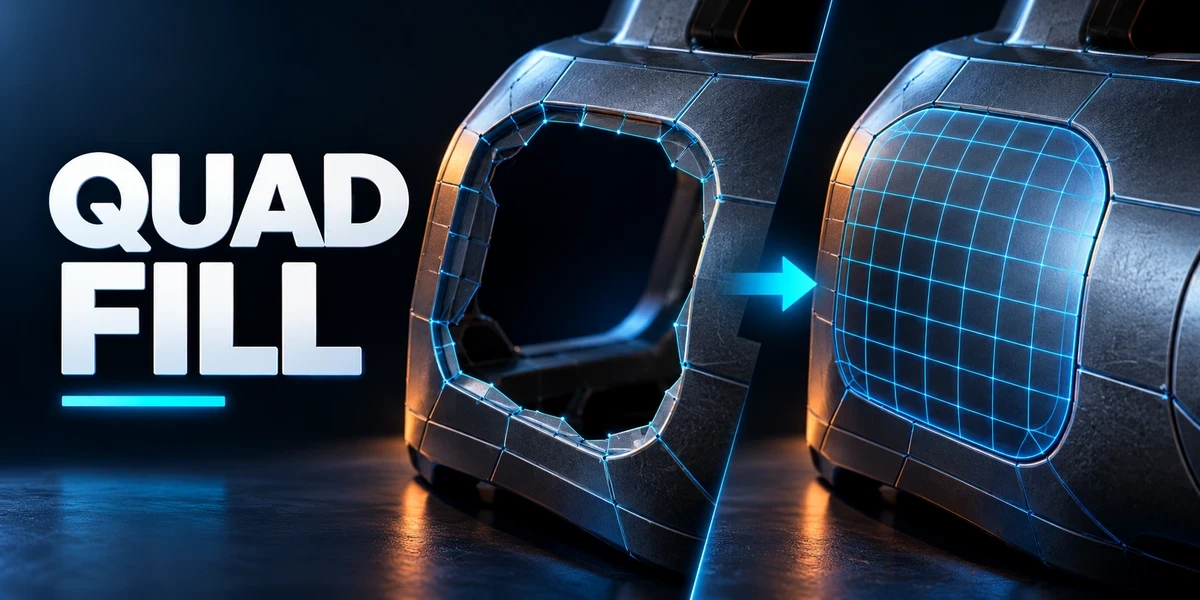
- Quad Fill Bridge borders, patch openings and finish corners with editable, quad-dominant geometry, with a live preview of the transition.