Blender add-onQuad Fill
Gaps closed, flow kept.
Bridge borders, patch openings and finish corners with editable, quad-dominant geometry, with a live preview of the transition.
- Live preview
- Classic and Adaptive patterns
- Stays editable mesh
Compatibility
Windows tested · Blender 3.0–5.2
Get it on Superhive ↗ (opens in a new tab)Pricing, checkout, downloads and updates are handled on Superhive.
What it does.
Bridge borders
Connect open chains or closed loops, even with different edge counts, and shape the join with extra rows, twist and smoothness.
Patch holes
Fill an opening so the new surface follows the surrounding curvature, with an optional support ring for subdivision.
Finish corners and caps
Fill inner L-shaped corners as a grid, or close a loop toward a point instead of one dense fan.
Preview, then commit
Adjust the transition against the live preview, then fill with Shift+F or tweak interactively with Ctrl+Shift+F.
Before you buy.
- Windows tested · Blender 3.0–5.2.
- Quad-dominant, not all quads: odd edge counts can need a triangle.
- Not for retopologizing whole sculpts; branched or intersecting selections may need cleanup first.
Want the details?
The full feature list, documentation, changelog and licence options are on Superhive.
Get it on Superhive ↗ (opens in a new tab)Related add-ons.
- Object Scatter Drop, brush or magnet-place assets using physics, then keep the arrangement you choose in the viewport.

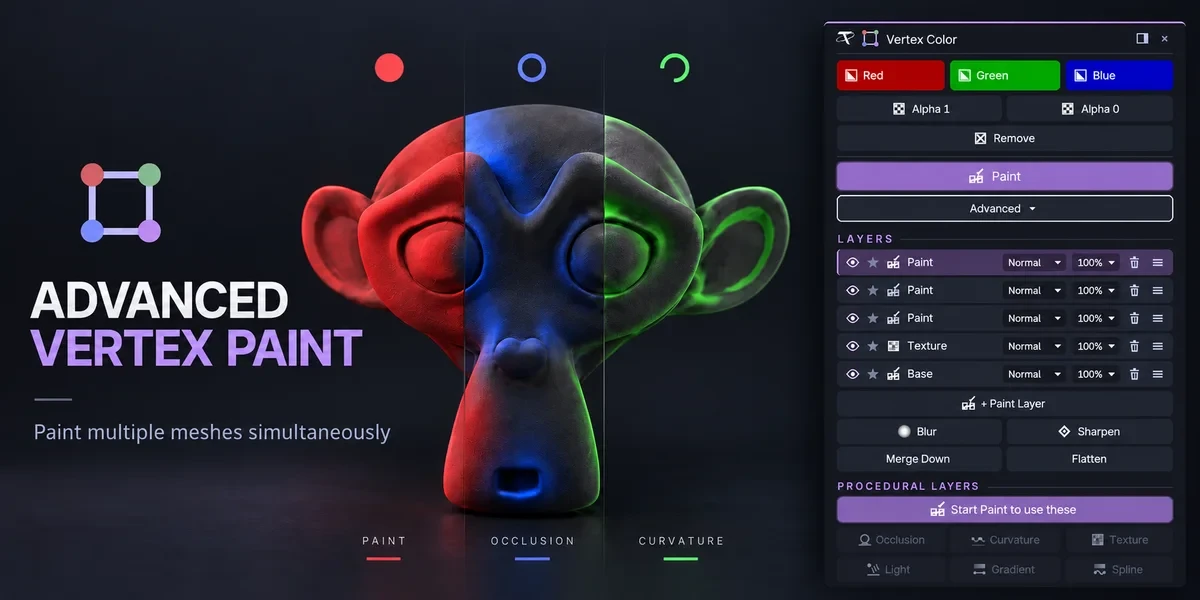
- Advanced Vertex Paint Fill and paint multiple meshes together. The Pro edition adds editable layers, blend modes and procedural color tools.
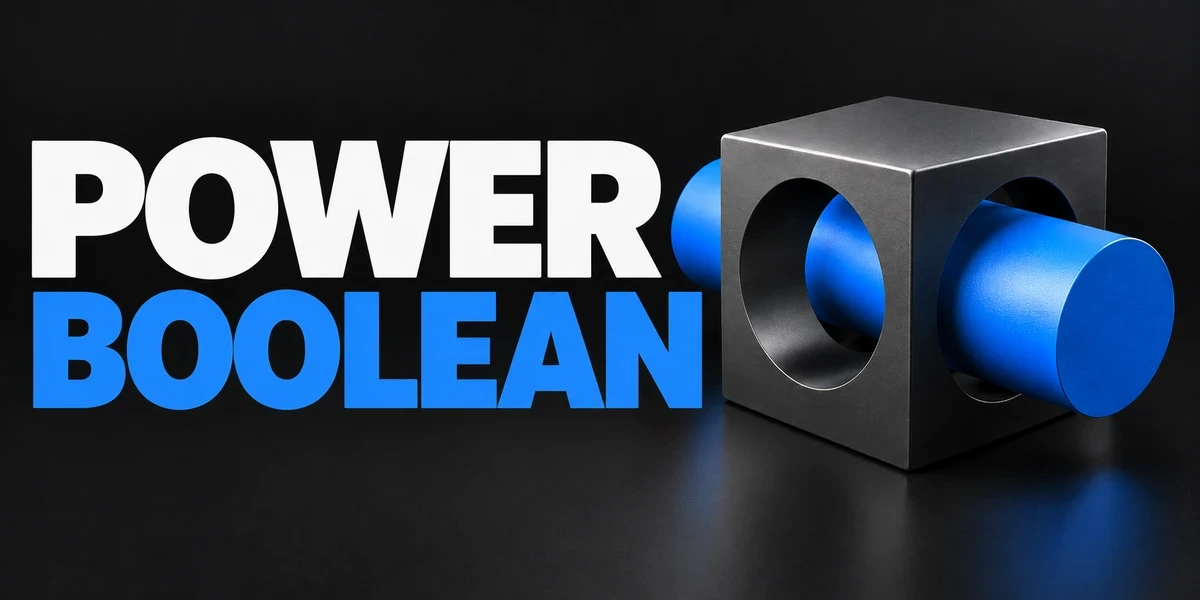
- Power Boolean Difference, Union, Intersect and Slice with fixed or live cutters, then cleanup and editable bevels on the cut, in one sidebar.