Blender add-onObject Scatter
Let physics place it.
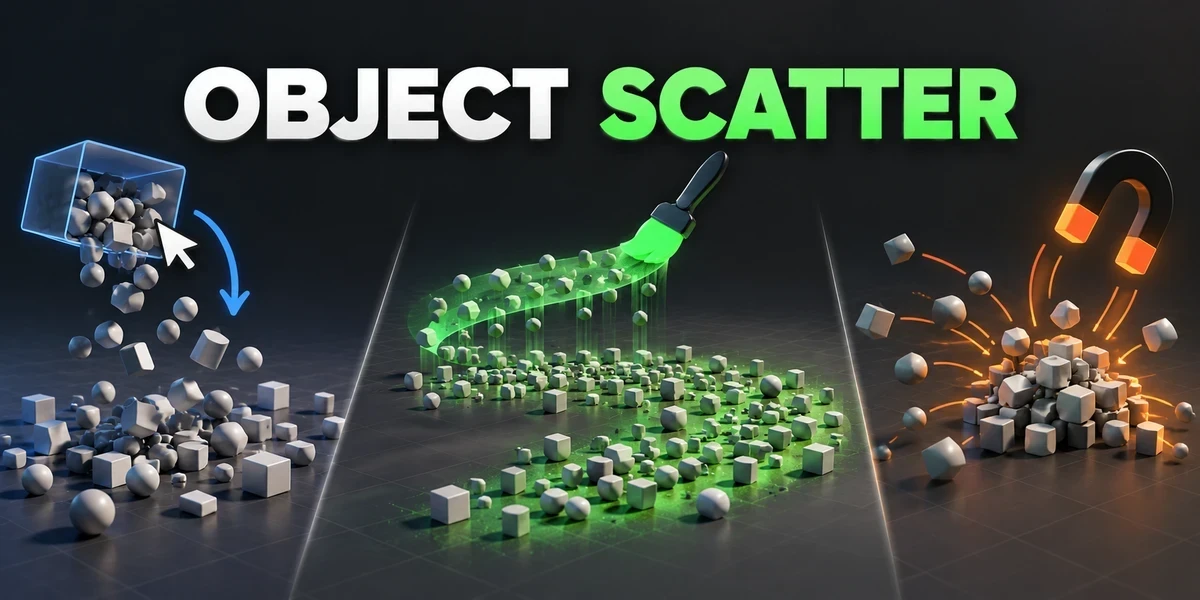
Drop, brush or magnet-place assets using physics, then keep the arrangement you choose in the viewport.
- Drop, Brush and Magnet
- Keeps the pose you choose
- Works offline, no account
Compatibility
Windows tested · Blender 3.0–5.2
Get it on Superhive ↗ (opens in a new tab)Pricing, checkout, downloads and updates are handled on Superhive.
What it does.
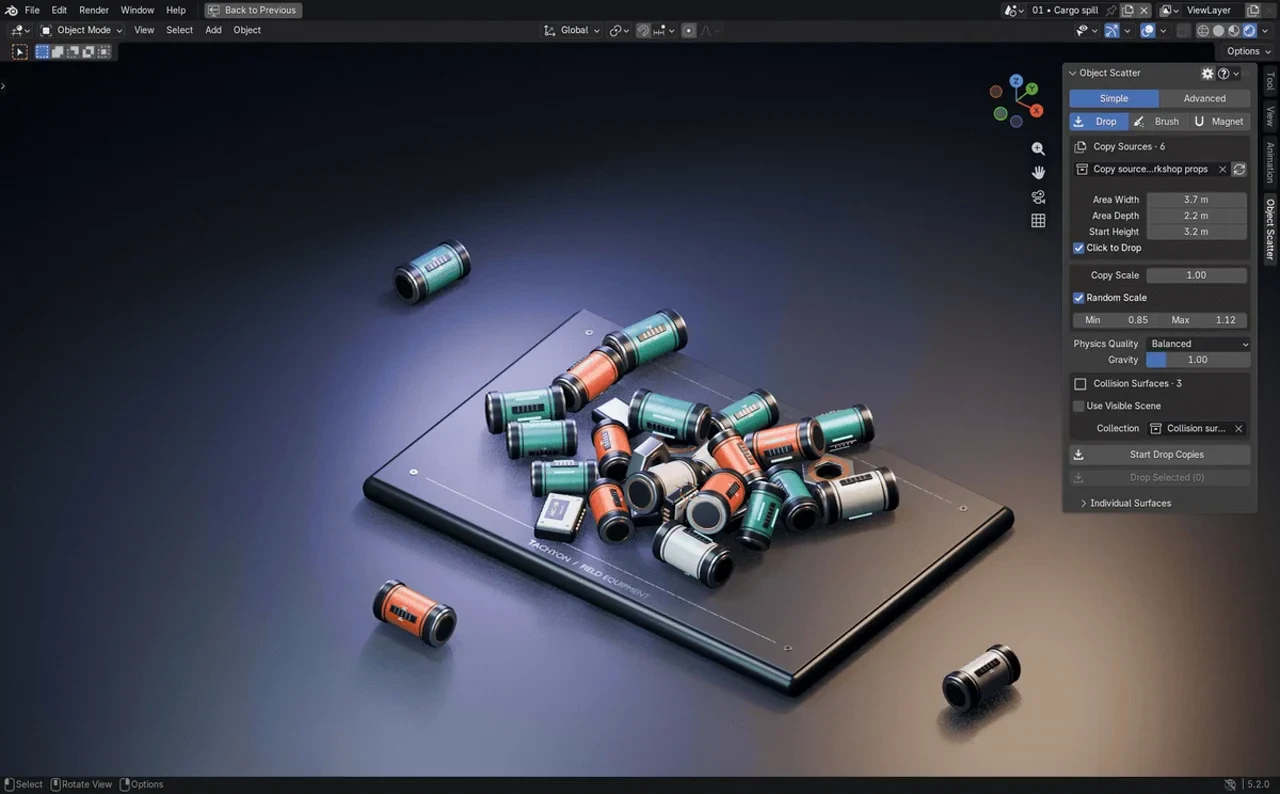
Drop into place
Emit copies from a collection of source meshes over a drop area, or click to drop them one at a time.
Paint with a brush
Drag across a collision surface to rain copies down, with radius, spacing, rate, height and random scale under control.
Gather with a magnet
Pull existing objects toward a movable target with set strength and radius, then release them to fall and settle.
Keep the pose
Confirm once everything settles or pause and keep what you see; cancel discards it or restores your originals.
Before you buy.
- Windows tested · Blender 3.0–5.2.
- Creates static arrangements, not animation bakes.
- macOS and Linux are untested; dense meshes and larger piles take longer to simulate.
Want the details?
The full feature list, documentation, changelog and licence options are on Superhive.
Get it on Superhive ↗ (opens in a new tab)Related add-ons.
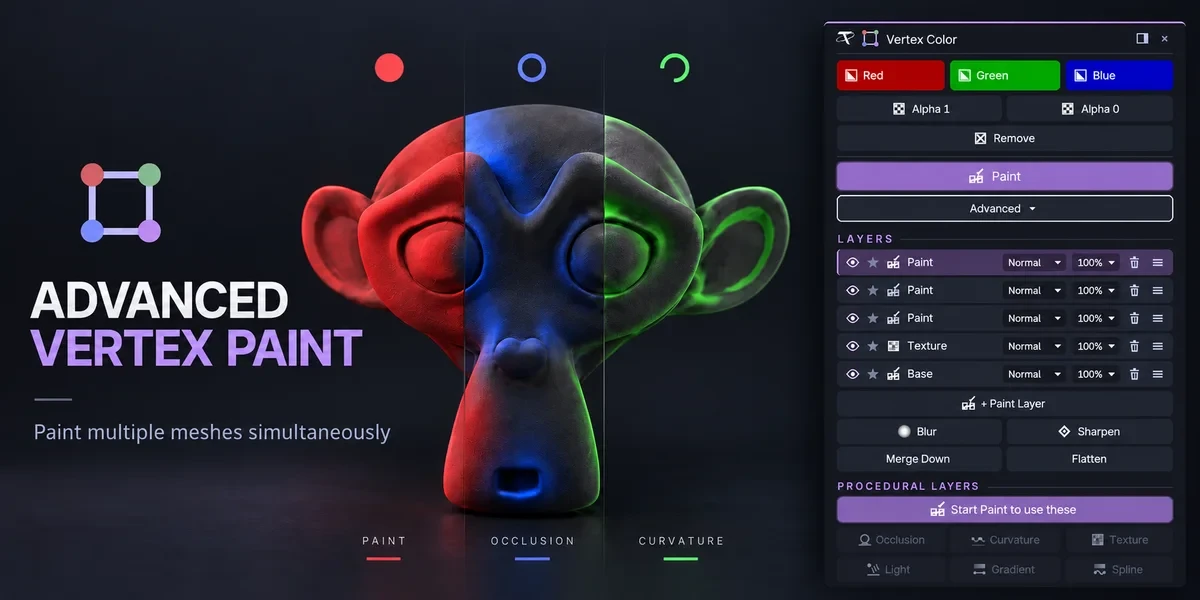
- Advanced Vertex Paint Fill and paint multiple meshes together. The Pro edition adds editable layers, blend modes and procedural color tools.
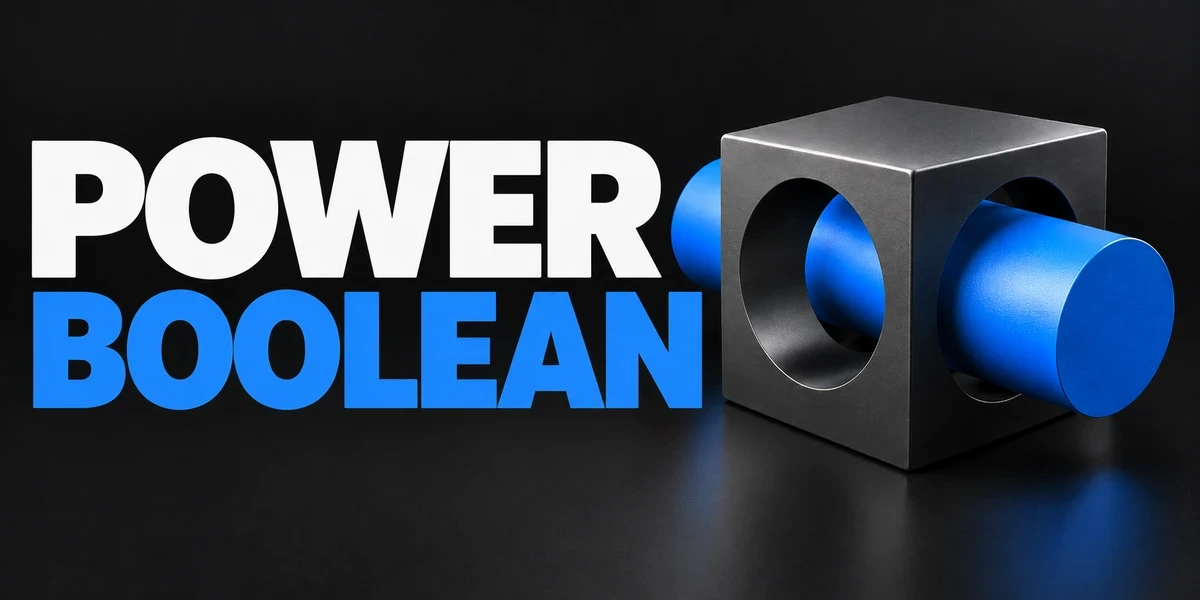
- Power Boolean Difference, Union, Intersect and Slice with fixed or live cutters, then cleanup and editable bevels on the cut, in one sidebar.
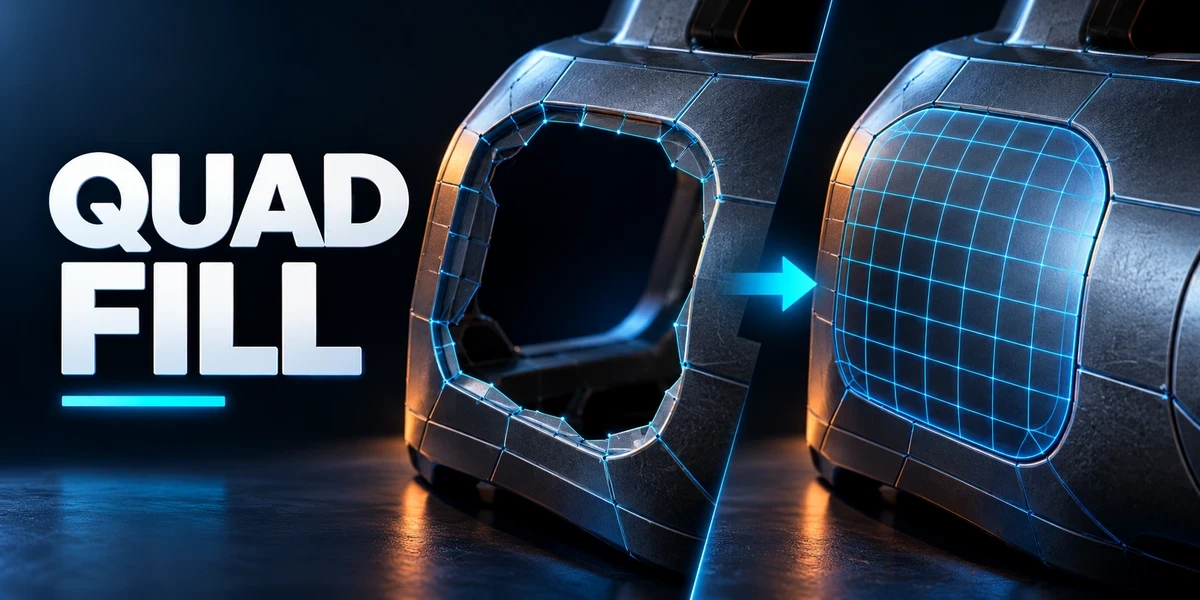
- Quad Fill Bridge borders, patch openings and finish corners with editable, quad-dominant geometry, with a live preview of the transition.