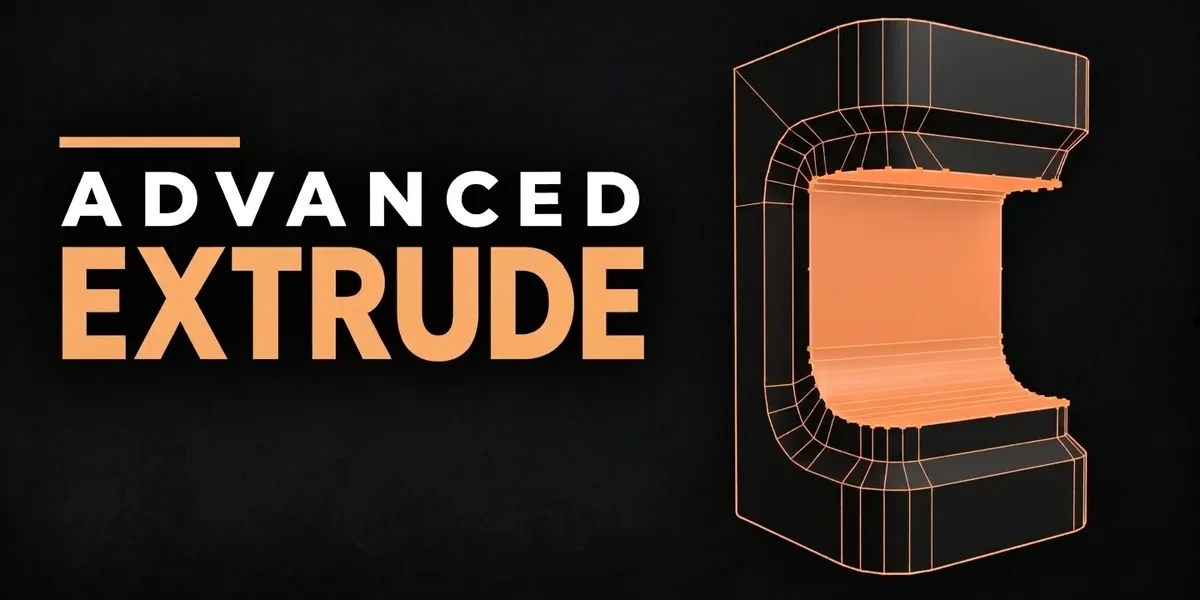
Blender add-onAdvanced Extrude
Extrusions that keep their outline.
Extend Blender’s four extrusion modes with editable corner handles for depth, width and vertex detail before confirmation.
- All four extrude modes
- A handle per corner
- Live viewport preview
Compatibility
Windows / macOS / Linux · Blender 3.3–5.2
Get it on Superhive ↗ (opens in a new tab)Pricing, checkout, downloads and updates are handled on Superhive.
What it does.
No inside-out corners
Pushed past the corner radius, rounded corners no longer cross over and flip the outline inside out.
Starts where Blender would
The result begins exactly where Blender’s own extrude puts it, for all four kinds, before you touch a corner.
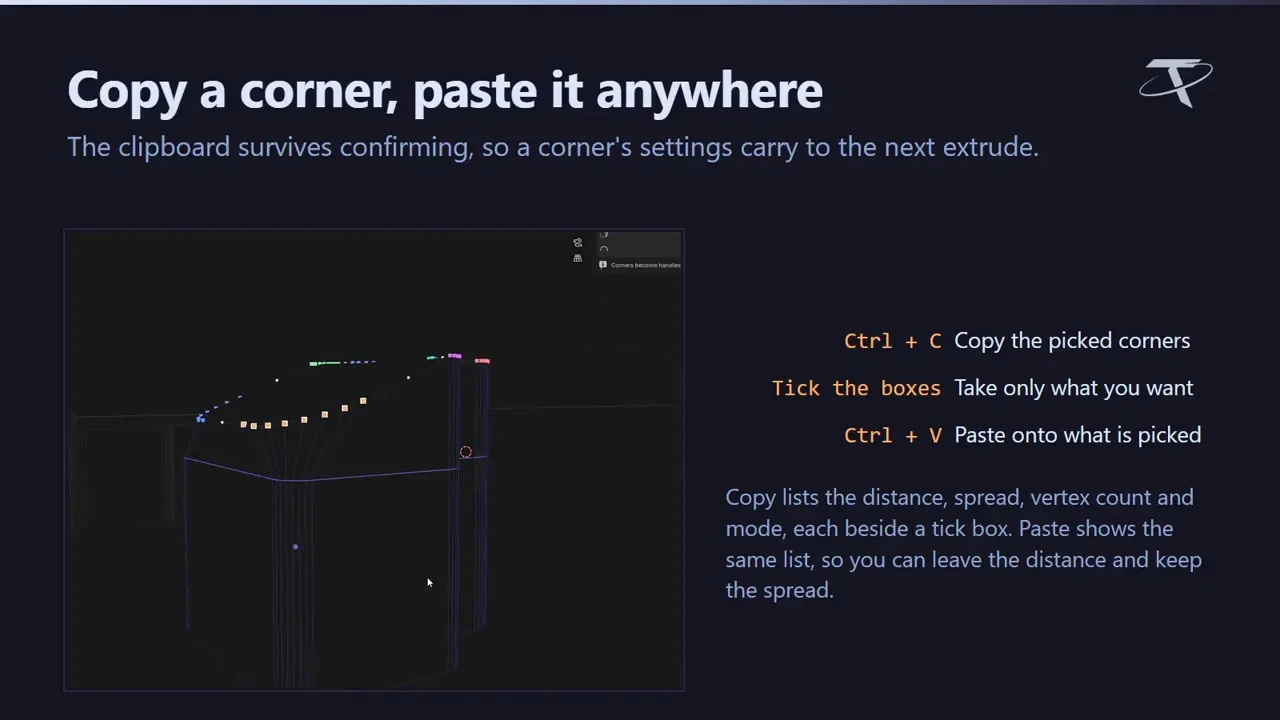
A handle per corner
Give each corner its own depth, width and vertex count, live in the viewport before you confirm.
Native Extrude stays
E and Alt + E still run Blender’s extrudes, also listed under Vanilla Blender Extrude in the Shift + Alt + T menu.
Before you buy.
- Windows / macOS / Linux · Blender 3.3–5.2.
- Advanced corner handling doesn’t support every mesh; native Extrude stays available for those.
Want the details?
The full feature list, documentation, changelog and licence options are on Superhive.
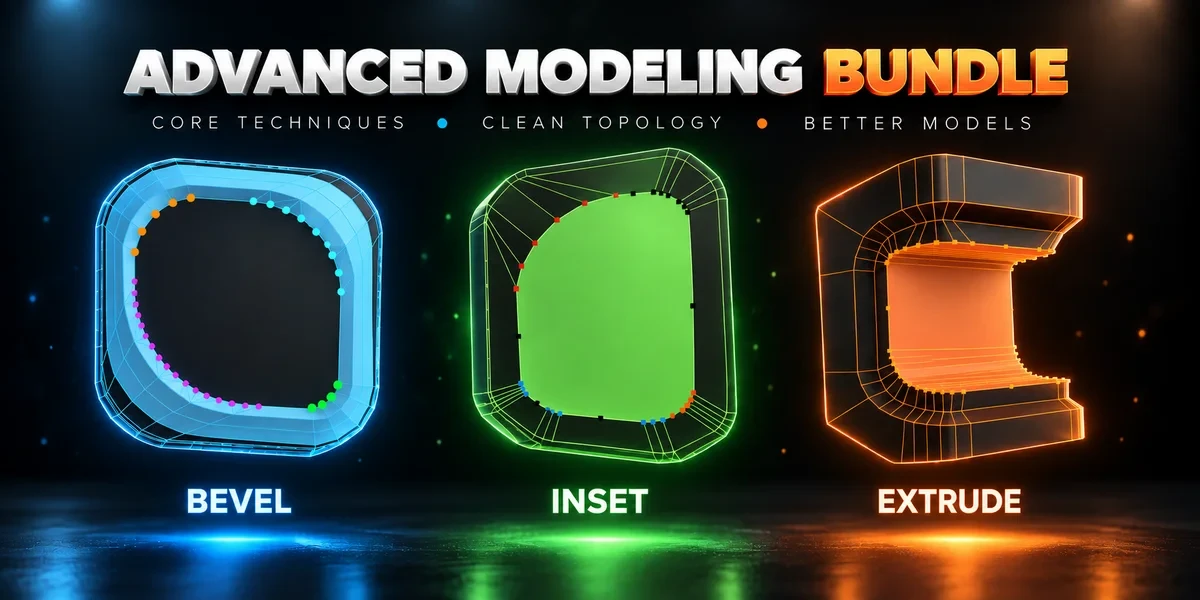
Get it on Superhive ↗ (opens in a new tab)Also sold in a bundle.
Related add-ons.
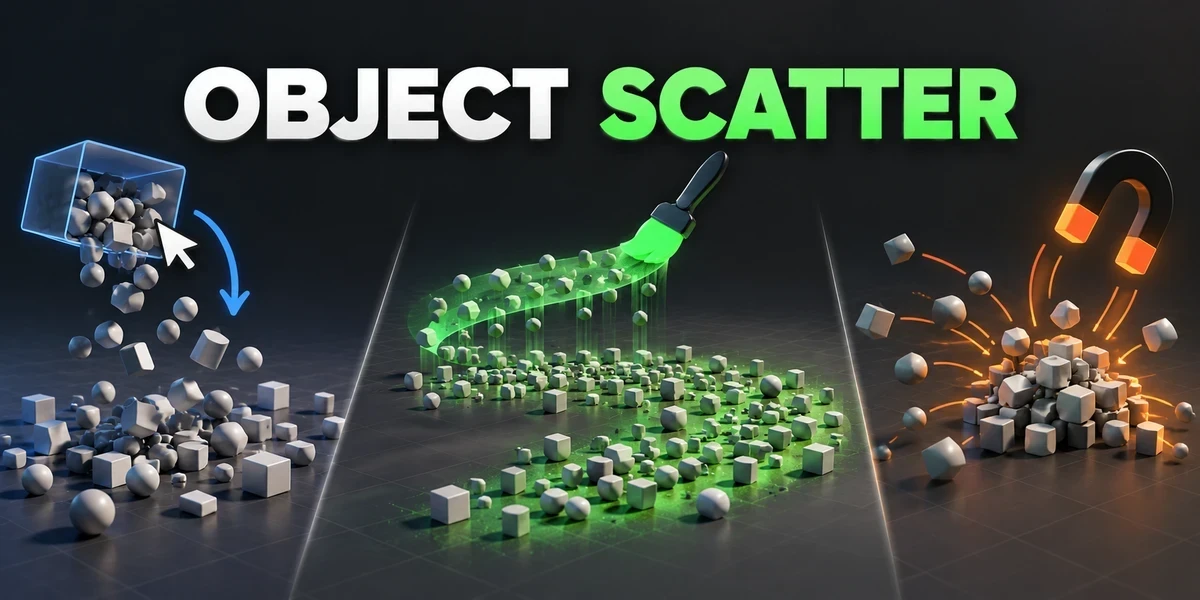
- Object Scatter Drop, brush or magnet-place assets using physics, then keep the arrangement you choose in the viewport.
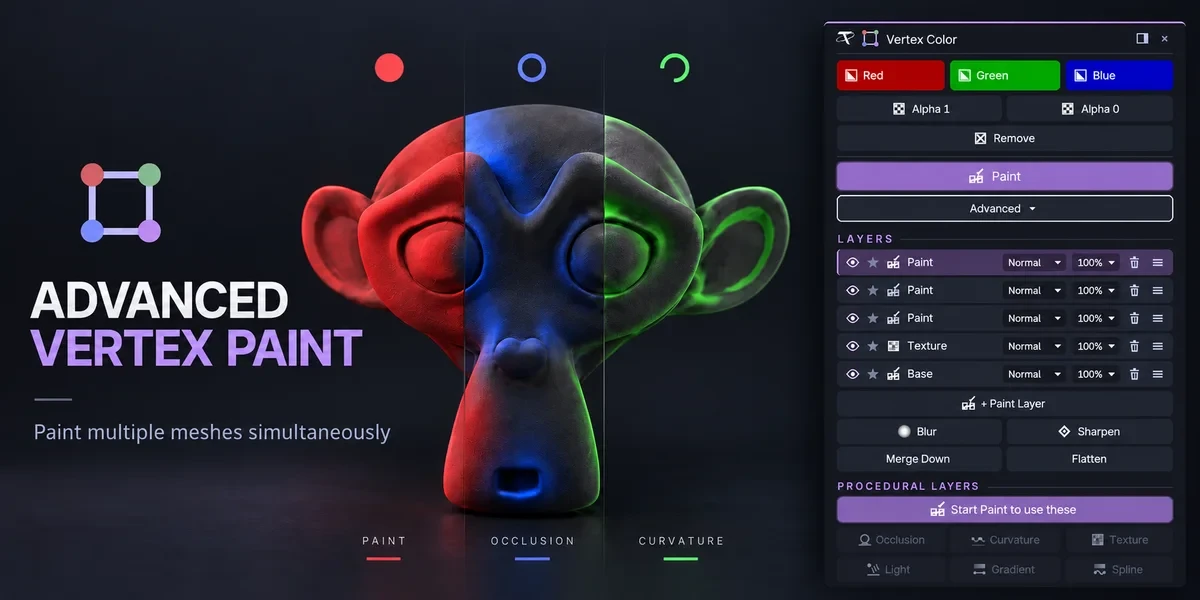
- Advanced Vertex Paint Fill and paint multiple meshes together. The Pro edition adds editable layers, blend modes and procedural color tools.
- Power Boolean Difference, Union, Intersect and Slice with fixed or live cutters, then cleanup and editable bevels on the cut, in one sidebar.