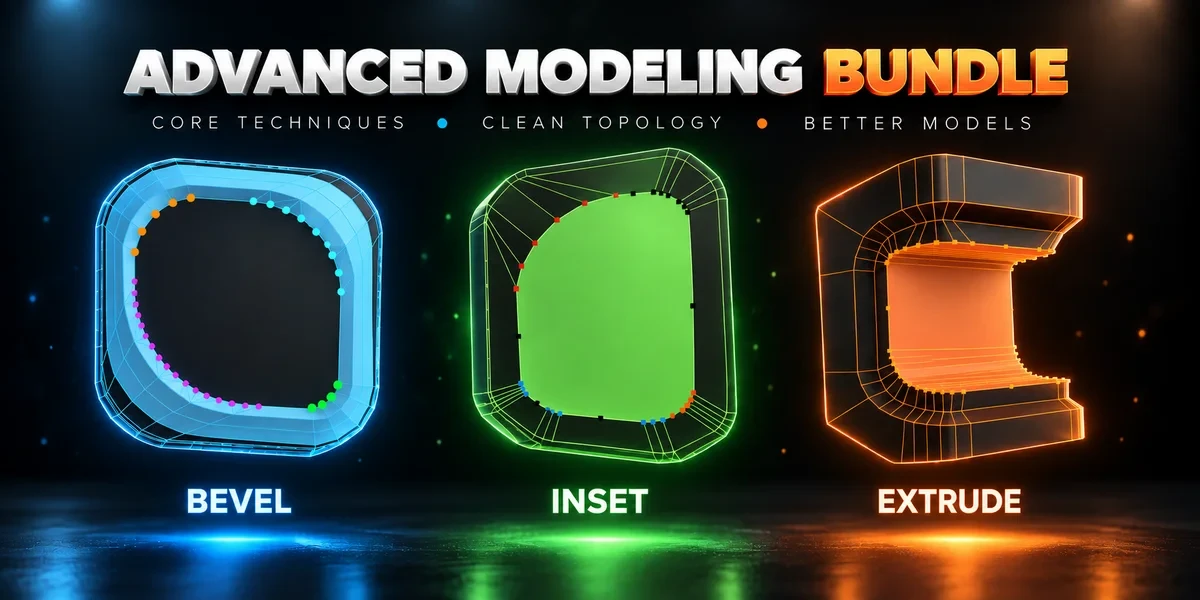
Blender add-on bundleAdvanced Modeling Bundle
Every corner, its own handle.
Advanced Inset, Bevel and Extrude together. Shape individual corners in the viewport before committing the result.
- Three standalone add-ons
- Edit every corner before confirming
- Windows, macOS and Linux
Compatibility
Windows / macOS / Linux · Blender 3.3–5.2
Get it on Superhive ↗ (opens in a new tab)Pricing, checkout, downloads and updates are handled on Superhive.
What it does.
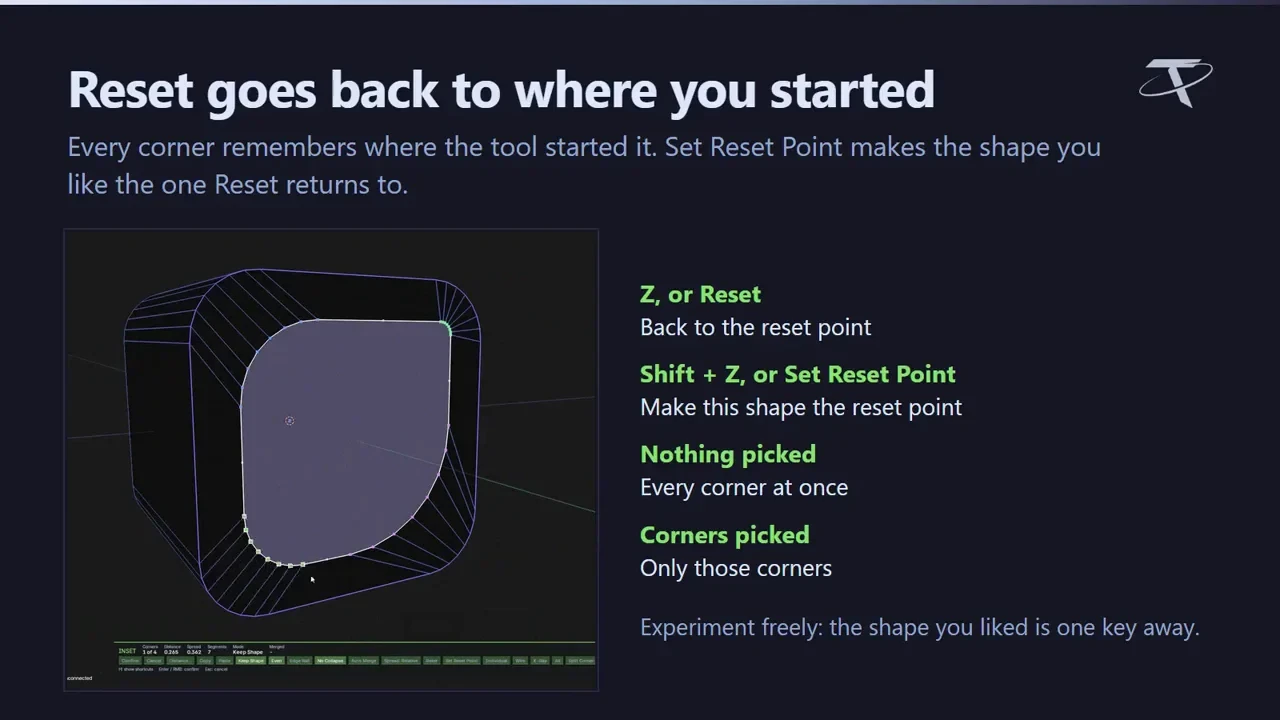
Advanced Inset
Rounded inset corners that never collapse, each one a handle you adjust before you confirm.
Advanced Bevel
Blender’s bevel first, then shape every corner it runs around while the profile updates live.
Advanced Extrude
All four of Blender’s extrudes, with each corner set to its own depth, width and vertex count.
One shared editor
Wheel shortcuts for depth, spread and vertices; merge, split, copy and paste corners; Esc restores the mesh exactly.
Before you buy.
- Windows / macOS / Linux · Blender 3.3–5.2.
- Complex topology has limits; Blender’s native Inset, Bevel and Extrude stay available on their usual keys.
- On Blender 3.3, changing a corner’s vertex count and Auto Merge are not available.
Want the details?
The full feature list, documentation, changelog and licence options are on Superhive.
Get it on Superhive ↗ (opens in a new tab)Included in the bundle.
- Advanced Inset Adjust inset corners individually, with control over depth, radius and detail while the result is still a live preview.
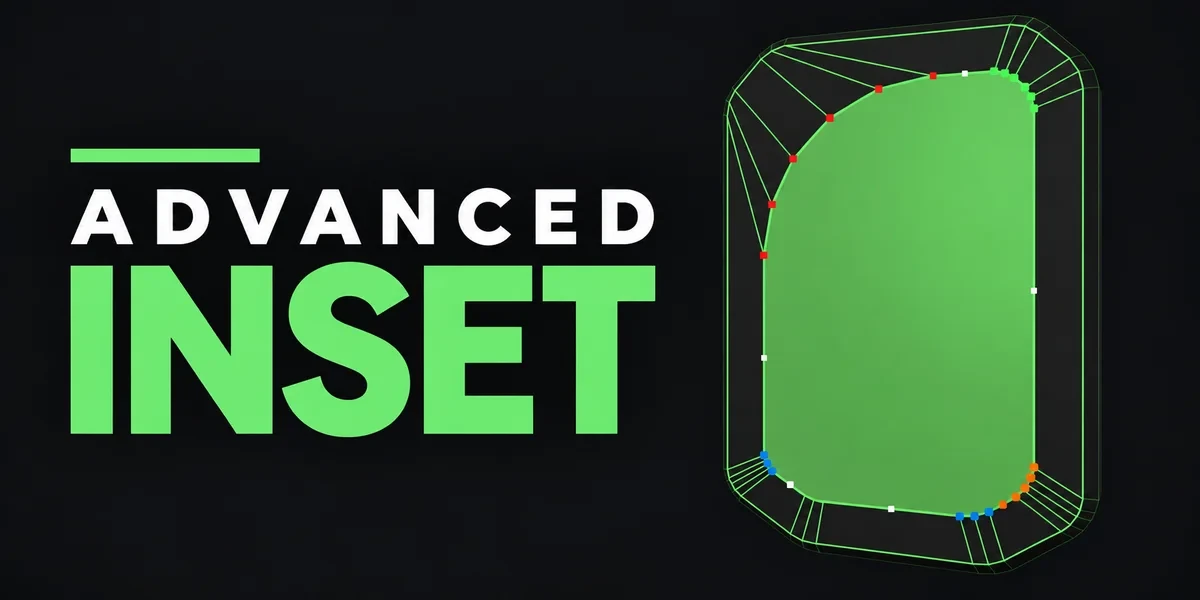
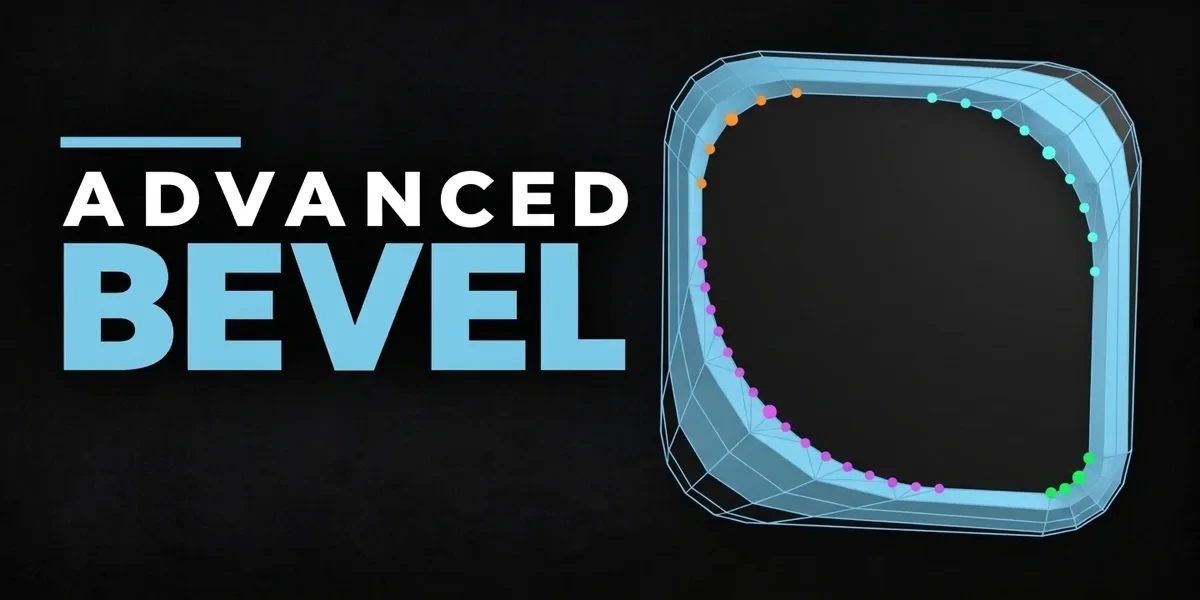
- Advanced Bevel Refine each corner around Blender’s bevel topology with independent depth, spread and detail controls.
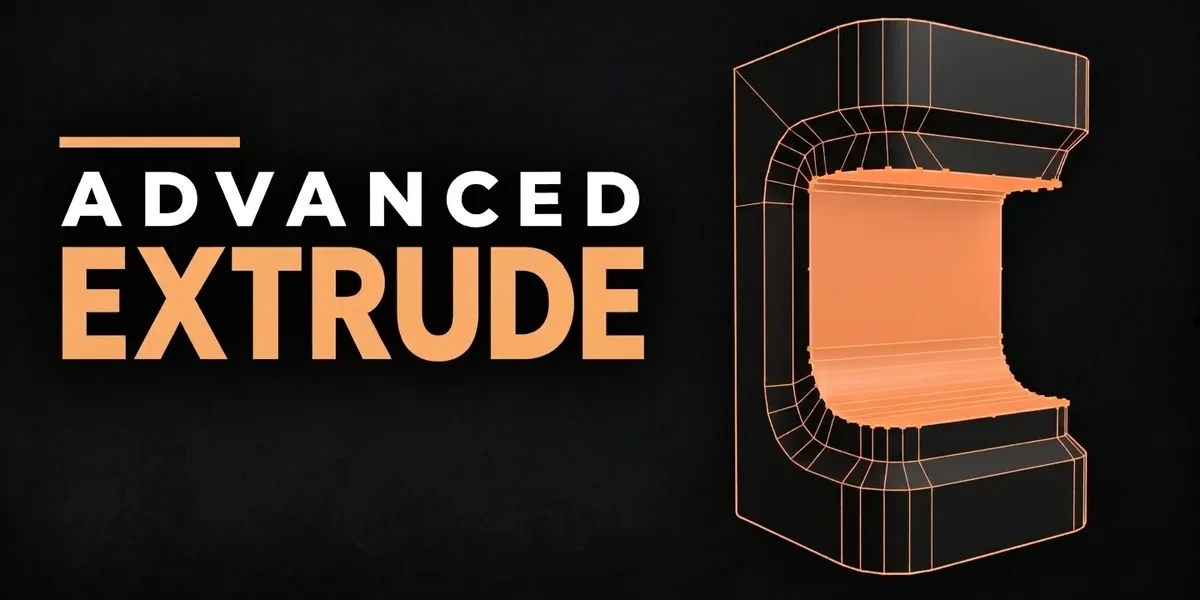
- Advanced Extrude Extend Blender’s four extrusion modes with editable corner handles for depth, width and vertex detail before confirmation.
Related add-ons.
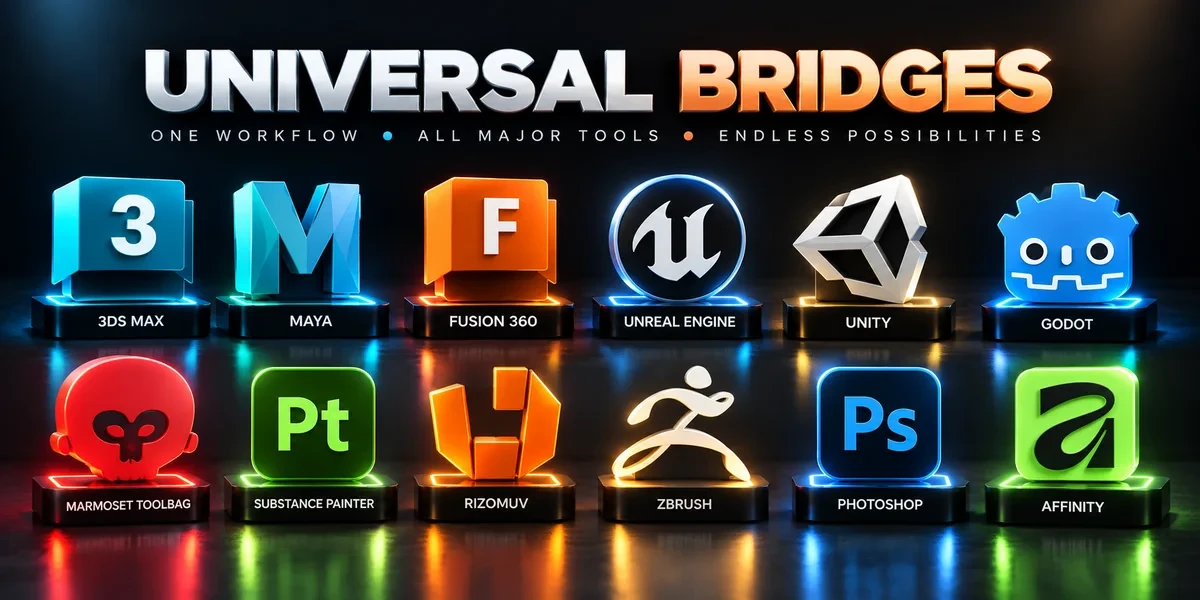
- Universal Bridge Bundle Twelve application bridges for moving between Blender and your modeling, texturing, sculpting, image-editing and game-engine tools.
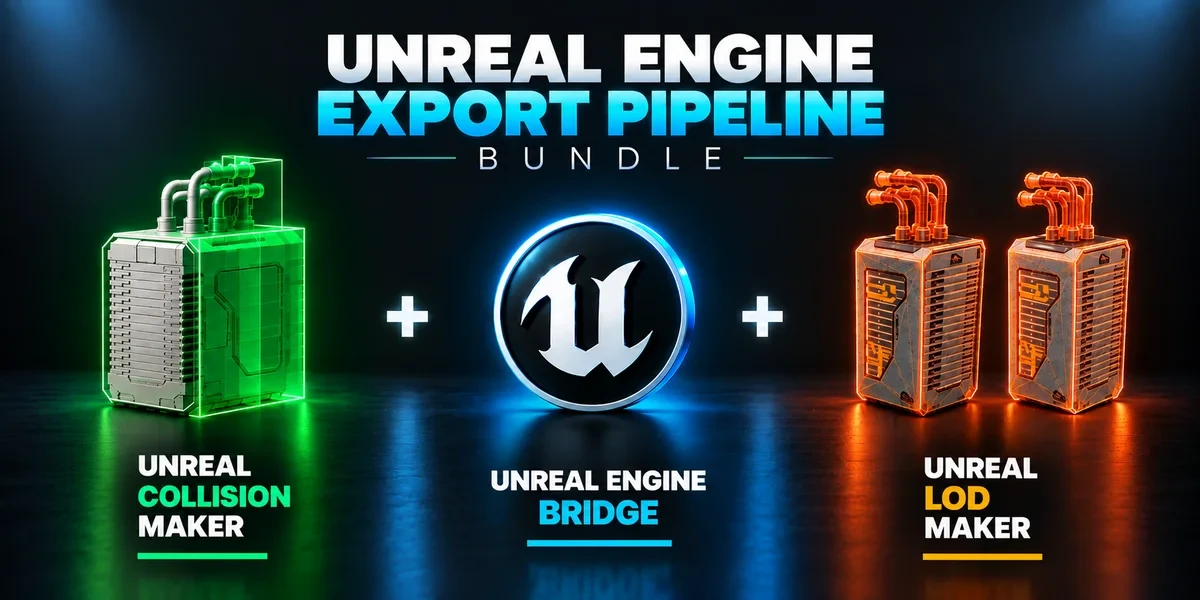
- Unreal Engine Export Pipeline Bundle Build collision, generate LODs and send prepared assets into Unreal with three complementary tools.
- Advanced Masks Bundle Every mask a game asset needs: masks in vertex color across many meshes, and Painter-style RGB masks baked into a texture. Advanced Vertex Paint Pro and RGB Mask Master together.