Blender add-on bundleUnreal Engine Export Pipeline Bundle
Collision, LODs, then Unreal.
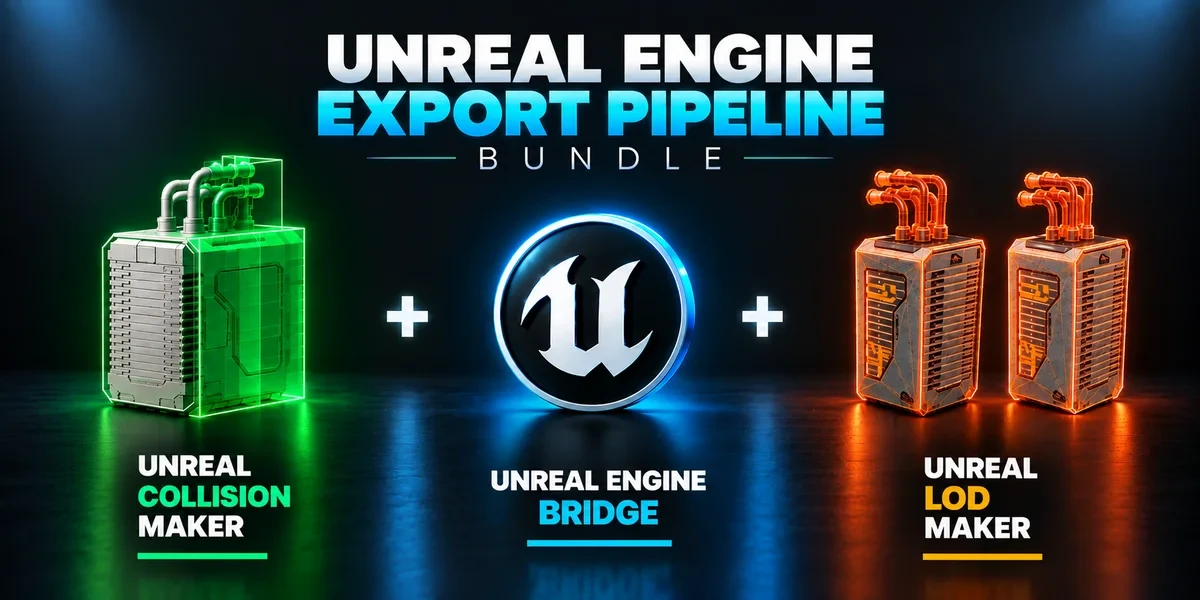
Build collision, generate LODs and send prepared assets into Unreal with three complementary tools.
- Three standalone add-ons
- Pushes into the open editor
- Unreal Engine 5.2–5.8
Compatibility
Blender 3.3–5.2 · Windows required for Bridge
Get it on Superhive ↗ (opens in a new tab)Pricing, checkout, downloads and updates are handled on Superhive.
What it does.
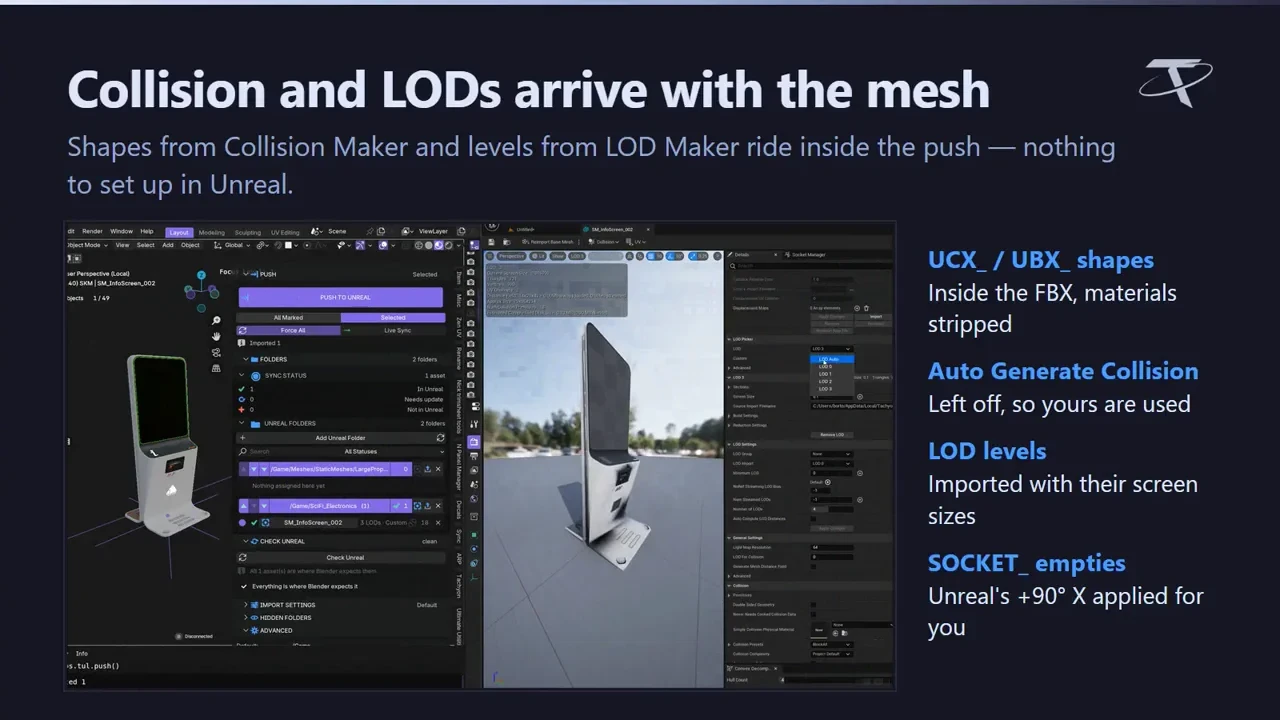
Unreal Engine Bridge
Push assets into the open Unreal Editor in one click, into your project’s real Content Browser folders, with Live Sync while modeling.
Unreal Collision Maker
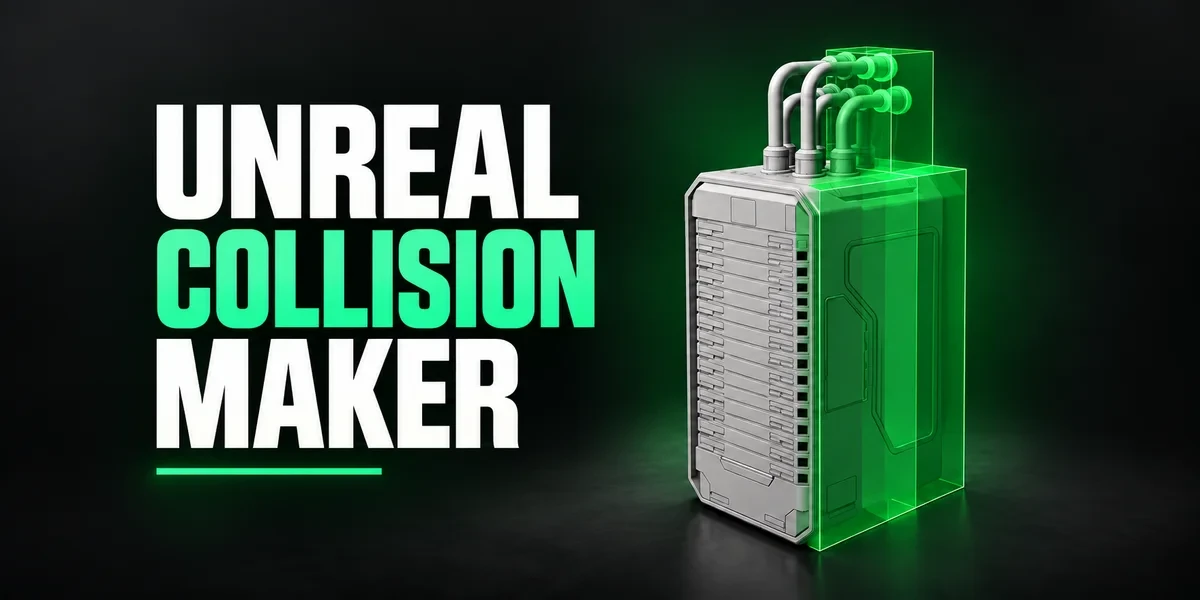
Convex decomposition that follows the shape, level boxes and an in-viewport editor, named with Unreal’s UCX_, UBX_, USP_ and UCP_ prefixes.
Unreal LOD Maker
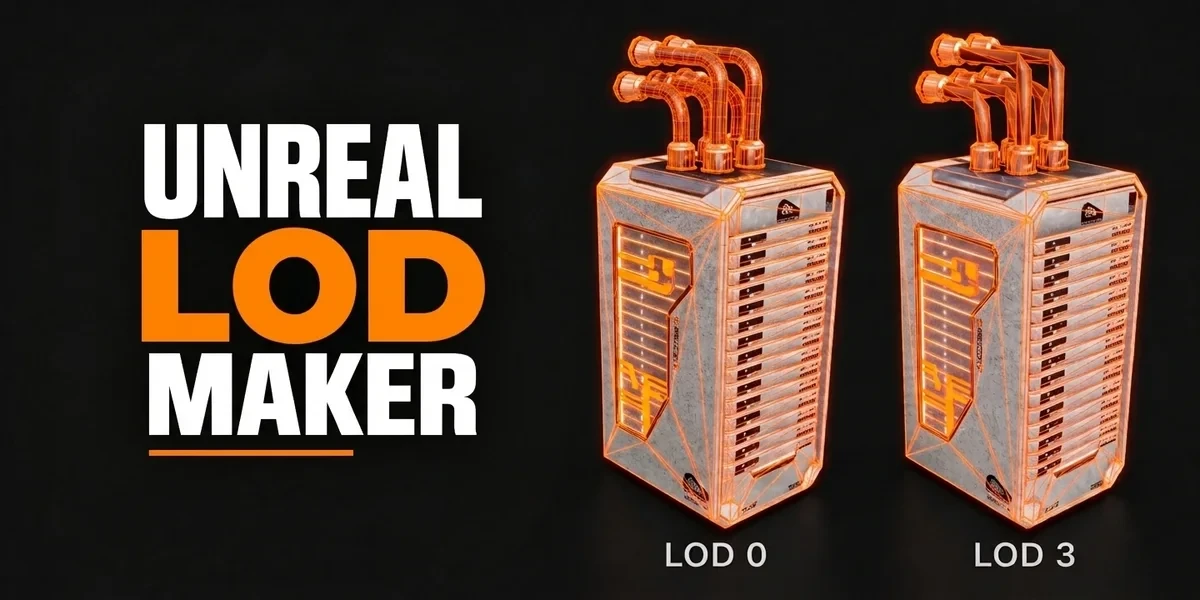
Preset-driven LOD chains that carry Unreal’s screen sizes, with decals and fine detail protected.
Linked by convention
No dependencies between them; the Bridge picks up collision, LODs and SOCKET_ empties, including ones you built by hand.
Before you buy.
- Blender 3.3–5.2 · Windows required for Bridge.
- Collision Maker and LOD Maker also run on macOS and Linux without Unreal.
- The Bridge needs your own Unreal Engine installation; check the version matrix.
Want the details?
The full feature list, documentation, changelog and licence options are on Superhive.
Get it on Superhive ↗ (opens in a new tab)Included in the bundle.
- Unreal Engine Bridge Push meshes, collision, sockets and LODs into Unreal’s Content Browser, with project-folder access and live update workflows.
- Unreal Collision Maker Generate and edit collision shapes inside Blender, named for Unreal’s collision conventions and ready for a separate export step.
- Unreal LOD Maker Create preset-driven levels of detail, carry screen-size information and preview how each level reads at its transition distance.
Related add-ons.
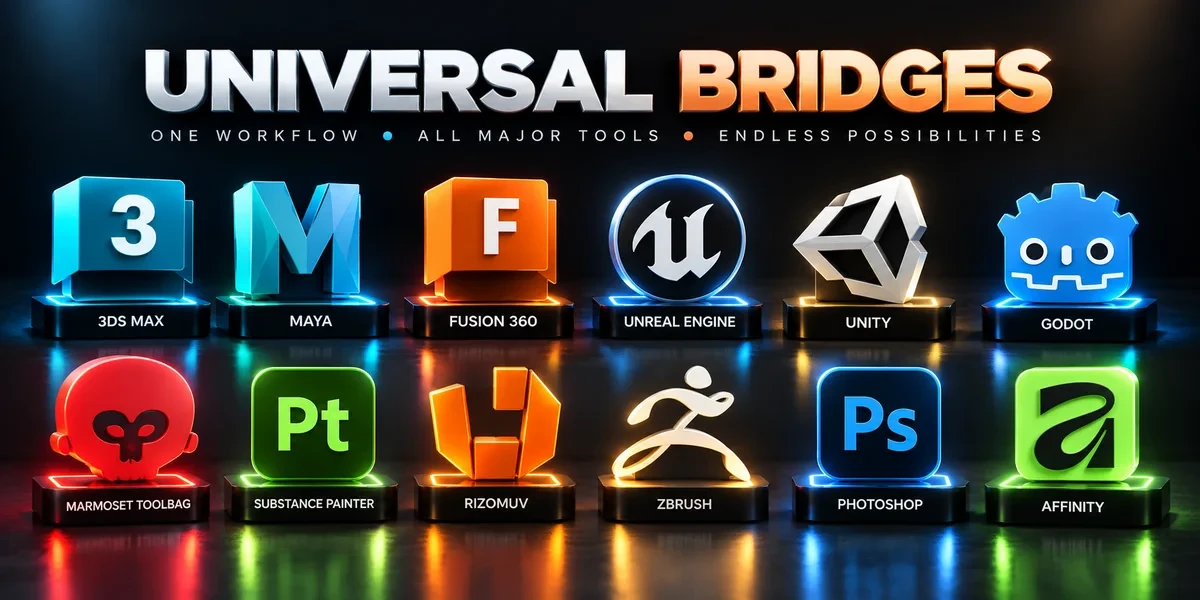
- Universal Bridge Bundle Twelve application bridges for moving between Blender and your modeling, texturing, sculpting, image-editing and game-engine tools.
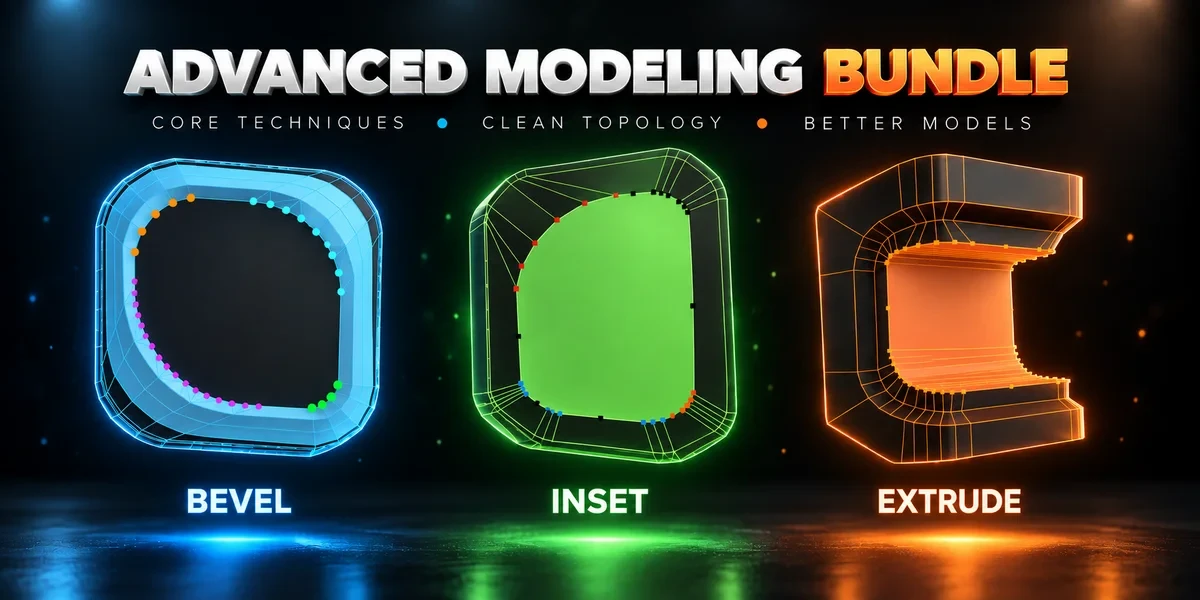
- Advanced Modeling Bundle Advanced Inset, Bevel and Extrude together. Shape individual corners in the viewport before committing the result.
- Advanced Masks Bundle Every mask a game asset needs: masks in vertex color across many meshes, and Painter-style RGB masks baked into a texture. Advanced Vertex Paint Pro and RGB Mask Master together.