Blender add-onUnreal Engine Bridge
From Blender to the Content Browser.
Push meshes, collision, sockets and LODs into Unreal’s Content Browser, with project-folder access and live update workflows.
- Collision, sockets and LODs
- Real project folders
- Skips unchanged assets
Compatibility
Windows only · Blender 3.3–5.2
Get it on Superhive ↗ (opens in a new tab)Pricing, checkout, downloads and updates are handled on Superhive.
What it does.
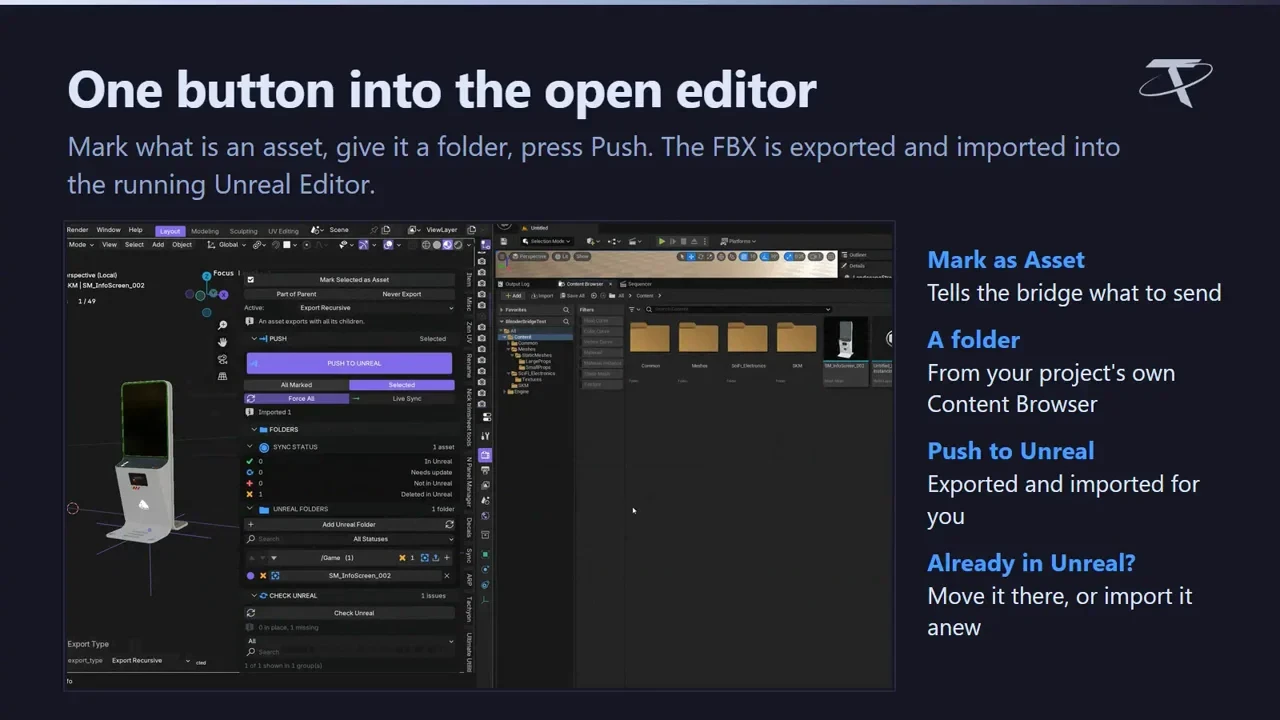
Push to a running editor
Send meshes into the open Unreal Editor with their collision, sockets, LODs and names already applied.
Your project folders
Assets land in your project’s real Content Browser folders, with access to the project folders from Blender.
Remembers every push
Unchanged assets are skipped, edits follow live, and moves or deletions on the Unreal side are noticed.
Collision and LODs included
Shapes from Unreal Collision Maker and levels from Unreal LOD Maker are picked up when installed; neither is required.
Before you buy.
- Windows only · Blender 3.3–5.2.
- Unreal Engine 5.2–5.8, installed and licensed by you; it is not included.
- Transfer features and directions vary; check the setup guide.
Want the details?
The full feature list, documentation, changelog and licence options are on Superhive.
Get it on Superhive ↗ (opens in a new tab)Also sold in these bundles.
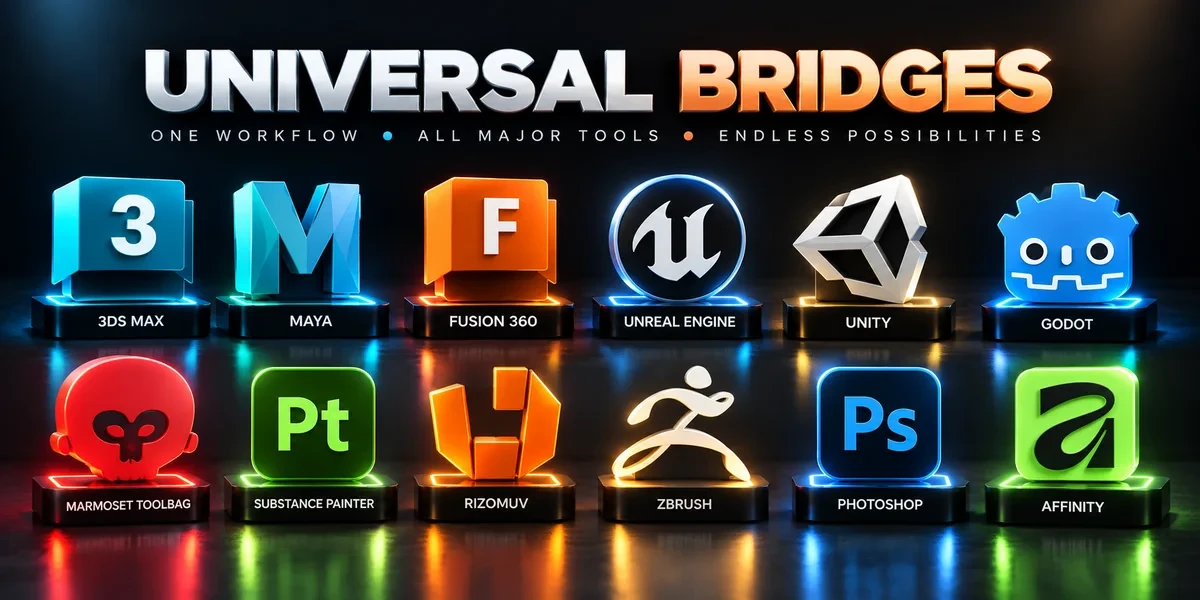
- Universal Bridge Bundle Twelve application bridges for moving between Blender and your modeling, texturing, sculpting, image-editing and game-engine tools.
- Unreal Engine Export Pipeline Bundle Build collision, generate LODs and send prepared assets into Unreal with three complementary tools.
- Game Engine Bridges Bundle Three dedicated bridges for taking Blender assets into Unreal Engine, Unity and Godot workflows.

Related add-ons.
- Unity Bridge Send assets into Unity project folders, sync supported edits and bring exported model files back to Blender.
- Godot Bridge Send GLB or glTF assets into Godot 4 projects and return exported glTF work to Blender.
- Substance Painter Bridge Send meshes for texturing, update supported geometry and return exported maps to Blender as connected materials.