Blender add-onUnity Bridge
Blender and Unity, in step.
Send assets into Unity project folders, sync supported edits and bring exported model files back to Blender.
- Live Sync
- Round trip back to Blender
- Scene layout from Blender
Compatibility
Windows only · Blender 3.3–5.2
Get it on Superhive ↗ (opens in a new tab)Pricing, checkout, downloads and updates are handled on Superhive.
What it does.
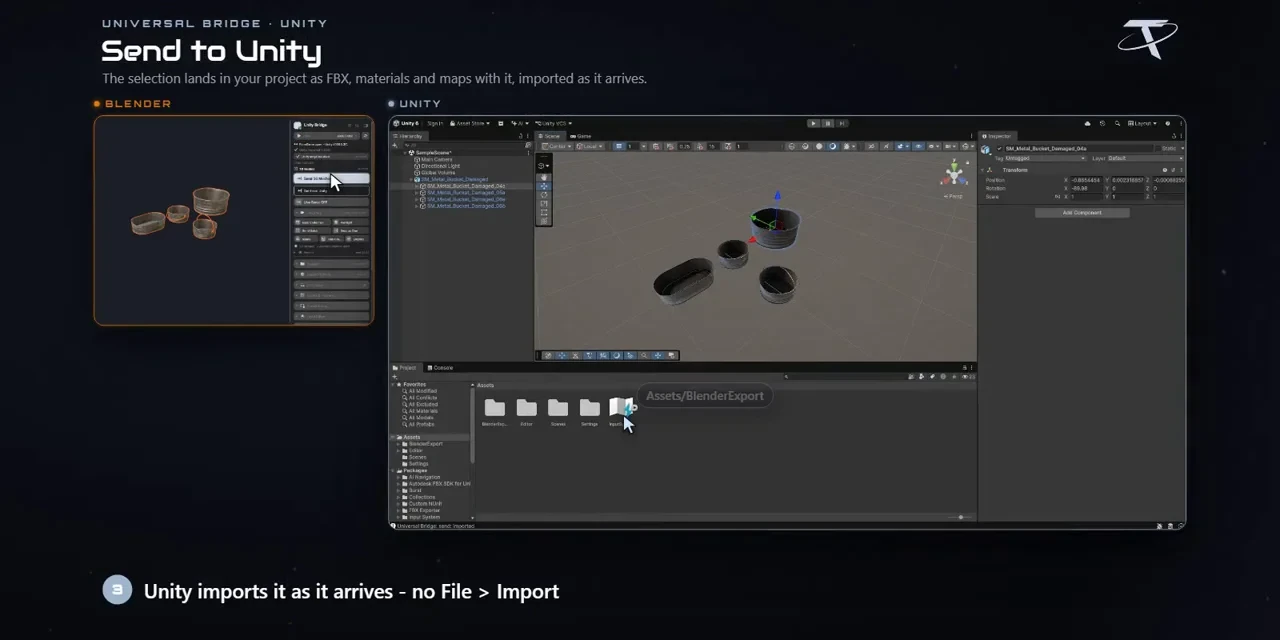
Send and get back
Send your selection into a Unity project folder, and bring an exported FBX back with Get from Unity.
Live Sync
Edits, material updates included, follow into Unity after a short delay.
Materials that map
Choose Lit, Simple Lit, Unlit or Autodesk Interactive, see where each texture goes and catch maps the shader can’t use.
Lay out the scene
Pull the open Unity scene in as lightweight proxies, arrange it in Blender and push the layout back.
Before you buy.
- Windows only · Blender 3.3–5.2.
- Unity, installed and licensed separately; it is not included.
- Some automation needs the companion C# script, and not every native Unity object can round-trip.
Want the details?
The full feature list, documentation, changelog and licence options are on Superhive.
Get it on Superhive ↗ (opens in a new tab)Also sold in these bundles.

Related add-ons.
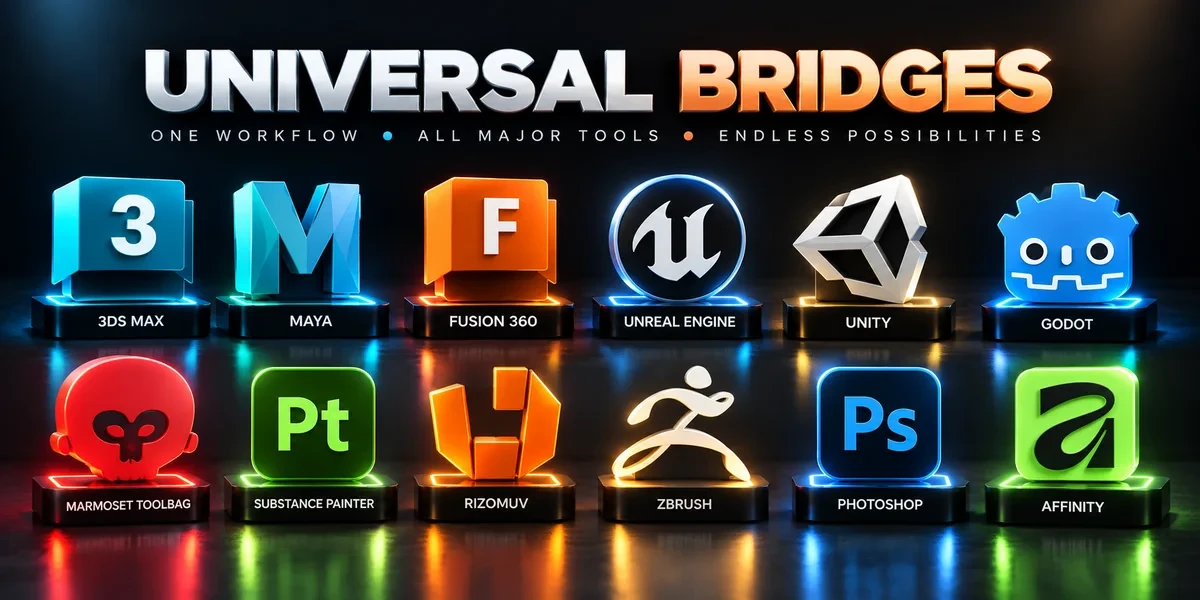
- Unreal Engine Bridge Push meshes, collision, sockets and LODs into Unreal’s Content Browser, with project-folder access and live update workflows.
- Godot Bridge Send GLB or glTF assets into Godot 4 projects and return exported glTF work to Blender.
- Substance Painter Bridge Send meshes for texturing, update supported geometry and return exported maps to Blender as connected materials.