Blender add-on bundleUniversal Bridge Bundle
Twelve bridges. One Blender.
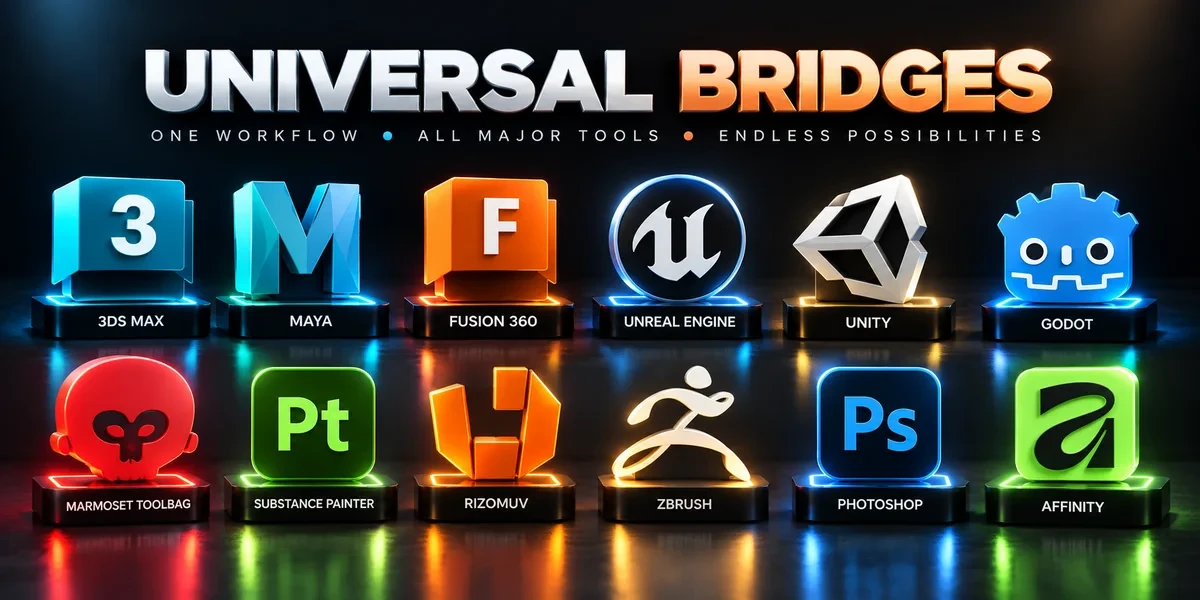
Twelve application bridges for moving between Blender and your modeling, texturing, sculpting, image-editing and game-engine tools.
- Twelve bridge add-ons
- Install only the ones you use
- Commercial use included
Compatibility
Windows only · Blender 3.3–5.2
Get it on Superhive ↗ (opens in a new tab)Pricing, checkout, downloads and updates are handled on Superhive.
What it does.
Autodesk apps
Send meshes to 3ds Max and Maya and bring geometry or UVs back; import Fusion CAD mesh exports with cleanup.
Game engines
Push meshes, collision, sockets and LODs into Unreal Engine, send assets to Unity and GLB or glTF into Godot 4.
Sculpt, unwrap, bake, paint
Exchange SubTools with ZBrush, unwrap in RizomUV, bake in Marmoset Toolbag and paint in Substance 3D Painter, with results returned to Blender.
Image editing
Edit textures in Photoshop or Affinity Photo, then reload the saved or exported image in Blender.
Before you buy.
- Windows only · Blender 3.3–5.2.
- Your own copies of the applications you bridge to; none are included.
- Twelve separate installers; features and transfer directions vary by bridge.
Want the details?
The full feature list, documentation, changelog and licence options are on Superhive.
Get it on Superhive ↗ (opens in a new tab)Included in the bundle.
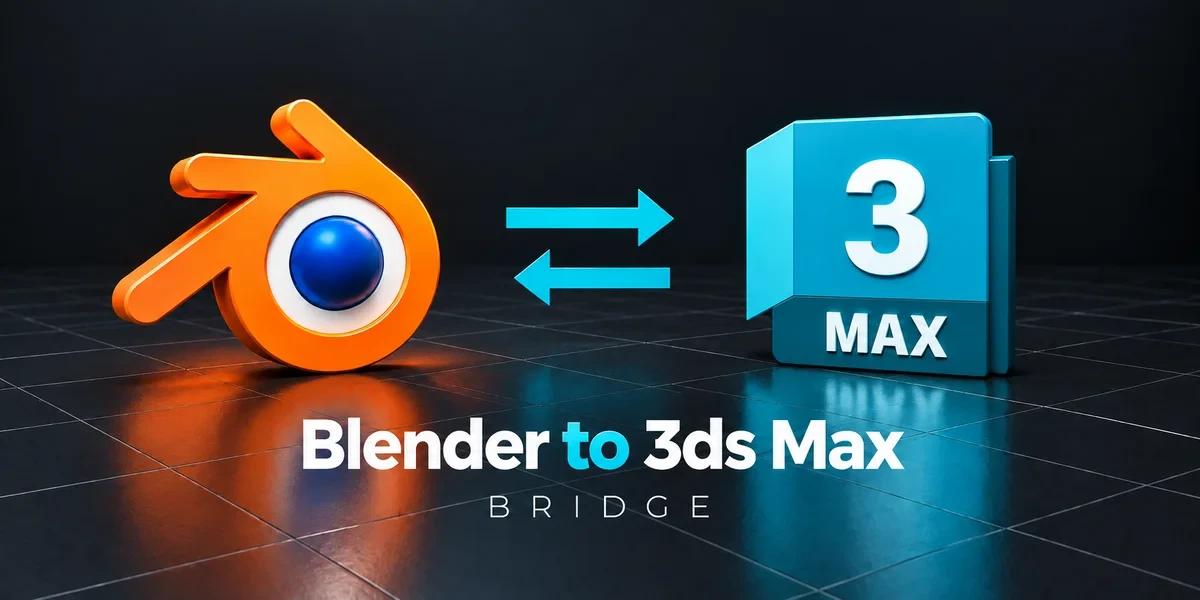
- 3ds Max Bridge Exchange scene assets with 3ds Max, apply chosen cleanup steps and choose full, mesh-only or UV-only returns.
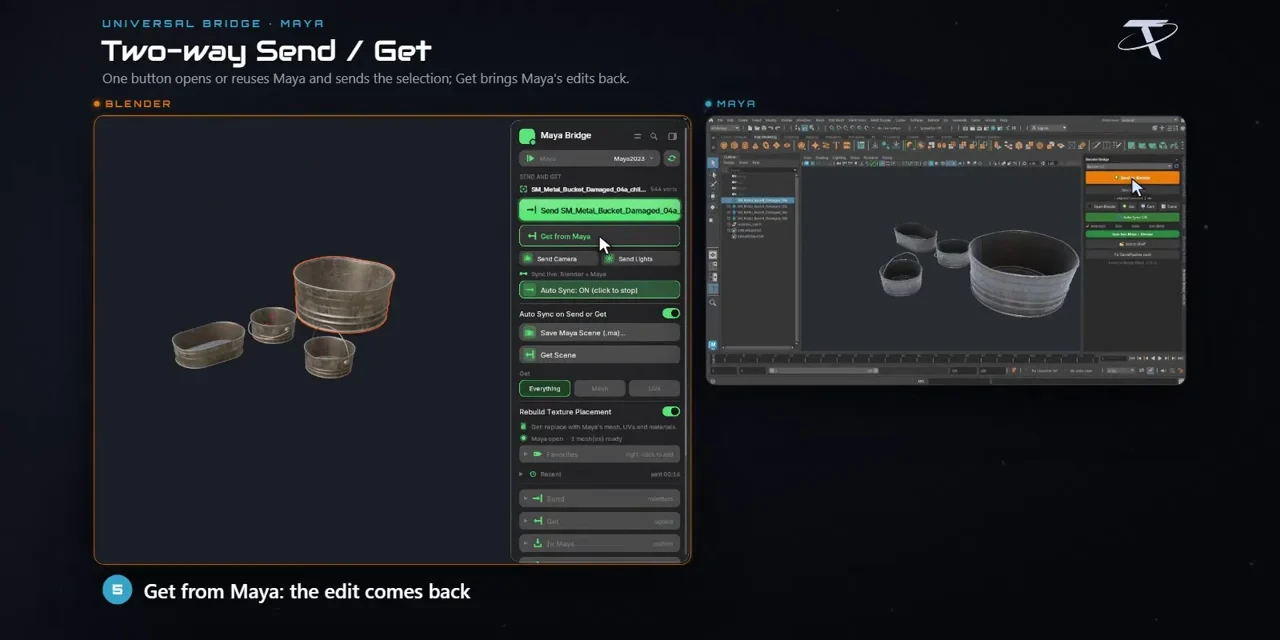
- Maya Bridge Move meshes and UVs between Blender and Maya, with import cleanup options and save-based synchronization.
- Fusion 360 Bridge Bring Fusion mesh exports into Blender with cleanup and watched-folder workflows, or send mesh files back to Fusion.
- Unreal Engine Bridge Push meshes, collision, sockets and LODs into Unreal’s Content Browser, with project-folder access and live update workflows.
- Unity Bridge Send assets into Unity project folders, sync supported edits and bring exported model files back to Blender.
- Godot Bridge Send GLB or glTF assets into Godot 4 projects and return exported glTF work to Blender.
- Marmoset Toolbag Bridge Pair high- and low-poly meshes for Toolbag baking, then bring finished texture maps back into Blender materials.
- Substance Painter Bridge Send meshes for texturing, update supported geometry and return exported maps to Blender as connected materials.
- RizomUV Bridge Send meshes to RizomUV for unwrapping and packing, then return UVs to Blender with save-based synchronization.
- ZBrush Bridge Exchange meshes and SubTools through GoZ, carrying supported UV, PolyPaint, mask and Face Set data between applications.
- Photoshop Bridge Open textures, renders and layered passes in Photoshop and reload saved image changes in Blender.
- Affinity Bridge Edit textures, renders and paintovers in Affinity Photo, then reload the saved or exported images into Blender.
Related add-ons.
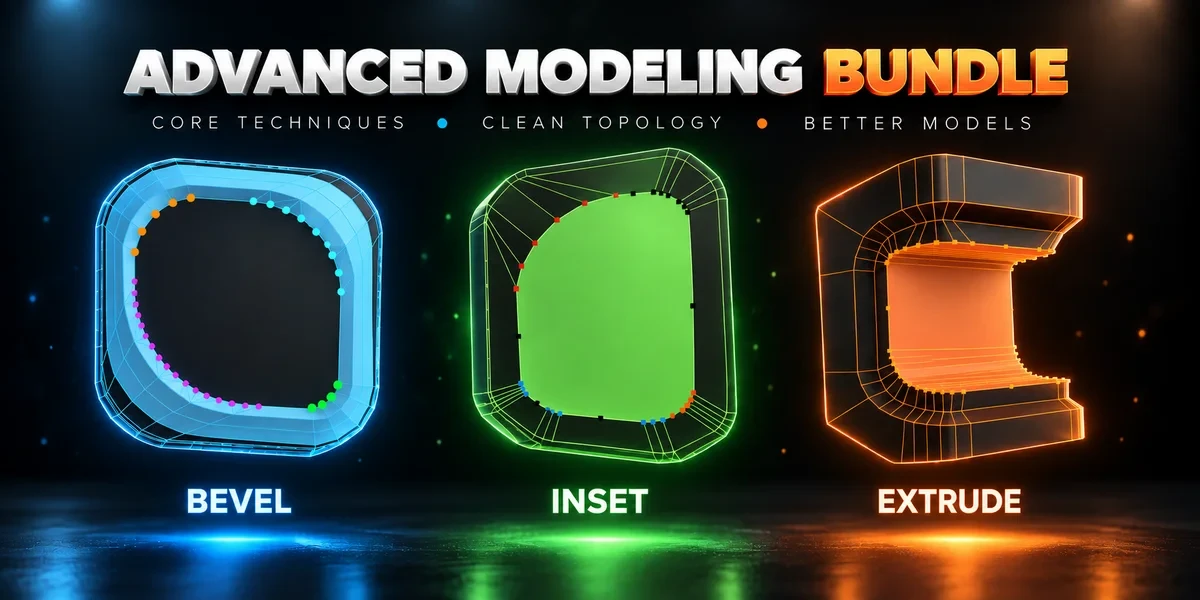
- Advanced Modeling Bundle Advanced Inset, Bevel and Extrude together. Shape individual corners in the viewport before committing the result.
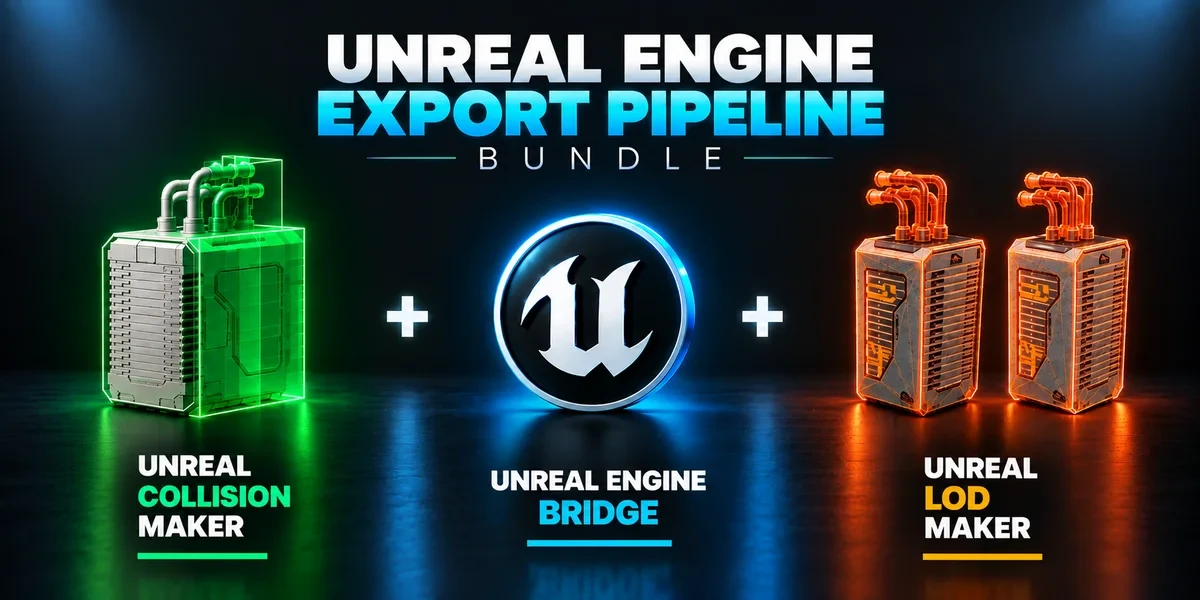
- Unreal Engine Export Pipeline Bundle Build collision, generate LODs and send prepared assets into Unreal with three complementary tools.
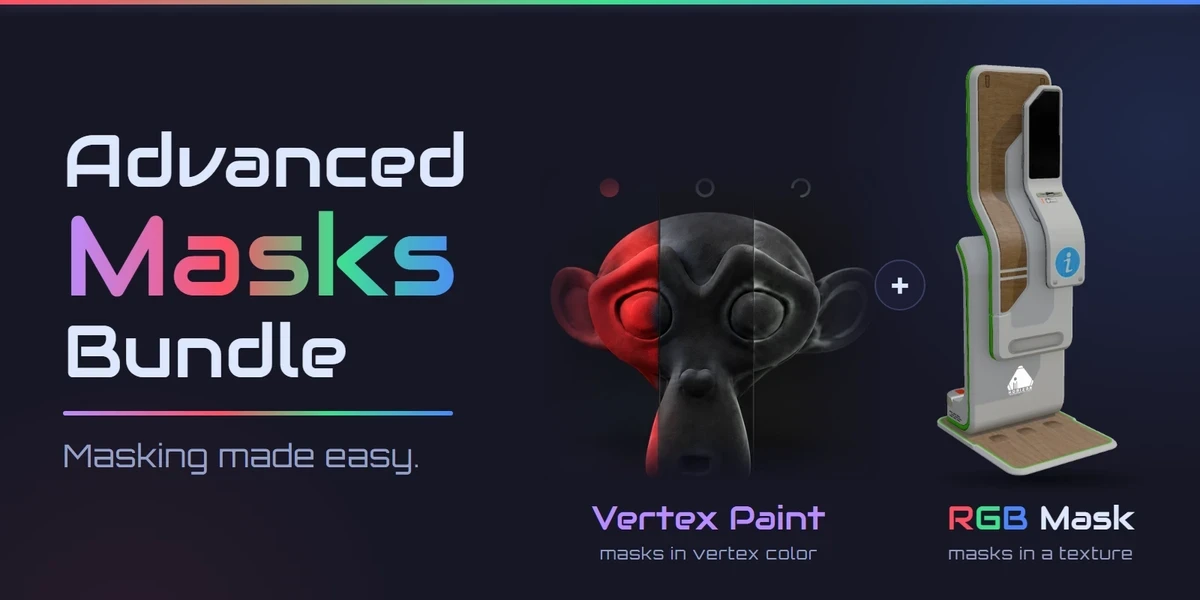
- Advanced Masks Bundle Every mask a game asset needs: masks in vertex color across many meshes, and Painter-style RGB masks baked into a texture. Advanced Vertex Paint Pro and RGB Mask Master together.