Blender add-on3ds Max Bridge
Choose what comes back.
Exchange scene assets with 3ds Max, apply chosen cleanup steps and choose full, mesh-only or UV-only returns.
- Full, mesh or UV returns
- Cleanup on import in Max
- Whole-scene transfer
Compatibility
Windows only · Blender 3.3–5.2
Get it on Superhive ↗ (opens in a new tab)Pricing, checkout, downloads and updates are handled on Superhive.
What it does.
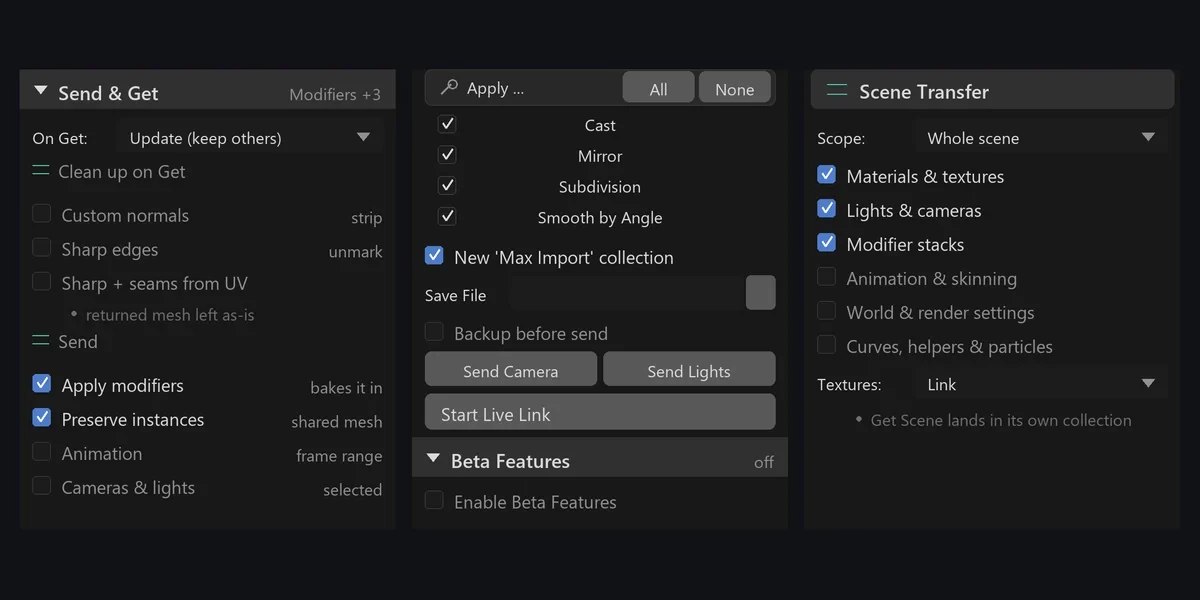
Choose what returns
Bring back everything, only meshes or only UVs; UV-only returns leave Blender geometry untouched, matched by name and topology.
Cleanup in Max
Apply Editable Poly, Reset XForm, pivot and smoothing steps on import, with presets and your own MAXScript hooks.
Whole scenes
Send meshes, materials, cameras, lights, modifiers and baked animation; anything that can’t convert is listed in a report.
Pipeline-aware transfer
Collections arrive as layers, Subdivision as TurboSmooth and linked duplicates as instances.
Before you buy.
- Windows only · Blender 3.3–5.2.
- Your own Autodesk 3ds Max 2020 or newer licence, not included; the companion MAXScript is.
Want the details?
The full feature list, documentation, changelog and licence options are on Superhive.
Get it on Superhive ↗ (opens in a new tab)Also sold in these bundles.
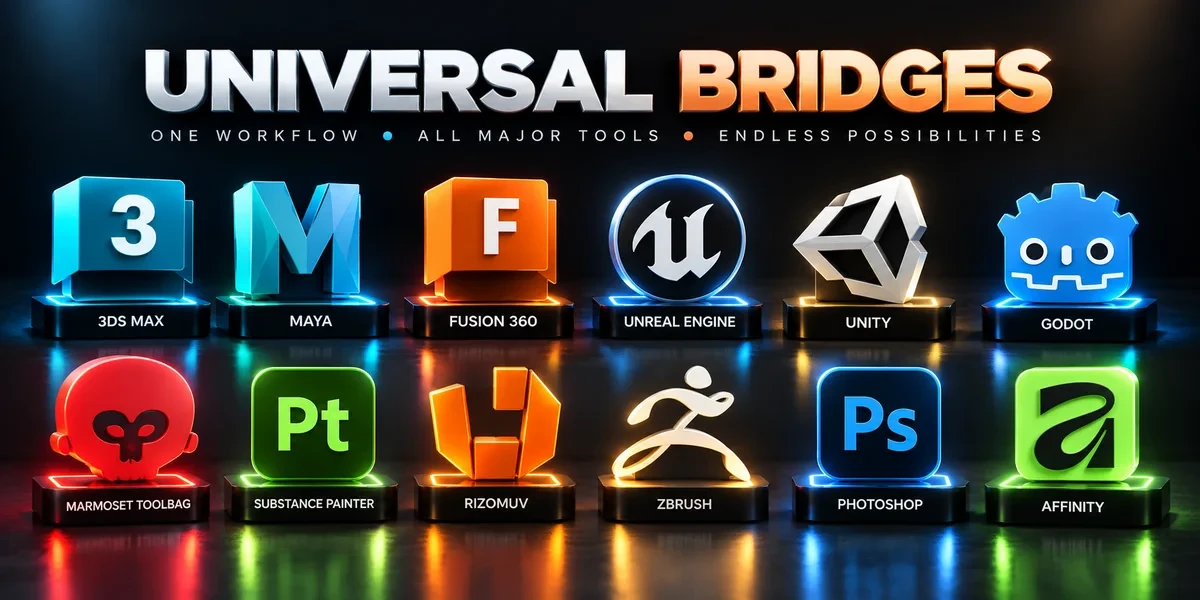
Related add-ons.
- Unreal Engine Bridge Push meshes, collision, sockets and LODs into Unreal’s Content Browser, with project-folder access and live update workflows.
- Unity Bridge Send assets into Unity project folders, sync supported edits and bring exported model files back to Blender.
- Godot Bridge Send GLB or glTF assets into Godot 4 projects and return exported glTF work to Blender.