Blender add-on bundleAutodesk Bridges Bundle
Max, Maya and Fusion, connected.
Connect mesh and UV workflows in 3ds Max and Maya, and bring Fusion CAD mesh exports into Blender.
- Three bridge add-ons
- Install only the ones you use
- Mesh and UV round trips
Compatibility
Windows only · Blender 3.3–5.2
Get it on Superhive ↗ (opens in a new tab)Pricing, checkout, downloads and updates are handled on Superhive.
What it does.
3ds Max
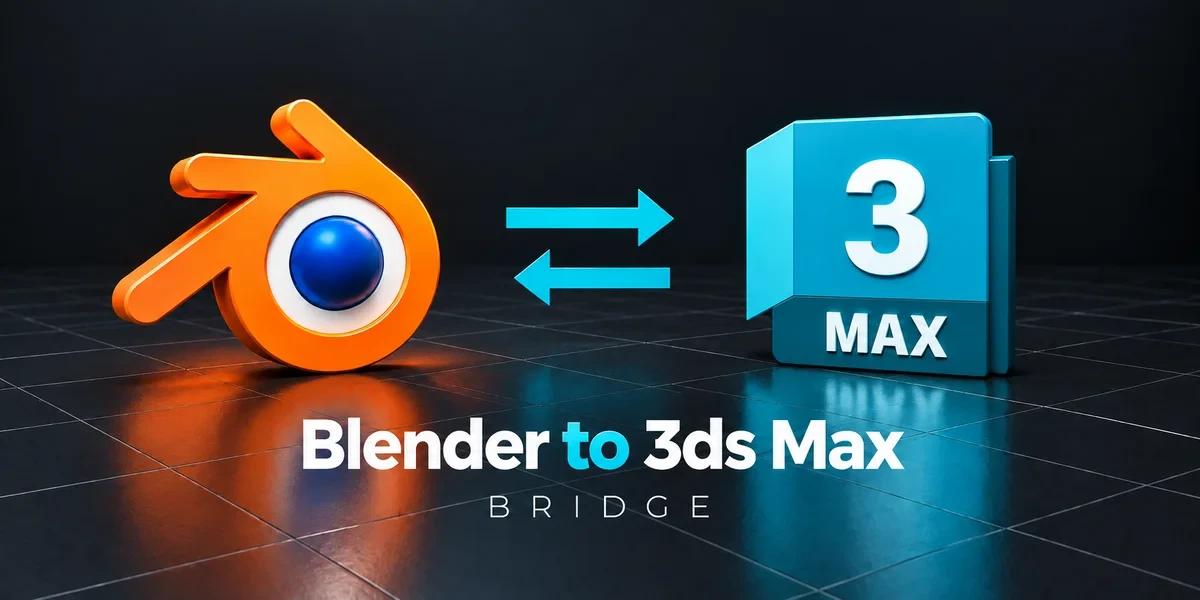
Send scene assets to 3ds Max and choose a full, mesh-only or UV-only return, with optional cleanup steps.
Maya
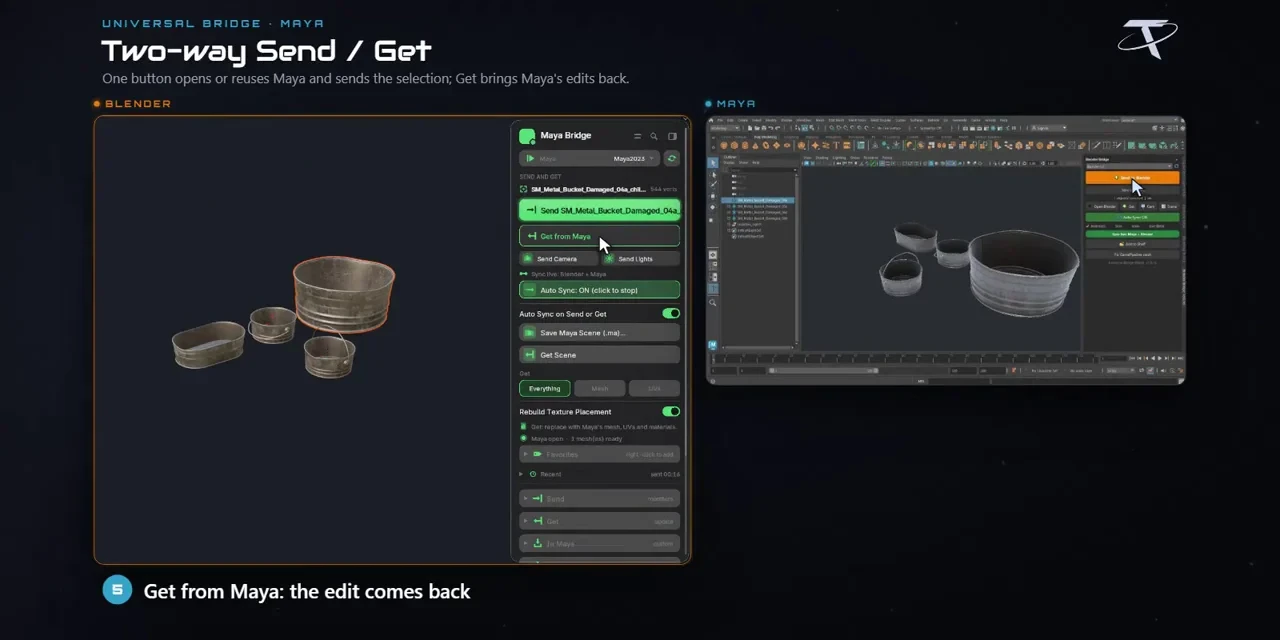
Move meshes and UVs between Blender and Maya, with import cleanup and changes synced back on save.
Fusion
Bring Fusion mesh exports into Blender with cleanup and a watched folder, or send mesh files back.
Before you buy.
- Windows only · Blender 3.3–5.2.
- Your own copies of 3ds Max, Maya and Fusion; none are included.
- Fusion exchanges polygon meshes, not editable parametric CAD history.
Want the details?
The full feature list, documentation, changelog and licence options are on Superhive.
Get it on Superhive ↗ (opens in a new tab)Included in the bundle.
- 3ds Max Bridge Exchange scene assets with 3ds Max, apply chosen cleanup steps and choose full, mesh-only or UV-only returns.
- Maya Bridge Move meshes and UVs between Blender and Maya, with import cleanup options and save-based synchronization.
- Fusion 360 Bridge Bring Fusion mesh exports into Blender with cleanup and watched-folder workflows, or send mesh files back to Fusion.
Related add-ons.
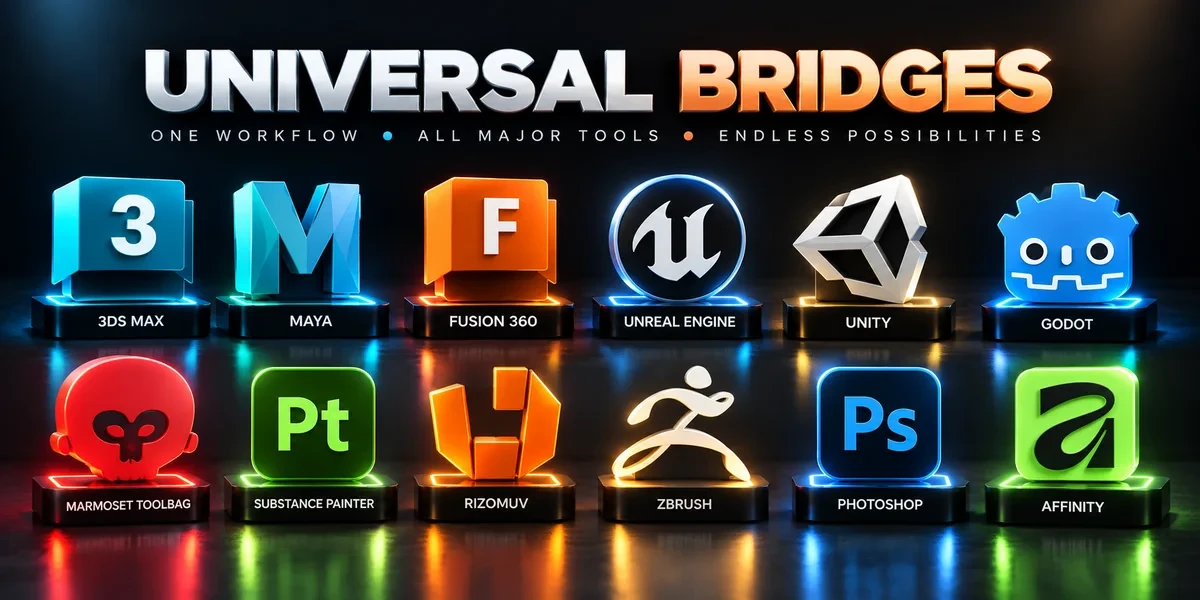
- Universal Bridge Bundle Twelve application bridges for moving between Blender and your modeling, texturing, sculpting, image-editing and game-engine tools.
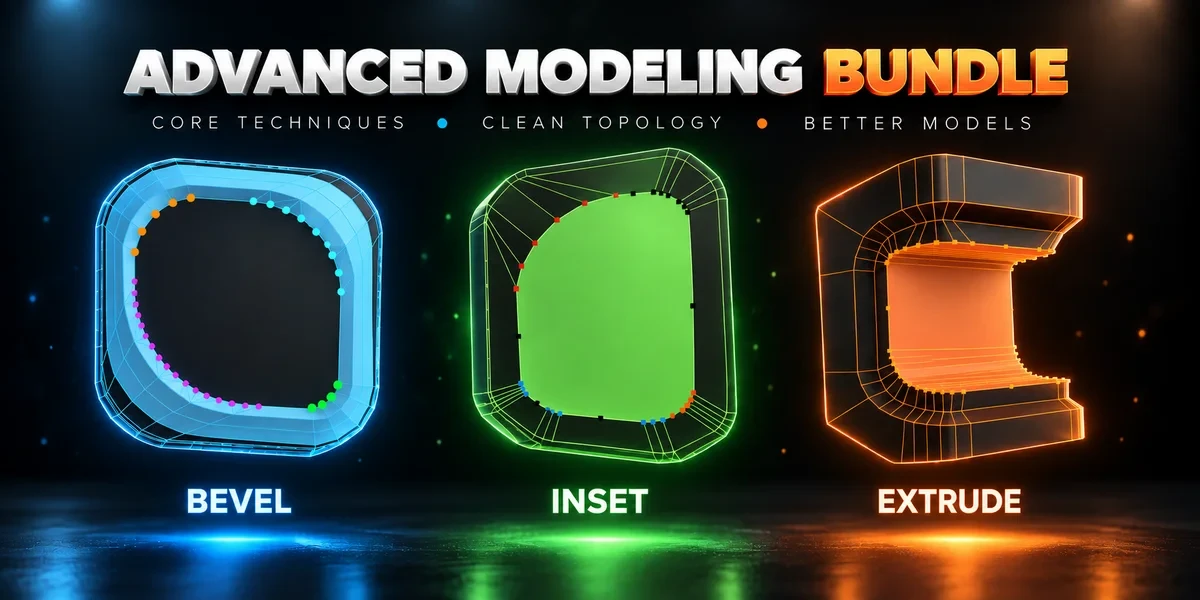
- Advanced Modeling Bundle Advanced Inset, Bevel and Extrude together. Shape individual corners in the viewport before committing the result.
- Unreal Engine Export Pipeline Bundle Build collision, generate LODs and send prepared assets into Unreal with three complementary tools.