Blender add-onMaya Bridge
Blender and Maya, in step.
Move meshes and UVs between Blender and Maya, with import cleanup options and save-based synchronization.
- Everything, mesh or UV returns
- Linked duplicates as instances
- Saves Maya .ma scenes
Compatibility
Windows only · Blender 3.3–5.2
Get it on Superhive ↗ (opens in a new tab)Pricing, checkout, downloads and updates are handled on Superhive.
What it does.
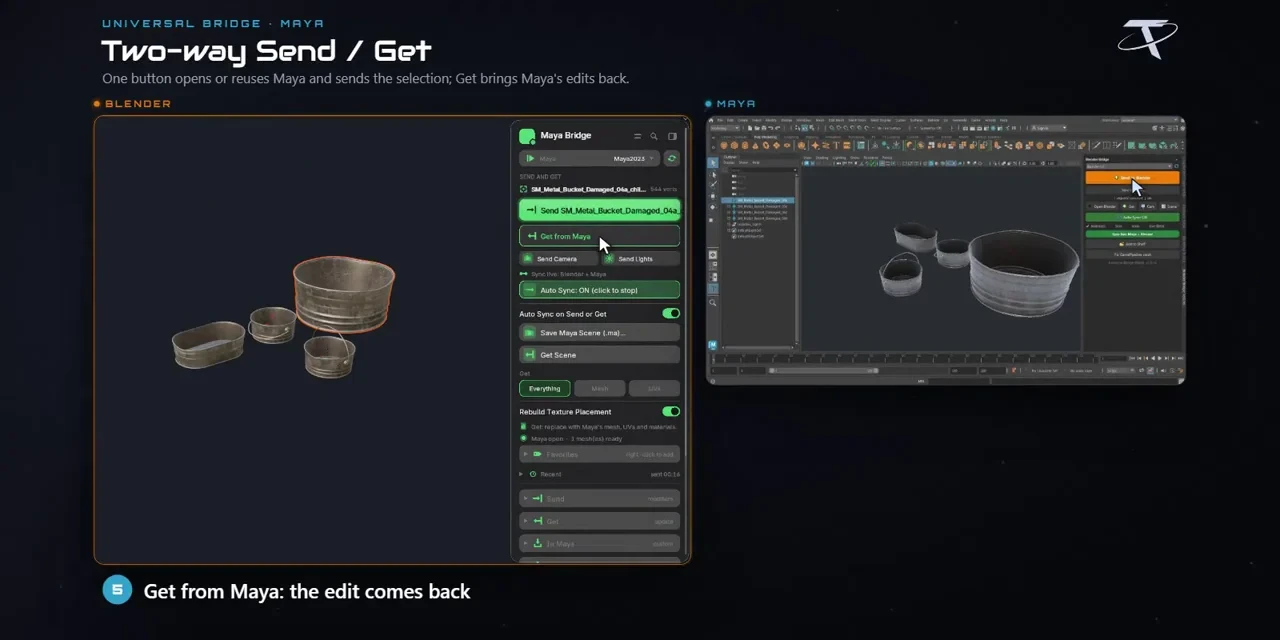
Choose what returns
Get from Maya brings back everything, just geometry or just UVs, matched to the objects you sent.
Cleanup on both sides
Set Maya import cleanup for history, transforms and pivots, and Blender cleanup for normals, sharp edges and seams.
Materials, cameras and lights
Supported Principled channels and texture placement travel with the asset, along with camera framing, lights and baked animation.
Auto Sync
Sends from Maya are imported automatically; pushing Blender edits live is a separate beta option.
Before you buy.
- Windows only · Blender 3.3–5.2.
- Your own licensed Maya with Python 3 and the fbxmaya plug-in; Maya isn’t included.
- Native rig controllers, constraints and drivers aren’t guaranteed to transfer.
Want the details?
The full feature list, documentation, changelog and licence options are on Superhive.
Get it on Superhive ↗ (opens in a new tab)Also sold in these bundles.
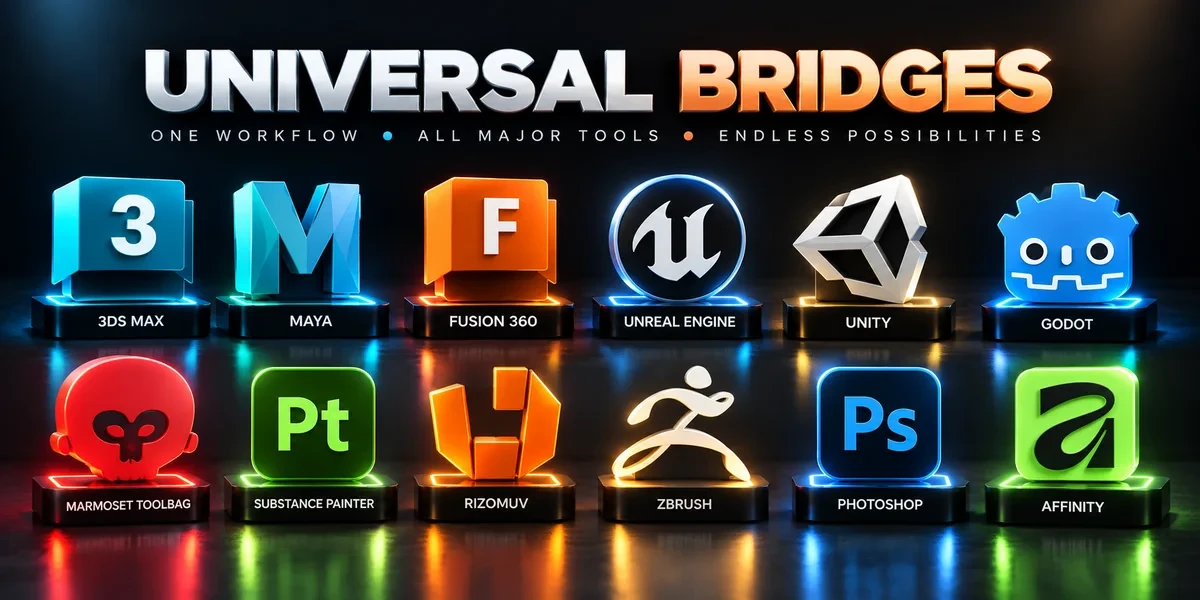
Related add-ons.
- Unreal Engine Bridge Push meshes, collision, sockets and LODs into Unreal’s Content Browser, with project-folder access and live update workflows.
- Unity Bridge Send assets into Unity project folders, sync supported edits and bring exported model files back to Blender.
- Godot Bridge Send GLB or glTF assets into Godot 4 projects and return exported glTF work to Blender.