Blender add-onGodot Bridge
Blender to Godot, and back.
Send GLB or glTF assets into Godot 4 projects and return exported glTF work to Blender.
- Godot imports on focus
- Two-way glTF exchange
- Level layout in Blender
Compatibility
Windows only · Blender 3.3–5.2
Get it on Superhive ↗ (opens in a new tab)Pricing, checkout, downloads and updates are handled on Superhive.
What it does.
Send to Godot
Selected meshes go into your project as .glb, and Godot imports them natively as soon as the editor gets focus.
Get from Godot
Bring a glTF exported from Godot back into its own collection, refreshing only re-sent objects or starting clean.
Lay out levels in Blender
Pull the open Godot scene in as light proxies, arrange it with Blender’s tools and push it back as one undo step.
Live Sync
Switch it on and every Blender edit crosses to Godot by itself, with no Push button to press.
Before you buy.
- Windows only · Blender 3.3–5.2.
- Your own copy of Godot 4, a free download; it isn’t included.
- Sending and getting assets need no Godot plugin; the level and live features use the optional editor plugin.
Want the details?
The full feature list, documentation, changelog and licence options are on Superhive.
Get it on Superhive ↗ (opens in a new tab)Also sold in these bundles.
Related add-ons.
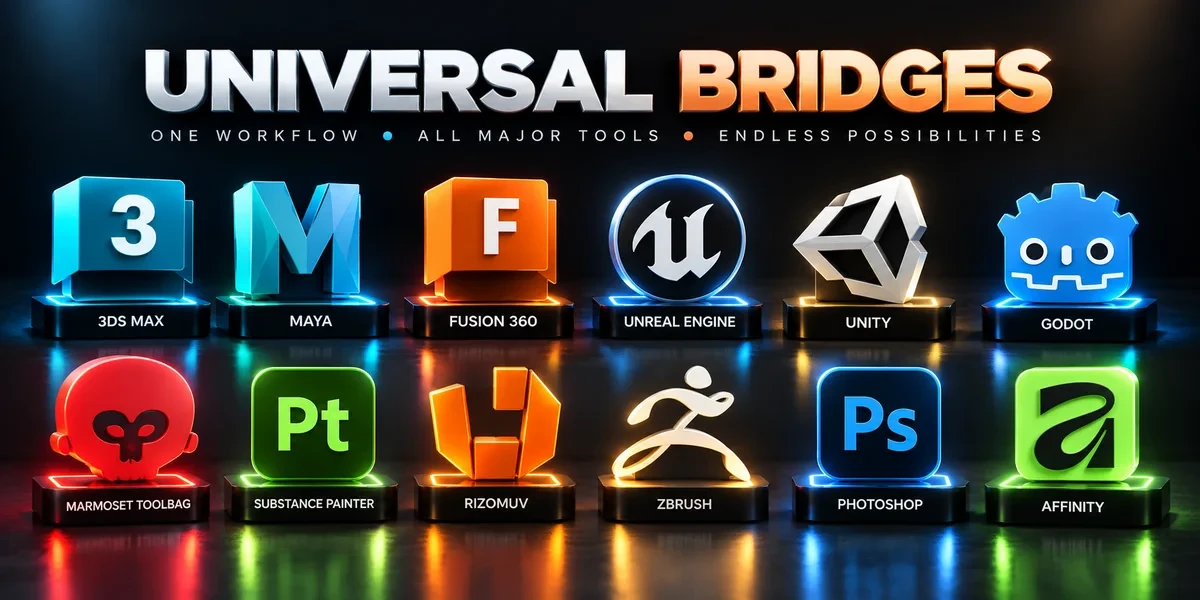
- Unreal Engine Bridge Push meshes, collision, sockets and LODs into Unreal’s Content Browser, with project-folder access and live update workflows.
- Unity Bridge Send assets into Unity project folders, sync supported edits and bring exported model files back to Blender.
- Substance Painter Bridge Send meshes for texturing, update supported geometry and return exported maps to Blender as connected materials.