Blender add-onAffinity Bridge
Retouch in Affinity. Reload in Blender.
Edit textures, renders and paintovers in Affinity Photo, then reload the saved or exported images into Blender.
- Reloads on export
- Render passes as layered PSD
- UV-guided texture painting
Compatibility
Windows only · Blender 3.3–5.2
Get it on Superhive ↗ (opens in a new tab)Pricing, checkout, downloads and updates are handled on Superhive.
What it does.
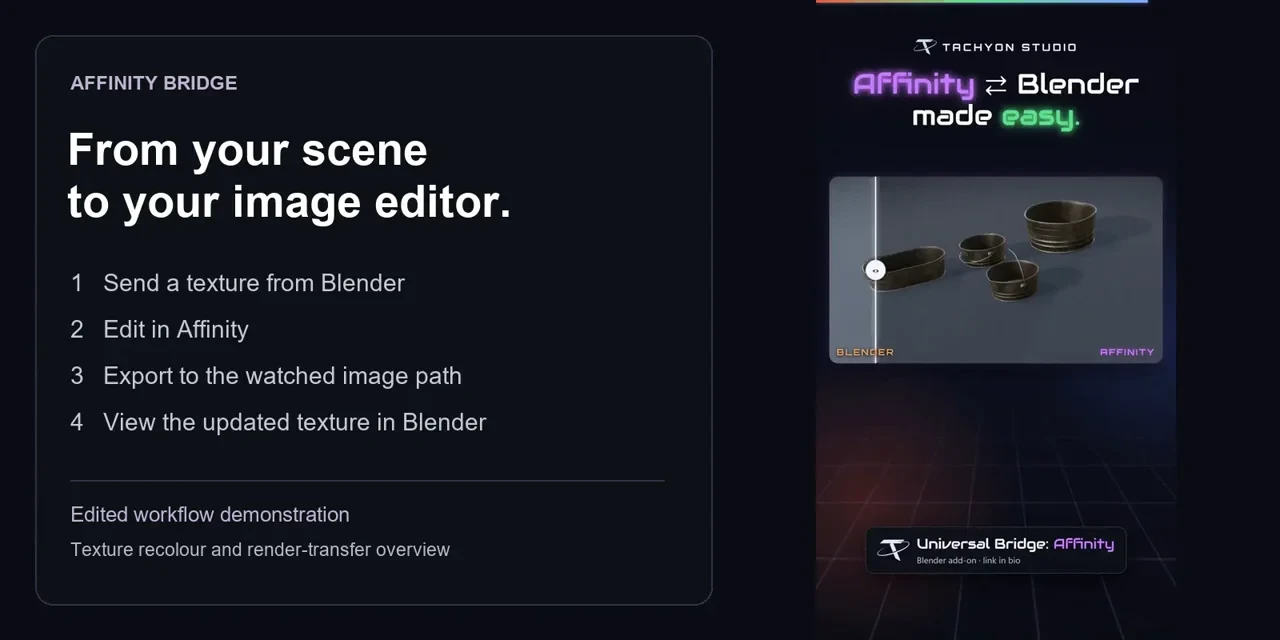
Texture edits that reload
Send the active texture or a material’s images, export over the watched file and Blender reloads the matching image.
Renders and paintovers
Send a render for retouching, a viewport capture for a paintover, or render passes as layers in one PSD.
Paint with a UV guide
Open a texture beside its UV guide, or start a layered PSD with guide and paint layers ready.
Height as surface detail
Paint a height image and the bridge connects it through a Bump node into the material’s normal input.
Before you buy.
- Windows only · Blender 3.3–5.2.
- Your own Affinity Photo installation, not included; returns must be exported in a Blender-readable format such as PNG.
- Native .afphoto files don’t load in Blender, so saving only the Affinity document won’t update the texture.
Want the details?
The full feature list, documentation, changelog and licence options are on Superhive.
Get it on Superhive ↗ (opens in a new tab)Also sold in a bundle.
Related add-ons.
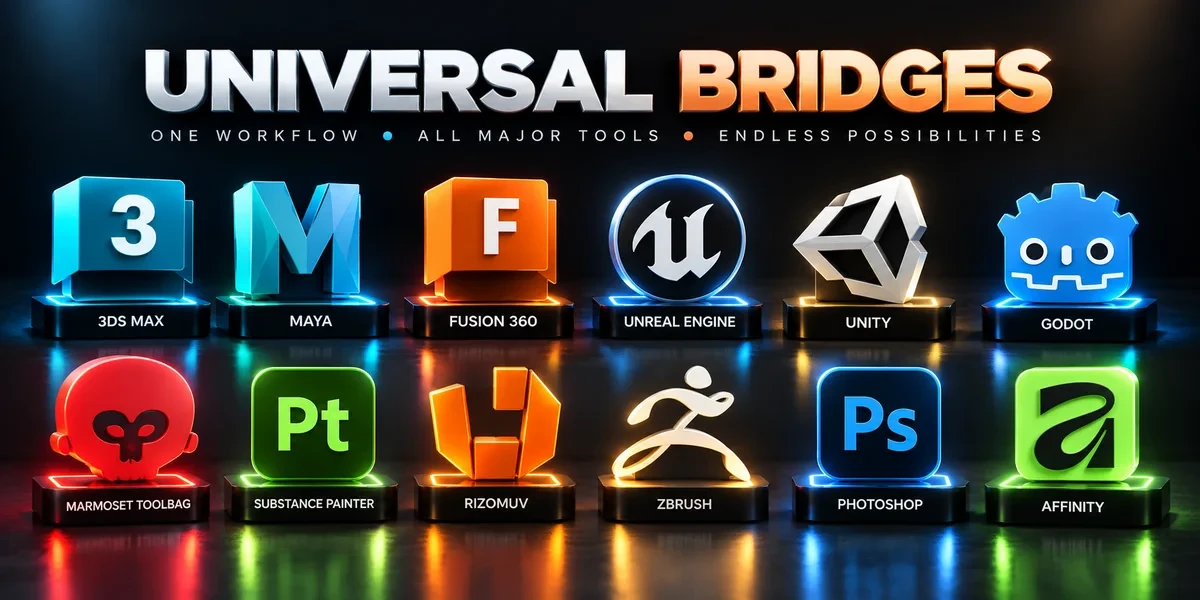
- Unreal Engine Bridge Push meshes, collision, sockets and LODs into Unreal’s Content Browser, with project-folder access and live update workflows.
- Unity Bridge Send assets into Unity project folders, sync supported edits and bring exported model files back to Blender.
- Godot Bridge Send GLB or glTF assets into Godot 4 projects and return exported glTF work to Blender.