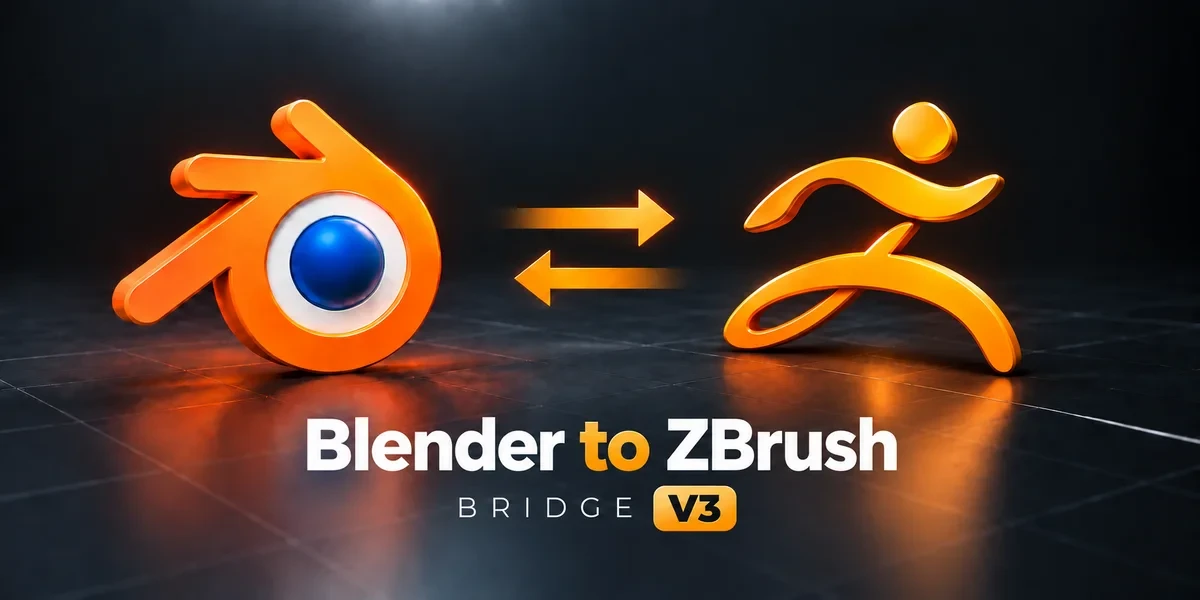
Blender add-onZBrush Bridge
Sculpt in ZBrush, keep your data.
Exchange meshes and SubTools through GoZ, carrying supported UV, PolyPaint, mask and Face Set data between applications.
- UVs, PolyPaint and masks
- Creases kept both ways
- GoZ or its own ZPlugin
Compatibility
Windows only · Blender 3.3–5.2
Get it on Superhive ↗ (opens in a new tab)Pricing, checkout, downloads and updates are handled on Superhive.
What it does.
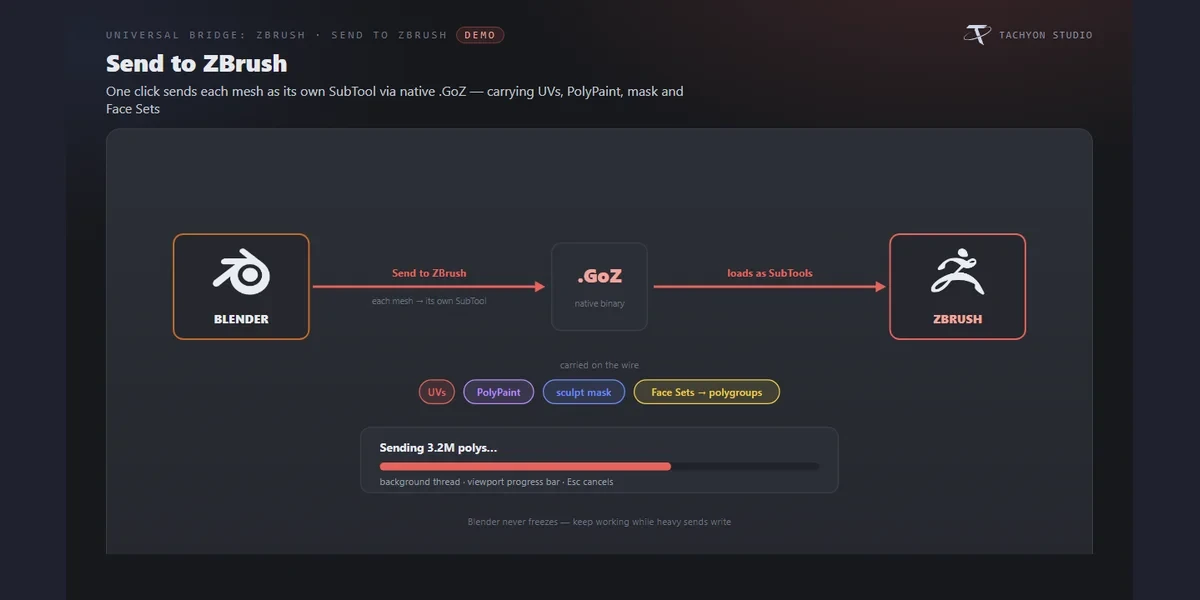
Send as SubTools
Each selected mesh becomes its own SubTool over GoZ, with UVs, PolyPaint, the sculpt mask and Face Sets as polygroups.
Update in place
When topology is unchanged, returns update the matching objects, keeping their materials, modifiers, UVs and transforms.
Creases and remeshes
Creases survive the round trip, and after a remesh the bridge re-projects UVs and vertex weights onto the new mesh.
Auto Sync
Pressing GoZ in ZBrush imports straight into Blender, and Live Sync pushes Blender edits back while you work.
Before you buy.
- Windows only · Blender 3.3–5.2.
- Your own ZBrush 2021 or newer licence from Maxon, not included.
- PolyPaint, masks and polygroups come back only over GoZ, not the ZPlugin route.
Want the details?
The full feature list, documentation, changelog and licence options are on Superhive.
Get it on Superhive ↗ (opens in a new tab)Also sold in these bundles.
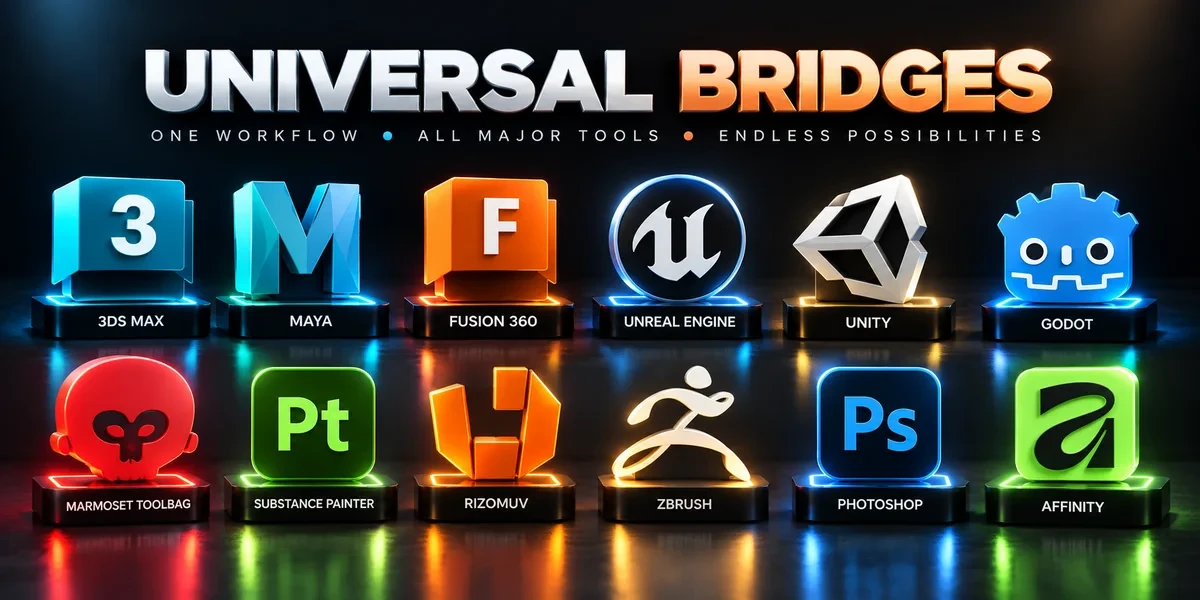
Related add-ons.
- Unreal Engine Bridge Push meshes, collision, sockets and LODs into Unreal’s Content Browser, with project-folder access and live update workflows.
- Unity Bridge Send assets into Unity project folders, sync supported edits and bring exported model files back to Blender.
- Godot Bridge Send GLB or glTF assets into Godot 4 projects and return exported glTF work to Blender.