Blender add-onMarmoset Toolbag Bridge
Bake setup, done in Blender.
Pair high- and low-poly meshes for Toolbag baking, then bring finished texture maps back into Blender materials.
- Name-based high/low pairing
- Ten bakeable map types
- Maps return as a material
Compatibility
Windows only · Blender 3.3–5.2
Get it on Superhive ↗ (opens in a new tab)Pricing, checkout, downloads and updates are handled on Superhive.
What it does.
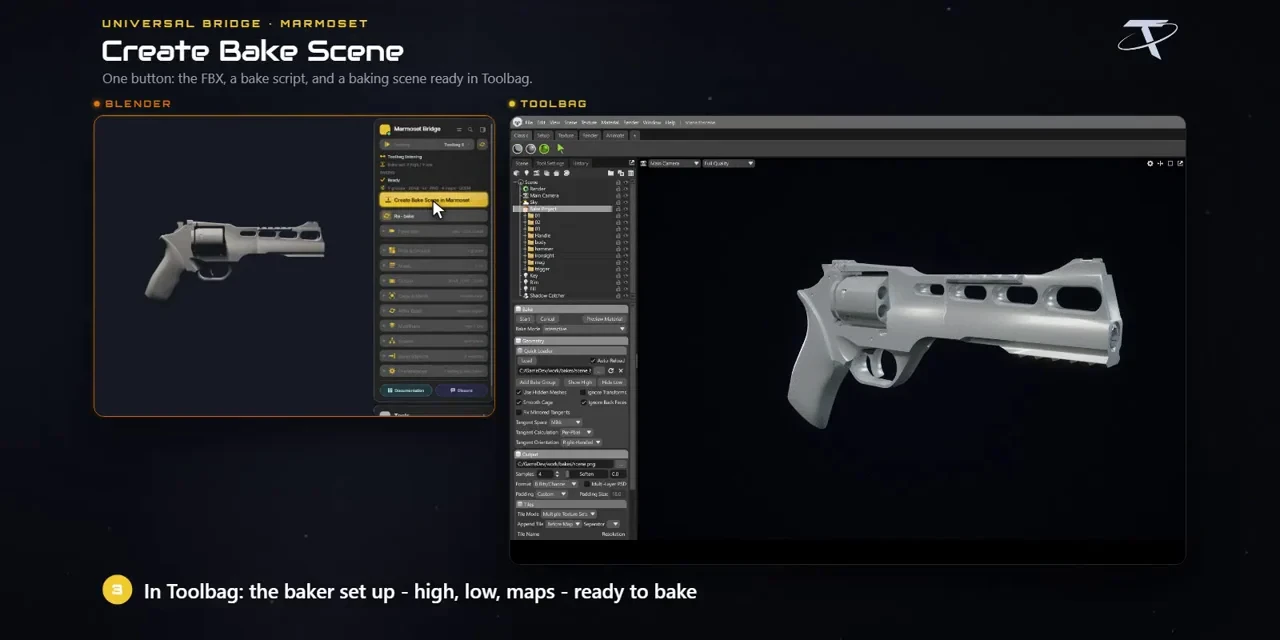
Tag high and low
Mark meshes as high or low; matching base names pair up and every marked mesh joins the bake.
Pick maps and output
Choose from ten maps, resolution up to 8192, 8- or 16-bit output, samples and PSD, PNG, TGA or EXR.
Bake scene in one click
Create Bake Scene builds the Toolbag baker from your marked meshes, reusing an open Toolbag session when it’s listening.
Maps back as a material
Import Baked Maps builds a Principled material on the active mesh, or runs automatically when the bake finishes.
Before you buy.
- Windows only · Blender 3.3–5.2.
- Your own Marmoset Toolbag licence, not included; supports Toolbag 3–5, with baking settings that vary by version.
- Importing baked maps replaces the active mesh’s first material slot.
Want the details?
The full feature list, documentation, changelog and licence options are on Superhive.
Get it on Superhive ↗ (opens in a new tab)Also sold in these bundles.
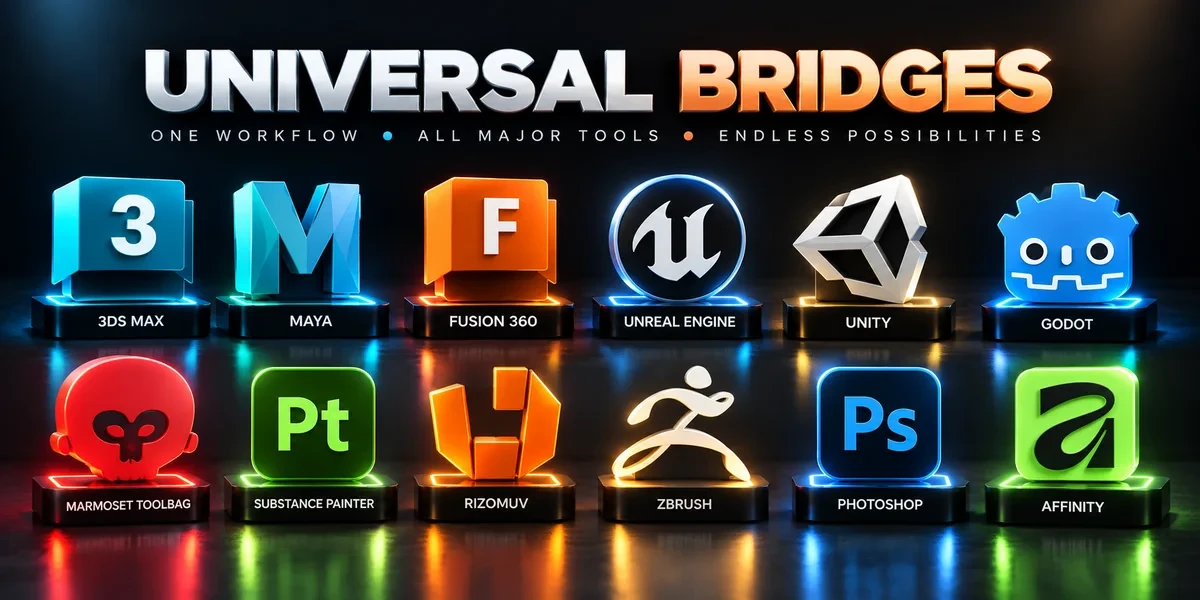
Related add-ons.
- Unreal Engine Bridge Push meshes, collision, sockets and LODs into Unreal’s Content Browser, with project-folder access and live update workflows.
- Unity Bridge Send assets into Unity project folders, sync supported edits and bring exported model files back to Blender.
- Godot Bridge Send GLB or glTF assets into Godot 4 projects and return exported glTF work to Blender.