Blender add-onRizomUV Bridge
Unwrap there. UVs here.
Send meshes to RizomUV for unwrapping and packing, then return UVs to Blender with save-based synchronization.
- Unwrap and pack presets
- Rules for batch unwraps
- Save-based Auto Sync
Compatibility
Windows only · Blender 3.3–5.2
Get it on Superhive ↗ (opens in a new tab)Pricing, checkout, downloads and updates are handled on Superhive.
What it does.
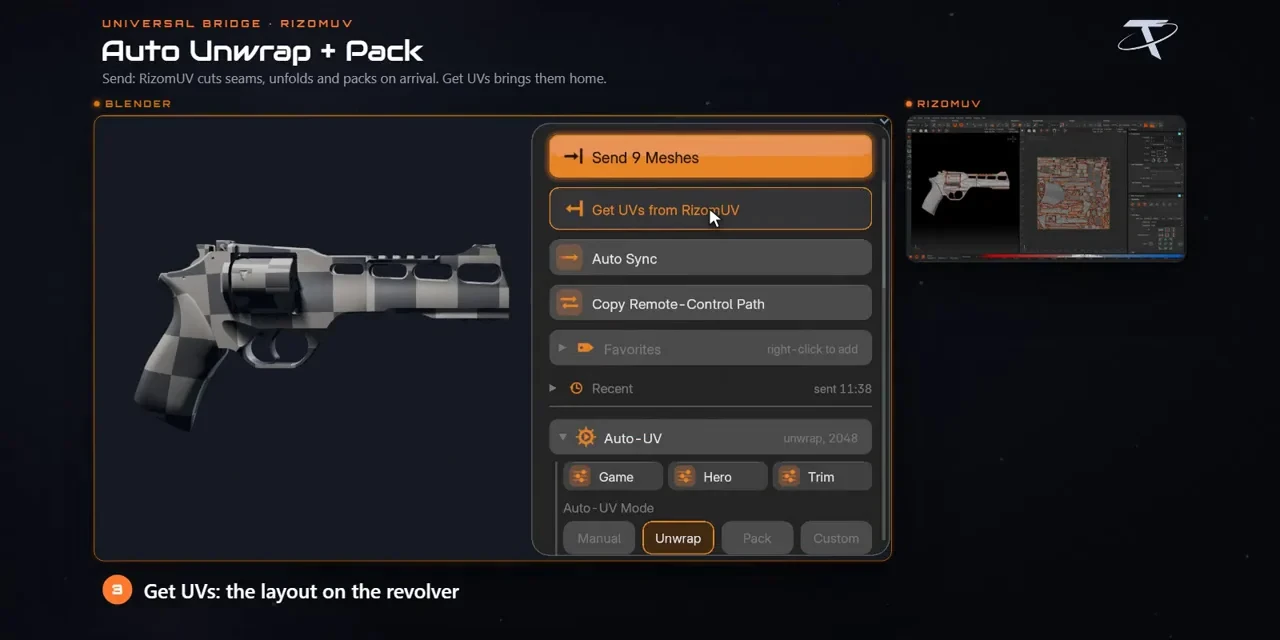
Unwrap from presets
Send with Manual, Unwrap, Pack or custom Lua settings, starting from Game-ready, Hero asset or Trim sheet presets.
Rules and batches
Assign recipes by collection, name, material or triangle count, run preflight and batch process with per-object feedback.
Pack to a budget
Set resolution, padding, rotation and UDIM options, and measure or match texel density across objects.
Auto Sync on save
Save in RizomUV and the UVs land back on the matching Blender objects; unsaved edits don’t transfer.
Before you buy.
- Windows only · Blender 3.3–5.2.
- Your own RizomUV licence (Virtual Spaces or Real Space 2020+), not included.
- Keep object names and topology unchanged while the UVs are away.
Want the details?
The full feature list, documentation, changelog and licence options are on Superhive.
Get it on Superhive ↗ (opens in a new tab)Also sold in these bundles.
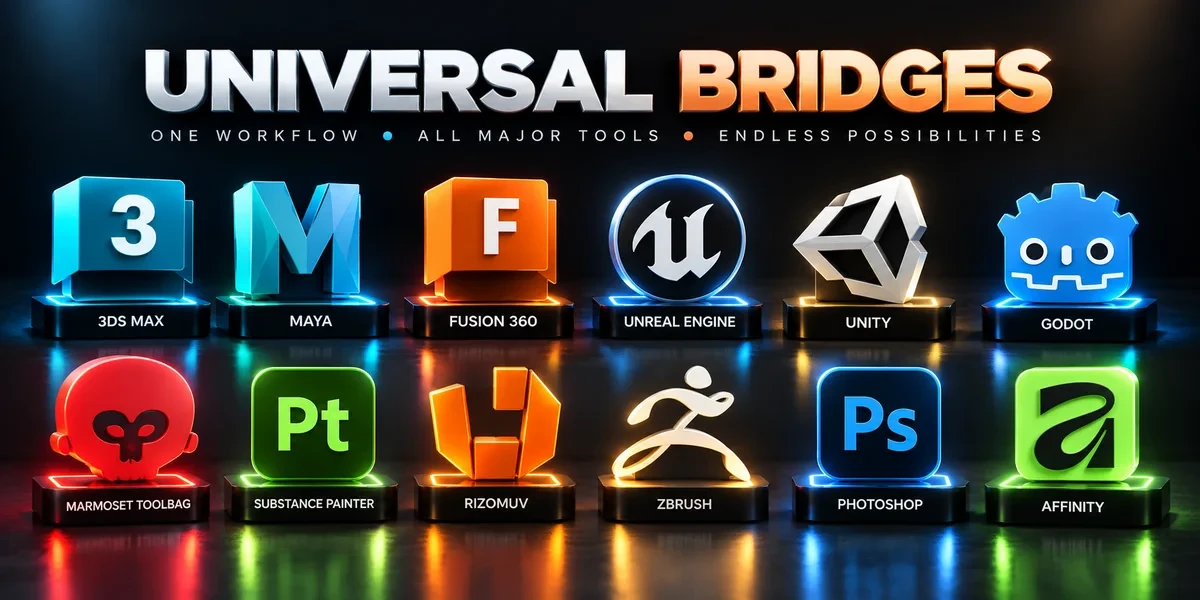
Related add-ons.
- Unreal Engine Bridge Push meshes, collision, sockets and LODs into Unreal’s Content Browser, with project-folder access and live update workflows.
- Unity Bridge Send assets into Unity project folders, sync supported edits and bring exported model files back to Blender.
- Godot Bridge Send GLB or glTF assets into Godot 4 projects and return exported glTF work to Blender.