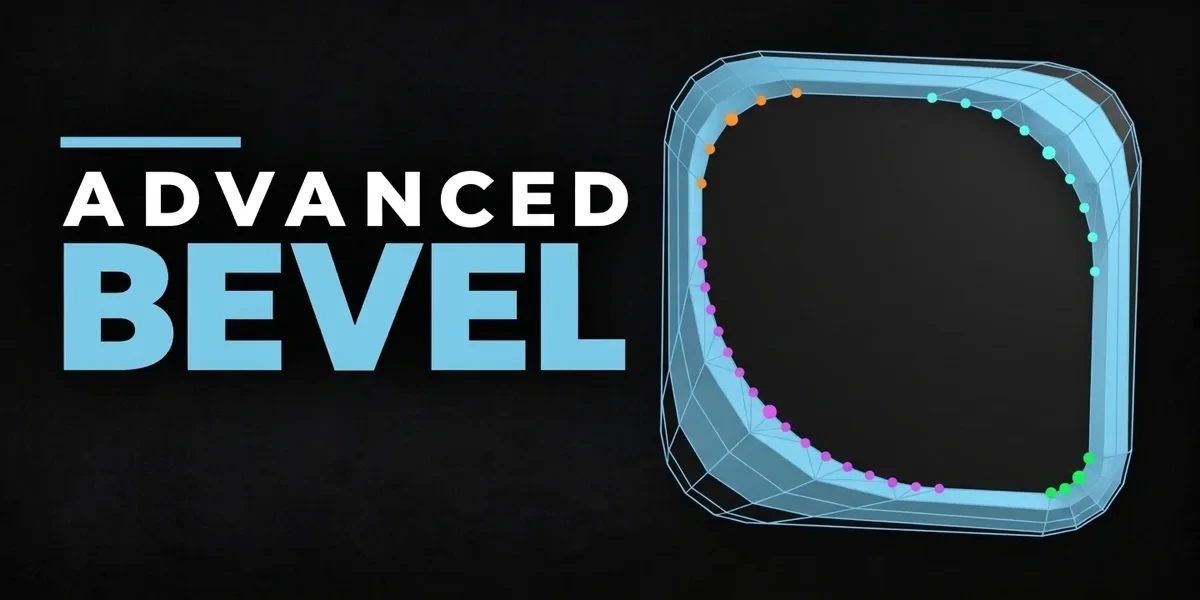
Blender add-onAdvanced Bevel
Every corner, its own bevel.
Refine each corner around Blender’s bevel topology with independent depth, spread and detail controls.
- Per-corner controls
- Built on native bevel topology
- Classic and Extension builds
Compatibility
Windows / macOS / Linux · Blender 3.3–5.2
Get it on Superhive ↗ (opens in a new tab)Pricing, checkout, downloads and updates are handled on Superhive.
What it does.
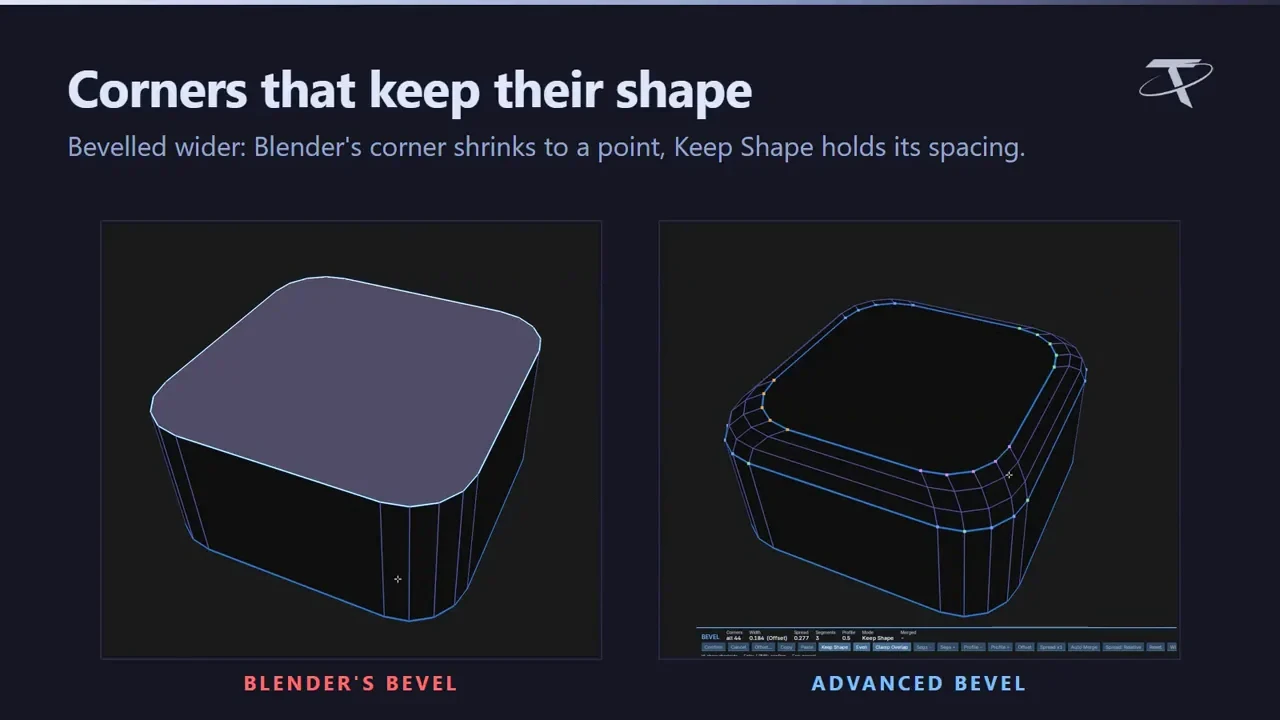
Corners that don’t tighten
Rounded corners hold their shape as the bevel gets wider, instead of pinching in.
Edit each corner
Give every corner its own depth, spread and detail in the viewport before you commit.
Native Bevel stays
Blender’s Bevel is still on Ctrl + B and sits next to the advanced one in the Shift + Alt + Y menu.
Before you buy.
- Windows / macOS / Linux · Blender 3.3–5.2.
- Where three or more beveled edges meet, the corner patch is Blender’s own bevel.
- Vertex-count changes and Auto Merge need Blender 3.4+; Adjust Last Operation isn’t available.
Want the details?
The full feature list, documentation, changelog and licence options are on Superhive.
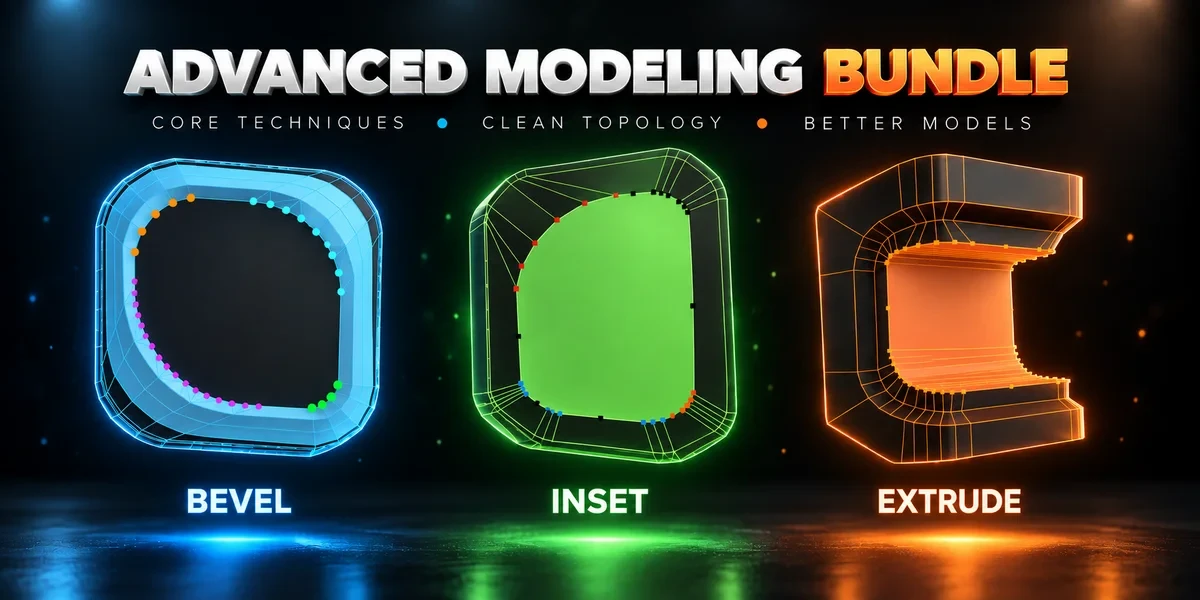
Get it on Superhive ↗ (opens in a new tab)Also sold in a bundle.
Related add-ons.
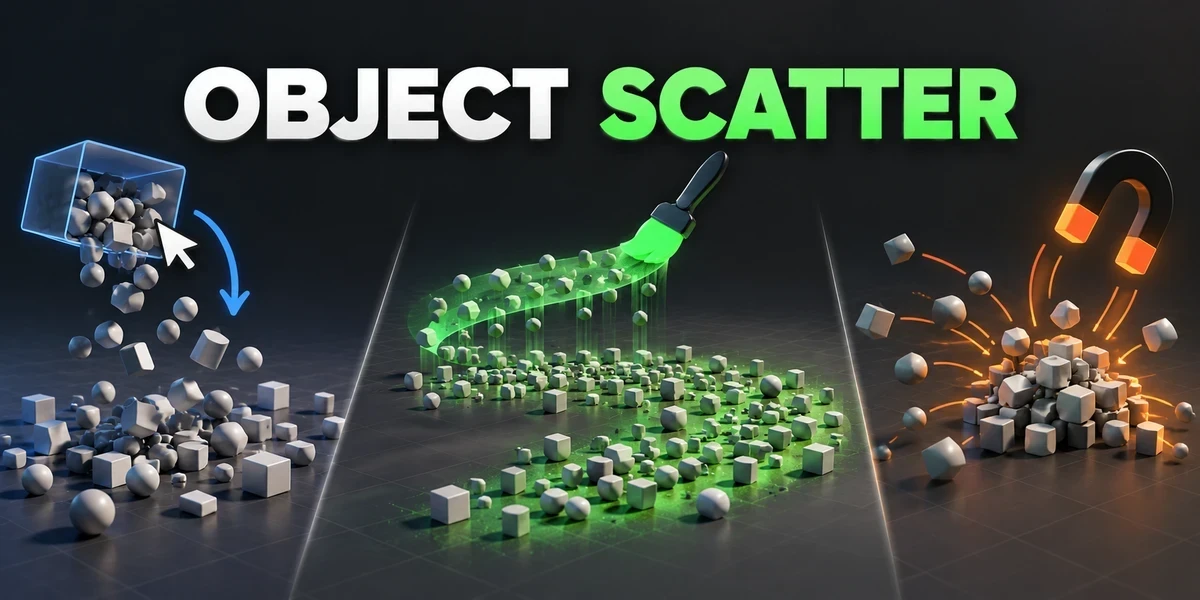
- Object Scatter Drop, brush or magnet-place assets using physics, then keep the arrangement you choose in the viewport.
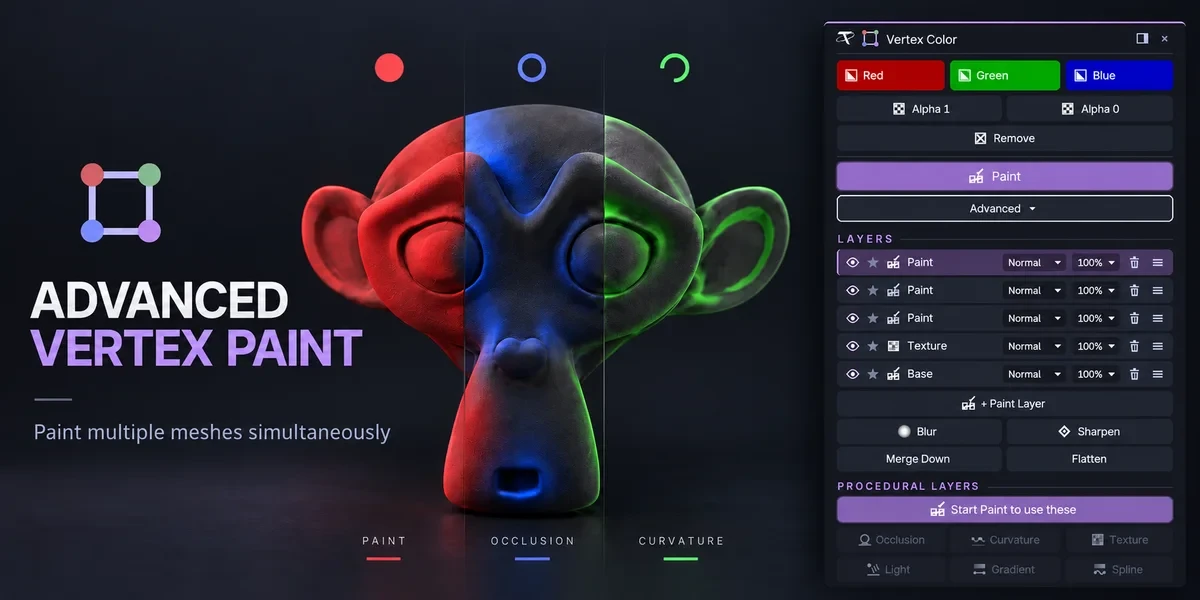
- Advanced Vertex Paint Fill and paint multiple meshes together. The Pro edition adds editable layers, blend modes and procedural color tools.
- Power Boolean Difference, Union, Intersect and Slice with fixed or live cutters, then cleanup and editable bevels on the cut, in one sidebar.