Blender add-onMesh Split
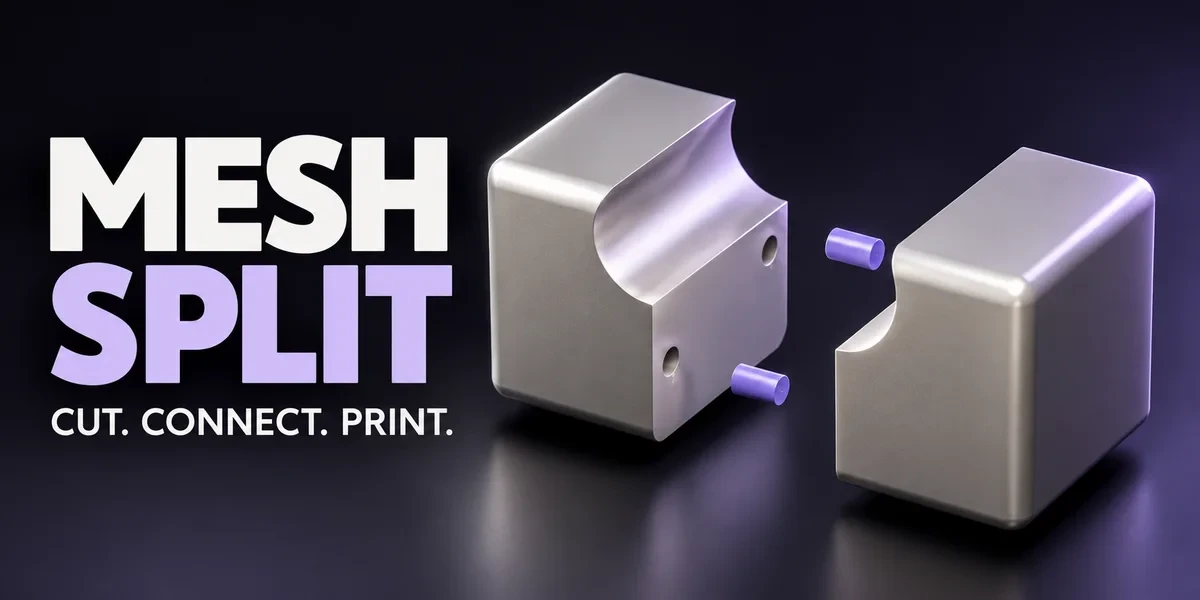
Cut. Connect. Print.
Cut meshes into printable parts, add loose or attached connectors, tune the fit and export the assembly, all inside Blender.
- Straight, freehand and surface cuts
- Six connector profiles
- STL, OBJ and 3MF export
Compatibility
Windows tested · Blender 3.0–5.2
Commercial use included. Checkout, downloads and updates are handled on Superhive.
Split the model. Build the connection.
Divide a mesh into printable parts, design the connections, and prepare the assembly—all inside Blender.
Straight, freehand and surface cuts. Loose or attached connectors. Fit calibration, matching IDs and print export in one focused workflow.
See the controls. Follow the process.
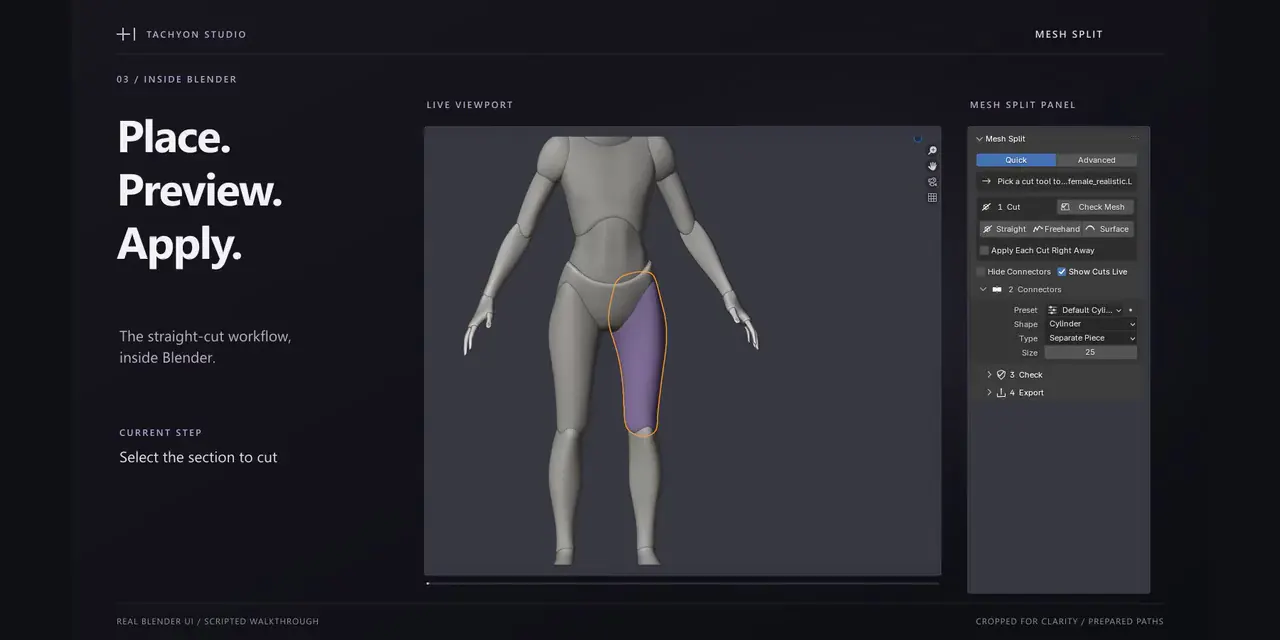
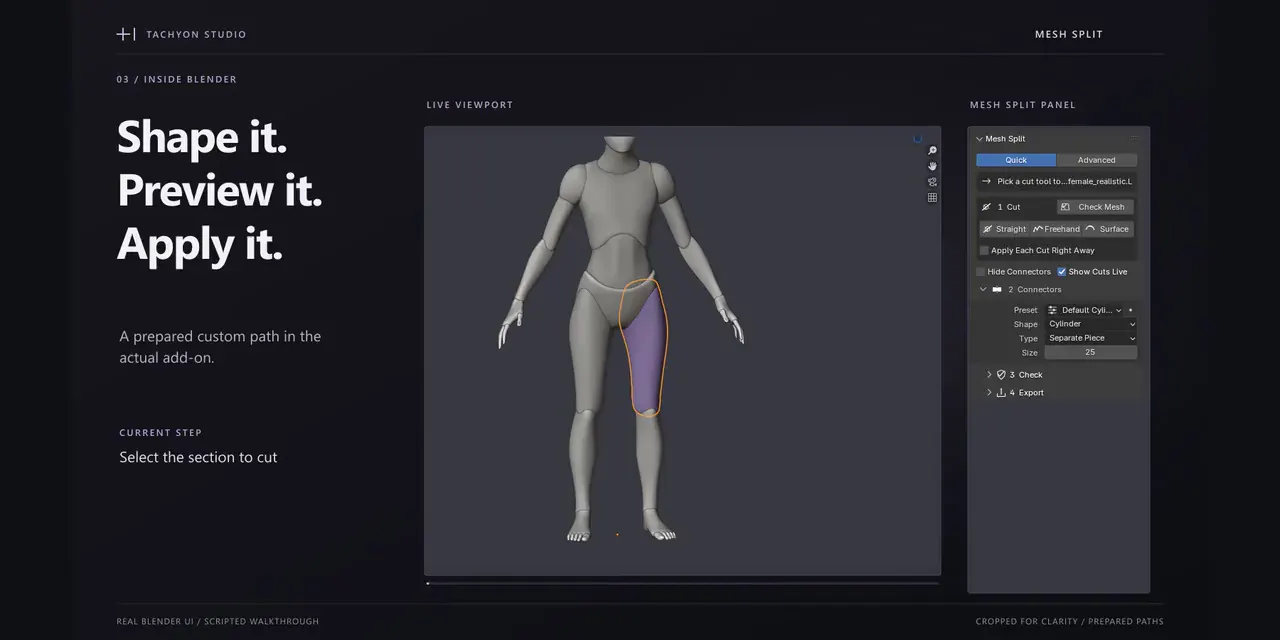
Actual Blender workflows with enlarged viewport and sidebar views.
Straight-cut workflow
Freehand-cut workflow
Surface-cut workflow
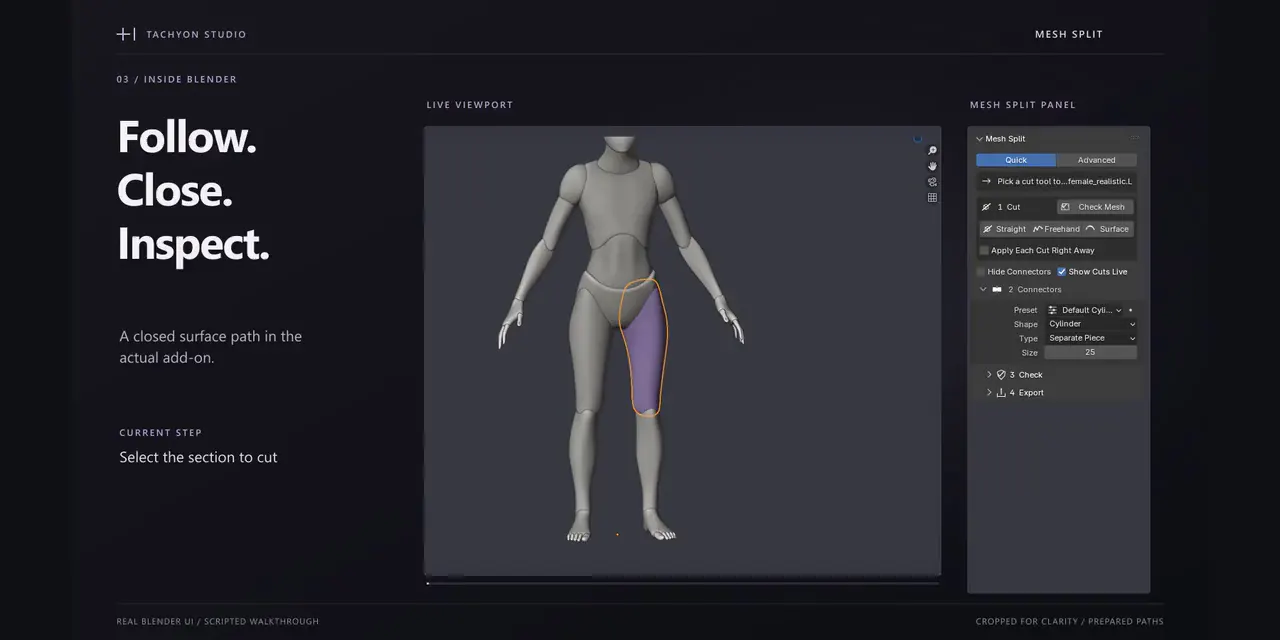
Live connector gizmo
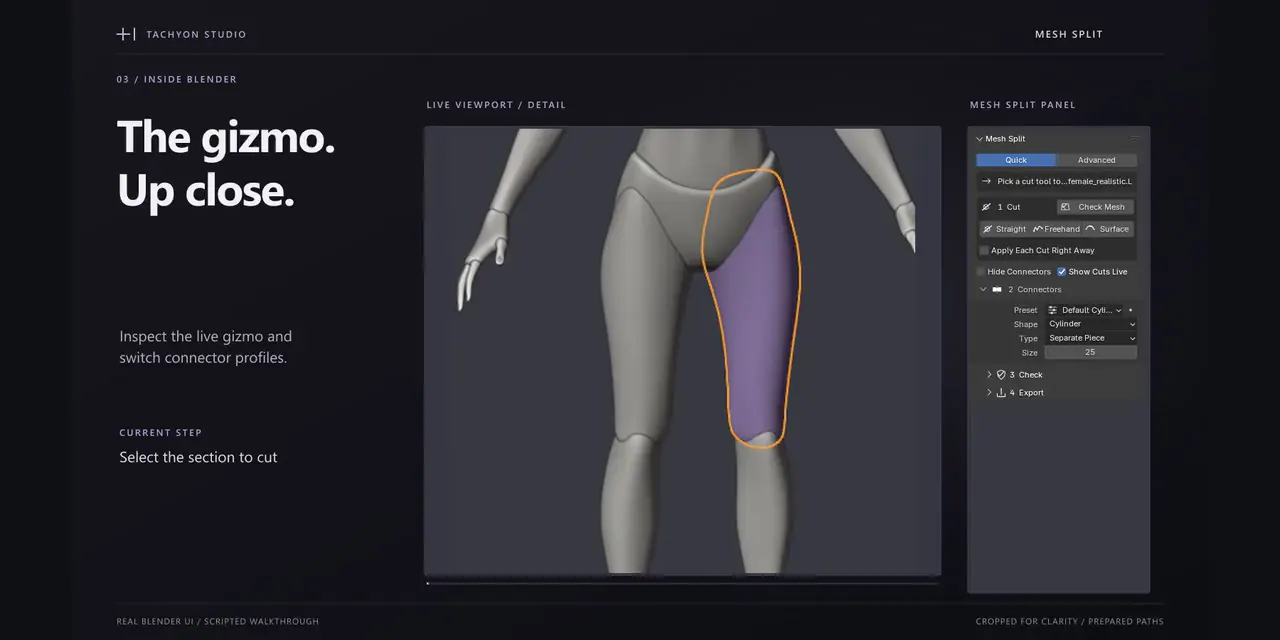
Edited UI walkthroughs are not real-time performance benchmarks. Rendered examples show add-on output, not physical prints; the cover is stylized artwork.
One model. Focused demonstrations.
The mannequin provides context; the demos focus on a prepared thigh section. Existing mannequin joints belong to the source model.
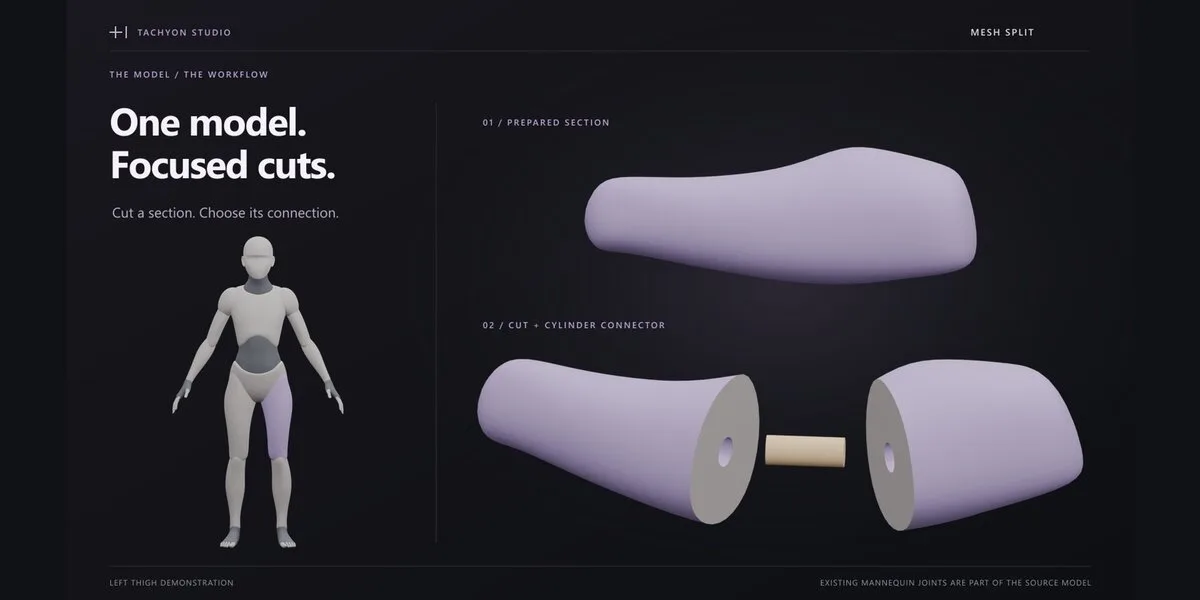
Three ways to split a mesh.
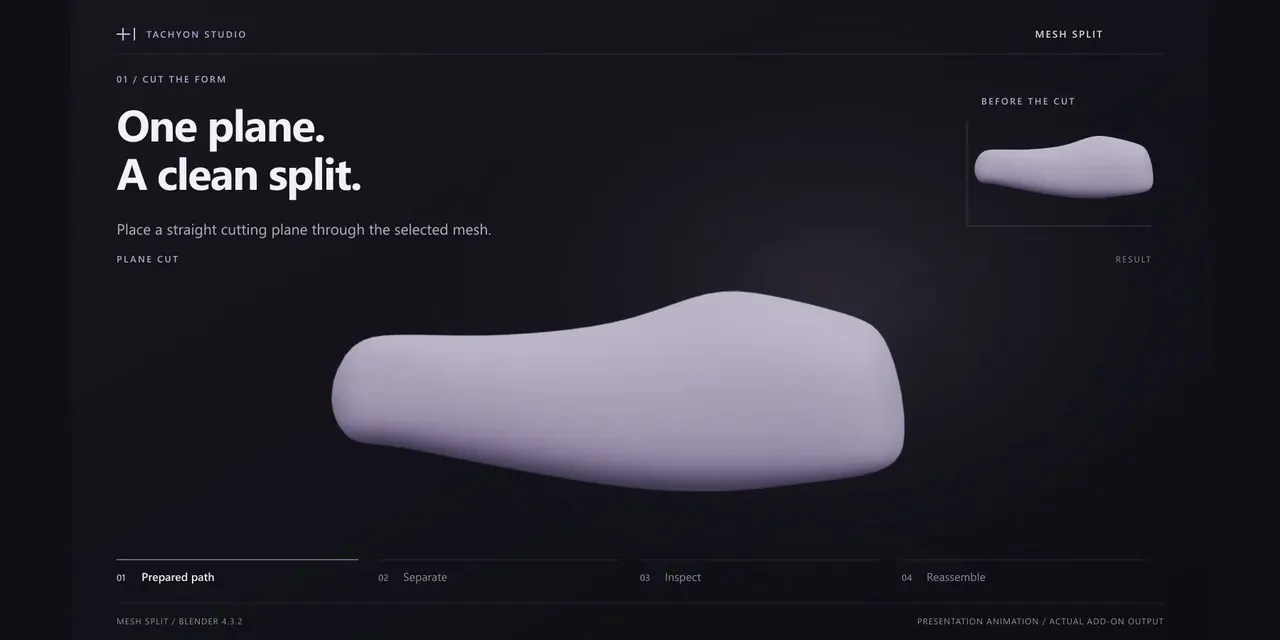
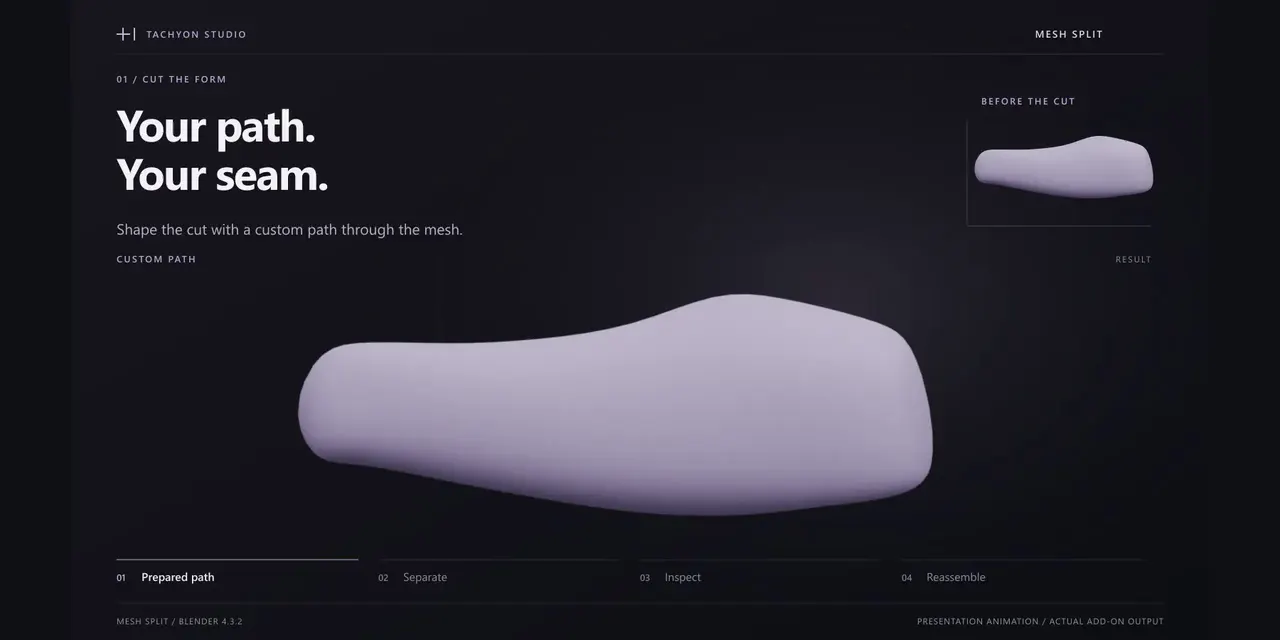
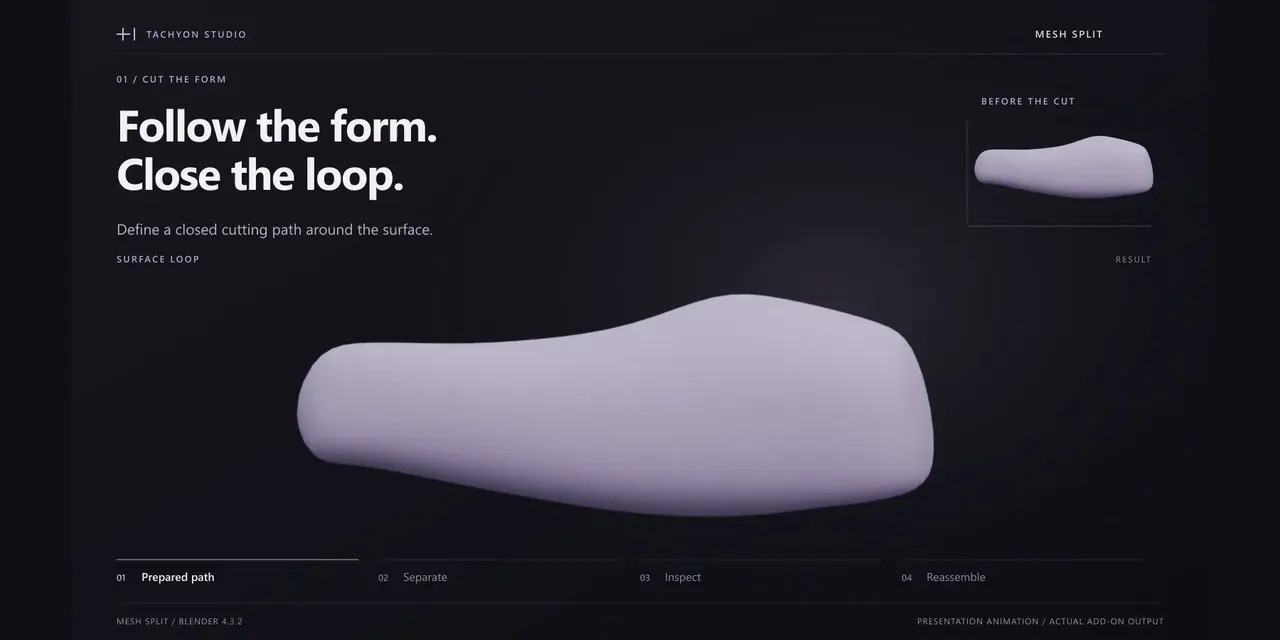
Use Straight for a plane, Freehand for a custom contour, or Surface for a closed loop. Queue and edit cuts before applying them.
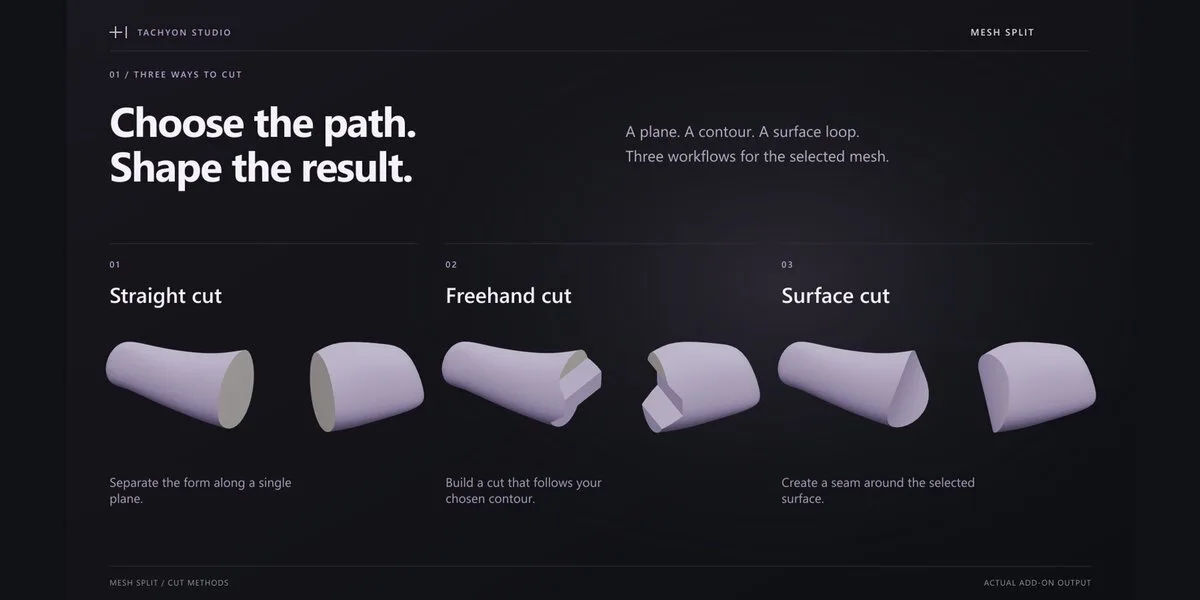
Straight cut
Freehand cut
Surface cut
Build the connection you need.
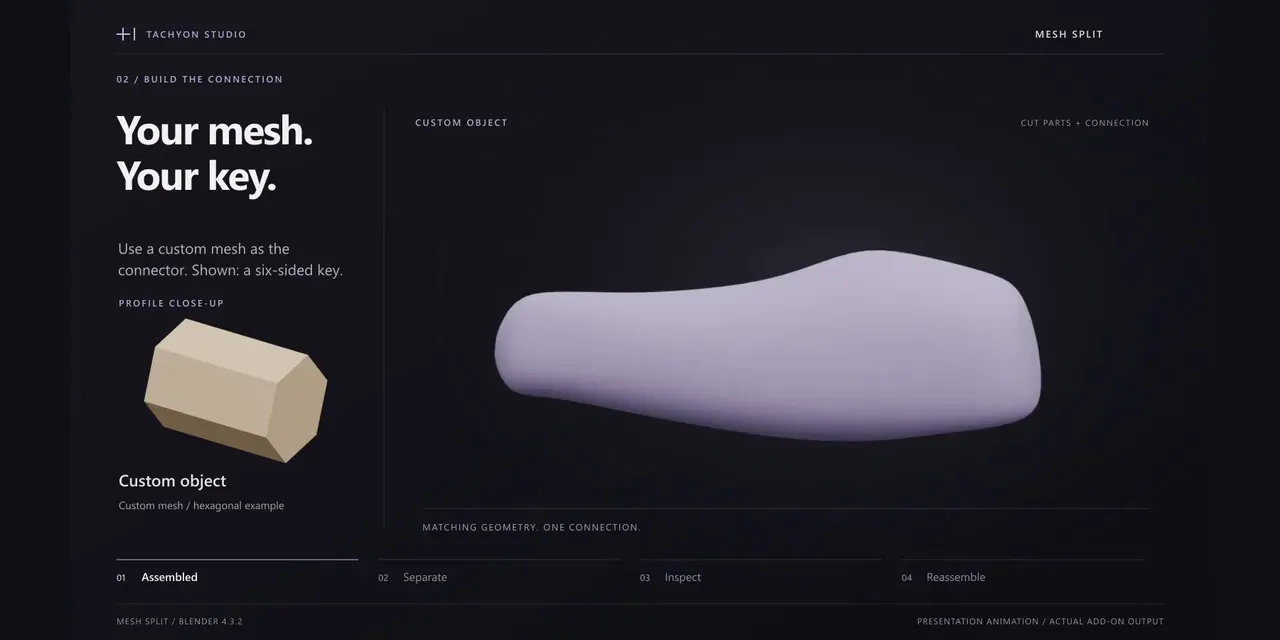
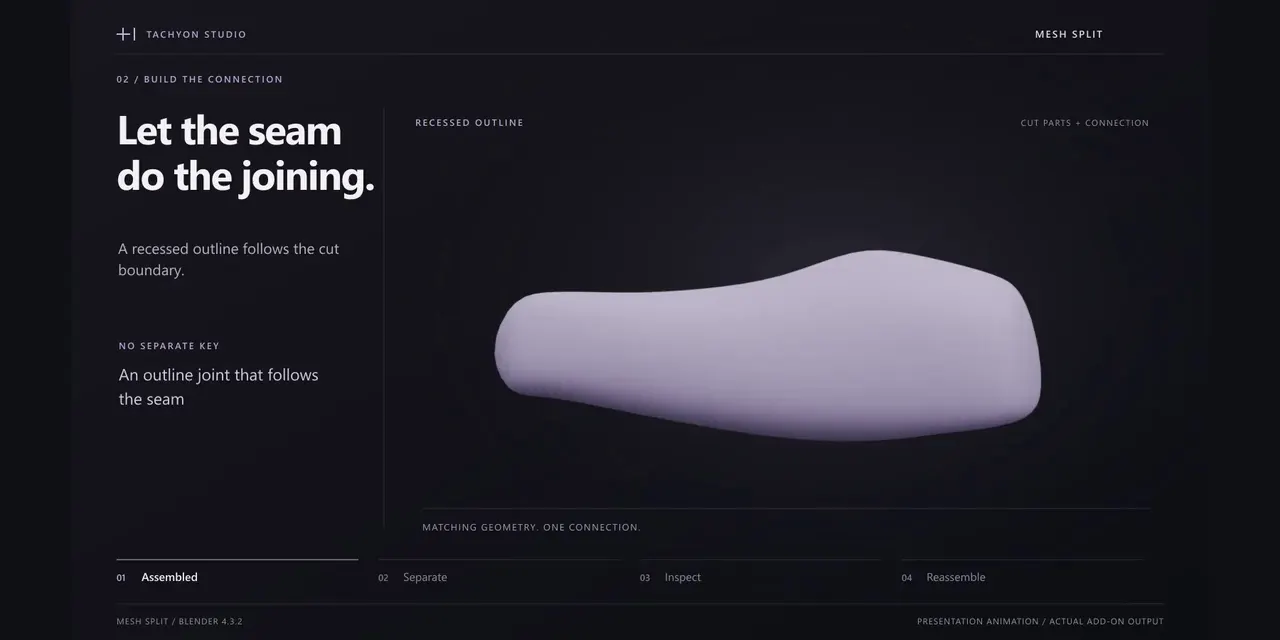
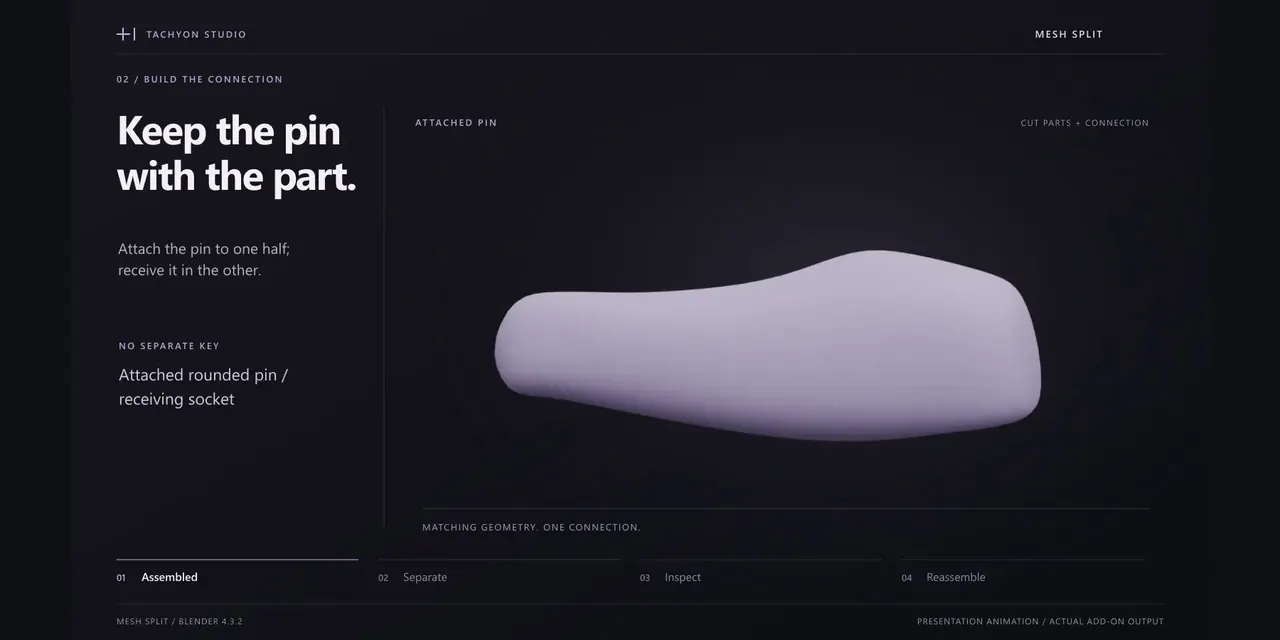
Choose six connector profiles, including your own Custom Object. Use loose pins, attached pins or a recessed outline seam. Adjust dimensions, insertion depth and clearance.
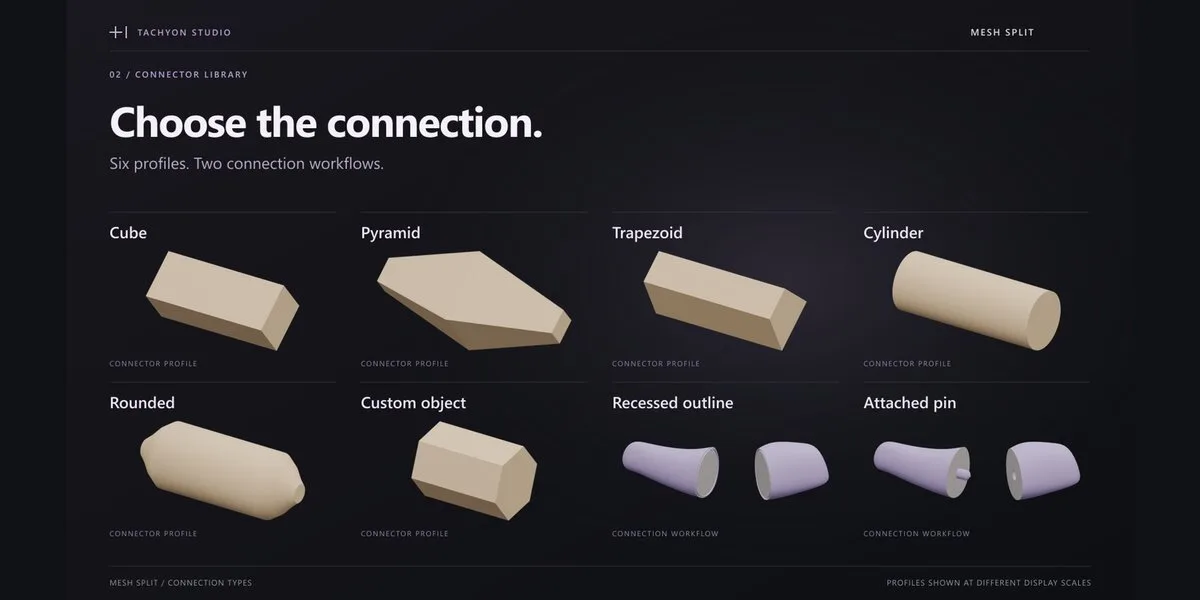
Cube
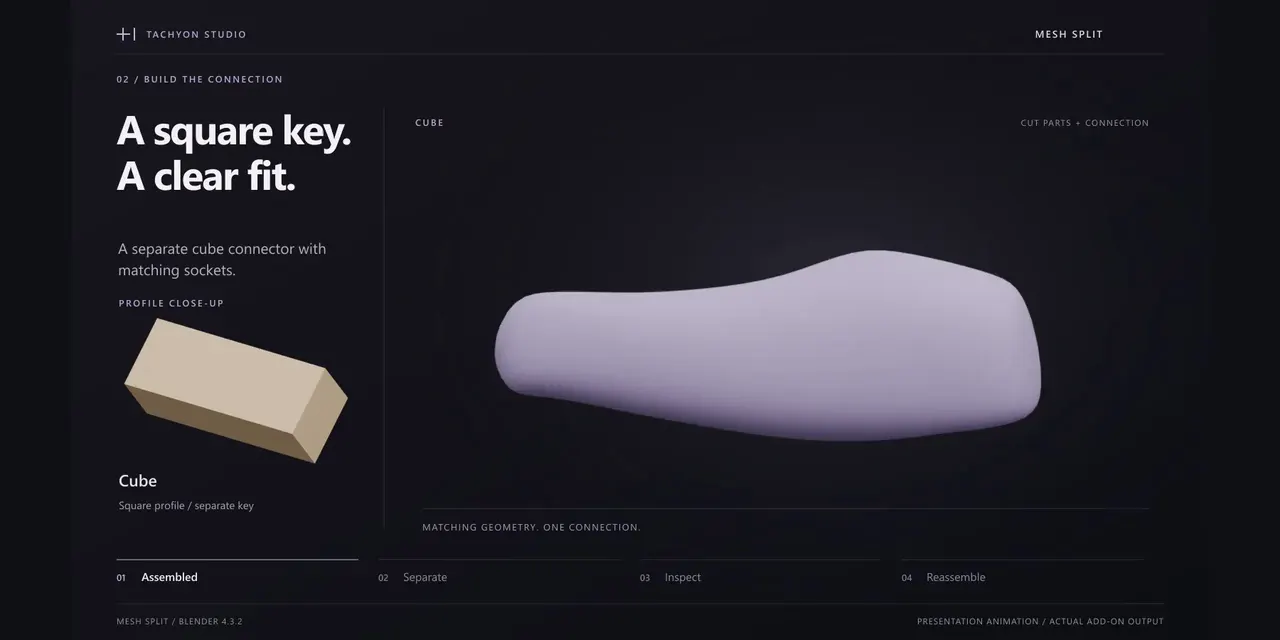
Pyramid
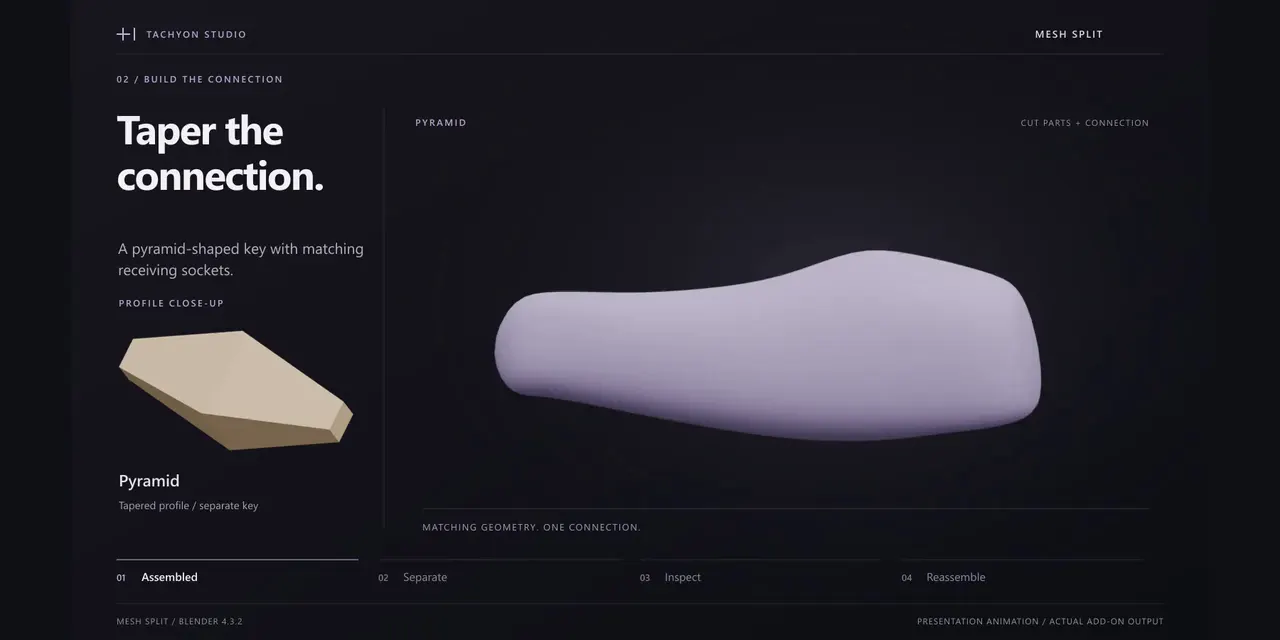
Trapezoid
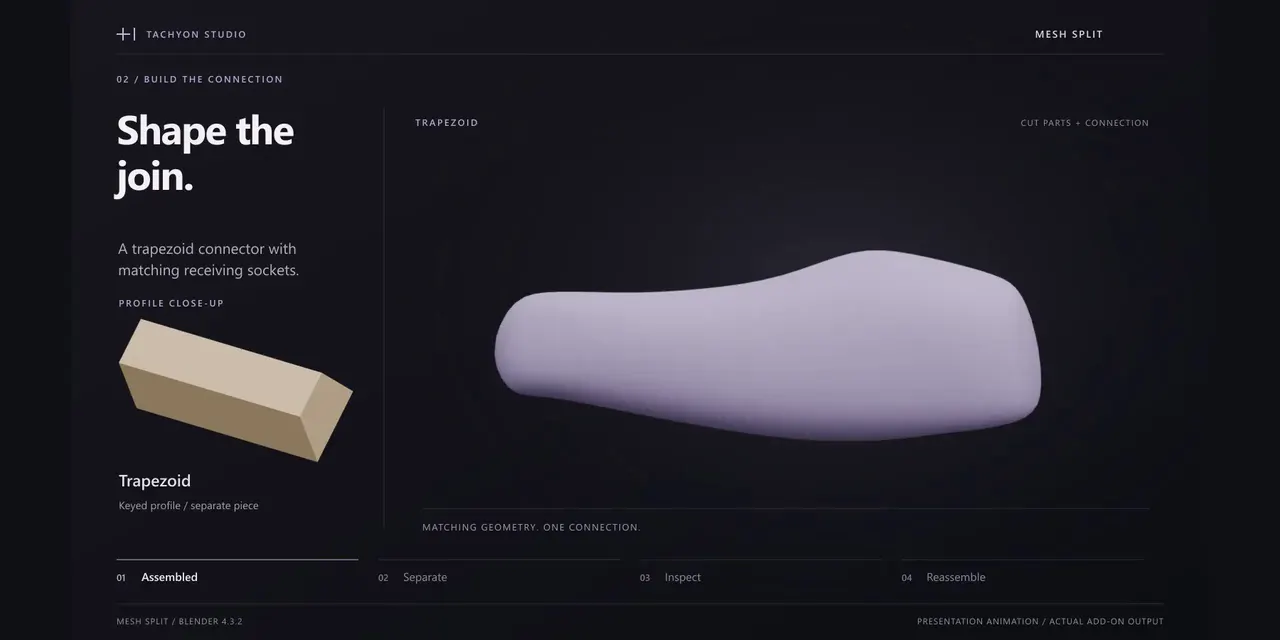
Cylinder — flat caps
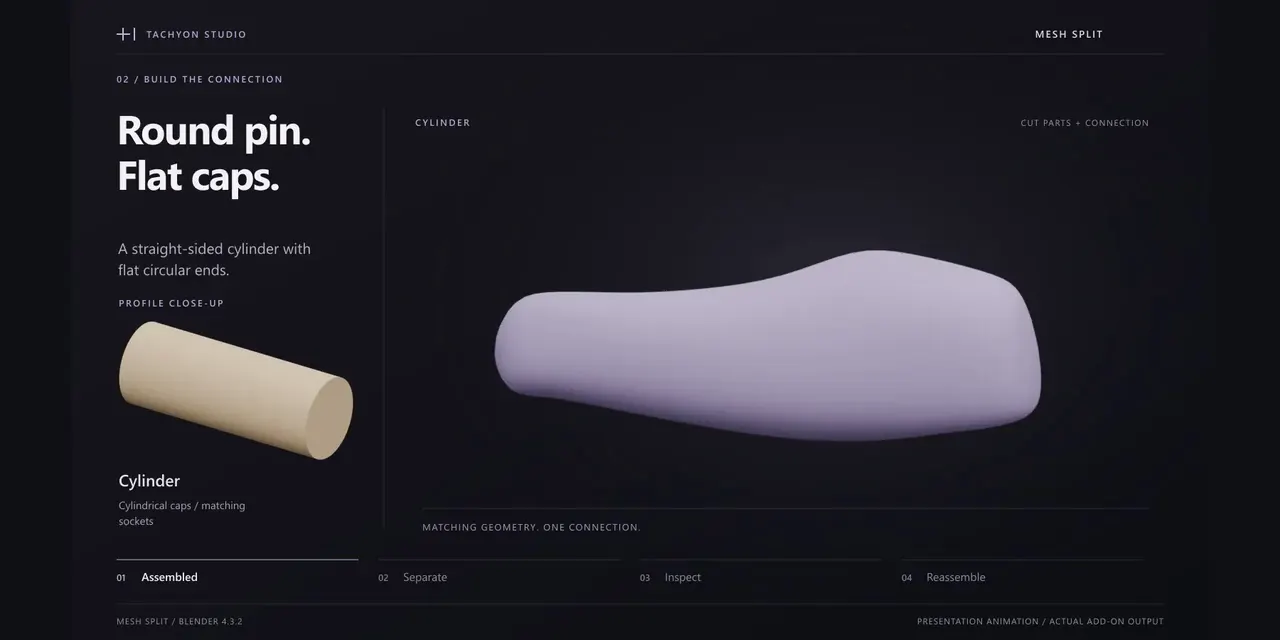
Rounded pin
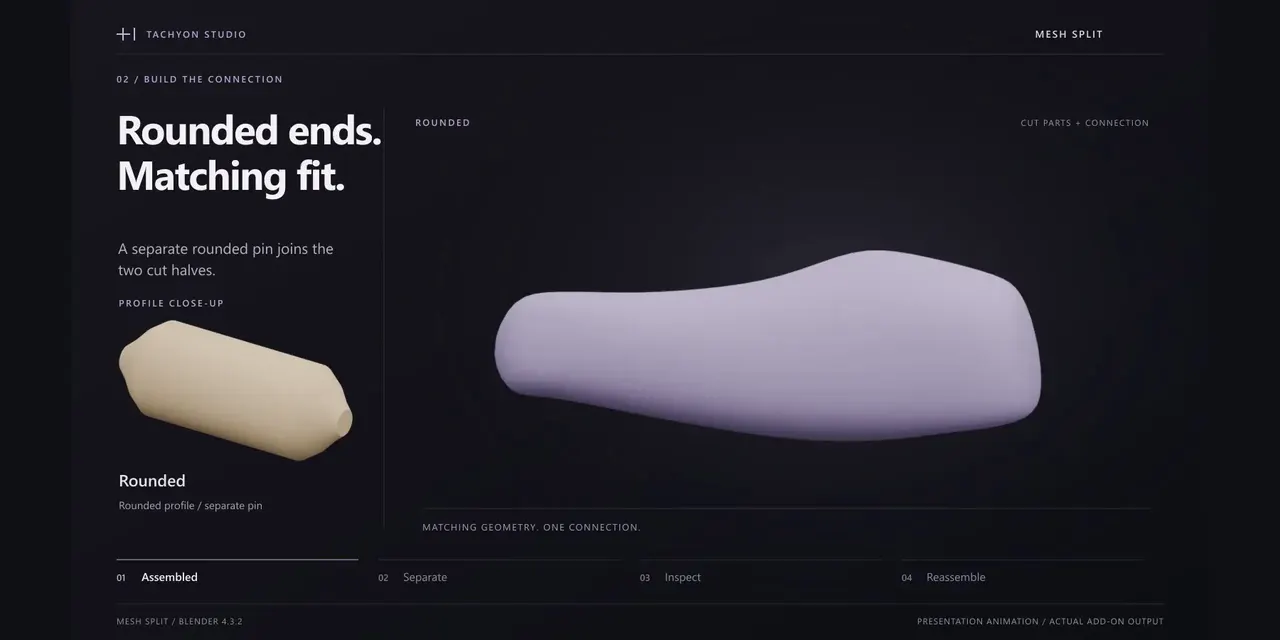
Custom object
Recessed outline
Attached pin
Calibrate. Check. Export.
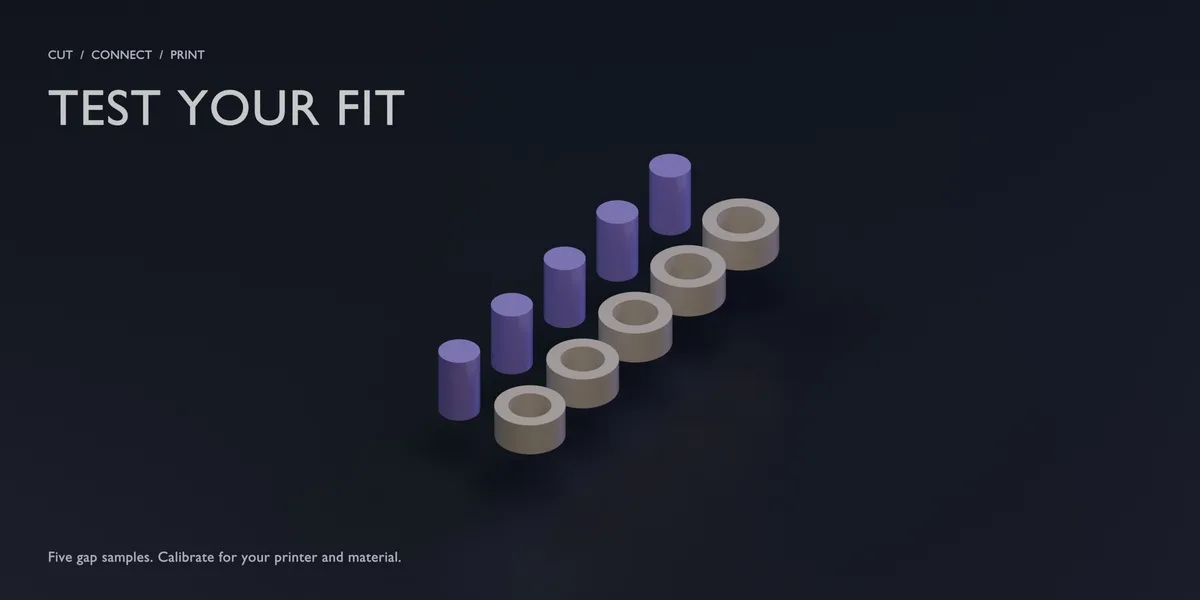
Print peg-and-ring samples to calibrate clearance. Inspect assembly and orientation checks, then export STL, OBJ or multi-object 3MF, with a JSON assembly list.
Included
- Mesh Split 1.1.1: legacy installer for Blender 3.0–4.1 and Extension for 4.2–5.2. Install only the matching ZIP.
- Quick start, illustrated manual, operator reference, release notes and GPL source.
- Six editable demo scenes and six MP4 walkthroughs.
Windows tests covered nine builds across Blender 3.x–5.x; exact versions and scope are in the documentation. Newer demo .blend files may not open in 3.x. No extra paid add-on or activation service is required.
Before you buy: use clean, closed meshes. Invalid geometry or paths can be rejected. Assembly checks are aids, not safety certification. Calibrate with your printer and material; slicing and printing are separate steps.
Before you buy.
- Windows tested · Blender 3.0–5.2.
- Use clean, closed meshes: invalid geometry or paths can be rejected.
- Assembly checks are aids, not safety certification; calibrate with your own printer and material.
Ready to start?
Every licence gets the same features and files, commercial use included. They differ only in seats.
Choose a licence ↑Related add-ons.
- CAD Guides Construction guides as in CAD software: endless guides along any edge, circles and rectangles, and crossings that Blender’s own snapping lands on.

- Hardsurface Helper Pro Draw box and circle cutters, manage live Booleans, tune bevels, mirror and array parts, and add panel lines or pipes from one sidebar.
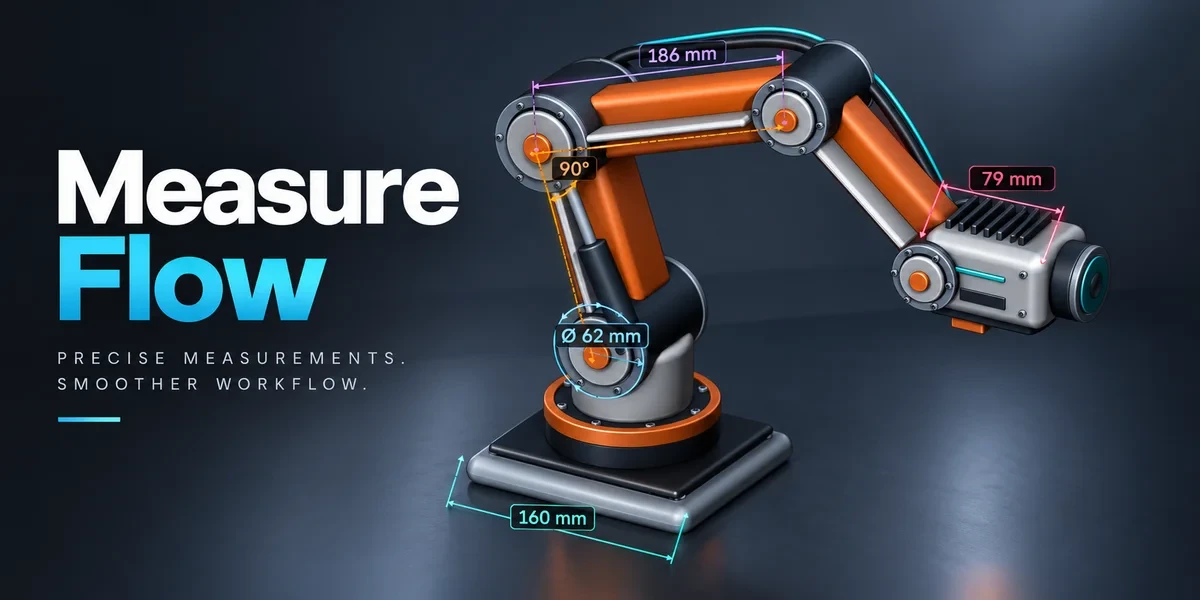
- Measure Flow Measure distances, angles, areas and dimensions in the viewport. Save measurements with your scene and export values to CSV.