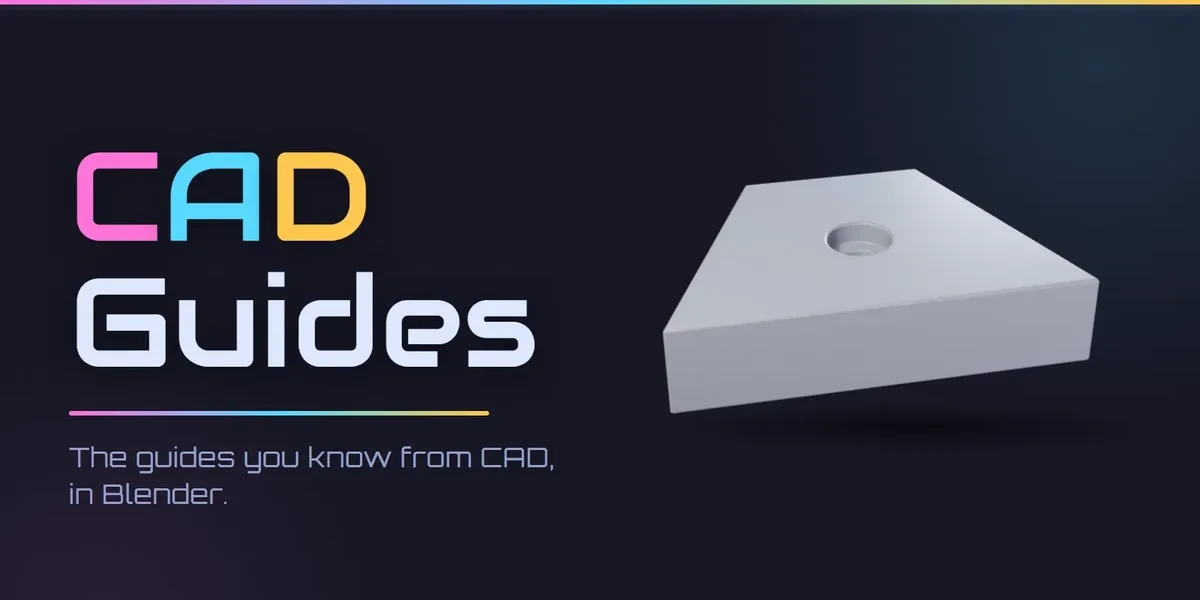
Blender add-onCAD Guides
CAD guides, in Blender.
Construction guides as in CAD software: endless guides along any edge, circles and rectangles, and crossings that Blender’s own snapping lands on.
- A guide from any edge
- Snaps to every crossing
- No network use
Compatibility
Blender 3.3–5.2
Commercial use included. Checkout, downloads and updates are handled on Superhive.
What it does.
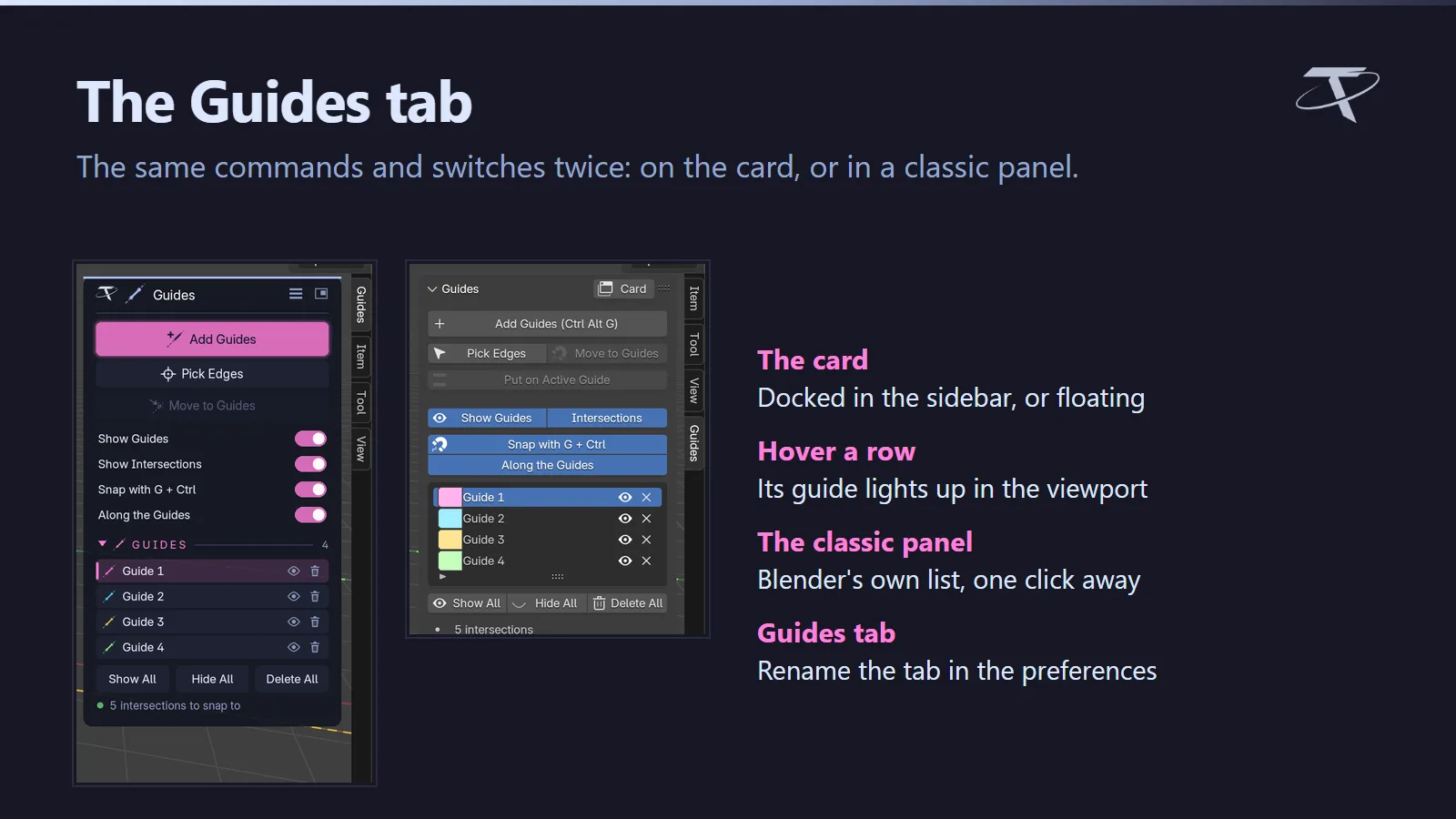
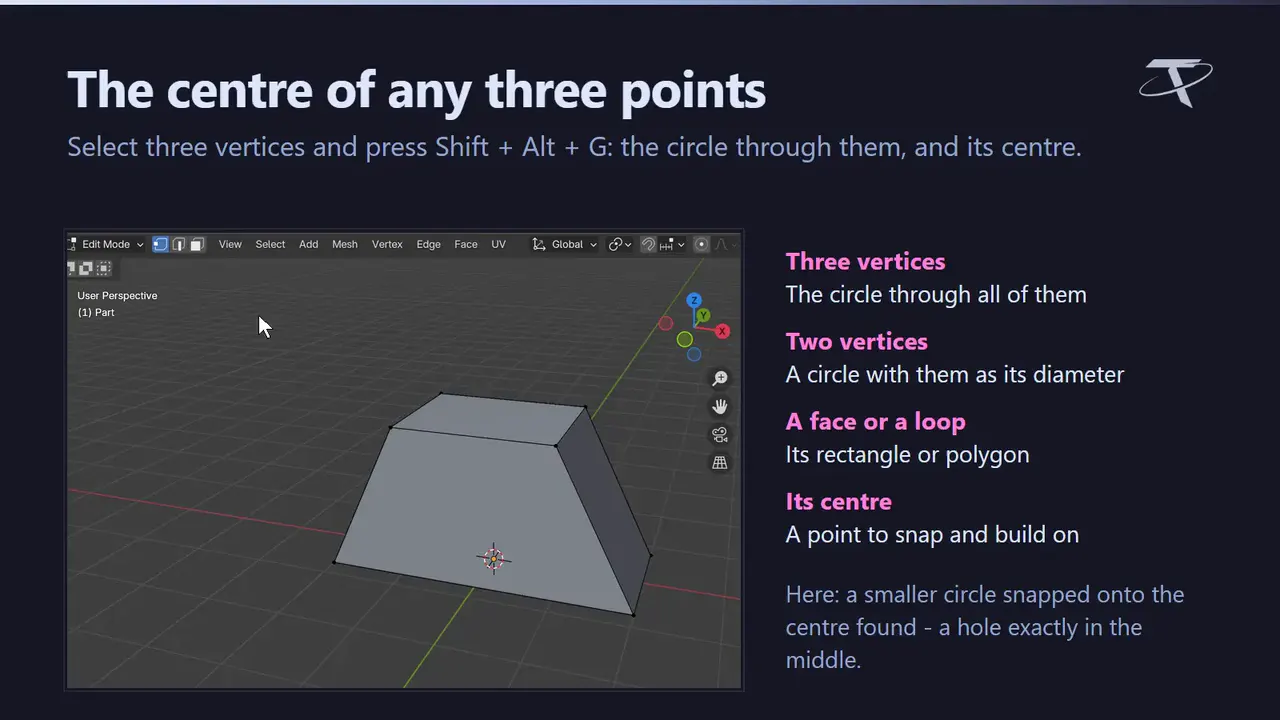
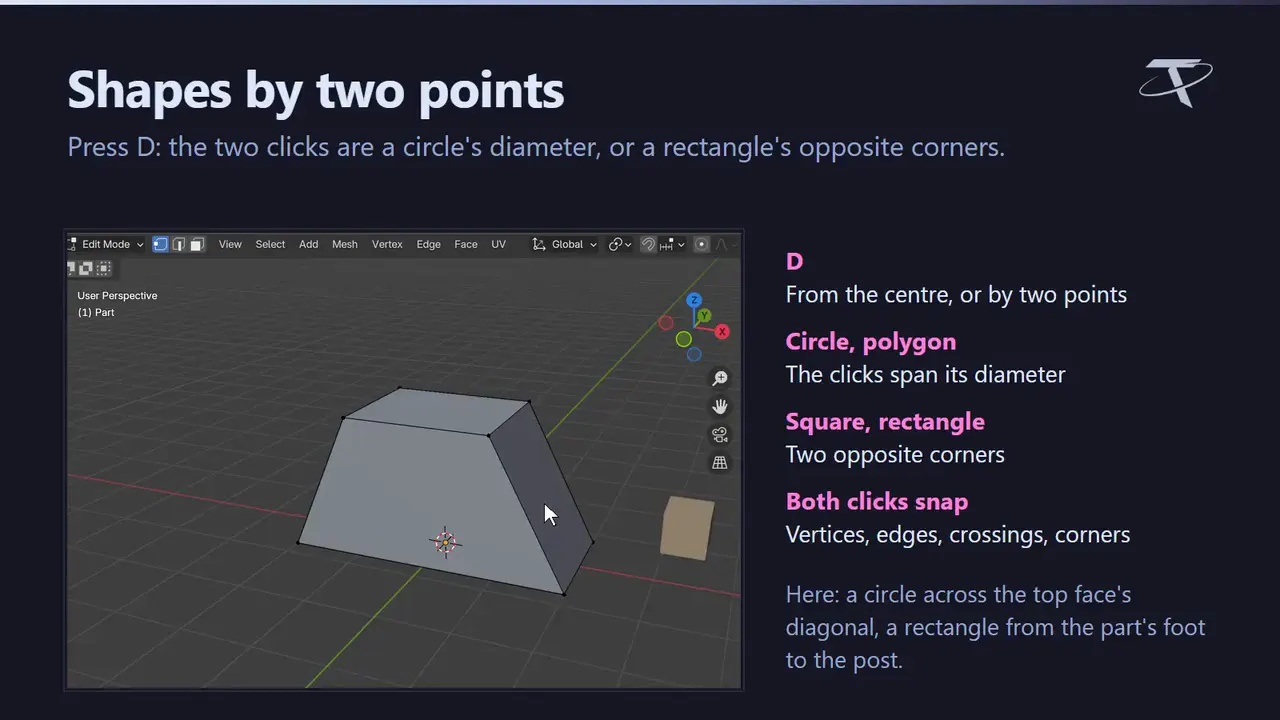
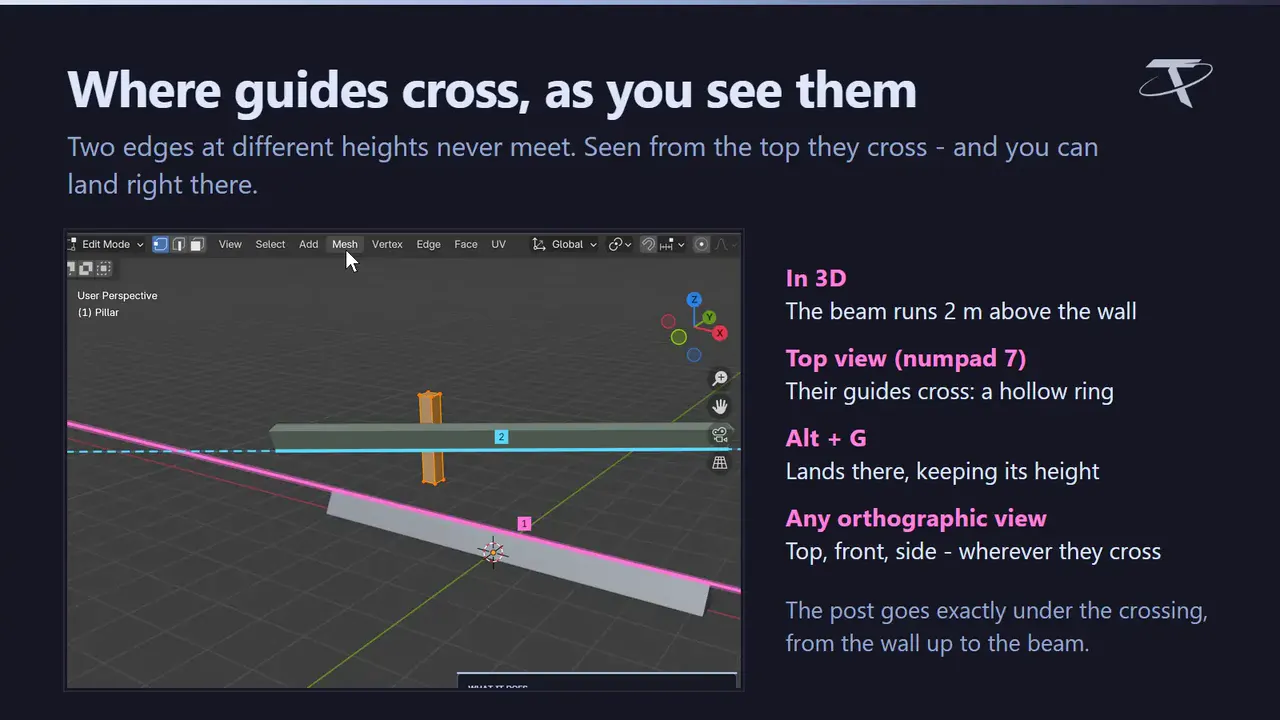
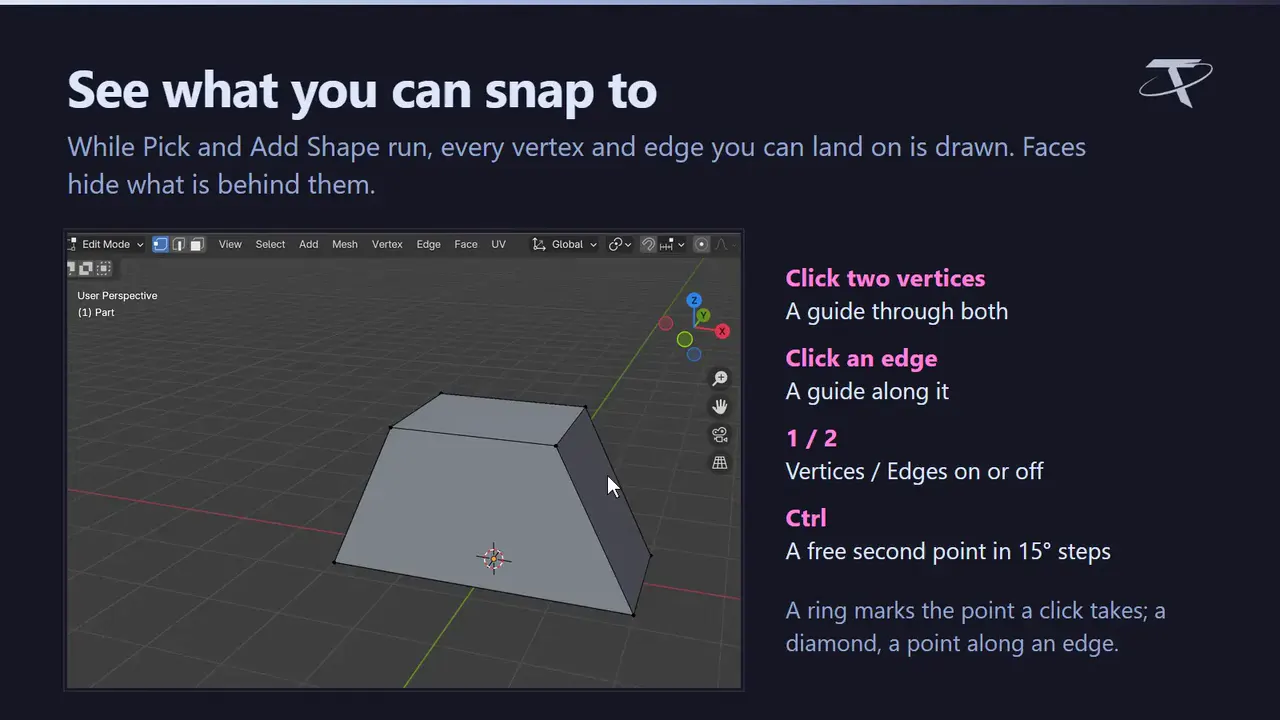
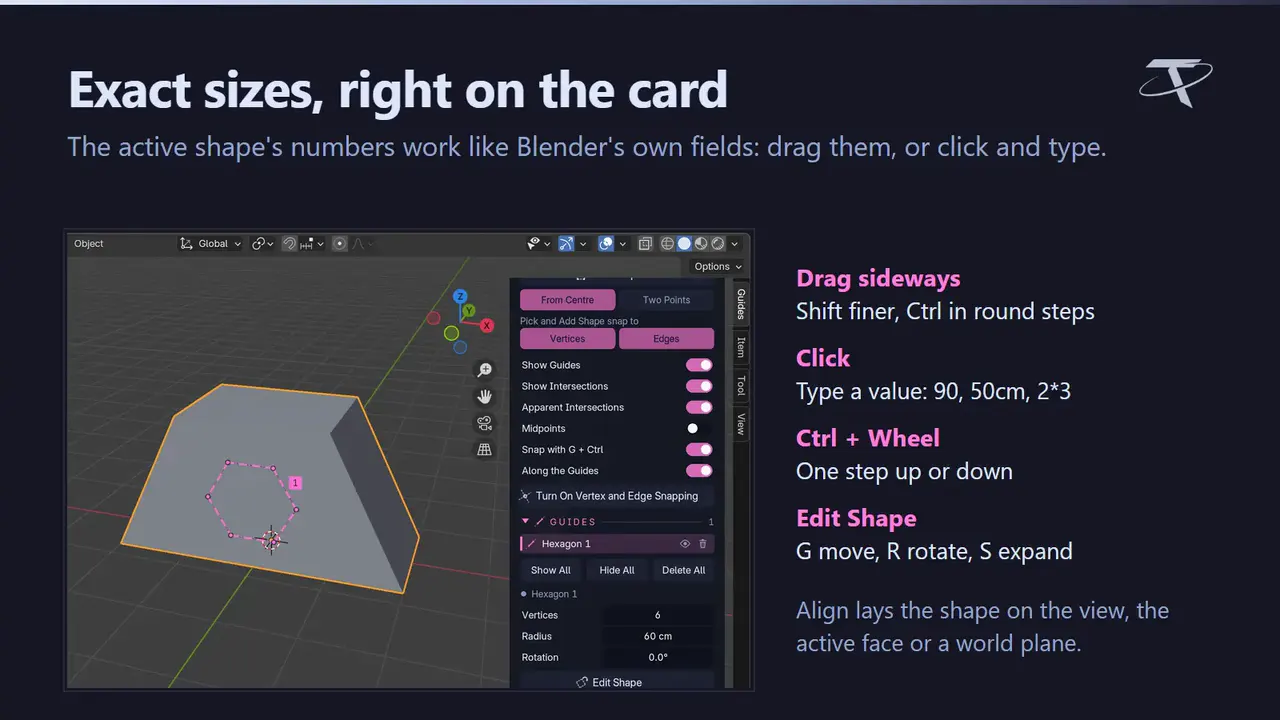
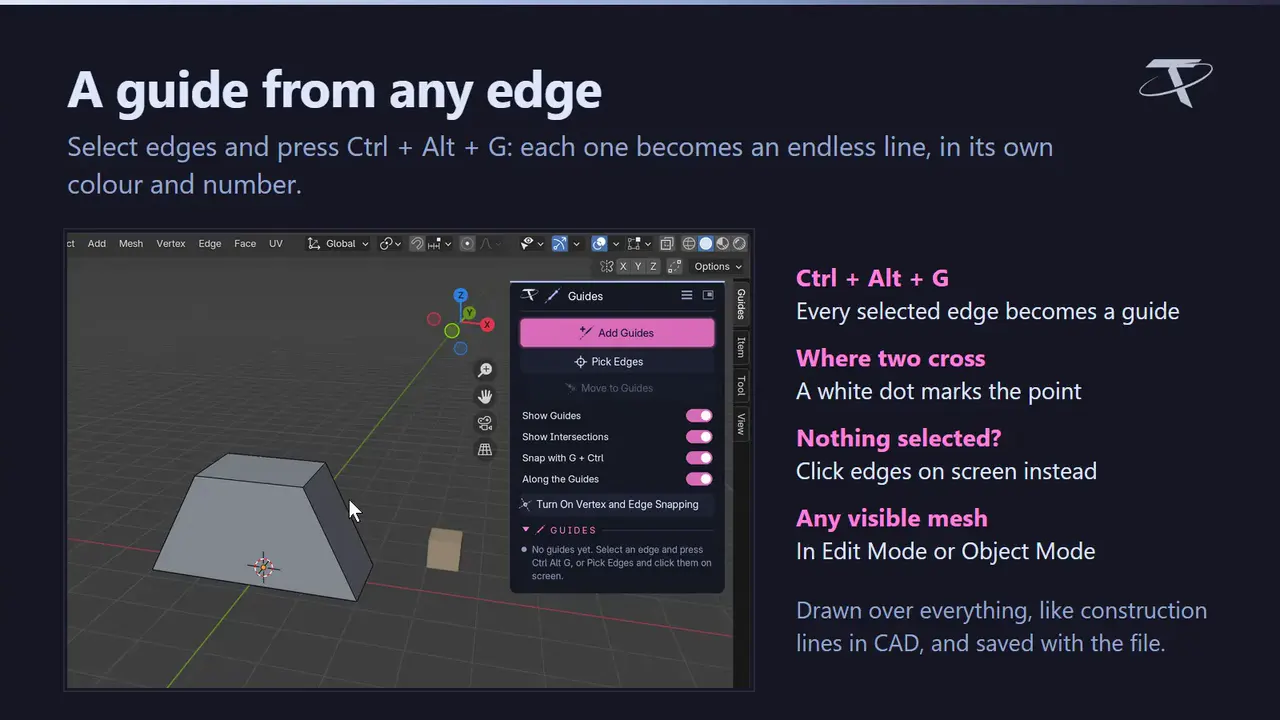
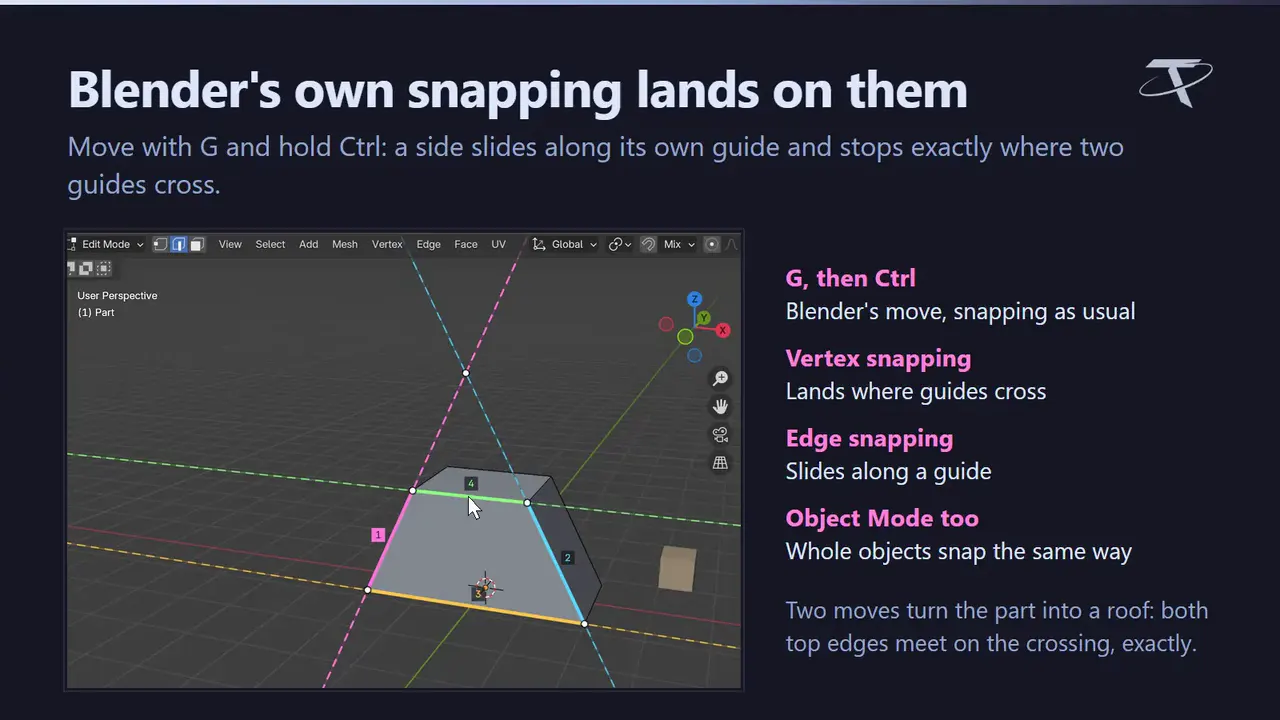
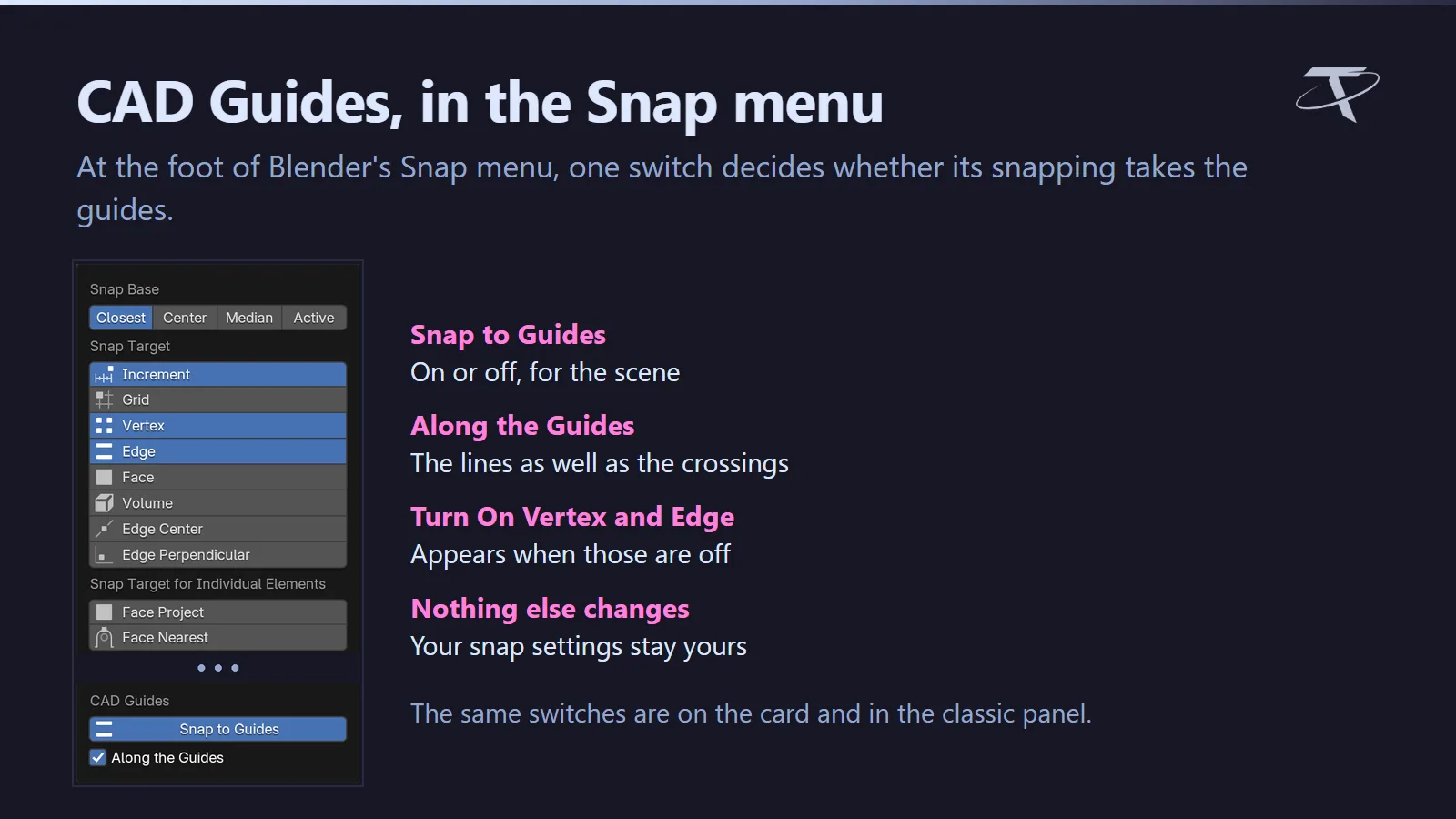
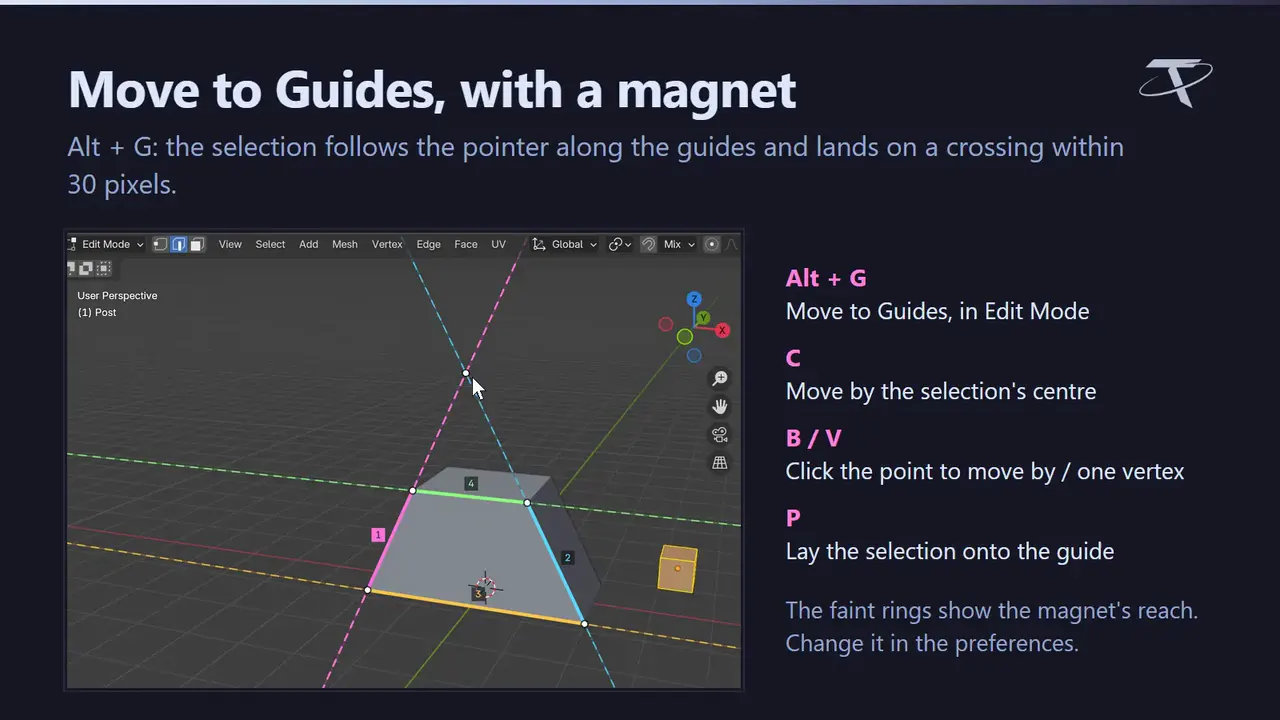
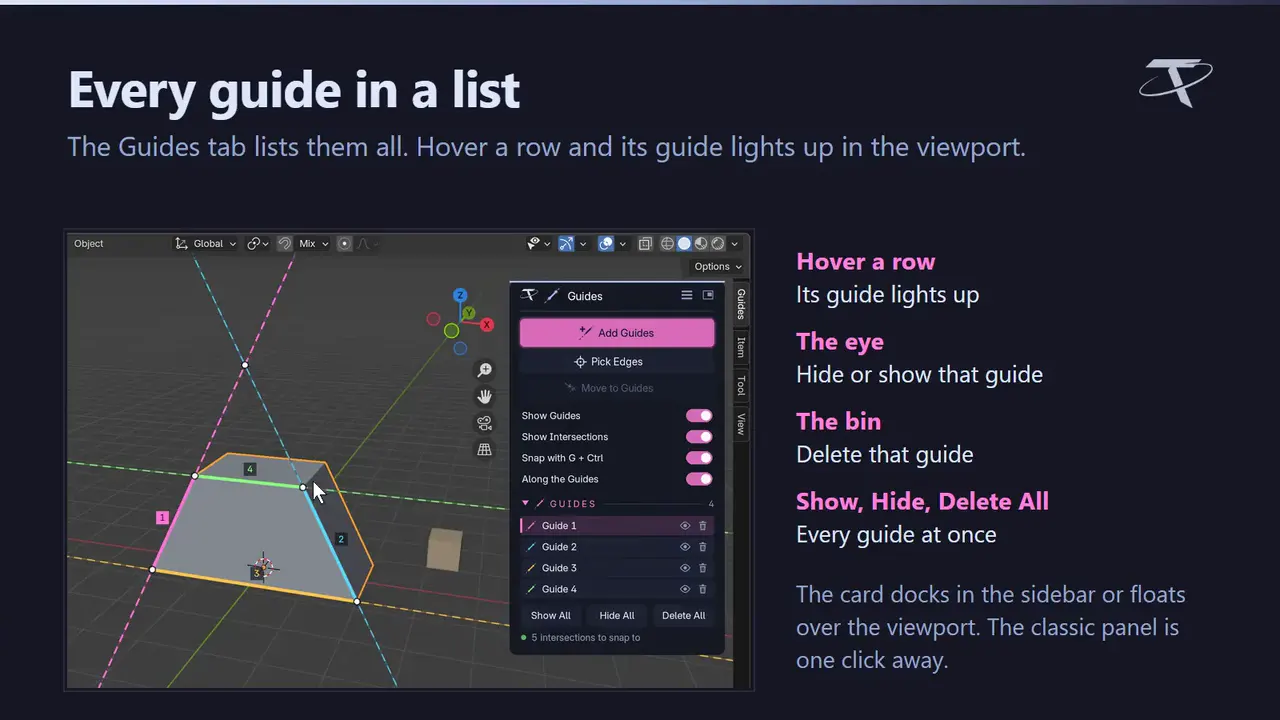
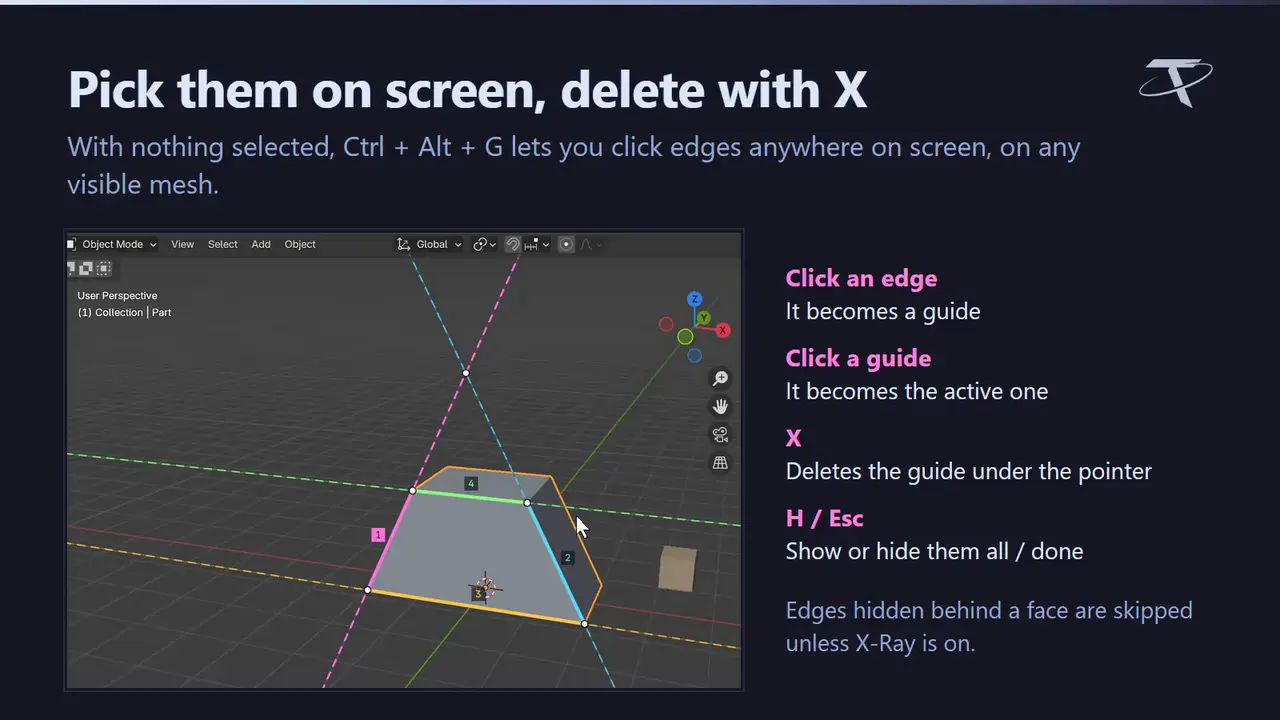
The guides you know from CAD software, in Blender. In a CAD program you draw construction lines that aren't part of the model and snap to them, to their crossings and along them; CAD Guides brings that way of working to Blender. Select an edge and press Ctrl + Alt + G: an endless guide runs along it, in its own colour, and where two guides cross there is a point. Then move with G and hold Ctrl: Blender's own snapping slides your selection along the guides and lands it exactly on the crossings. Alt + G does the same with a magnet, and the Guides tab lists every guide, lighting each one up as you hover its row. Circles, polygons, squares and rectangles are guides too, and in an orthographic view guides cross where you see them cross.
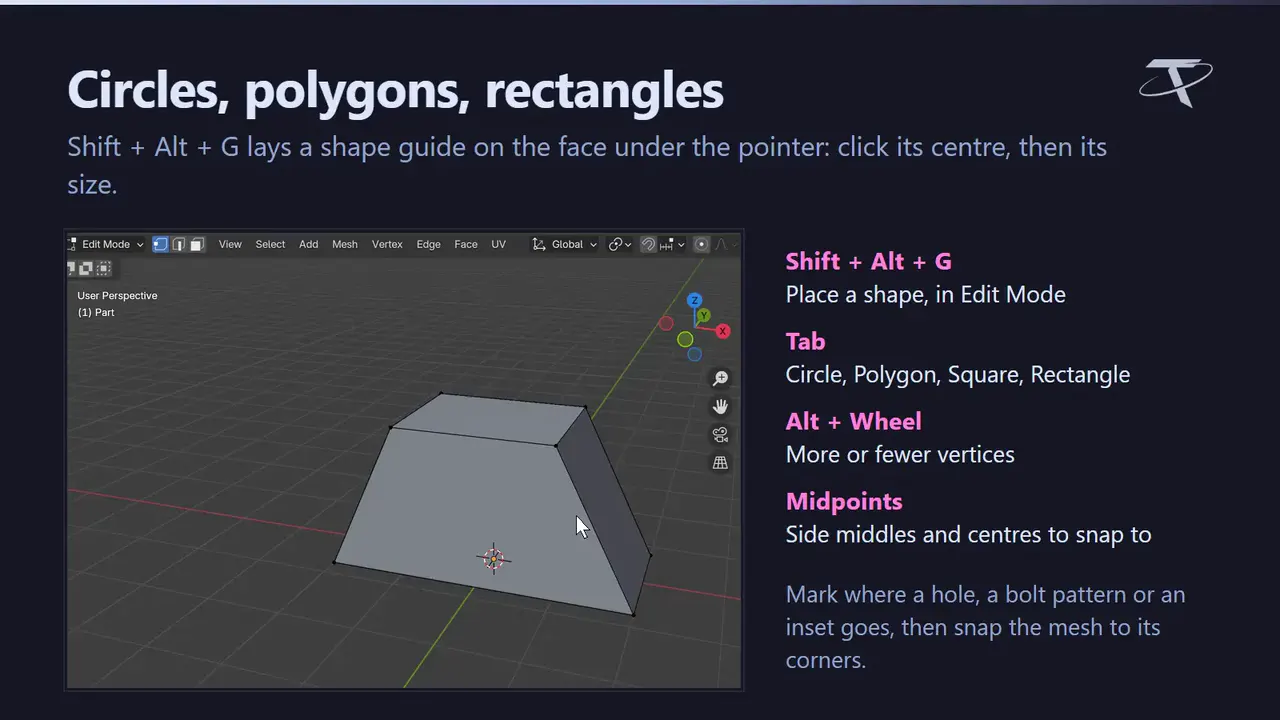
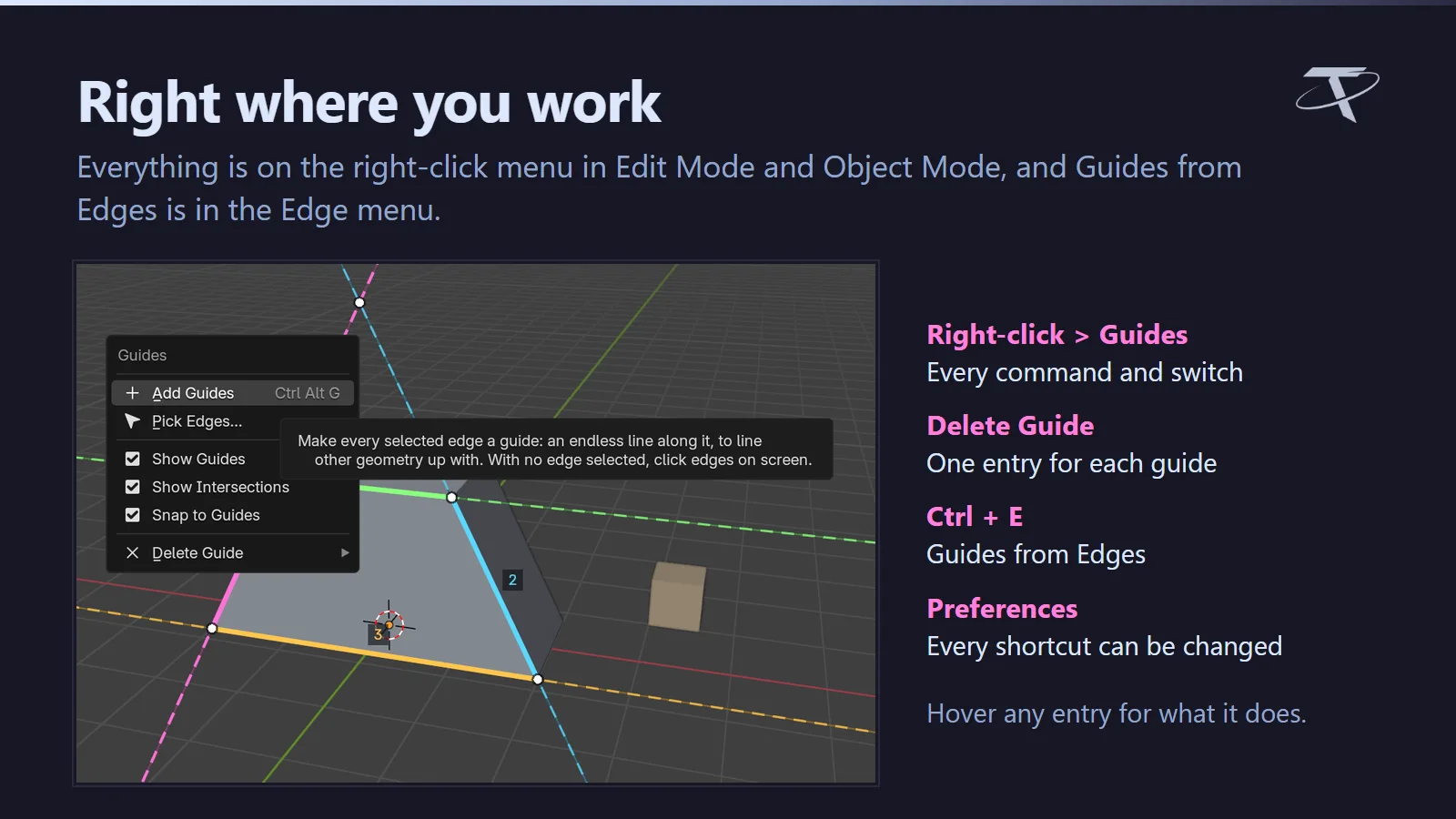
⚠Pure Blender, and nothing to configure. No external tool and no network use of any kind — it opens no sockets, sends no telemetry and checks no licence. One package covers Blender 3.3 to 5.2: a modern extension on 4.2+, a classic add-on on 3.3 – 4.1. Ctrl + Alt + G takes over Blender's Remove from Vertex Group and Remove from Collection keys (both stay in their menus, and the key can be changed); Shift + Alt + G is free in Edit Mode. Everything else of Blender's is untouched.
Everything in the sidebar’s Guides tab, on the card or in a classic panel.
New in 1.1
Shape guides, guides that cross as you see them, and tools that show you what they snap to.
Feature by feature
GPL-3.0-or-later · Copyright 2026 Tachyon Studio.
Before you buy.
- Blender 3.3–5.2: an extension on 4.2+, a classic add-on on 3.3–4.1.
- Ctrl + Alt + G takes over Remove from Vertex Group and Remove from Collection; both stay in their menus, and the key can be changed.
Ready to start?
Every licence gets the same features and files, commercial use included. They differ only in seats.
Choose a licence ↑Related add-ons.
- Hardsurface Helper Pro Draw box and circle cutters, manage live Booleans, tune bevels, mirror and array parts, and add panel lines or pipes from one sidebar.

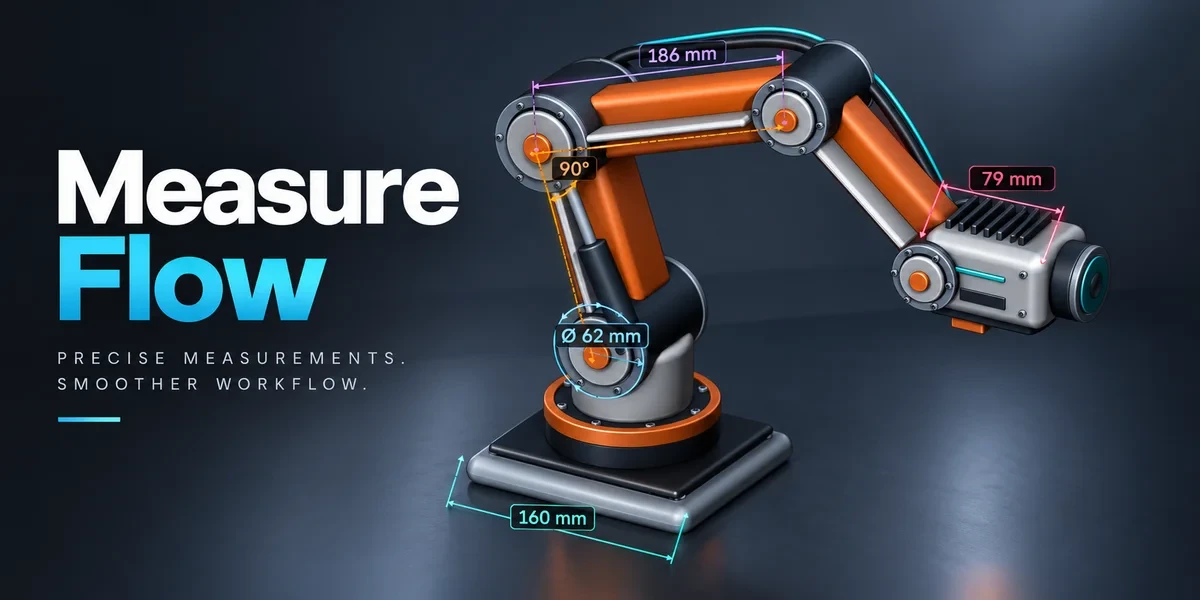
- Measure Flow Measure distances, angles, areas and dimensions in the viewport. Save measurements with your scene and export values to CSV.
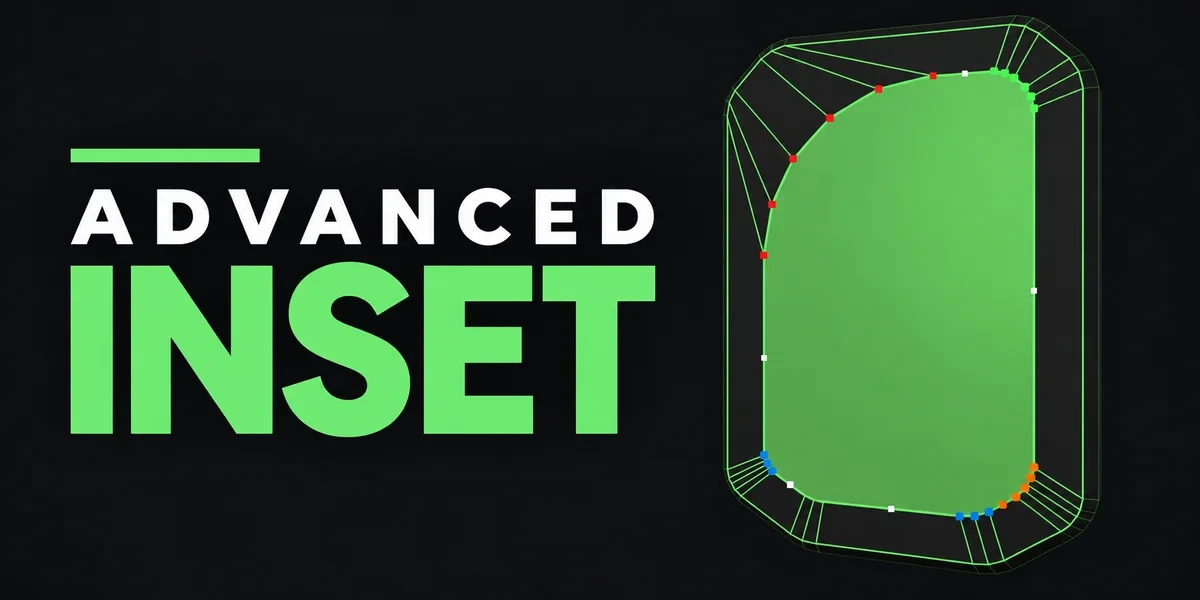
- Advanced Inset Adjust inset corners individually, with control over depth, radius and detail while the result is still a live preview.