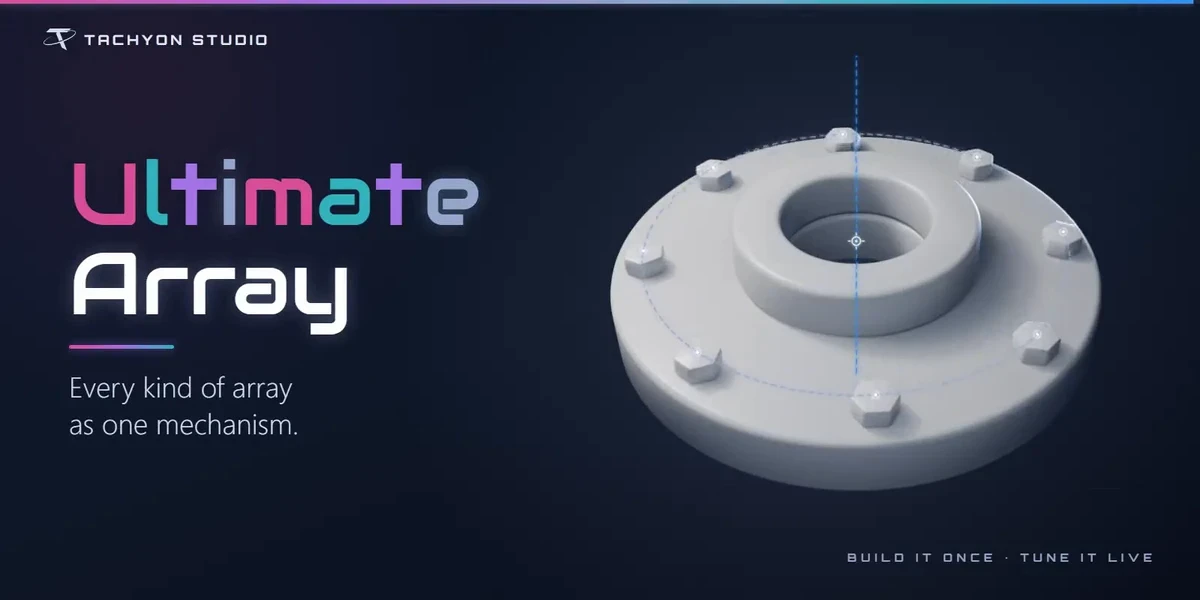
Blender add-onUltimate Array
Every array, one pipeline.
5.0 out of 5 · 2 ratings on Superhive ↗ (opens in a new tab)Compatibility
Windows tested · Blender 3.3–5.3
Commercial use included. Instant download, secure checkout through Gumroad.
Eleven array distributions on one live pipeline, with handles in the viewport, stacked stages, masks and variation, finished as instances, real objects, one mesh, holes or keyframes.
- Eleven distributions
- Handles in the viewport
- Arrays of arrays
What it does.
Eleven distributions on one live pipeline: build an array from a pie or the viewport card, drag its handles in the 3D view, and finish it as instances, real objects, one mesh, holes or keyframes.
Linear, Grid, Radial, Spiral / Helix, Sunflower, Curve, Surface, Point to Point, Mirror, Volume Fill and Painted.
Payload, Falloff, Variation, masks and output work the same on every one of them, and stages stack them into arrays of arrays.
Pick
Ctrl+Alt+A, or a distribution on the card. It builds at once.
Tune
Drag, scroll or type while it builds; drag its handles any time after.
Finish
Leave it live, or Make Real, Apply, Cut or Bake to Keyframes.
Everything is on one viewport card in the 3D view — press N and open the Ultimate Array tab.
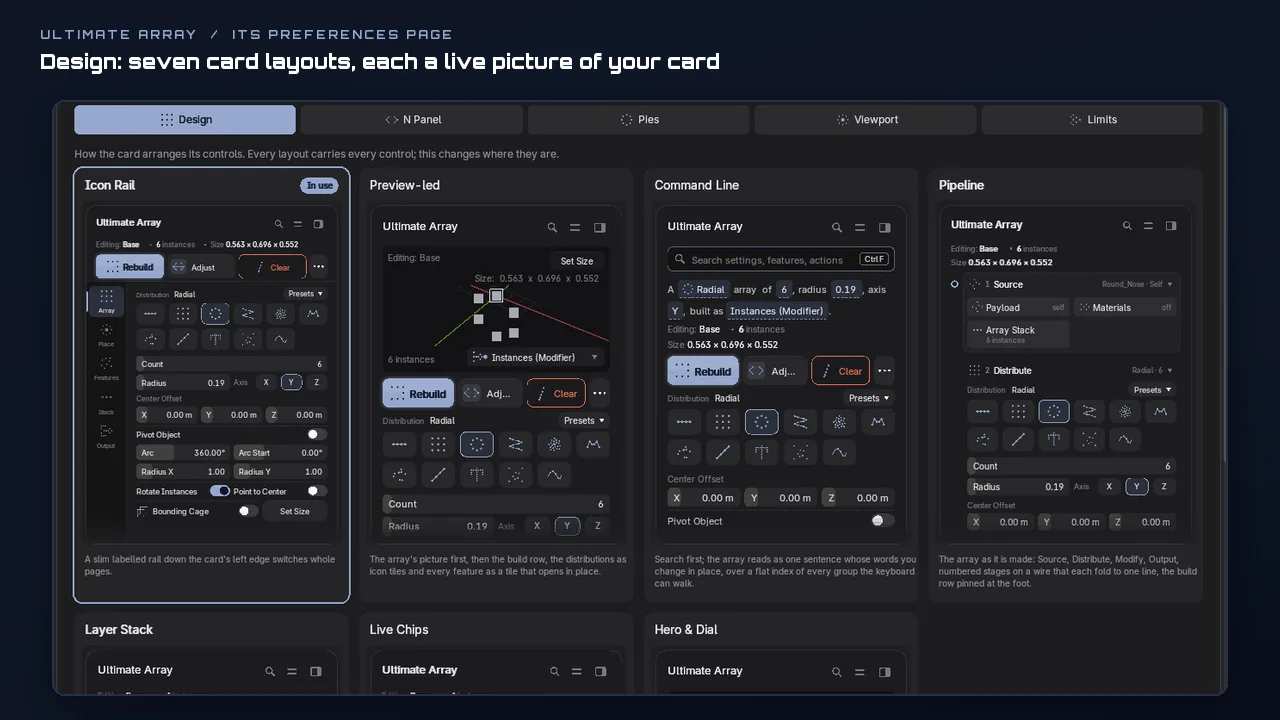
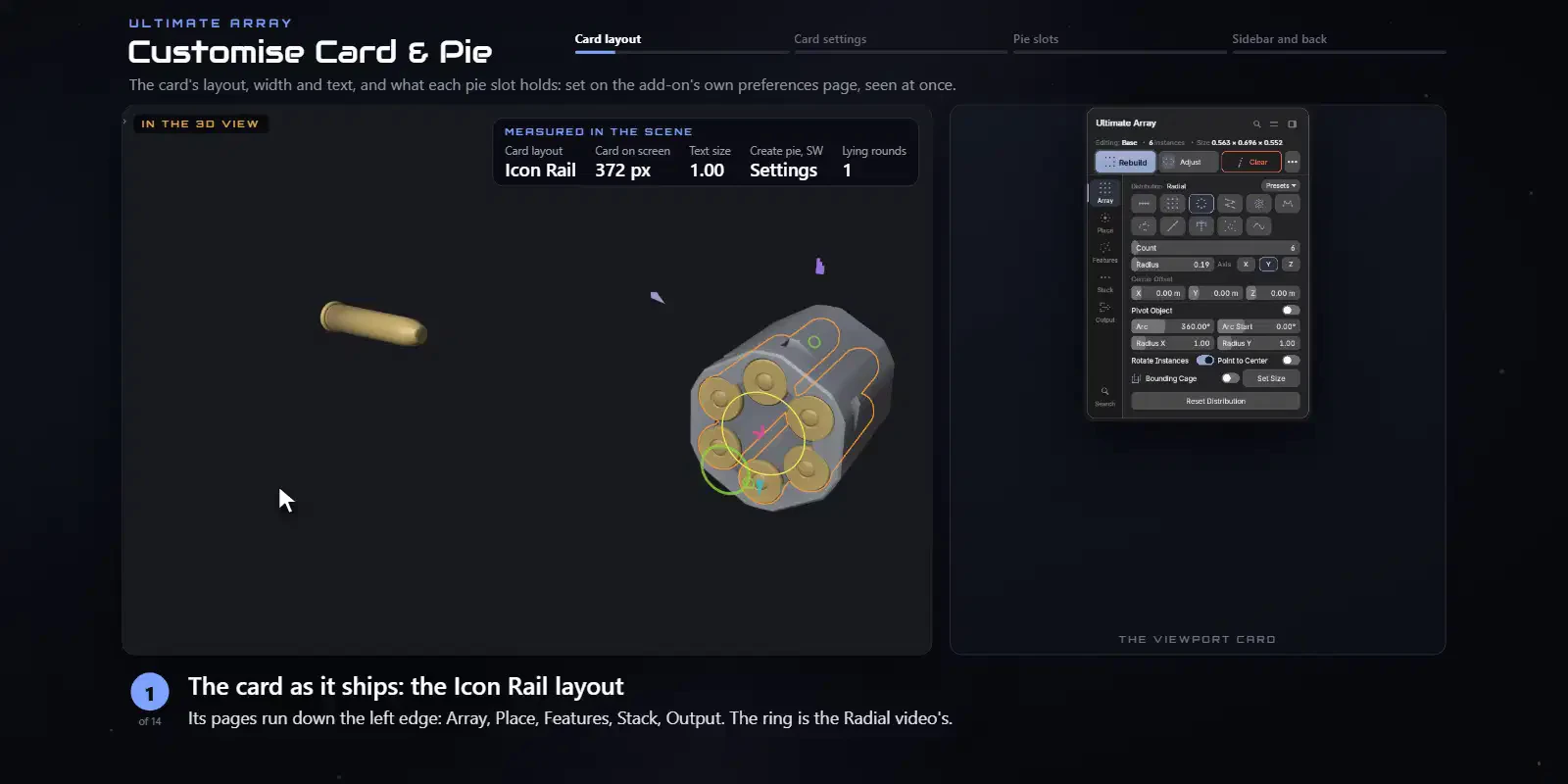
The Icon Rail layout as it ships: pages down the left edge, a header that counts what is drawn, Build, Adjust and Clear.
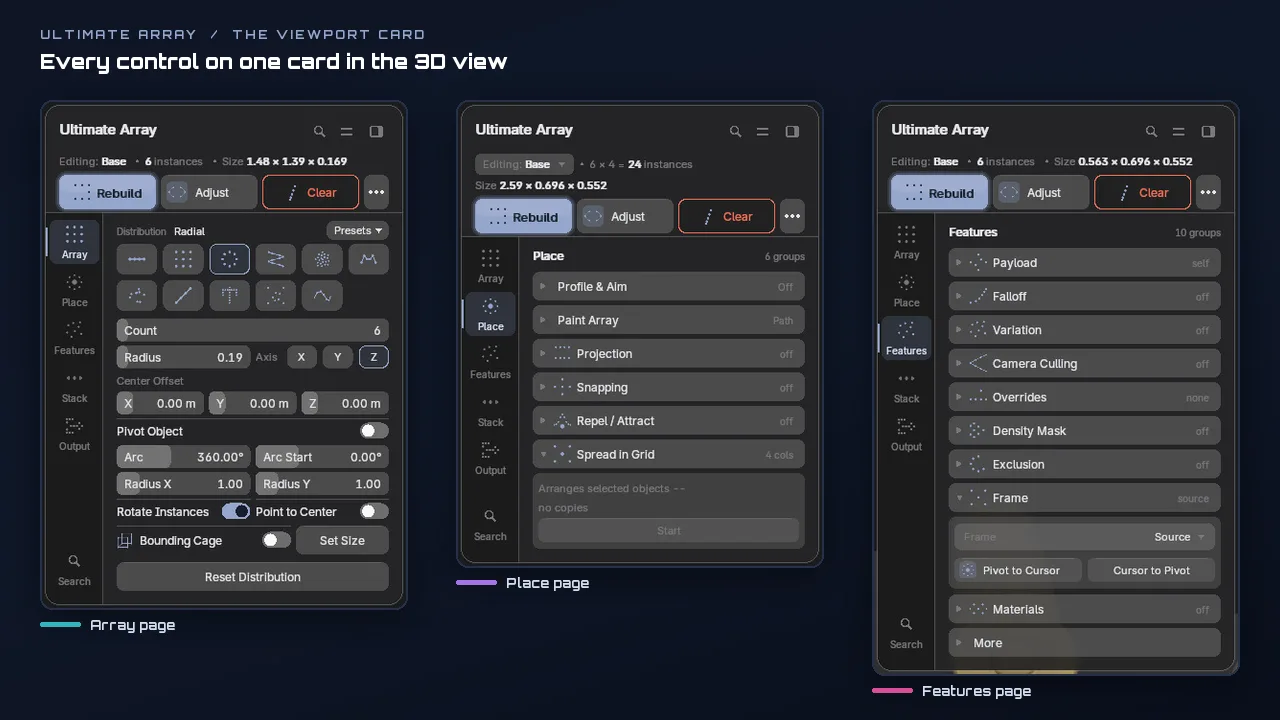
Seven card layouts, each shown as a live picture of your own card. Click one and the card follows.
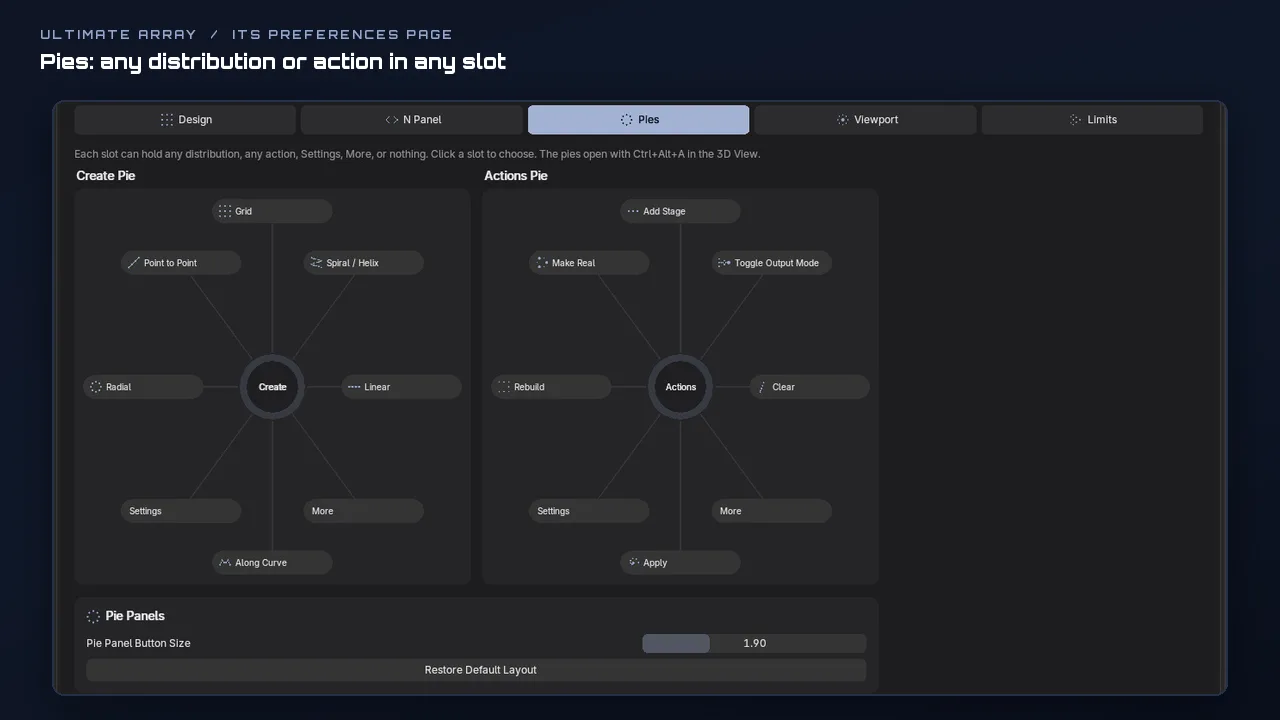
Any distribution or action in any slot of the Create and Actions pies, opened with Ctrl+Alt+A.
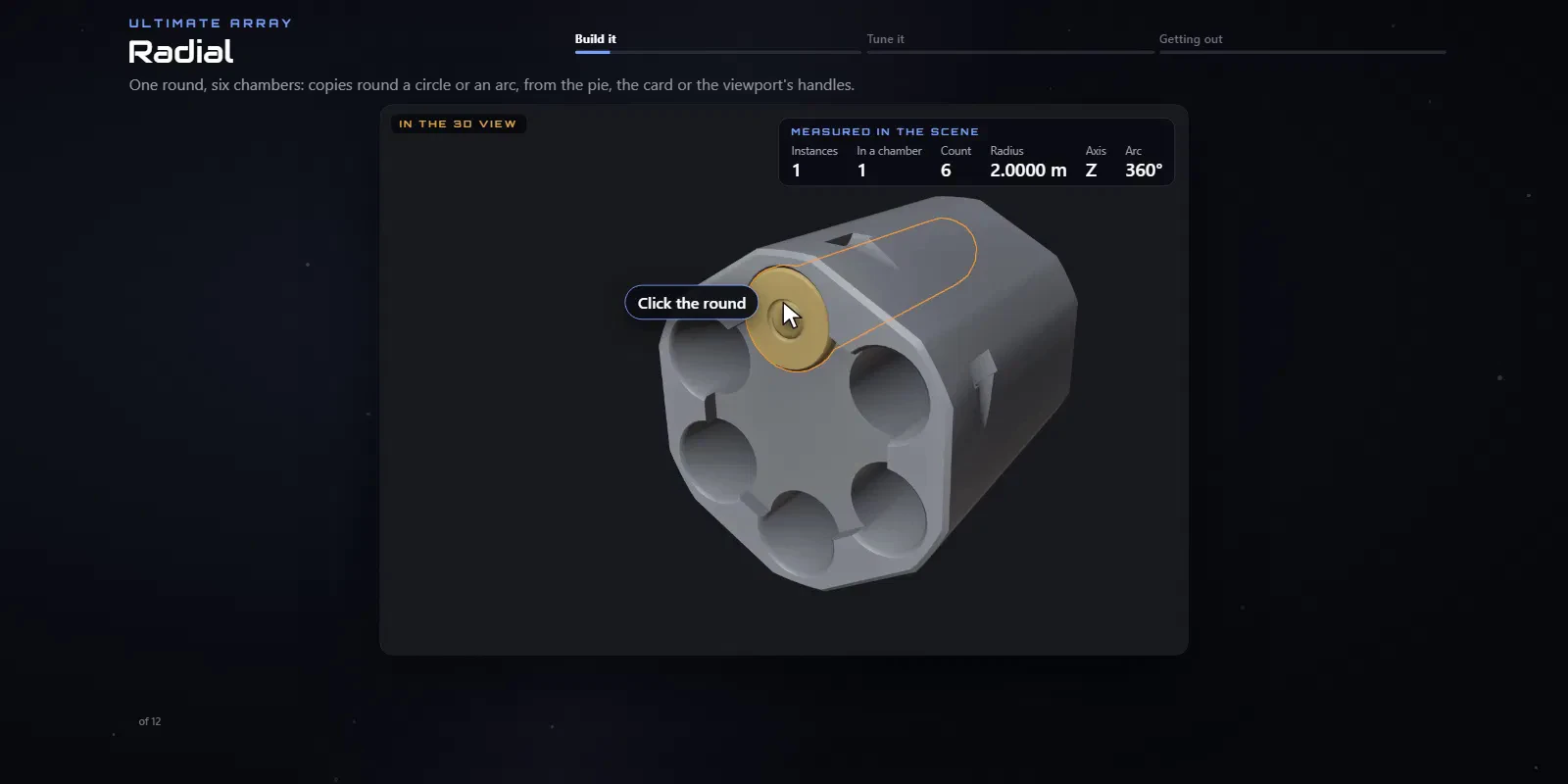
Each loop is the add-on itself, recorded in Blender.
Radial
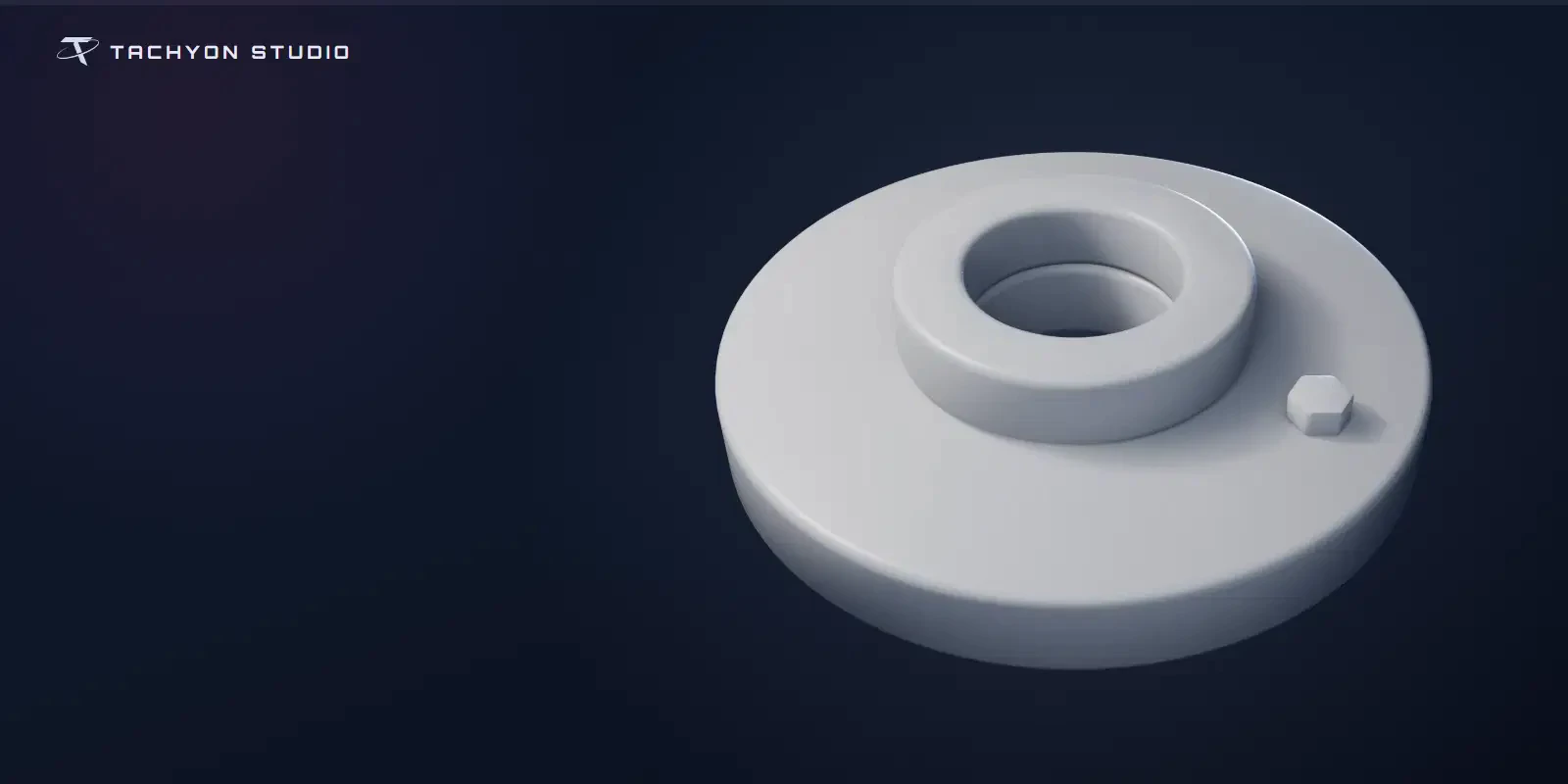
Copies round a circle or an arc. Build it from the Ctrl+Alt+A pie straight into Adjust, type the radius, then drag the radius handle in the view; Arc, Arc Start, an oval Radius X / Y and Point to Center are on the card.
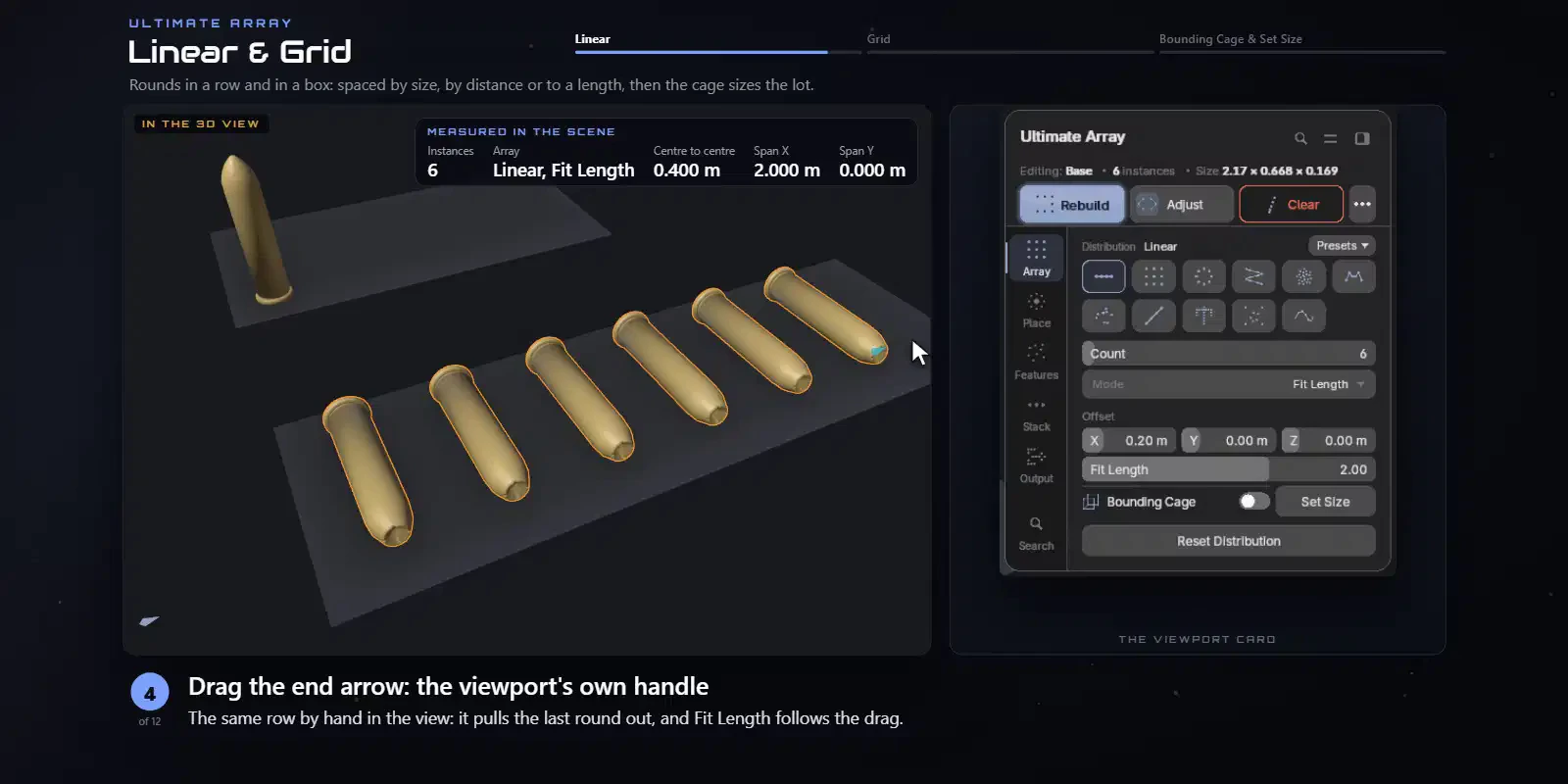
Linear, Grid & the Bounding Cage
A run spaced by the object's own size, by a fixed distance, or Count spread over a Fit Length; a lattice with per-axis Counts, Spacing, Centered and Stagger. The Bounding Cage drags the whole array to size, and Set Size types it.
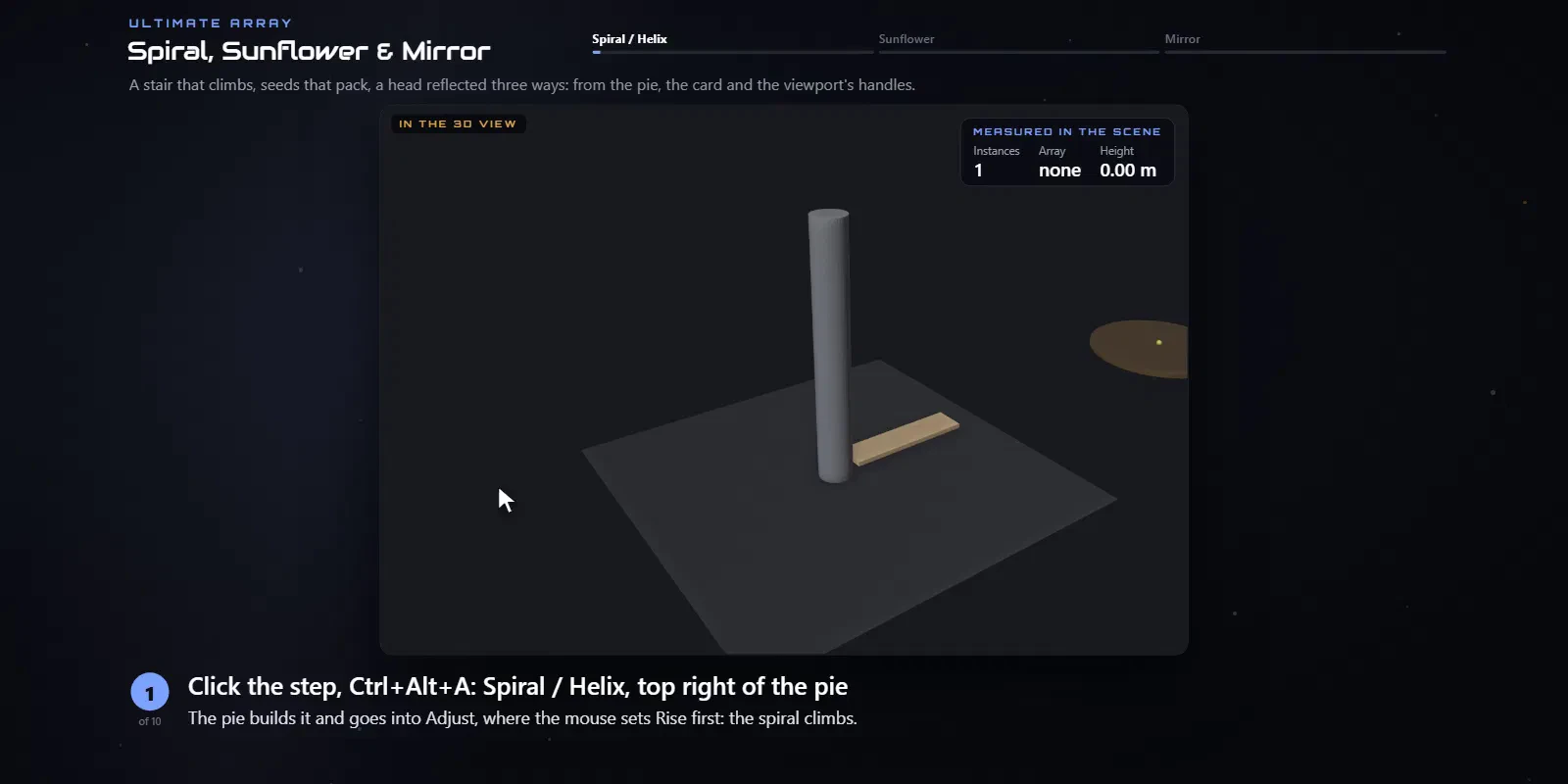
Spiral / Helix, Sunflower & Mirror
A stair that climbs with Turns and Rise, seeds packed by the golden angle with Radius Bias, and reflections across one, two or three axes through a plane you can move.
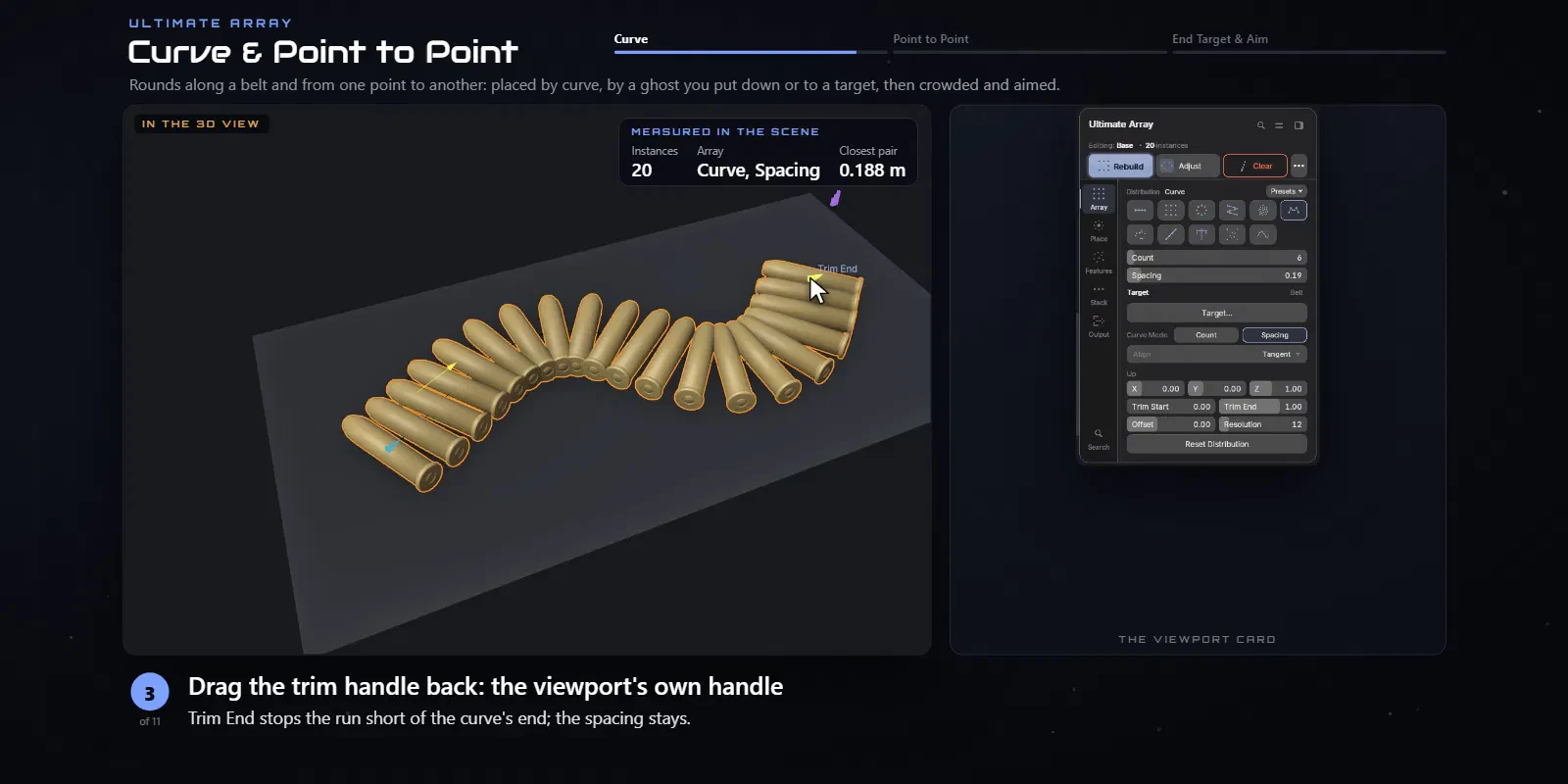
Curve & Point to Point
Copies along a curve, never bent, by Count or by Spacing; or from the object to an End Target, or to a ghost you put down with Place End Point. Spacing Profile bunches the run and Aim turns every copy toward something.
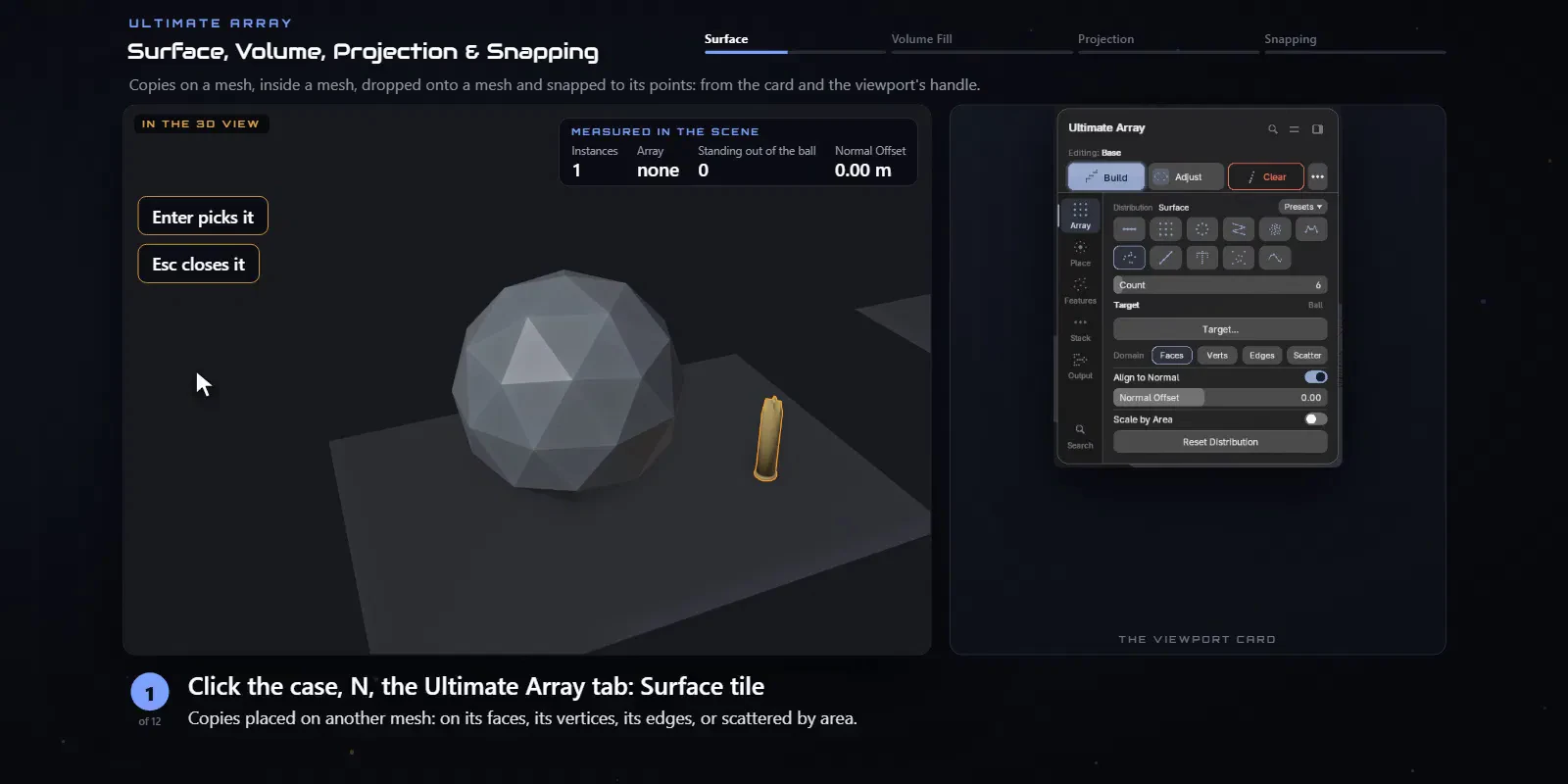
Surface, Volume Fill, Projection & Snapping
Copies on a mesh's faces, vertices, edges or scattered by area; inside a closed mesh; dropped from any layout onto a surface (Objects or Merged output); or snapped onto a lattice or another object's points. Align to Normal stands them up out of the surface.
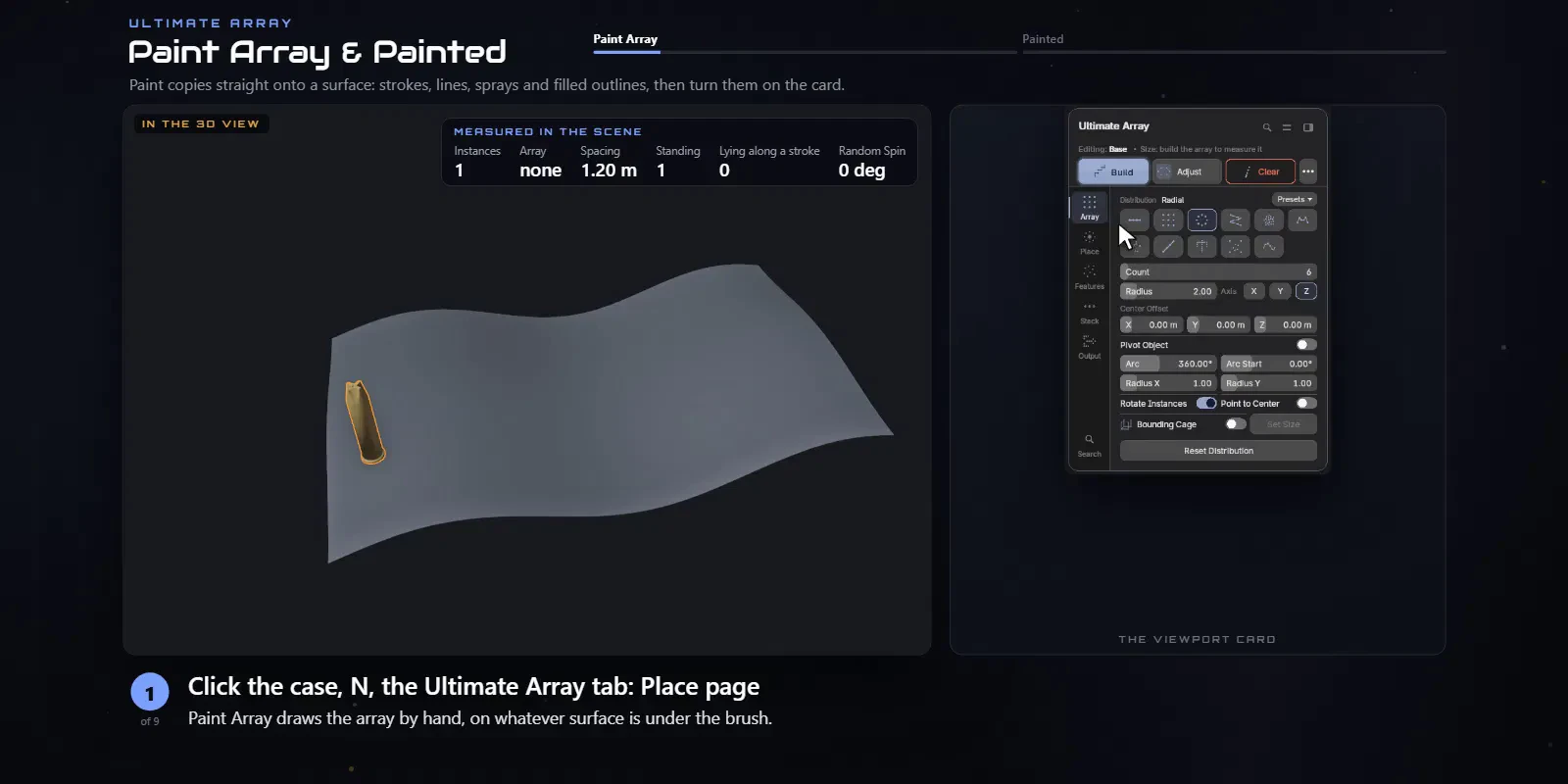
Paint Array
Paint where the copies go, straight onto a surface: a Path, a Line, a Spray or a Lasso fill. Ctrl erases, F sizes the brush, Ctrl+Z takes back one stroke, and every stroke stays editable as the array's own curve and points.
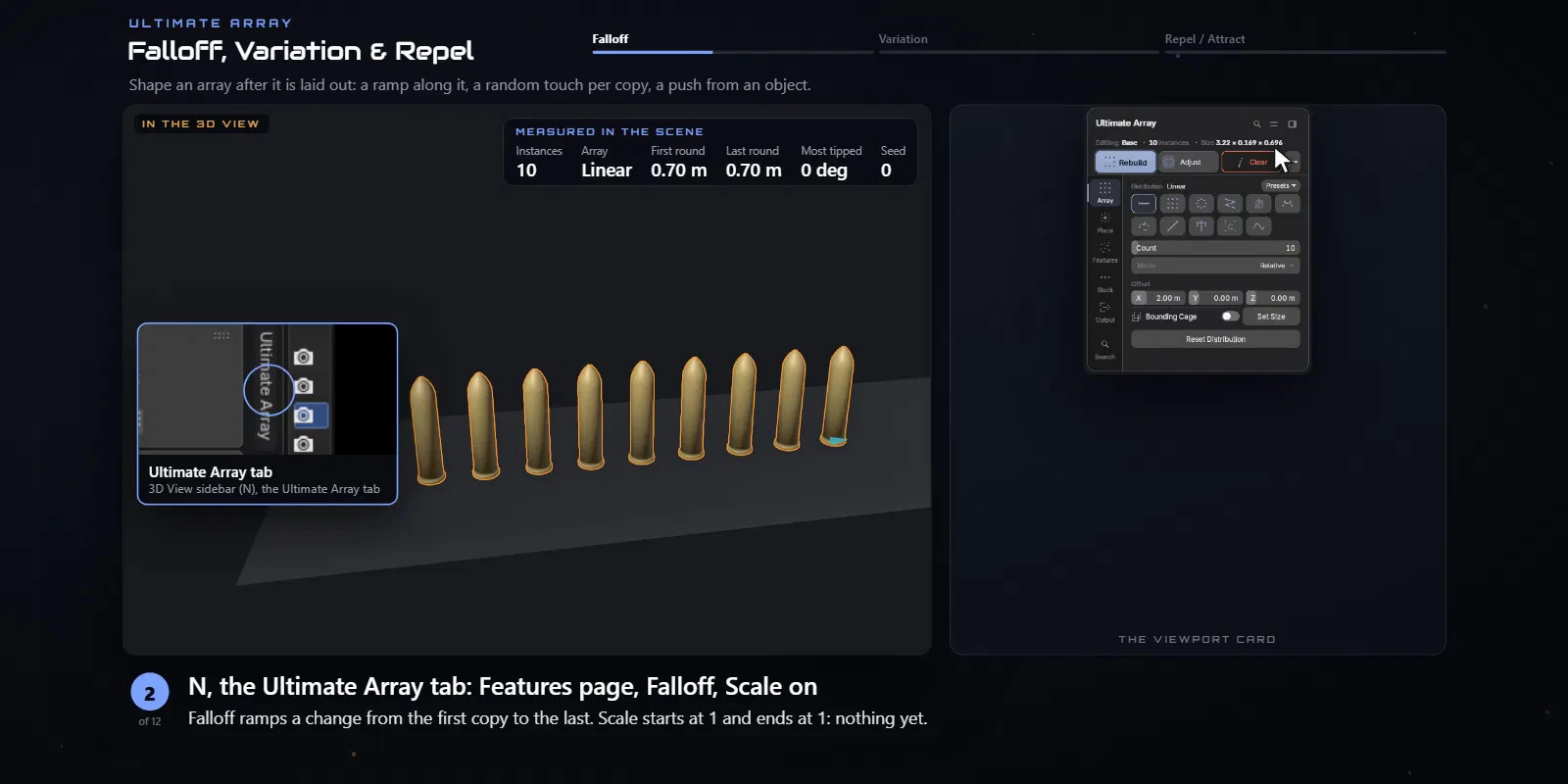
Falloff, Variation & Repel / Attract
Ramp a move, a turn or a scale from the first copy to the last; give each copy its own seeded jitter; push copies away from an object, or pull them in with a negative Strength.
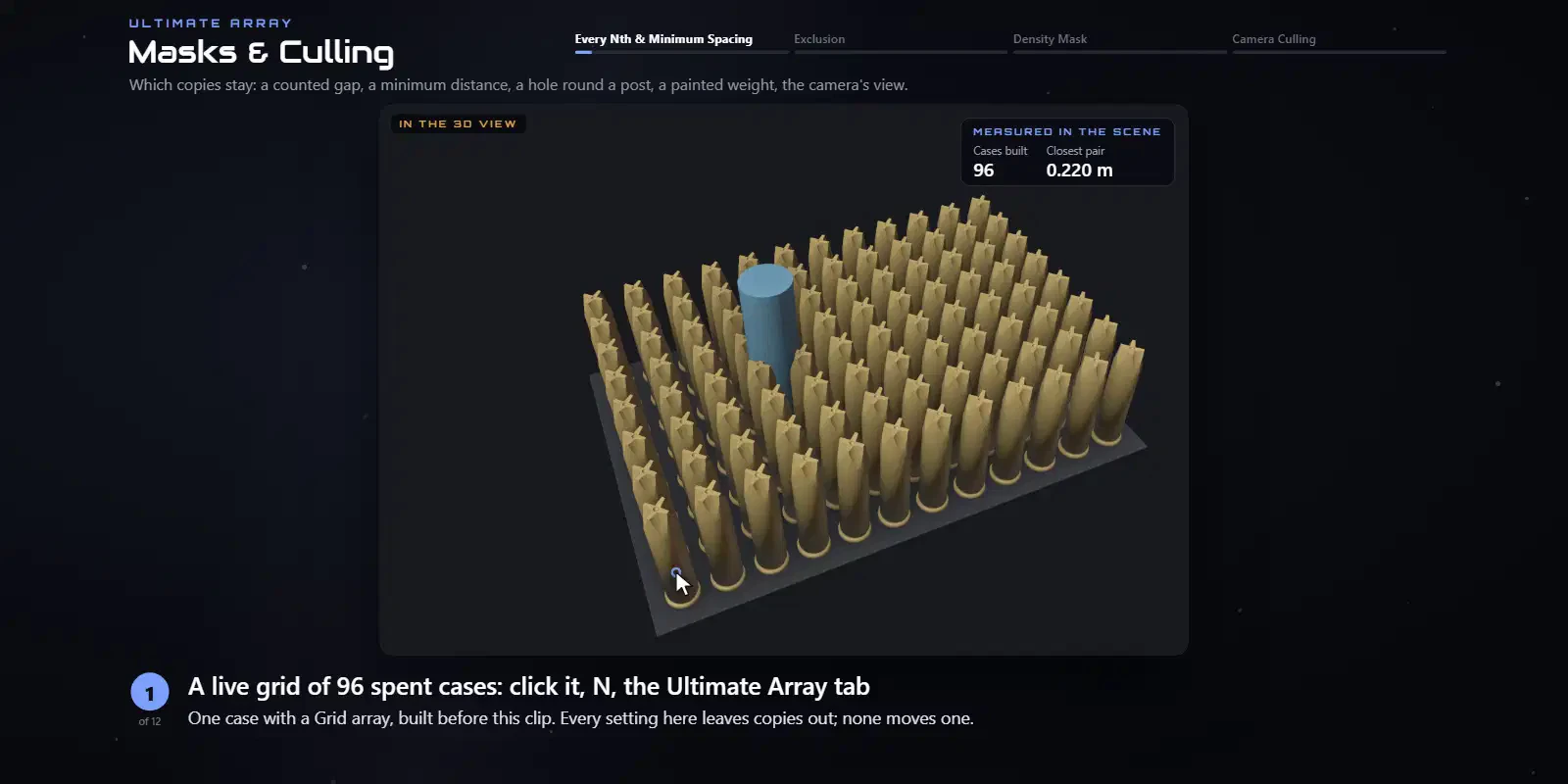
Masks & Camera Culling
Decide which copies stay: Every Nth, Minimum Spacing, an Exclusion hole round an object, a Density Mask from a painted weight, a texture, slope or height, and Camera Culling, which skips what the camera cannot see and follows it as it moves.
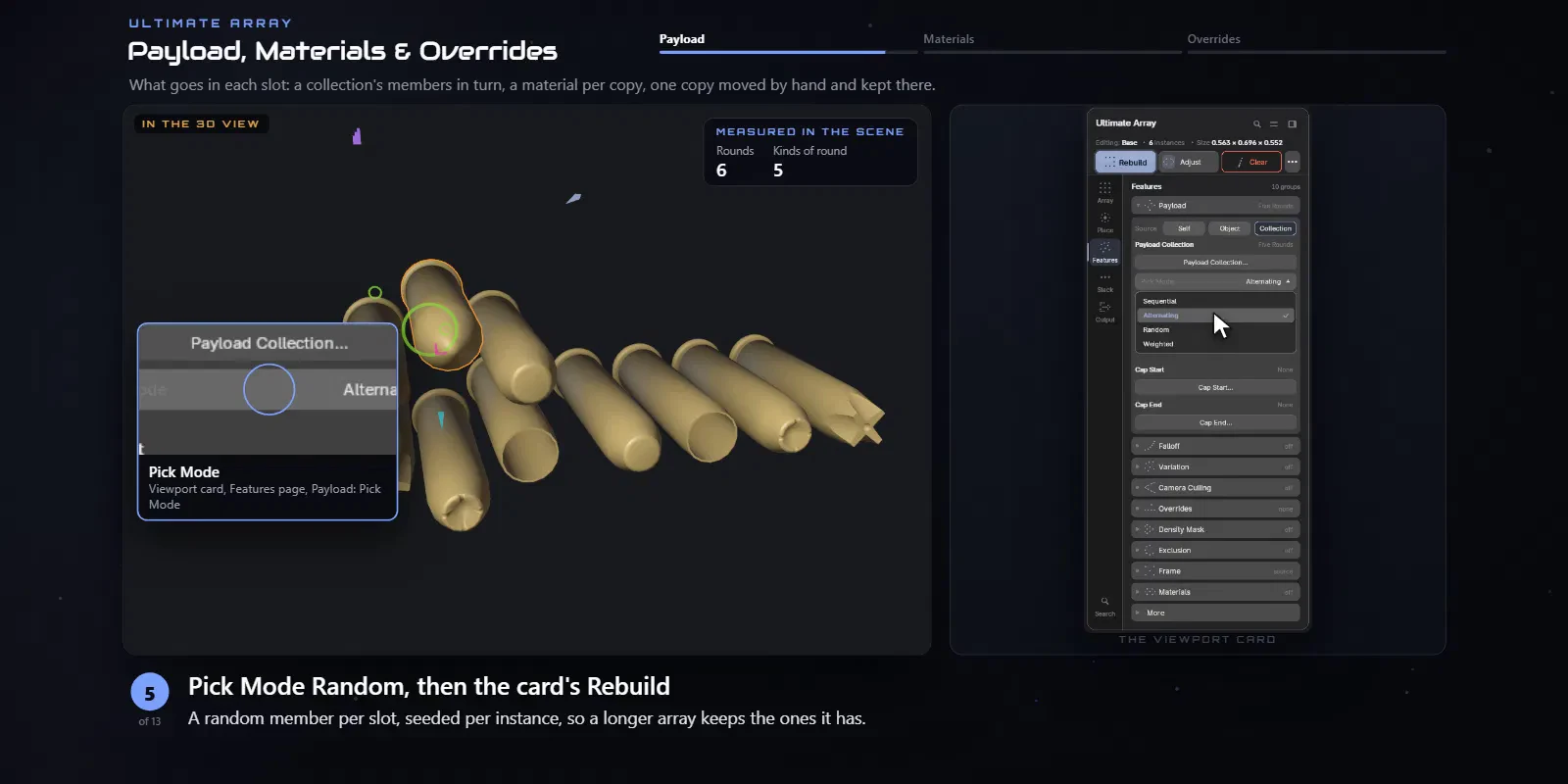
Payload, Materials & Overrides
Place another object, or cycle a whole collection in order, at random or by weight, with caps at either end; give each copy its own material without copying the mesh; move one copy by hand and Pin Instance keeps it there through every rebuild.
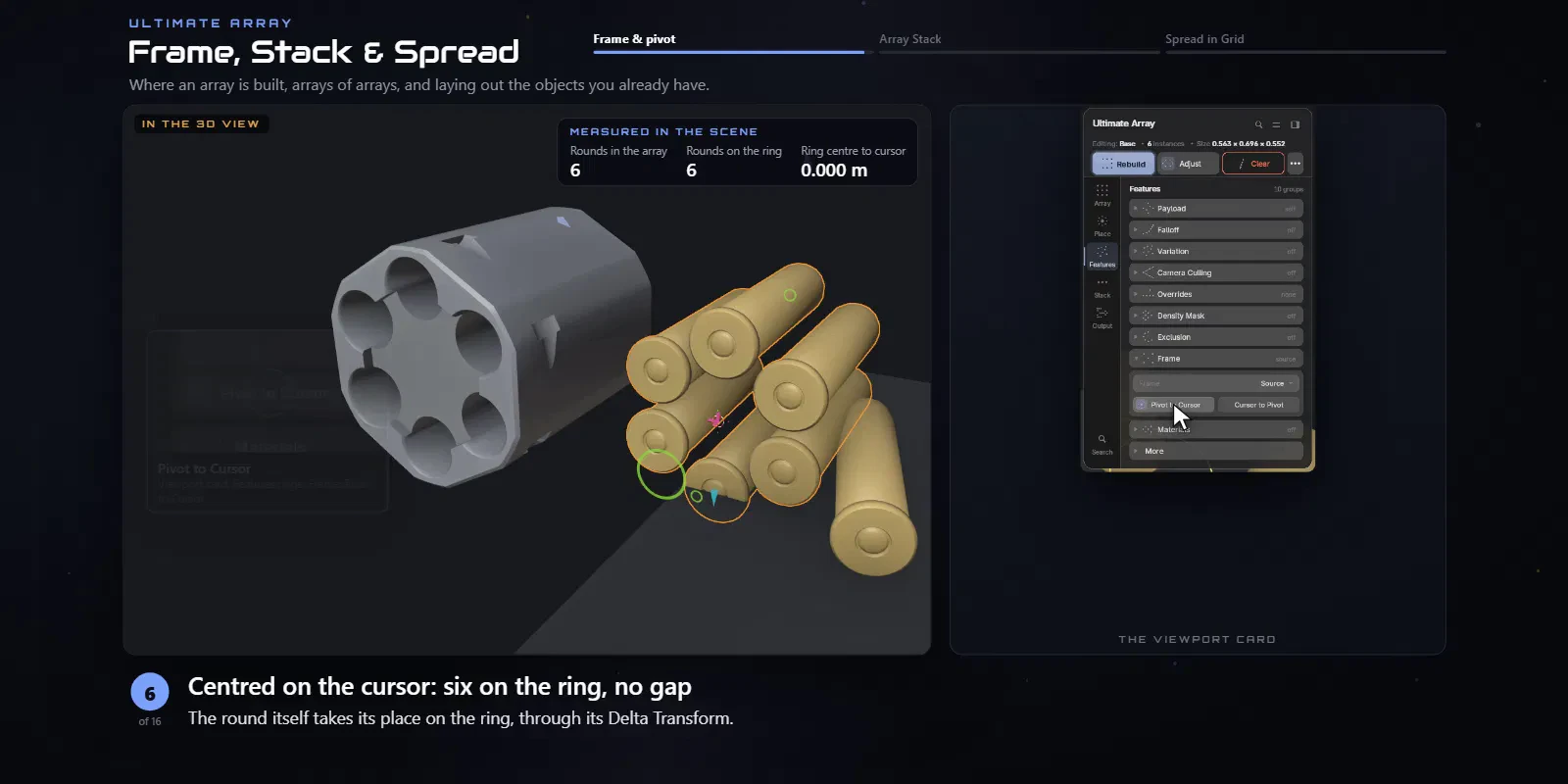
Array Stack, Frame & Spread in Grid
Arrays of arrays: each stage repeats everything before it, so 6 × 4 is 24 from one object. Build round the 3D cursor, the world, another object or the camera, and lay out objects you already have in a grid.
Outputs & Finishing
Instances (a live modifier), Objects, Merged, Collection Instances or Cutter, which cuts the array into another mesh as holes. Make Real and Apply finish it; Wave, Stagger and Product Reveal animate it, and Bake to Keyframes keeps the animation.
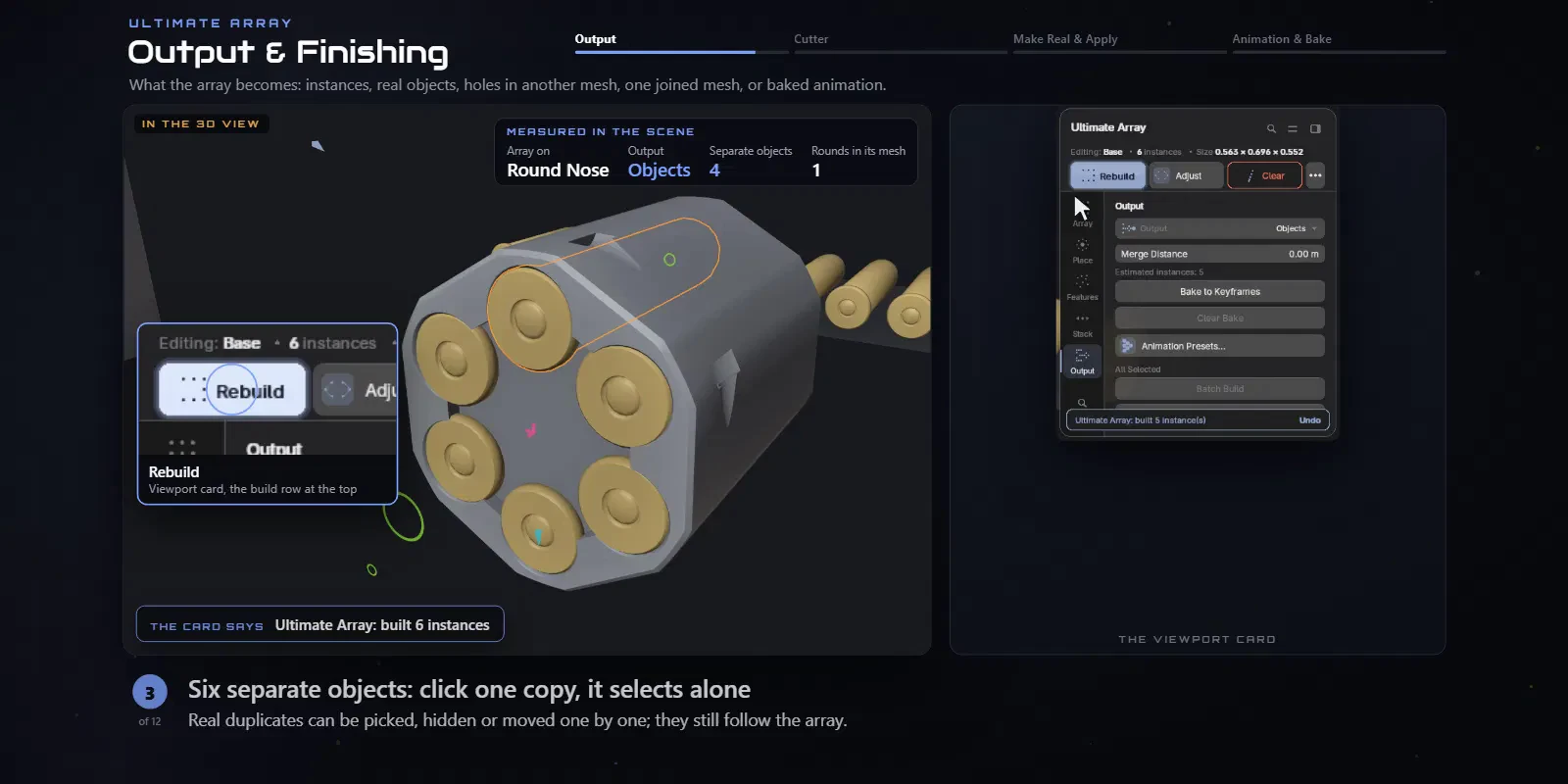
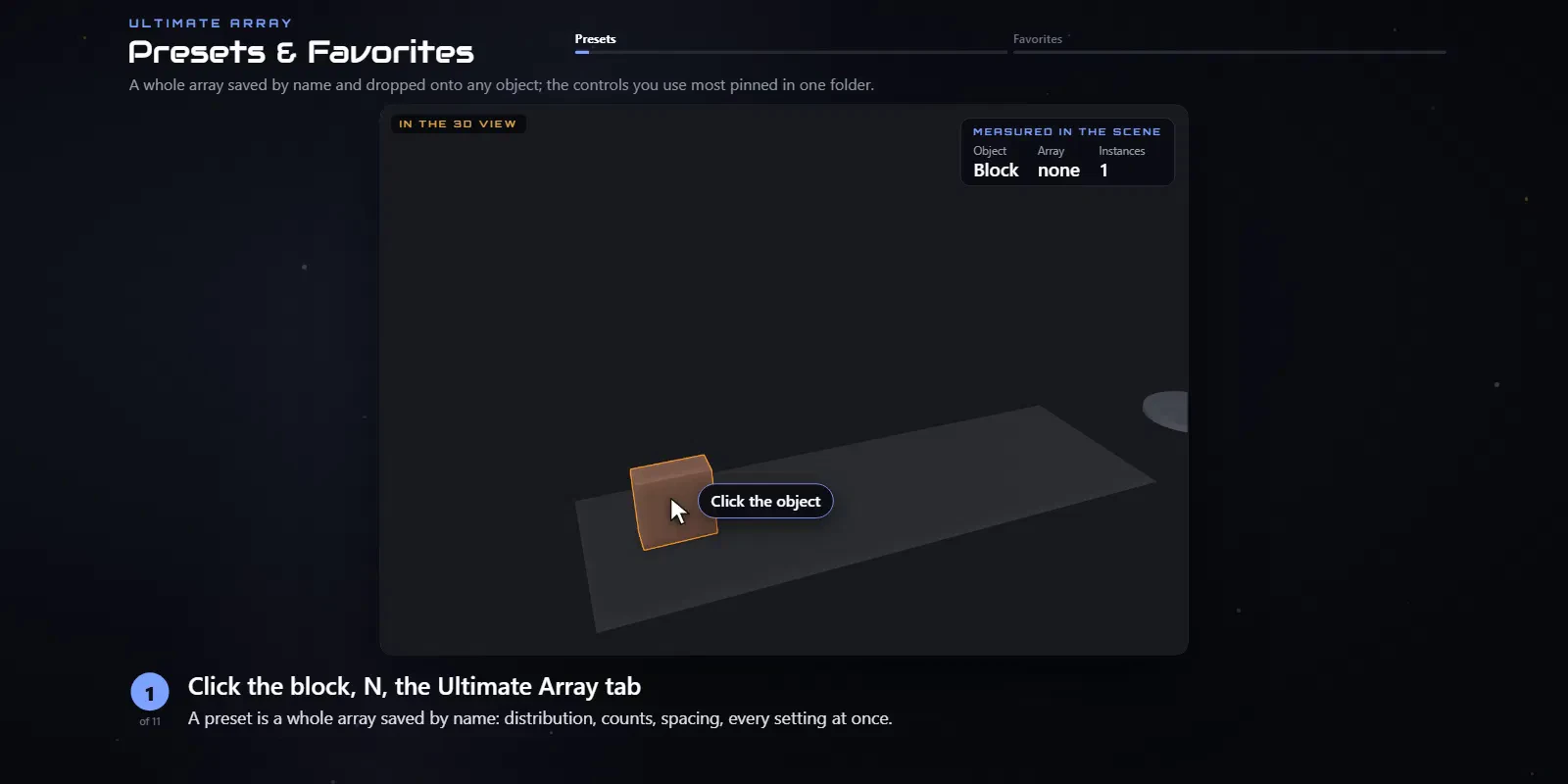
Presets & Favorites
Save a whole array by name and drop it on any object; six ship with it. Right-click any control to pin it into Favorites.
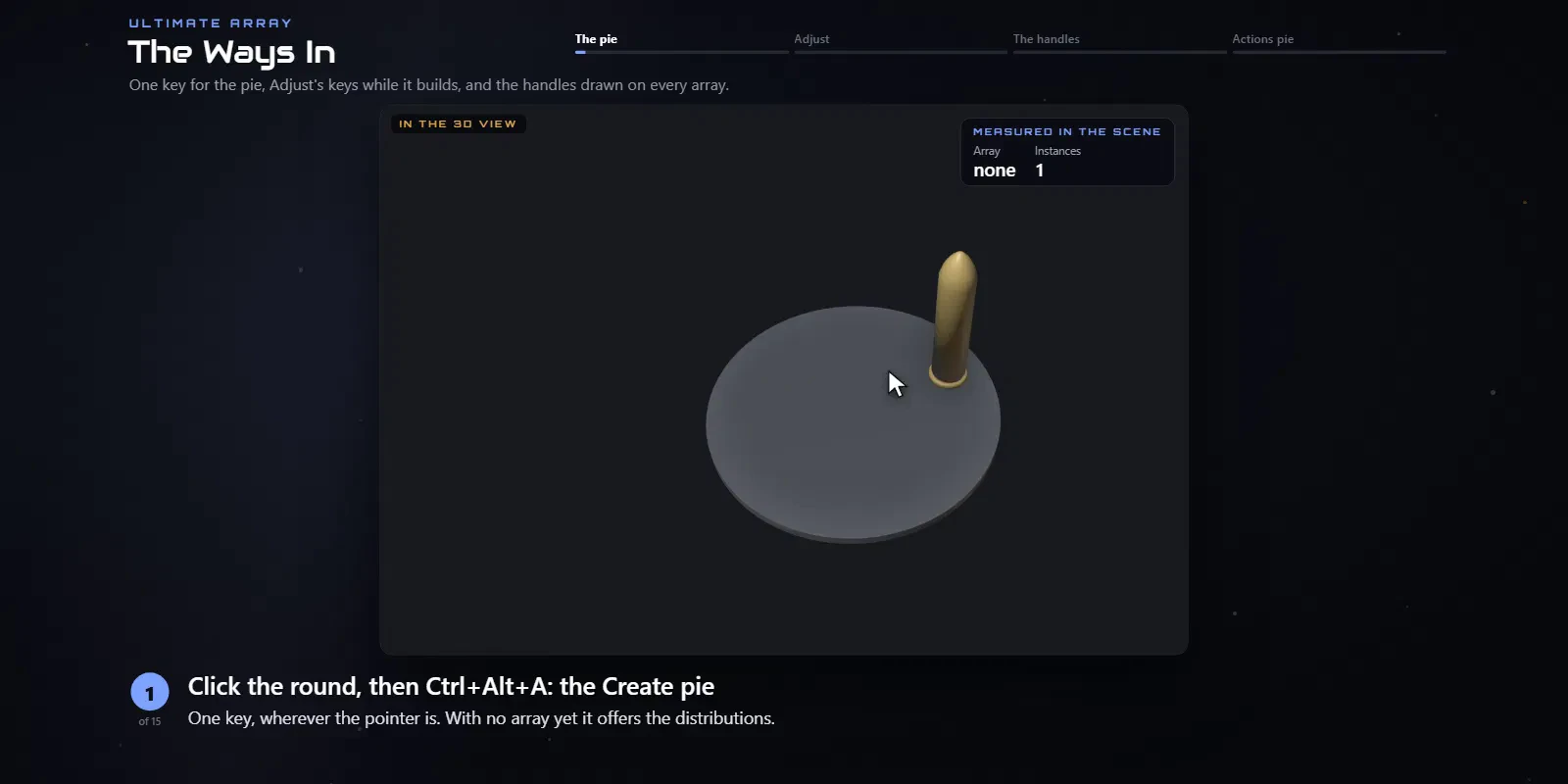
The Ways In: Pie, Adjust & Handles
Ctrl+Alt+A opens the Create pie on a plain object and the Actions pie on a live array. Adjust drags, scrolls and types values as the array builds, and the handles drawn on every array mean the same thing on every distribution.
The Card, Seven Layouts & Your Pies
A viewport card with every control and an animated explanation for each, in seven layouts. Its drawn preferences page sets how the card stands and looks and what each pie slot holds.
What's new in 1.0.0
The first release.
Added
- Eleven distributions
- Count N gives exactly N
- The source keeps its Location
- Five outputs
- The viewport card
- Pies with slots you choose
Requirements & Good to Know
Blender
Blender 3.3 – 5.3. One zip: an Extension on 4.2 and later, a classic add-on on 3.3 – 4.1.
Nothing else
Nothing else to buy or install — no other application, no plugin, no compiled libraries. Pure Python.
Platform
Developed and tested on Windows. Pure Python with no operating-system-specific code.
Licence
GPL-3.0-or-later, like Blender. Use it in any commercial project.
Limits
Big arrays: warns above 2,000 instances and refuses to build Objects or Merged above 5,000 — both limits are preferences.
Before you buy.
- Windows tested · Blender 3.3–5.3: an extension on 4.2+, a classic add-on on 3.3–4.1.
- Pure Python, with nothing else to buy or install.
- Warns above 2,000 instances and won’t build Objects or Merged above 5,000; both limits are preferences.
Ready to start?
Every licence gets the same features and files, commercial use included. They differ only in seats.
Choose a licence ↑Related add-ons.
- CAD Guides Construction guides as in CAD software: endless guides along any edge, circles and rectangles, and crossings that Blender’s own snapping lands on.
- Hardsurface Helper Pro Draw box and circle cutters, manage live Booleans, tune bevels, mirror and array parts, and add panel lines or pipes from one sidebar.
- Measure Flow Measure distances, angles, areas and dimensions in the viewport. Save measurements with your scene and export values to CSV.