
Blender & Unreal Engine Tool Development
Tools built by artists for artists: Blender add-ons that speed up modeling and texturing, bridges to the applications around it, and a clean pipeline into Unreal Engine.
What we do
What the work
covers.
Blender add-ons
Modeling, texturing and workflow add-ons, from Advanced Bevel to Object Scatter, for Blender 3.3 to 5.2.
Application bridges
Bridges between Blender and the applications around it: Unreal Engine, Unity, Godot, Substance Painter, ZBrush and more.
Unreal Engine pipeline
Collision, LODs and sockets prepared in Blender, then sent straight into Unreal’s Content Browser.
Delivery checks
Export Checker and Transform Checker catch naming, UV and transform problems before a file leaves Blender.
Documented for users
Every add-on has its own documentation and compatibility notes, so a team can pick it up on its own.
Tools for your pipeline
We build add-ons and tools around your team’s workflow, in Blender or Unreal Engine.
Our add-ons
The same craft,
on Superhive.
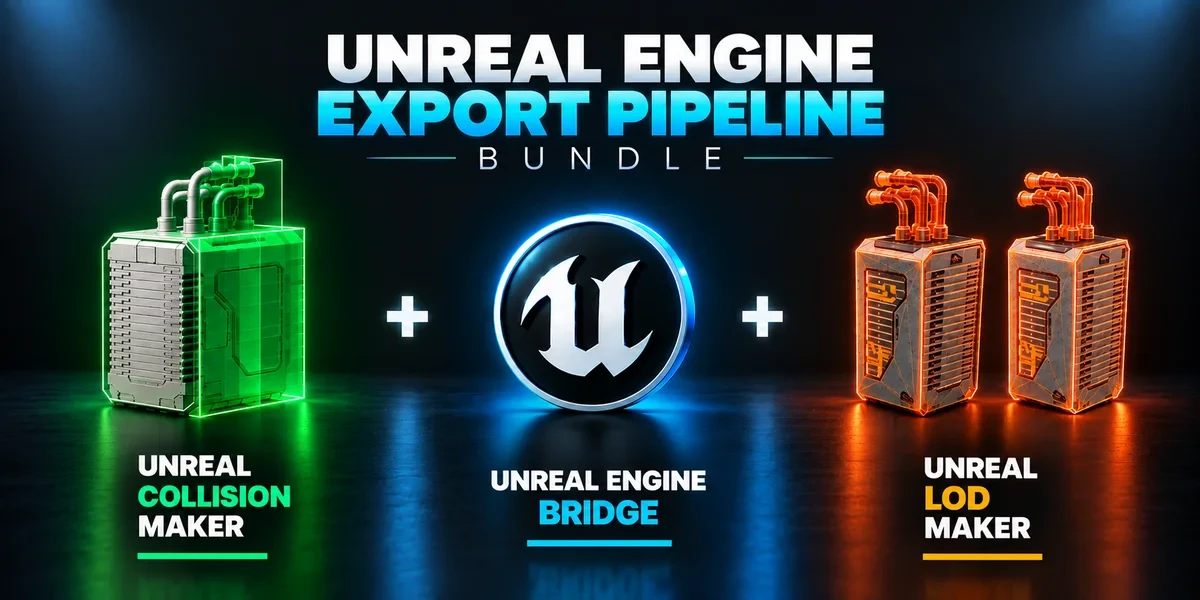
- Universal Bridge Bundle Twelve application bridges for moving between Blender and your modeling, texturing, sculpting, image-editing and game-engine tools.
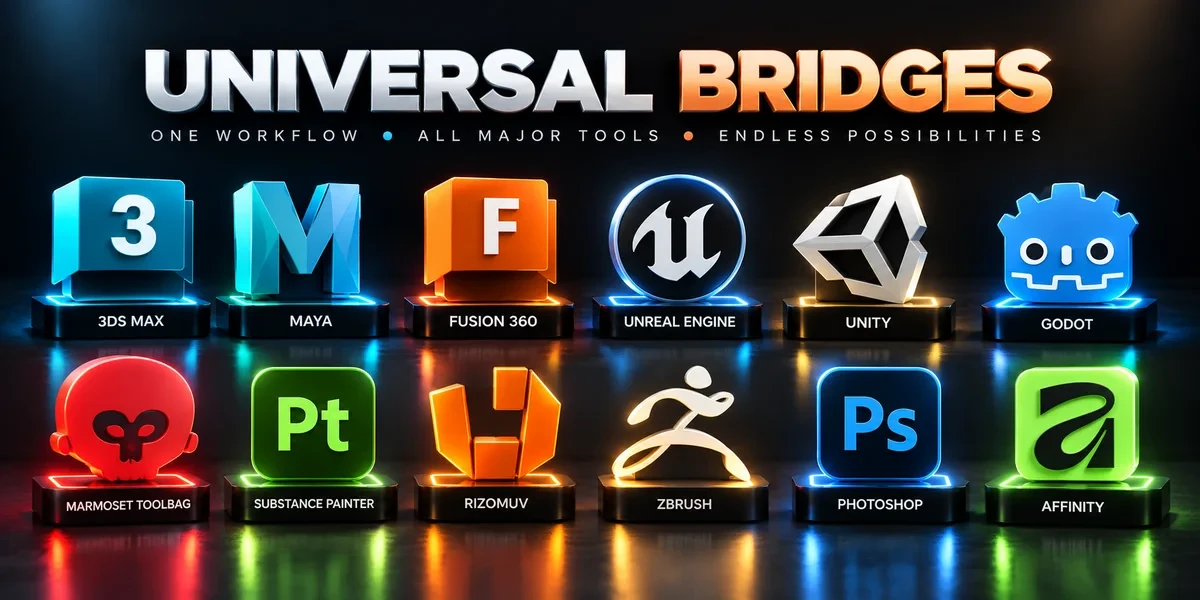
- Unreal Engine Export Pipeline Bundle Build collision, generate LODs and send prepared assets into Unreal with three complementary tools.
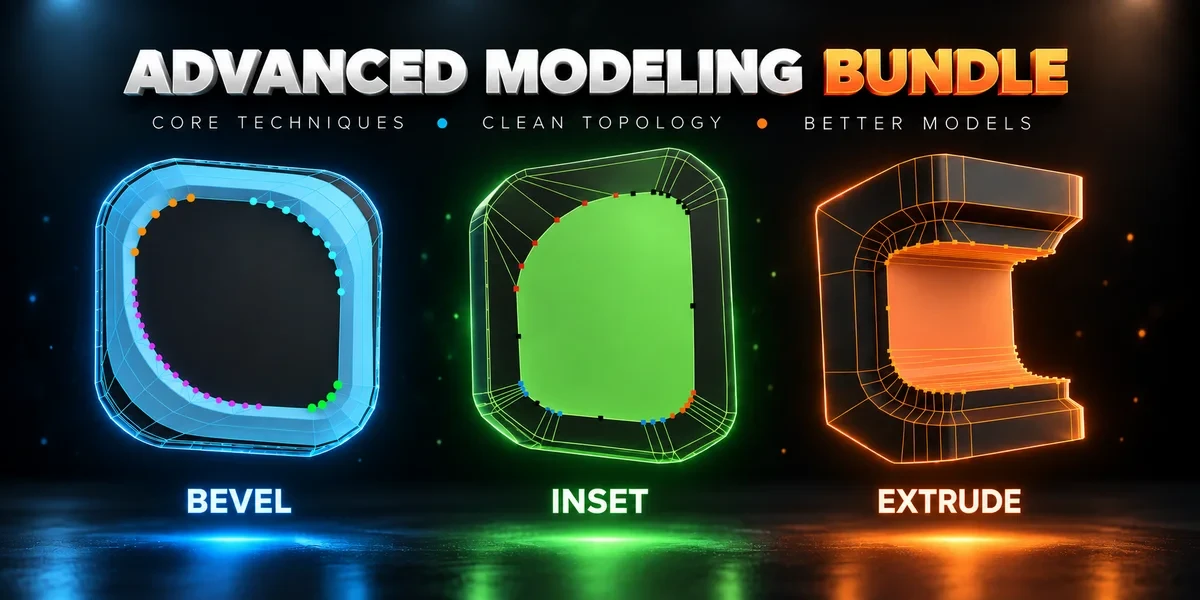
- Advanced Modeling Bundle Advanced Inset, Bevel and Extrude together. Shape individual corners in the viewport before committing the result.
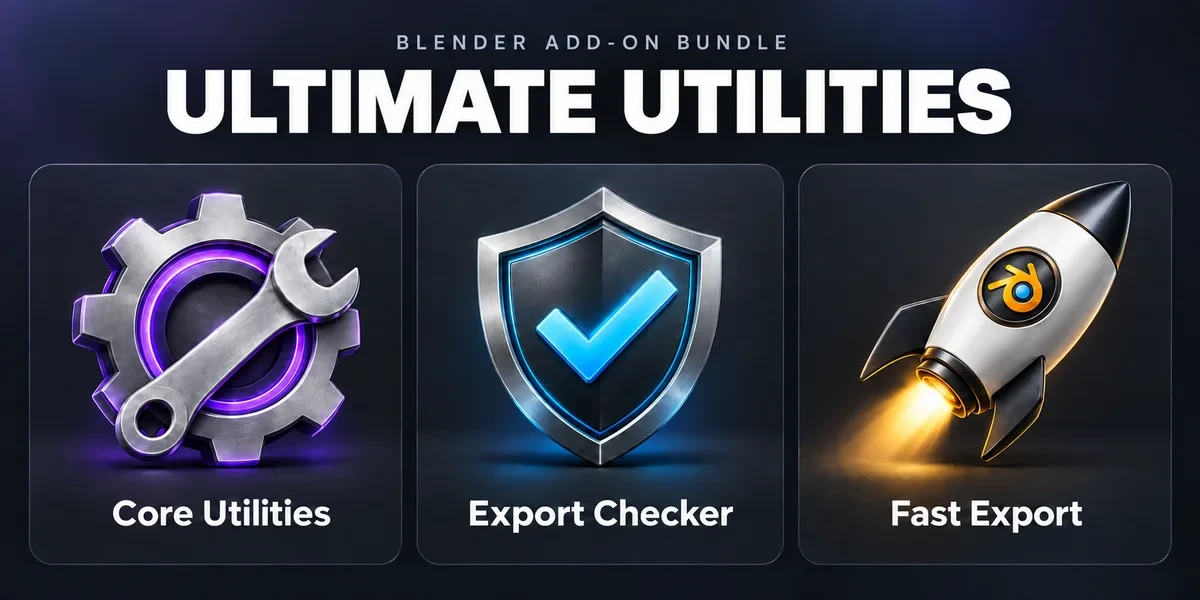
- Ultimate Utilities Asset preparation, validation and batch export in one sidebar. Combines the functionality of Core Utilities, Export Checker and Fast Export.
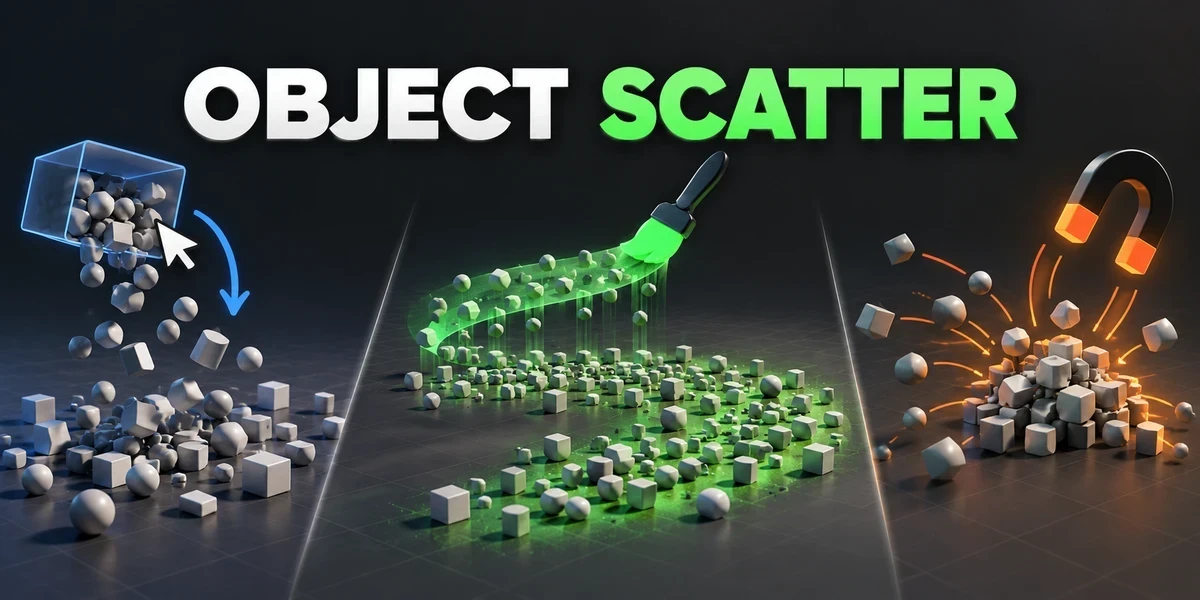
- Object Scatter Drop, brush or magnet-place assets using physics, then keep the arrangement you choose in the viewport.
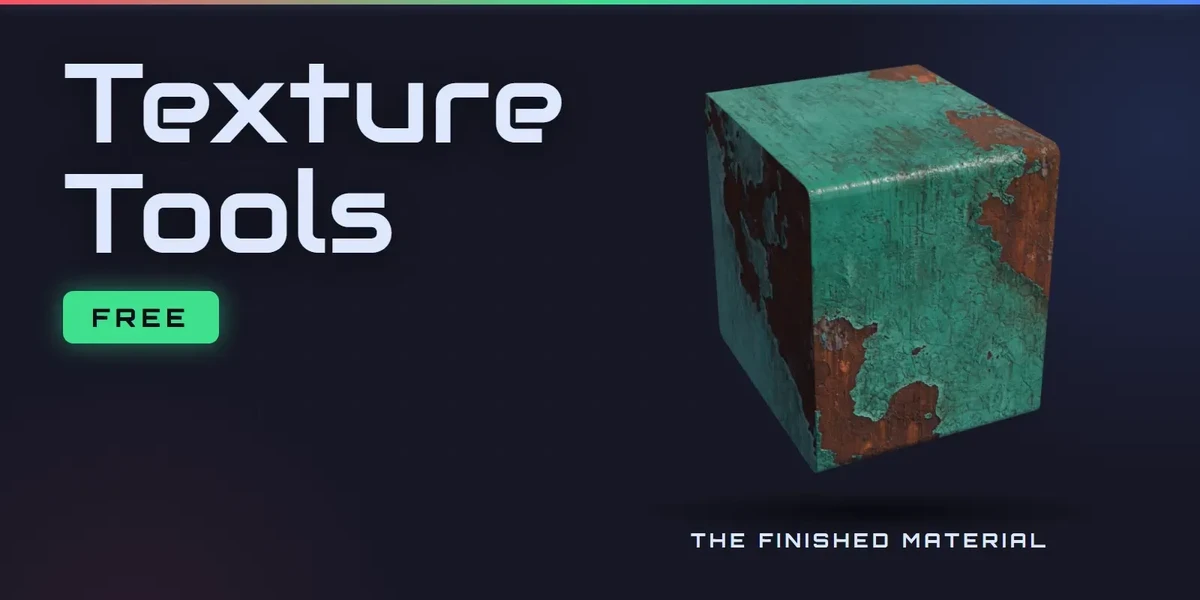
- Tachyon Texture Tools Free. Pack AO, Roughness and Metallic into one ORM texture, unpack it again, and rename, resize and convert whole folders of textures.
How we work
One clear direction.
Room to create.
Define the target
Direction
We align on references, art style, engine, and technical constraints. Together, we define the scope and what the final delivery needs to include.
Develop the world
Build
Forms and composition first, then assets, materials, and detail. Agreed review points give you room to respond as the work takes shape.
Refine & hand over
Presentation
We refine the lighting and final views, then prepare the agreed files and formats. Handoff requirements are part of the brief, not an afterthought.
Practicalities
Good to know
before we start.
What do you need from me to quote a project?
Whatever you already know: your idea and visual references; the assets or environment you need; engine, platform, and delivery formats; your target timeline and budget range. A few references and a rough idea of scope are enough to start the conversation.
Which engine and file formats do you deliver in?
The ones your project uses. Engine, platform and delivery formats are part of the brief we agree at the start, so the handoff fits your pipeline rather than ours.
How do you price a project?
With a fixed quote per project. Once the brief is agreed, we send one price for the agreed scope. If the scope changes along the way, we quote the change before doing the work.
Who owns the final files?
You do, once the final payment is made: the rights to the final deliverables transfer to you, as set out in the project agreement. We may show the finished work in our portfolio unless we agree otherwise.
Will you sign an NDA?
Yes. We’re happy to sign your NDA before you share detailed project information.
Start a project
Tell us aboutyour world
A useful brief covers your idea and visual references; the assets or environment you need; engine, platform, and delivery formats; your target timeline and budget range. Start with what you know; we can define the rest together.