
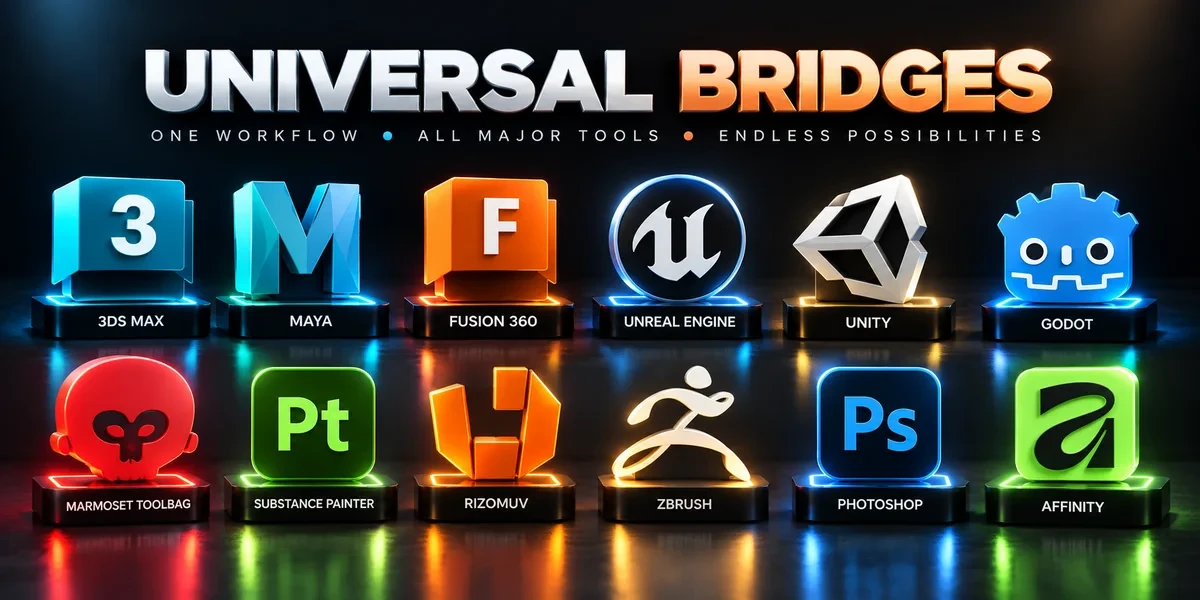
Bundles / 12 add-ons
Universal Bridge Bundle
Twelve application bridges for moving between Blender and your modeling, texturing, sculpting, image-editing and game-engine tools.
Windows only · Blender 3.3–5.2
BundleDetails
Explore our 42 Blender add-ons and bundles: application bridges, modeling tools, asset preparation and Unreal pipelines. Purchases, downloads and support are handled on Superhive.
Showing 9 of 42 add-ons
Bundles / 12 add-ons
Twelve application bridges for moving between Blender and your modeling, texturing, sculpting, image-editing and game-engine tools.
Windows only · Blender 3.3–5.2
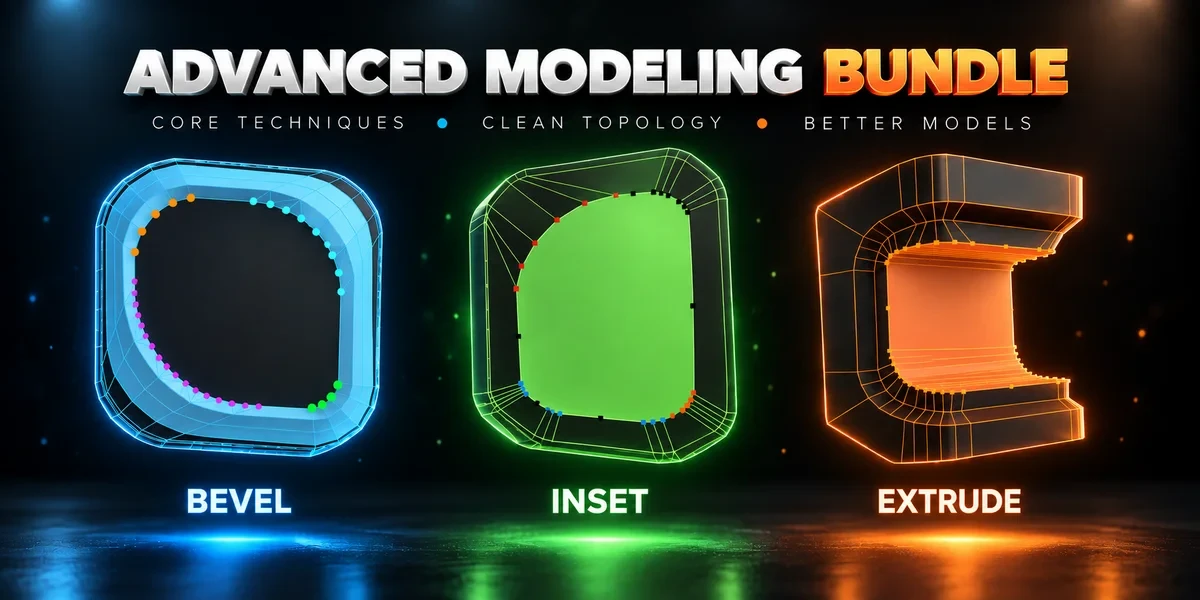
Bundles / 3 add-ons
Advanced Inset, Bevel and Extrude together. Shape individual corners in the viewport before committing the result.
Windows / macOS / Linux · Blender 3.3–5.2
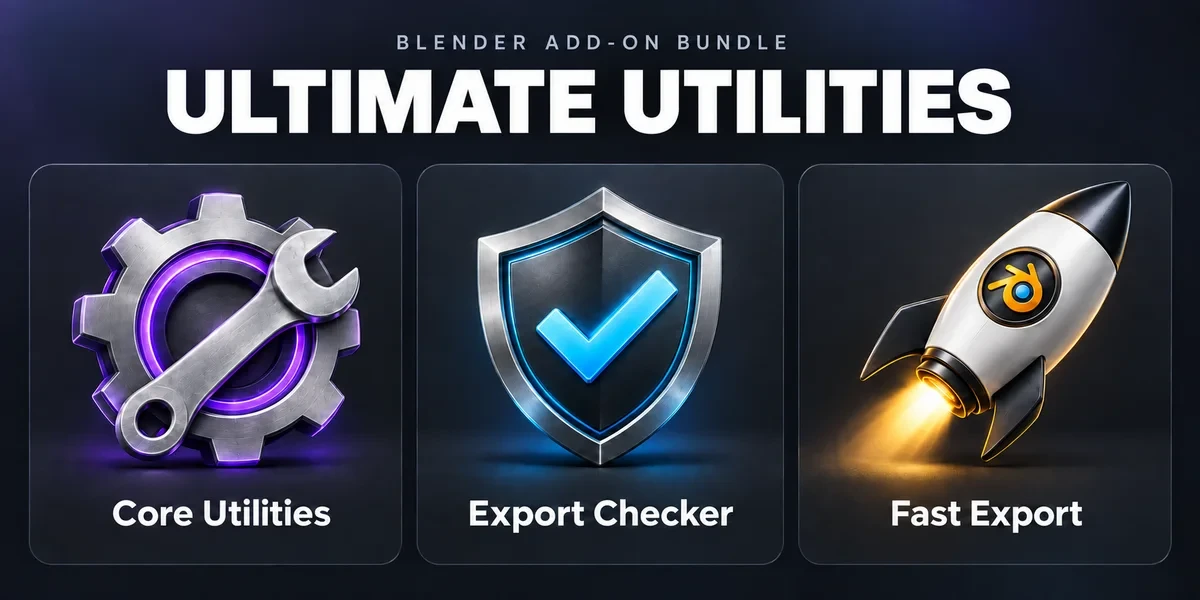
Workflow / 3 add-ons
Asset preparation, validation and batch export in one sidebar. Combines the functionality of Core Utilities, Export Checker and Fast Export.
Blender 3.3–5.2
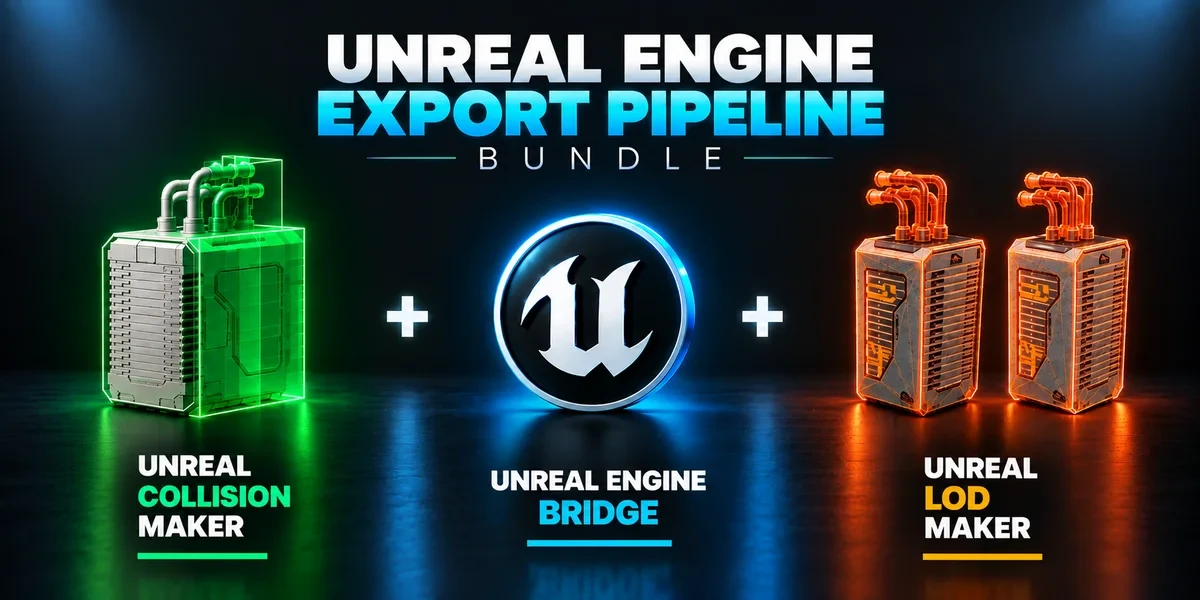
Bundles / 3 add-ons
Build collision, generate LODs and send prepared assets into Unreal with three complementary tools.
Blender 3.3–5.2 · Windows required for Bridge
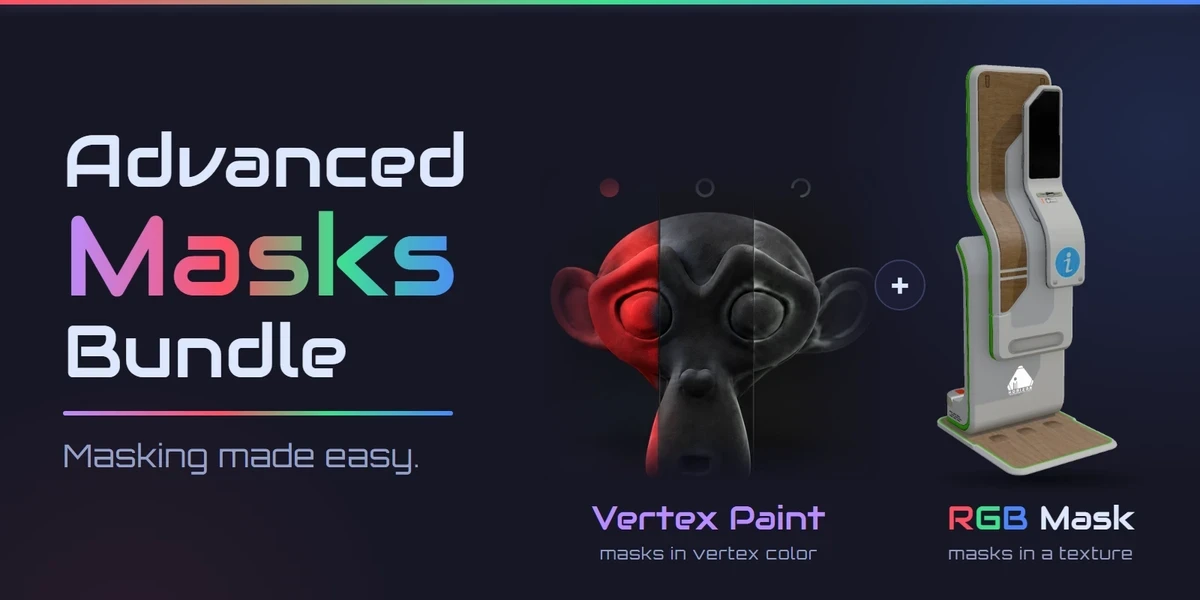
Bundles / 2 add-ons
Every mask a game asset needs: masks in vertex color across many meshes, and Painter-style RGB masks baked into a texture. Advanced Vertex Paint Pro and RGB Mask Master together.
Windows / macOS / Linux · Blender 3.3–5.2
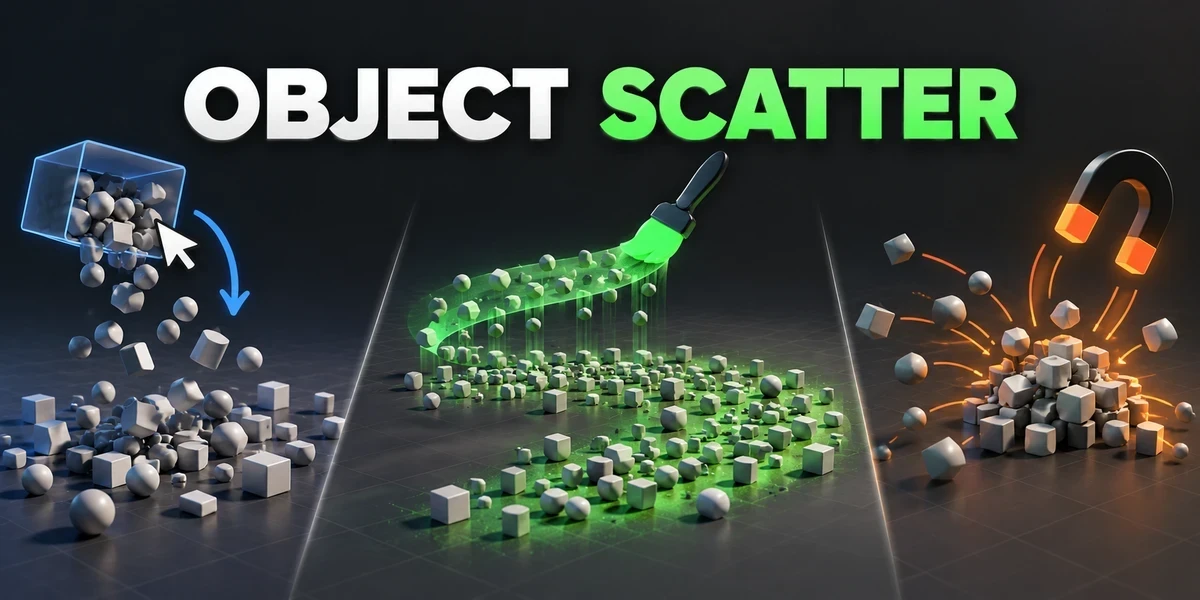
Modeling & creation / Blender add-on
Drop, brush or magnet-place assets using physics, then keep the arrangement you choose in the viewport.
Windows tested · Blender 3.0–5.2
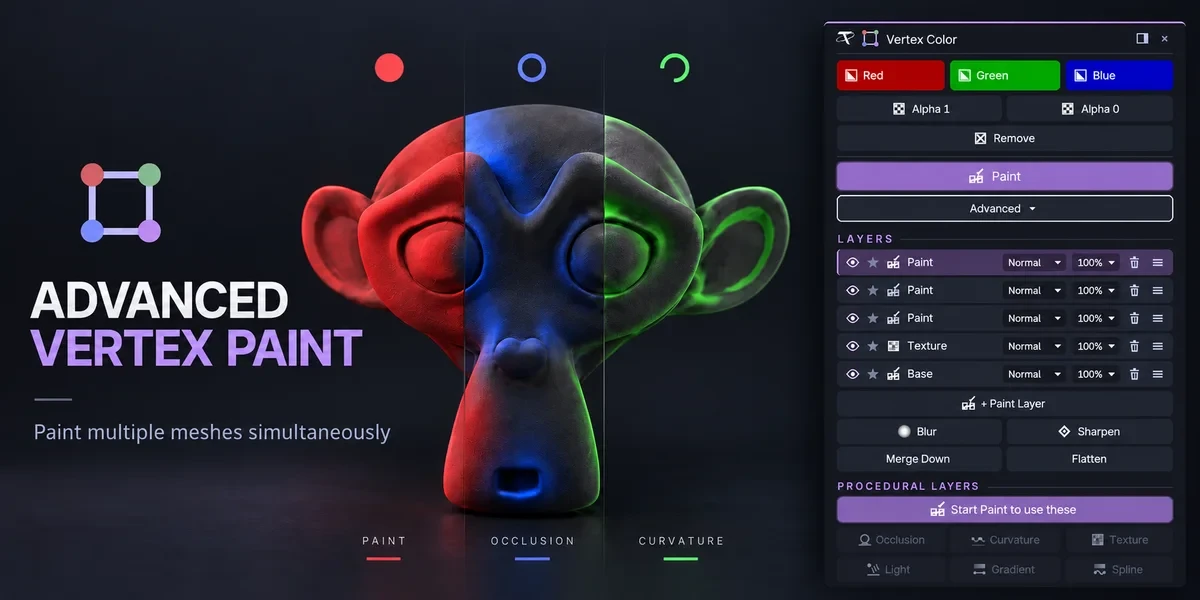
Modeling & creation / Blender add-on
Fill and paint multiple meshes together. The Pro edition adds editable layers, blend modes and procedural color tools.
Windows / macOS / Linux · Blender 3.3–5.2
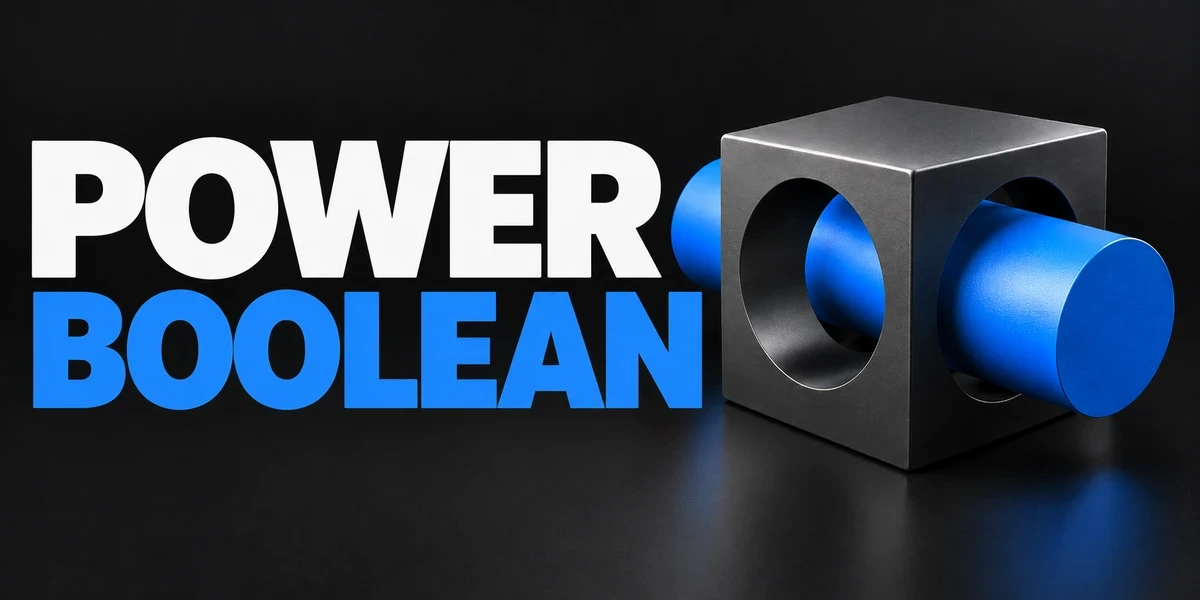
Modeling & creation / Blender add-on
Difference, Union, Intersect and Slice with fixed or live cutters, then cleanup and editable bevels on the cut, in one sidebar.
Windows tested · Blender 3.0–5.2
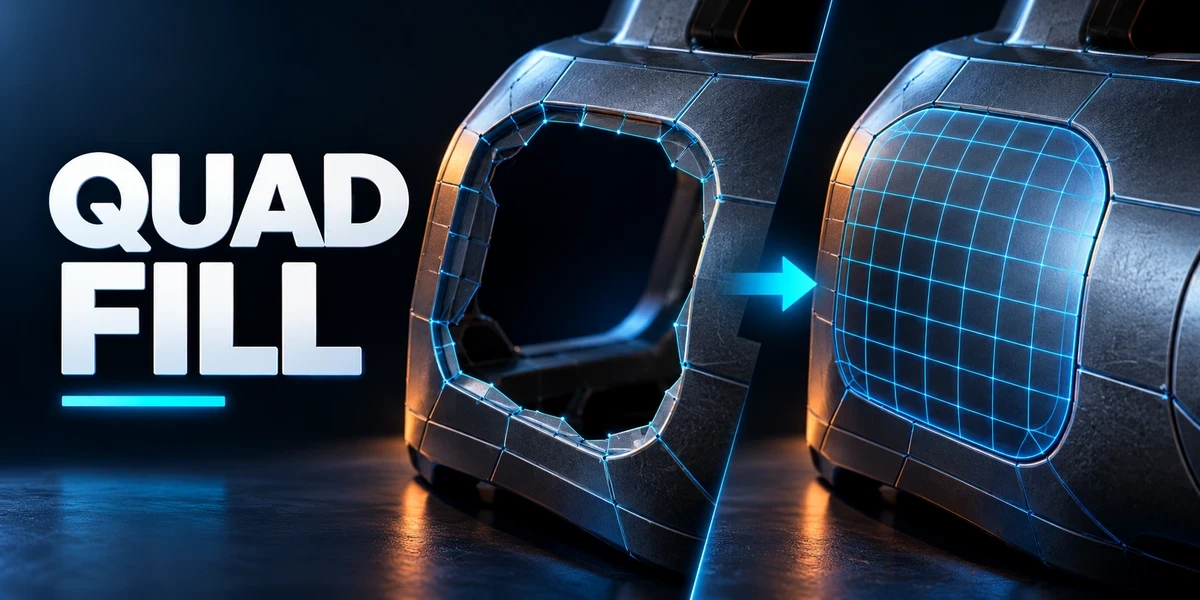
Modeling & creation / Blender add-on
Bridge borders, patch openings and finish corners with editable, quad-dominant geometry, with a live preview of the transition.
Windows tested · Blender 3.0–5.2
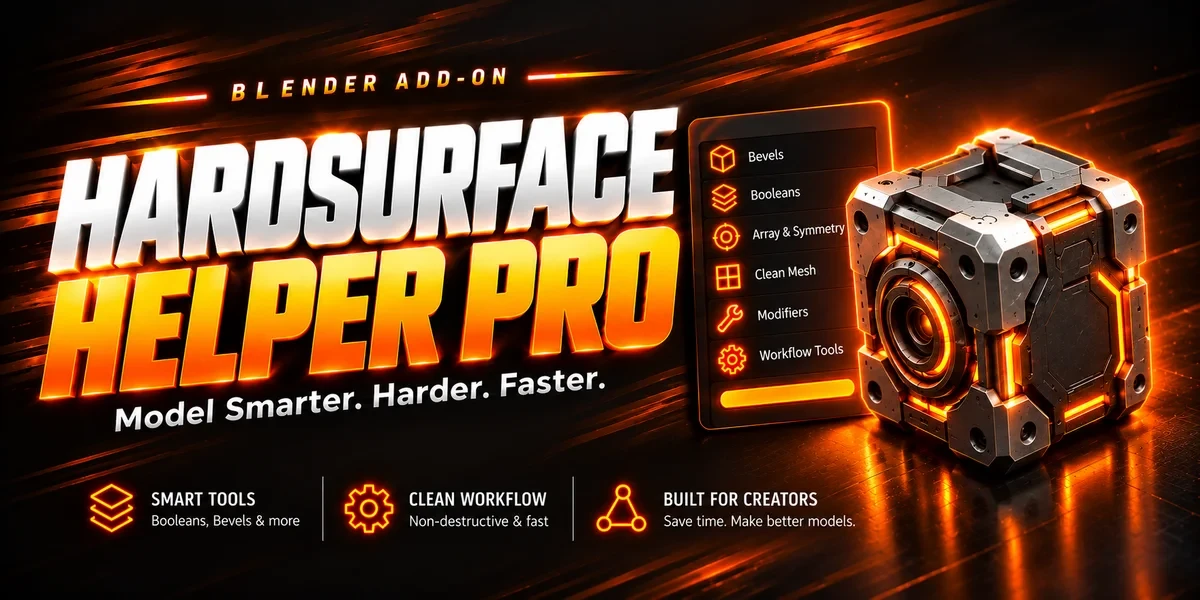
Modeling & creation / Blender add-on
Draw box and circle cutters, manage live Booleans, tune bevels, mirror and array parts, and add panel lines or pipes from one sidebar.
Blender 3.3–5.2
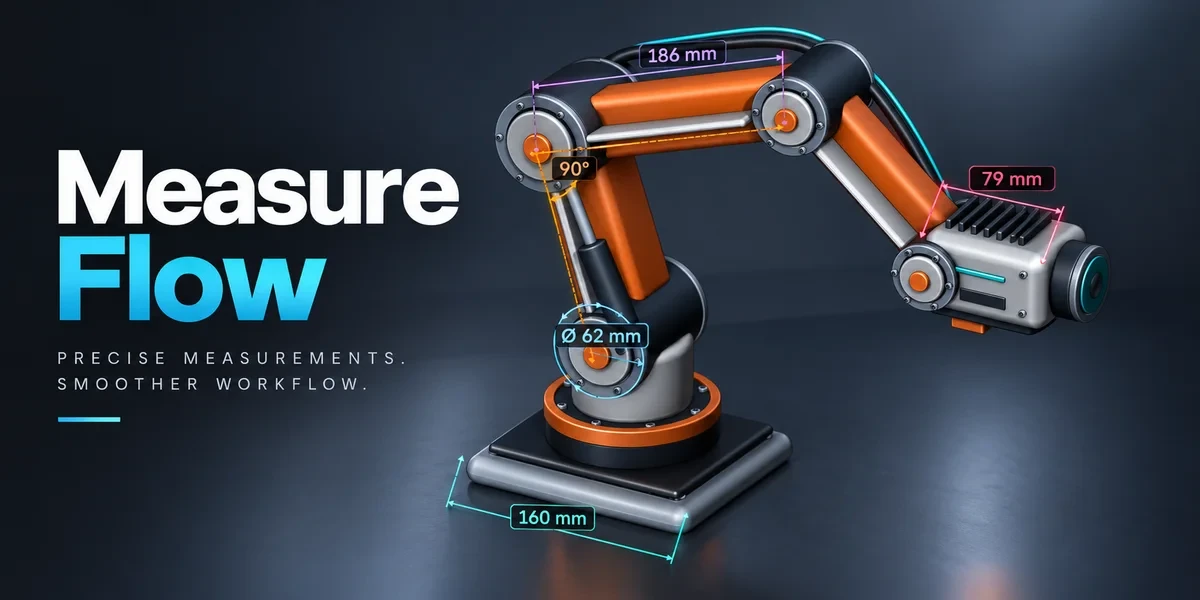
Modeling & creation / Blender add-on
Measure distances, angles, areas and dimensions in the viewport. Save measurements with your scene and export values to CSV.
Windows tested · Blender 3.0–5.2
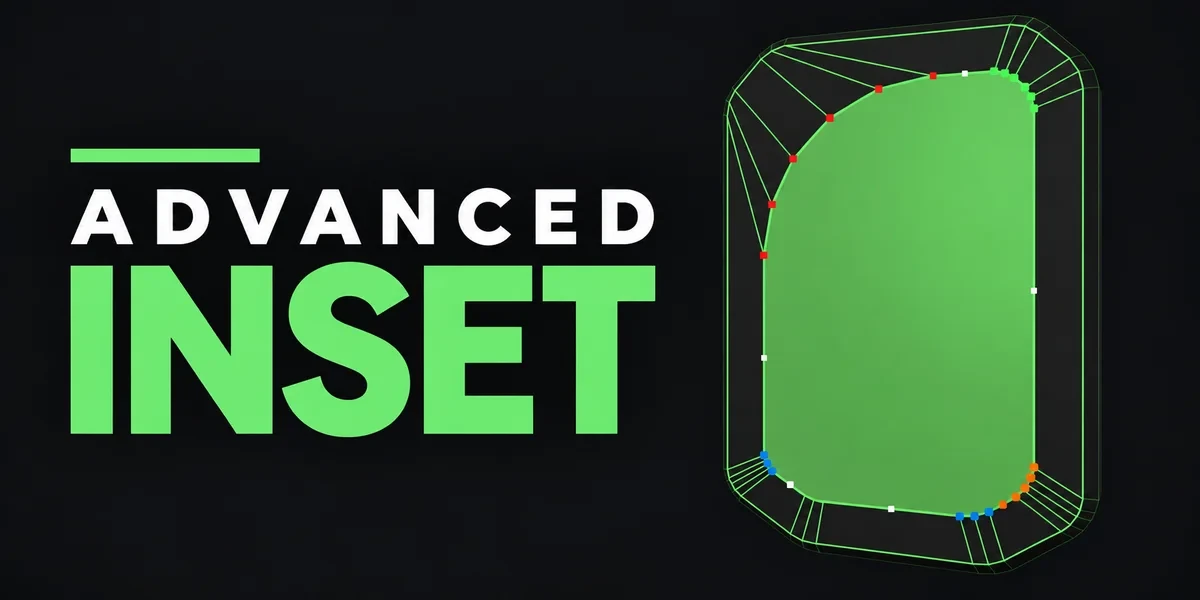
Modeling & creation / Blender add-on
Adjust inset corners individually, with control over depth, radius and detail while the result is still a live preview.
Windows / macOS / Linux · Blender 3.3–5.2
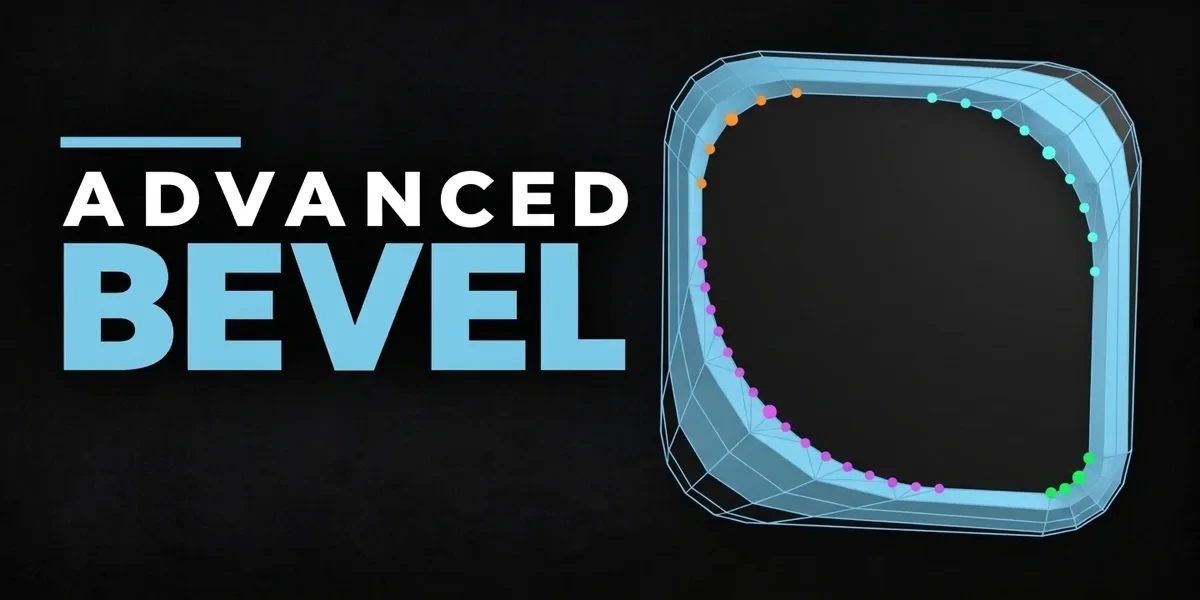
Modeling & creation / Blender add-on
Refine each corner around Blender’s bevel topology with independent depth, spread and detail controls.
Windows / macOS / Linux · Blender 3.3–5.2
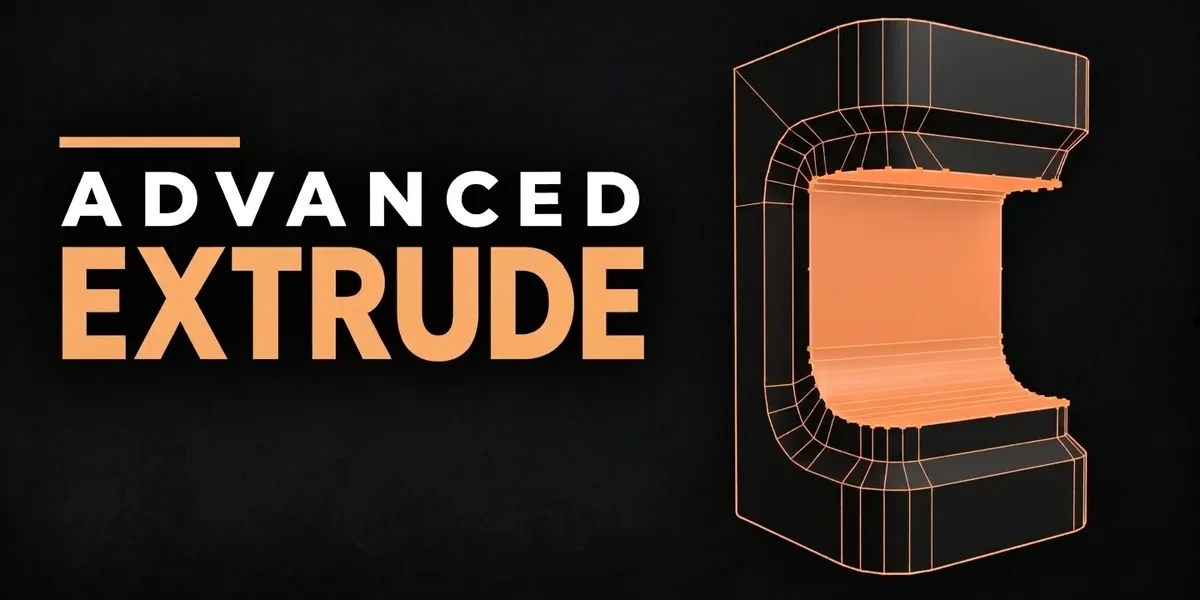
Modeling & creation / Blender add-on
Extend Blender’s four extrusion modes with editable corner handles for depth, width and vertex detail before confirmation.
Windows / macOS / Linux · Blender 3.3–5.2
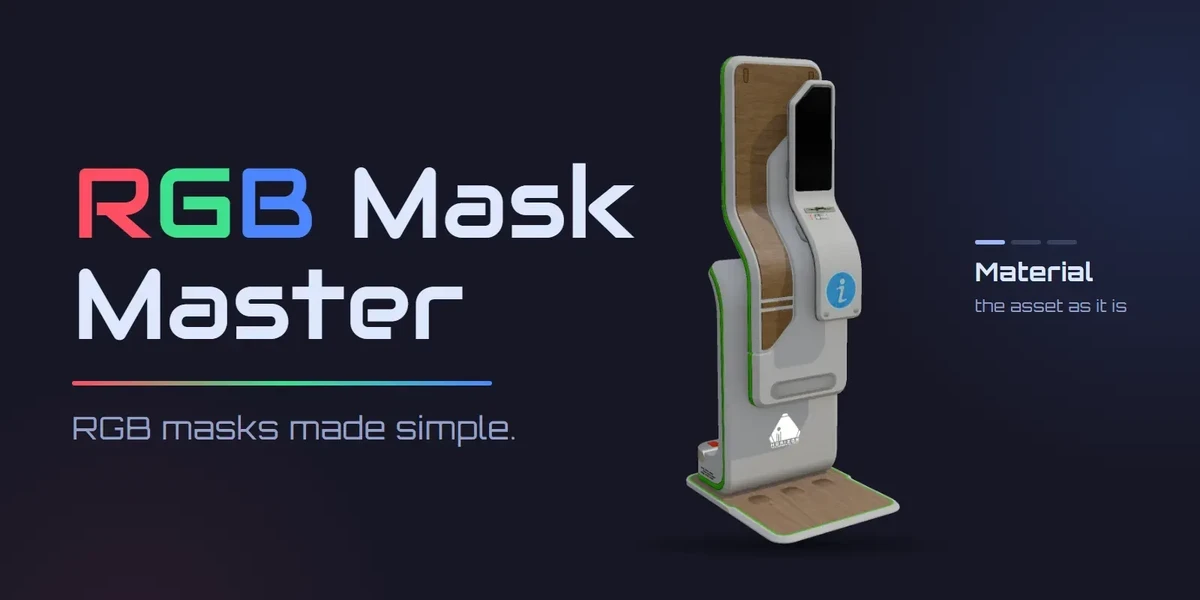
Texturing & materials / Blender add-on
Painter-style RGB masks in Blender: AO and curvature baked from the low poly, a red, green and blue layer stack on your own materials, and a round trip to Substance 3D Painter.
Windows / macOS / Linux · Blender 3.3–5.2
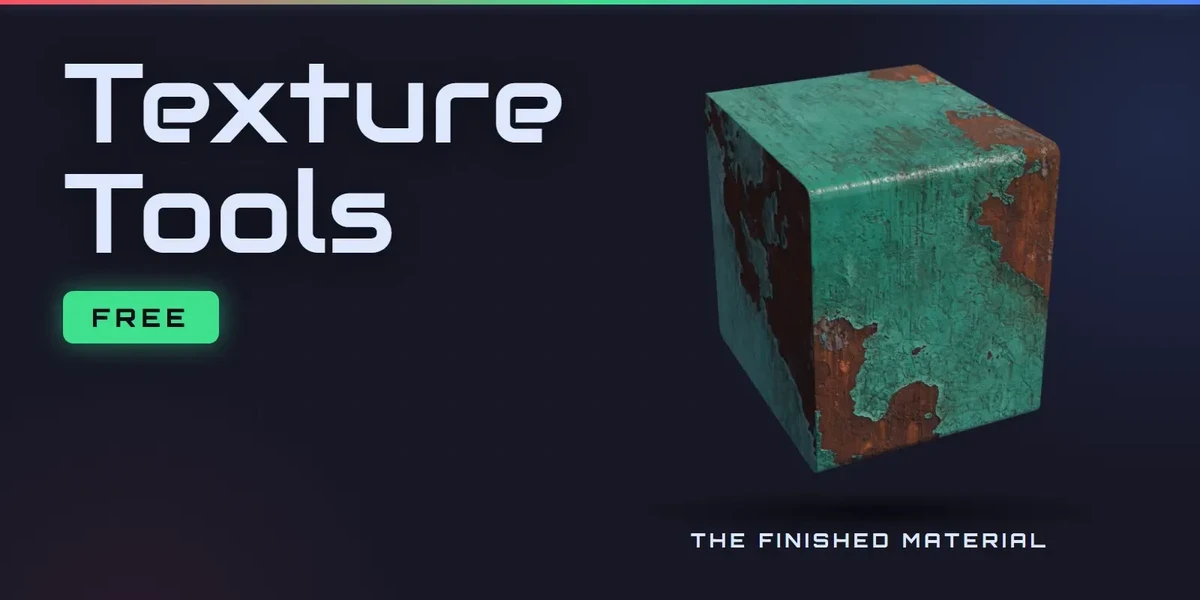
Texturing & materials / Blender add-on
Free. Pack AO, Roughness and Metallic into one ORM texture, unpack it again, and rename, resize and convert whole folders of textures.
Blender 3.3–5.2 · In-Blender tab on Windows 10/11
Workflow / Blender add-on
Bring batch naming, materials, UV preparation, transforms, parenting and cleanup into a customizable Blender sidebar.
Blender 3.3–5.2
Workflow / Blender add-on
Inspect geometry, UVs, naming, transforms and other delivery requirements against configurable asset profiles, then review suggested fixes.
Windows tested · Blender 3.3–5.2

Workflow / Blender add-on
Plan batch exports across eight formats, preview output filenames and review collisions before writing files.
Blender 3.3–5.2
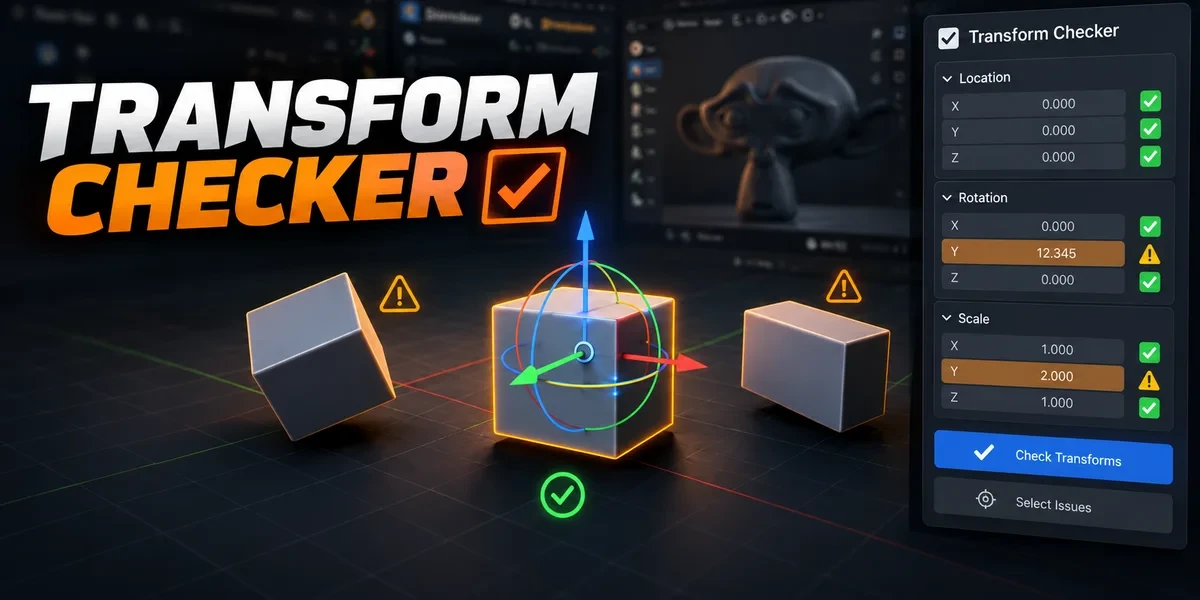
Workflow / Blender add-on
Find unapplied transforms with mesh outlines and tints. Inspect individual channels, isolate findings and choose fixes after review.
Windows tested · Blender 3.3–5.2
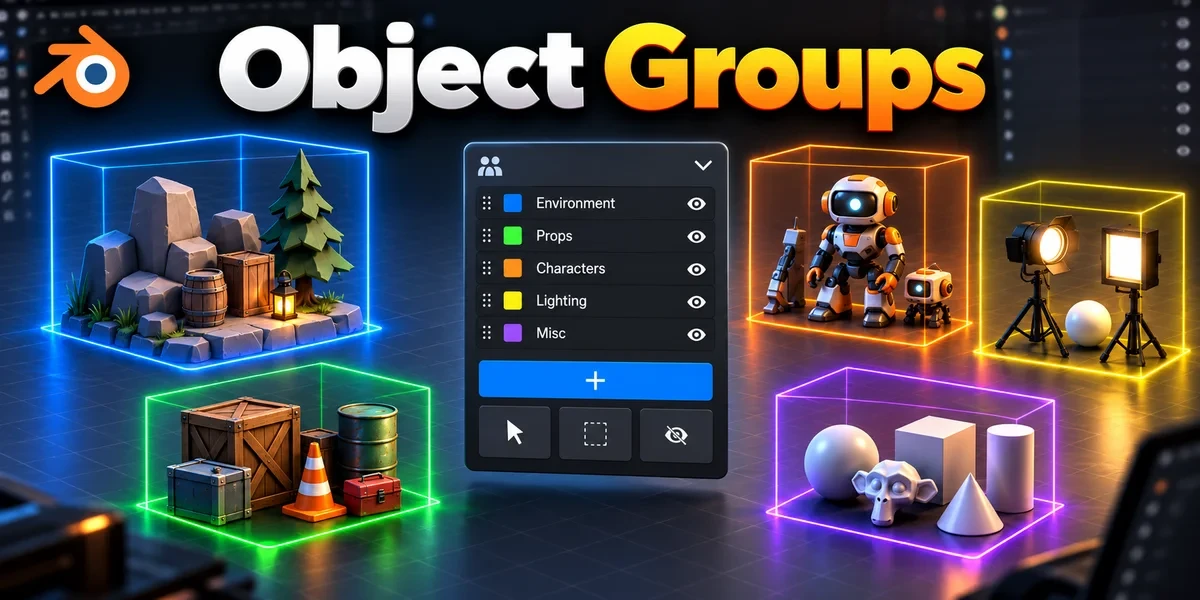
Workflow / Blender add-on
Organize nested assemblies and overlapping selection sets without replacing your scene’s parenting or Collections.
Windows tested · Blender 3.3–5.2
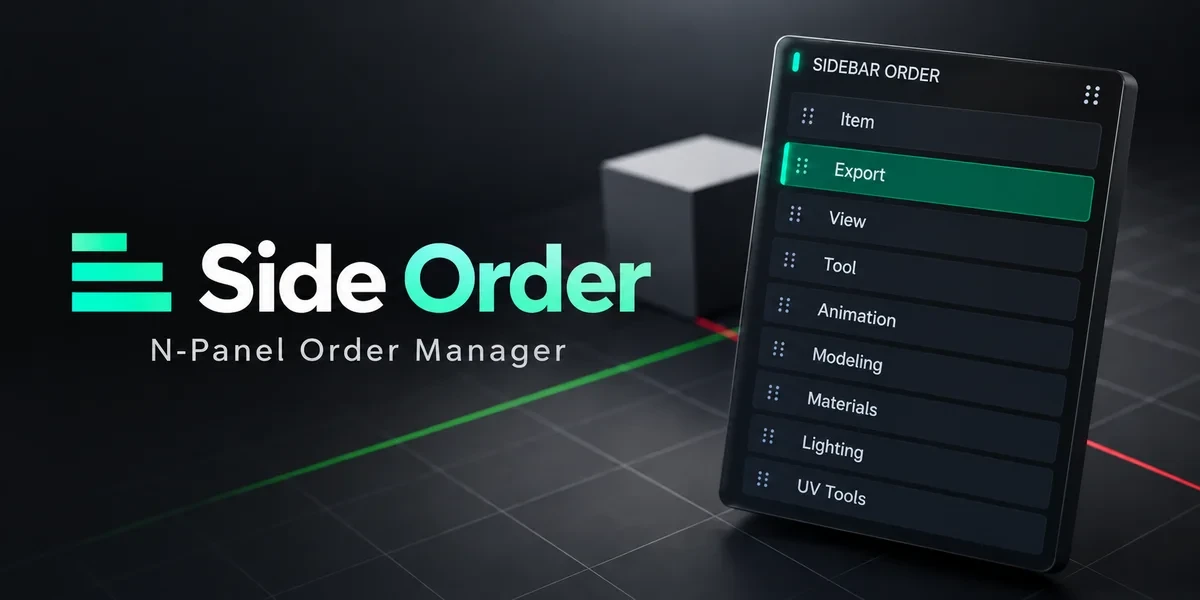
Workflow / Blender add-on
Arrange 3D Viewport sidebar categories in a drag palette, lock important positions and retain your preferred order.
Windows x64 tested · Blender 3.0–5.2
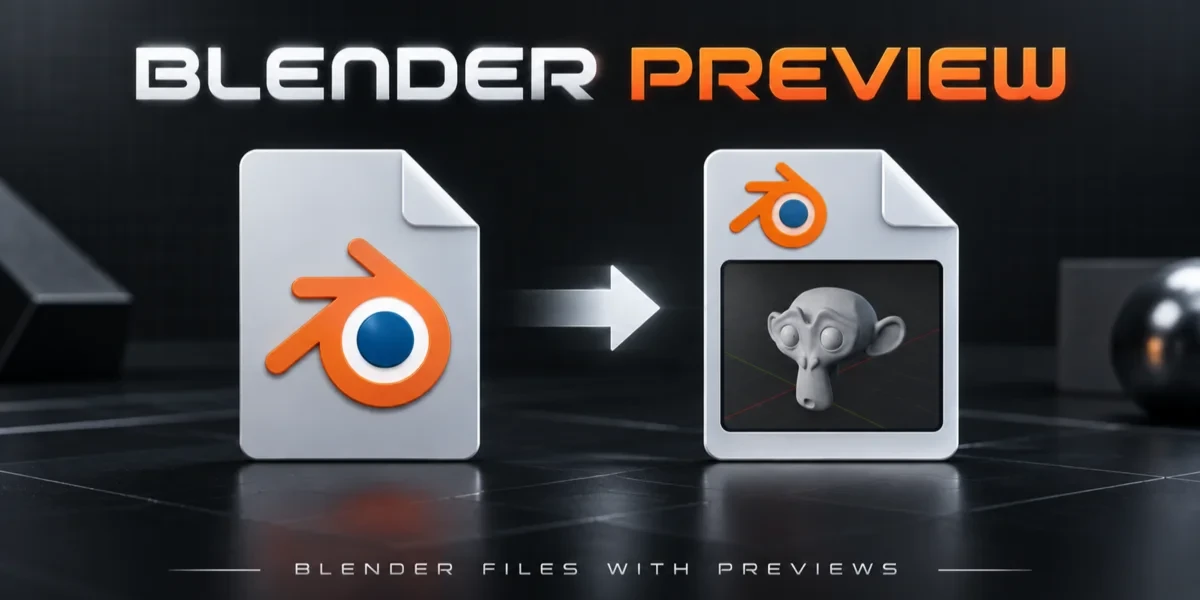
Workflow / Blender add-on
Save a viewport thumbnail inside your .blend files so projects are easier to recognize in Windows Explorer.
Windows x64 only · Blender 3.0–5.2
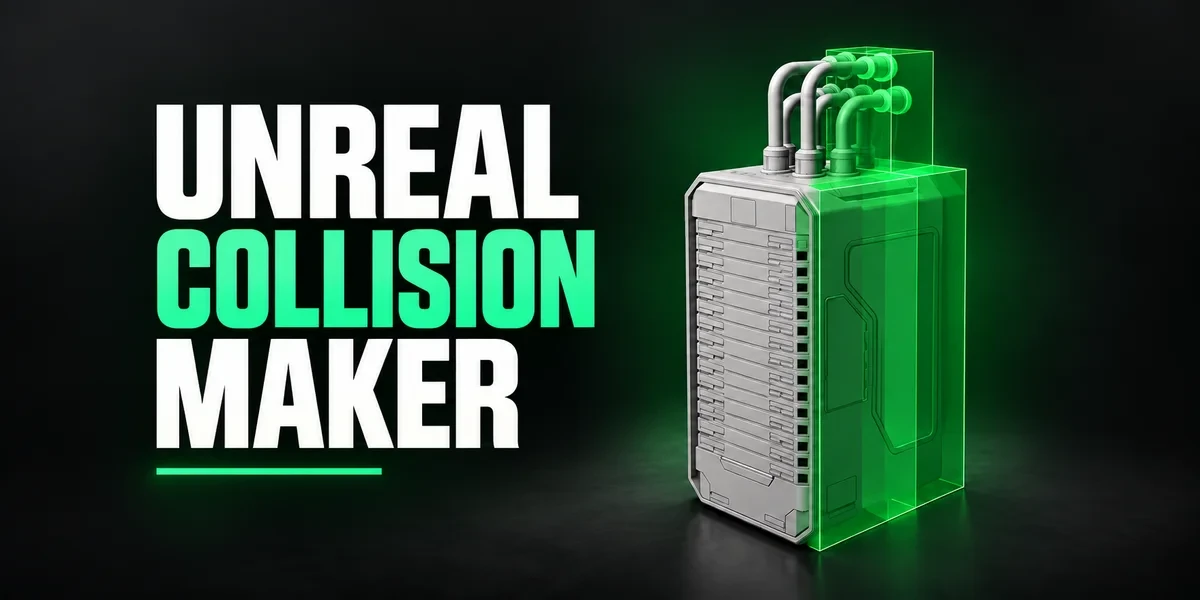
Unreal pipeline / Blender add-on
Generate and edit collision shapes inside Blender, named for Unreal’s collision conventions and ready for a separate export step.
Windows / macOS / Linux · Blender 3.3–5.2
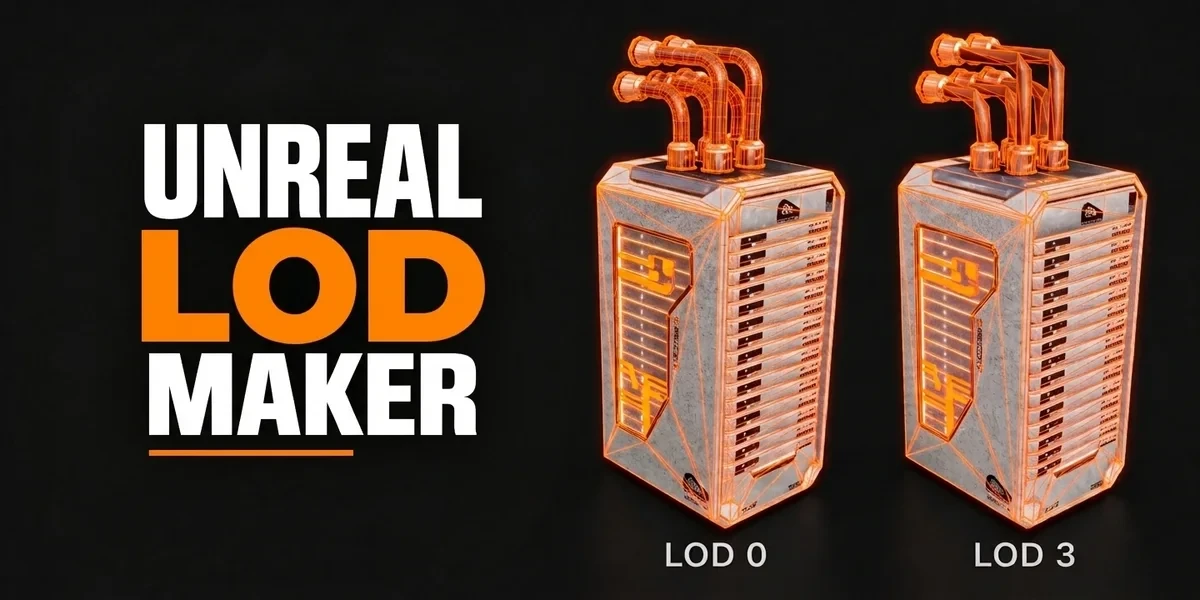
Unreal pipeline / Blender add-on
Create preset-driven levels of detail, carry screen-size information and preview how each level reads at its transition distance.
Windows / macOS / Linux · Blender 3.3–5.2
AI connection / Blender add-on
Connect a compatible AI assistant to Blender for supported scene, material, node and workflow operations, with results you can inspect and edit.
AI-generated promotional artwork
Windows installer · Blender 3.3–5.2 target
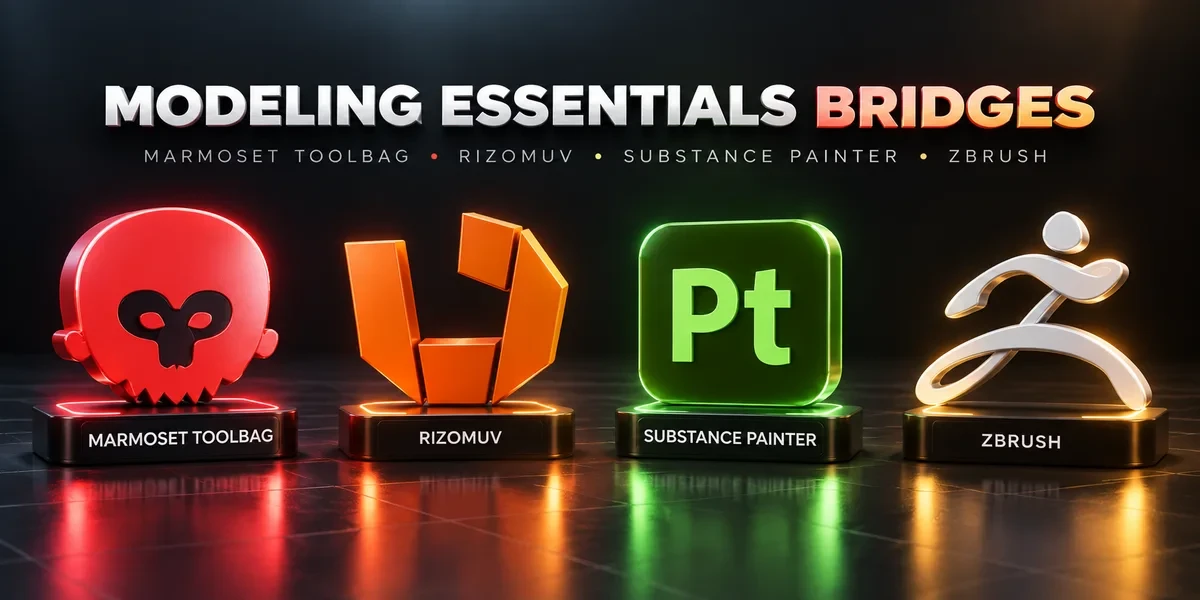
Bundles / 4 add-ons
Connect Blender with four specialist applications for sculpting, UV work, baking and texturing.
Windows only · Blender 3.3–5.2

Bundles / 3 add-ons
Three dedicated bridges for taking Blender assets into Unreal Engine, Unity and Godot workflows.
Windows only · Blender 3.3–5.2
Bundles / 3 add-ons
Connect mesh and UV workflows in 3ds Max and Maya, and bring Fusion CAD mesh exports into Blender.
Windows only · Blender 3.3–5.2
Bridges / Blender add-on
Push meshes, collision, sockets and LODs into Unreal’s Content Browser, with project-folder access and live update workflows.
Windows only · Blender 3.3–5.2
Bridges / Blender add-on
Send assets into Unity project folders, sync supported edits and bring exported model files back to Blender.
Windows only · Blender 3.3–5.2
Bridges / Blender add-on
Send GLB or glTF assets into Godot 4 projects and return exported glTF work to Blender.
Windows only · Blender 3.3–5.2
Bridges / Blender add-on
Send meshes for texturing, update supported geometry and return exported maps to Blender as connected materials.
Windows only · Blender 3.3–5.2
Bridges / Blender add-on
Pair high- and low-poly meshes for Toolbag baking, then bring finished texture maps back into Blender materials.
Windows only · Blender 3.3–5.2

Bridges / Blender add-on
Send meshes to RizomUV for unwrapping and packing, then return UVs to Blender with save-based synchronization.
Windows only · Blender 3.3–5.2
Bridges / Blender add-on
Exchange meshes and SubTools through GoZ, carrying supported UV, PolyPaint, mask and Face Set data between applications.
Windows only · Blender 3.3–5.2
Bridges / Blender add-on
Exchange scene assets with 3ds Max, apply chosen cleanup steps and choose full, mesh-only or UV-only returns.
Windows only · Blender 3.3–5.2
Bridges / Blender add-on
Move meshes and UVs between Blender and Maya, with import cleanup options and save-based synchronization.
Windows only · Blender 3.3–5.2
Bridges / Blender add-on
Bring Fusion mesh exports into Blender with cleanup and watched-folder workflows, or send mesh files back to Fusion.
Windows only · Blender 3.3–5.2
Bridges / Blender add-on
Open textures, renders and layered passes in Photoshop and reload saved image changes in Blender.
Windows only · Blender 3.3–5.2
Bridges / Blender add-on
Edit textures, renders and paintovers in Affinity Photo, then reload the saved or exported images into Blender.
Windows only · Blender 3.3–5.2
Bridges / Blender add-on
Send textures between Blender and Aseprite, paint on existing materials, bring back sprite animation and palettes, and preview your work on the model.
Windows only · Blender 3.3–5.2
Bundles share components, so check what’s included before choosing. Compatibility comes from each product page; check its documentation for your OS, Blender version and external applications.